
Barcode scanner FAQ
Barcode Scanner FAQ and Troubleshooting Guide for Hong Kong Businesses
This FAQ answers common barcode scanner questions from Hong Kong retail, warehouse, logistics and manufacturing teams: whether barcode scanner and barcode reader mean the same thing, when to choose 1D or 2D, whether phone-screen QR codes can be read, what to check when scans fail or output looks wrong, how Enter / Tab / prefix / suffix settings affect ERP, WMS and POS input, and when a mobile computer or RFID should be considered.

Answer these 6 questions before enquiry
If you are not sure which barcode scanner to buy, use these questions to summarise the site requirement. Clear answers help Easy Scan compare practical device, accessory and connection options.
Are you scanning 1D or 2D codes?
Product barcodes, Code 128, QR Code, Data Matrix, PDF417 and GS1 DataMatrix can require different scanner capabilities.
Is the code printed or on a screen?
Paper labels, packaging, waybills, membership codes, phone-screen QR codes and reflective surfaces should be tested with real samples.
Input only, or app-based workflow?
If staff need to view tasks, update stock or run an app after scanning, a mobile computer may be a better fit than a simple scanner.
Will staff move away from the counter or PC?
Counters, backrooms, receiving areas, shelves and packing benches have different requirements for corded, cordless and charging setups.
Do you need to read many items at once?
If the workflow needs batch reading or non-line-of-sight reading, RFID should be evaluated instead of only comparing handheld scanners.
Where does the scanned data go?
POS, ERP, WMS, Excel, membership systems and in-house apps can affect input format, field behaviour and setup requirements.
Basic questions: names, use and data input
Many enquiries do not need to start with a model number. They start with understanding what the scanner actually needs to do.
Are barcode scanner, barcode reader and barcode gun the same thing?
In everyday procurement language, they usually refer to the same device category. The practical choice depends on whether you need handheld, presentation, fixed-mount, cordless, industrial or other scanner formats.
Does a barcode scanner manage inventory automatically?
No. A scanner reads the barcode and sends the data to a POS, PC, ERP, WMS or another system. Whether stock updates automatically depends on your software, fields and workflow.
Does every scanner need to connect to a computer?
No. Corded and cordless scanners usually send data to a PC, POS or host. A mobile computer can run apps and handle tasks on the device itself. Share whether the target is a PC, tablet, POS, mobile device, server or cloud system.
What should I prepare before buying a scanner?
Prepare two or three real barcode samples, scan distance, approximate daily scan volume, lighting conditions, drop risk, mobility needs and the system that will receive the scanned data. This is more useful than asking for a generic best model.
Barcode questions: 1D, 2D, QR Code and phone screens
Barcode format directly affects scanner choice. If the format is unclear, provide photos or samples before purchasing.
Should I choose a 1D or 2D barcode scanner?
If the workflow only reads traditional 1D product barcodes, a 1D scanner may be enough. Choose or evaluate a 2D scanner for QR codes, Data Matrix, PDF417, phone screens or future 2D barcode requirements.
Do QR Code, Data Matrix and GS1 DataMatrix require a 2D scanner?
They normally require a 2D imager scanner. These codes can carry more data and are common in logistics, healthcare, retail packaging and traceability workflows. Confirm code content, size, print quality and system input format before purchase.
Can a barcode scanner read QR codes on a phone screen?
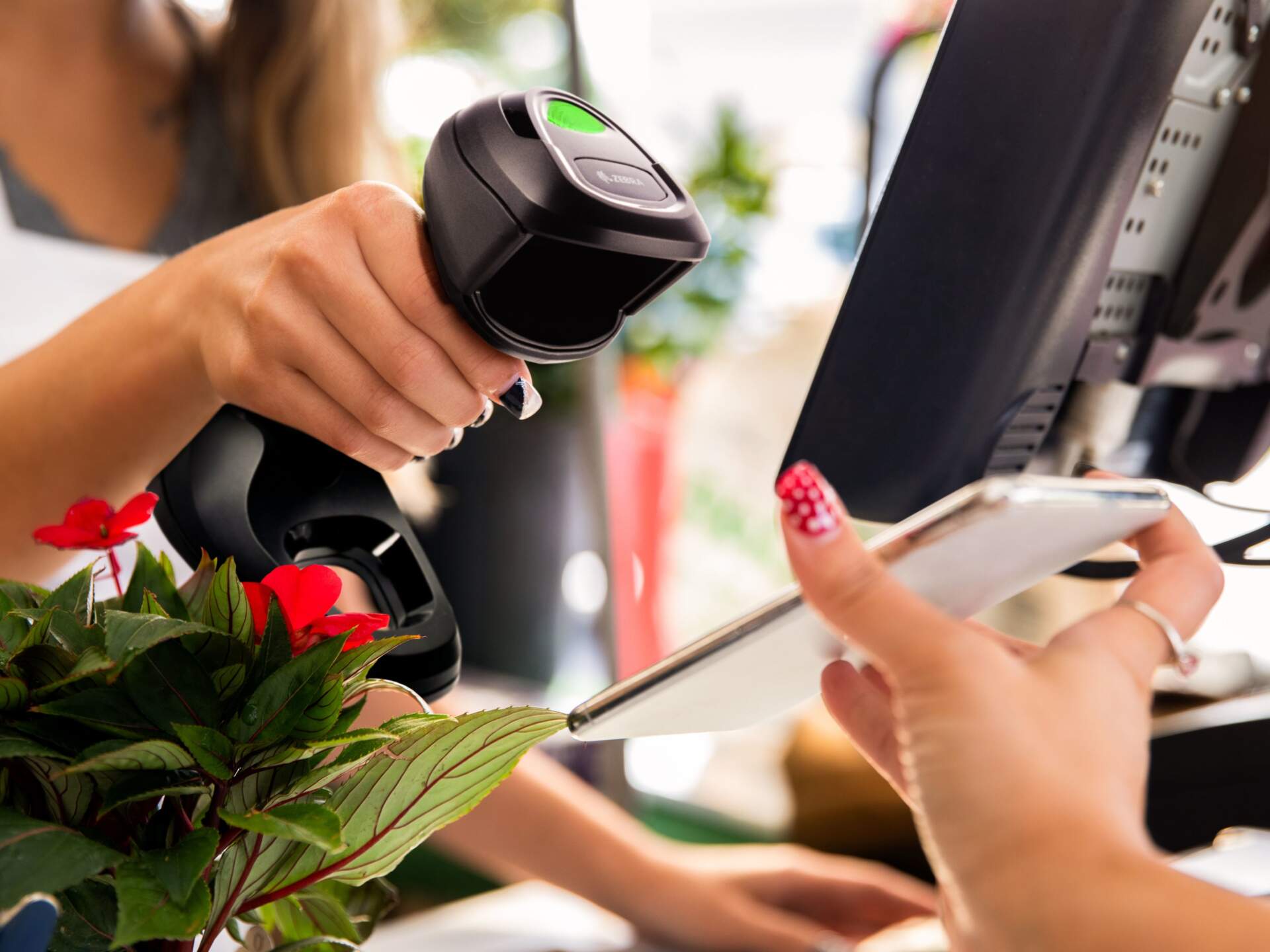
It depends on the scanner and code quality. A 2D imager that supports screen reading is usually more suitable for membership codes, e-tickets, mobile payment codes and phone-screen QR code workflows. Provide a sample for testing when possible.
What if the barcode is small, reflective, damaged or poorly printed?
Do not choose only by price. Share real samples, scan distance and site photos so Easy Scan can review whether stronger decoding, different lighting, an industrial scanner, label reprinting or a label material change is needed.
Workflow questions: POS, warehouse, logistics and manufacturing
The same scanner is not always suitable for every workflow. These common questions help describe the site more clearly.

Retail POS
Handheld or presentation scanner at checkout?
A handheld scanner is flexible when staff pick up items. Presentation or hands-free scanning can be worth comparing for fast checkout, membership codes or phone-screen QR codes.

Warehouse
Wireless scanner or mobile computer?
A wireless scanner may be enough for simple input. If staff need task screens, stock updates or WMS operation at the shelf, a mobile computer is usually more appropriate.

Logistics
What should be tested for shipping?
Test waybills, carton labels, print quality variations, scan distance and speed requirements before confirming cordless range, charging cradle, durability and system field setup.

Manufacturing
Should a fixed-mount scanner be used?
If barcodes pass a fixed station, conveyor, test bench or kiosk, fixed-mount scanning may be more stable than handheld scanning. Installation space, distance and interface still need to be checked.
If scanning fails or output looks wrong, identify the problem type first
A barcode scanner support enquiry does not always mean the device is faulty. Many cases are related to barcode quality, scan distance, connection method, keyboard language, prefix / suffix behaviour or system fields. Use the checks below as a practical starting point; the exact fix still depends on model, samples and workflow.
The scanner aims but cannot read the code
Check barcode clarity, size, contrast, reflective packaging and physical damage first. Then confirm whether the scanner supports the code type, such as 1D, QR Code, Data Matrix or PDF417.
The scan works but the data is wrong
If the screen shows missing characters, unexpected symbols, wrong case or extra text, review keyboard language, output mode, data format, prefix / suffix and Enter / Tab behaviour.
The scanner beeps but nothing appears
Check the USB / Bluetooth / cradle connection, whether the cursor is in the right field, whether the scanner is sending keyboard input, and whether the host POS or PC is ready to receive data.
Phone-screen QR codes or coupons do not scan
A 2D imager that supports screen reading is usually required. Also test screen brightness, screen protector glare, QR code size and scan distance.
The cordless scanner disconnects intermittently
Check battery level, cradle position, Bluetooth pairing, site distance, metal shelving and other wireless interference. Longer roaming or multi-point workflows may need a different device class.
Stock does not update after scanning
A scanner only inputs data; the POS, ERP, WMS or app handles stock updates. Confirm field mapping, data format, save action, network sync and user permissions.
System questions: USB, Bluetooth, Wi-Fi, ERP and WMS
Many scanner enquiries become system questions. These answers help IT, operations and purchasing align before device selection.
What is the difference between USB, Bluetooth and Wi-Fi scanning?
USB is often used near a fixed PC or counter. Bluetooth or cordless cradle-based scanners suit short-range mobility. Wi-Fi is more common in mobile-computer workflows where an app or system connection is needed. The right choice depends on distance, environment and host system.
Does a wireless scanner automatically connect to WMS?
No. Wireless only means the scanner does not need a fixed cable to the host. It does not automatically provide WMS task screens or live workflow handling. If staff need to operate WMS on the device, review mobile computers or a suitable app workflow.
Can barcode scanners work with ERP, WMS or POS systems?
They can be evaluated, subject to connection method, input fields, data format, prefix or suffix settings, software workflow and access rights. Share the system name, screen field, expected scan action and whether testing is required.
Can the scanner press Enter or jump to the next field after scanning?
Many scanners can be configured with prefixes, suffixes, Enter, Tab or output rules, but setup depends on model and system behaviour. Explain where the cursor should go and what should happen after each scan.
Confirm Enter, Tab, prefix / suffix behaviour before support
Many scanner issues are really output-behaviour mismatches with the target system field. Prepare the points below before support so it is easier to separate scanner configuration, Windows / POS input and ERP / WMS field logic.
| Setting | What to confirm on site | Common impact |
|---|---|---|
| Enter / Carriage Return | Whether each scan should submit, move to a new line or trigger a lookup. | No Enter may require a manual key press; extra Enter can submit a form too early. |
| Tab | Whether the cursor should move to the next field, such as quantity, batch or location. | Useful for multi-field forms, but wrong field order can place data in the wrong column. |
| Prefix / Suffix | Whether fixed characters, function keys or delimiters are required before or after the barcode. | Can help the system identify data type; wrong settings can create extra, missing or unmatched characters. |
| Keyboard language | Whether Windows, POS and scanner keyboard language settings match. | Symbols, letter case or special characters can output incorrectly when language settings differ. |
| App / WMS mode | Whether scans are received as keyboard input, or through an app, DataWedge, SDK or API. | Mobile computers and simple scanners are configured differently, so the target workflow should be tested. |
If a scanner is not enough, what should be compared next?
Not every workflow is solved by a barcode scanner alone. These three product categories can be used as enquiry starting points, then checked against barcode samples, site workflow, connection method and accessory needs.
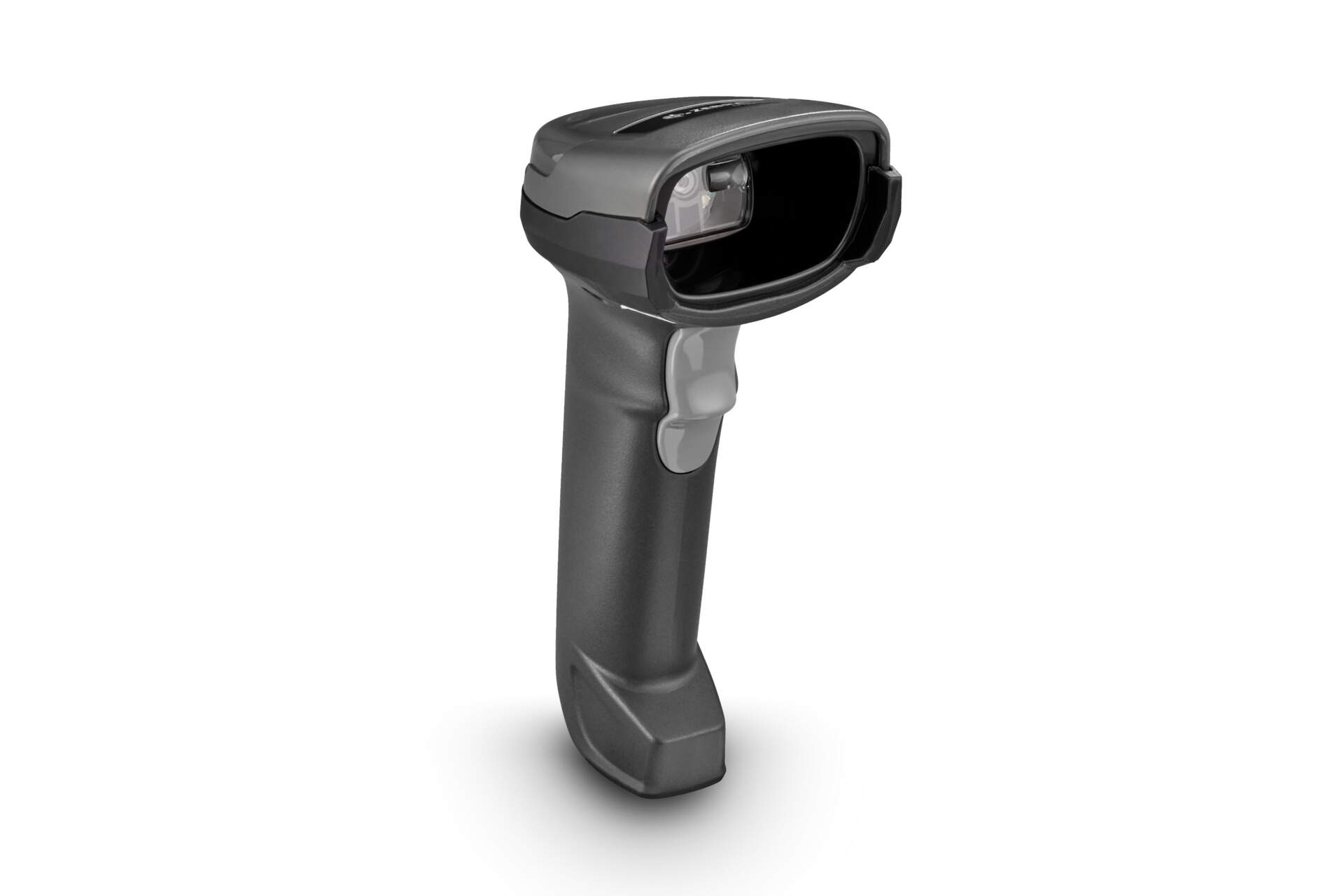
Barcode scanner
Only need fast scan input?
A cordless barcode scanner such as Zebra DS2278 can be a starting point for retail, receiving, registration and general 1D / 2D scanning enquiries.
View barcode scanner category
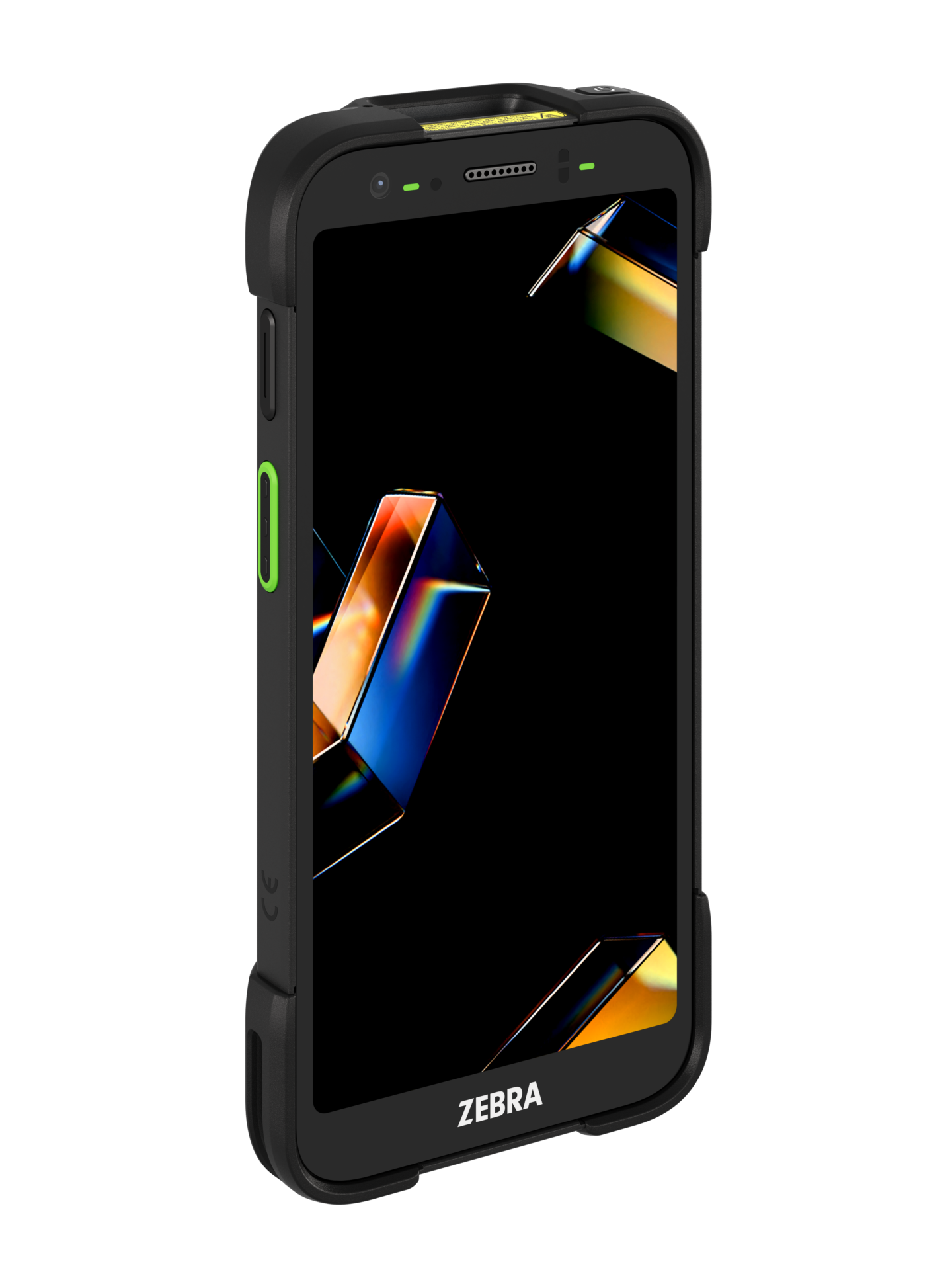
Mobile computer
Need a screen and app workflow?
A mobile computer such as Zebra TC701 is more suitable when warehouse, logistics, retail or field teams need to view data, scan and update workflows on site.
Compare mobile computers
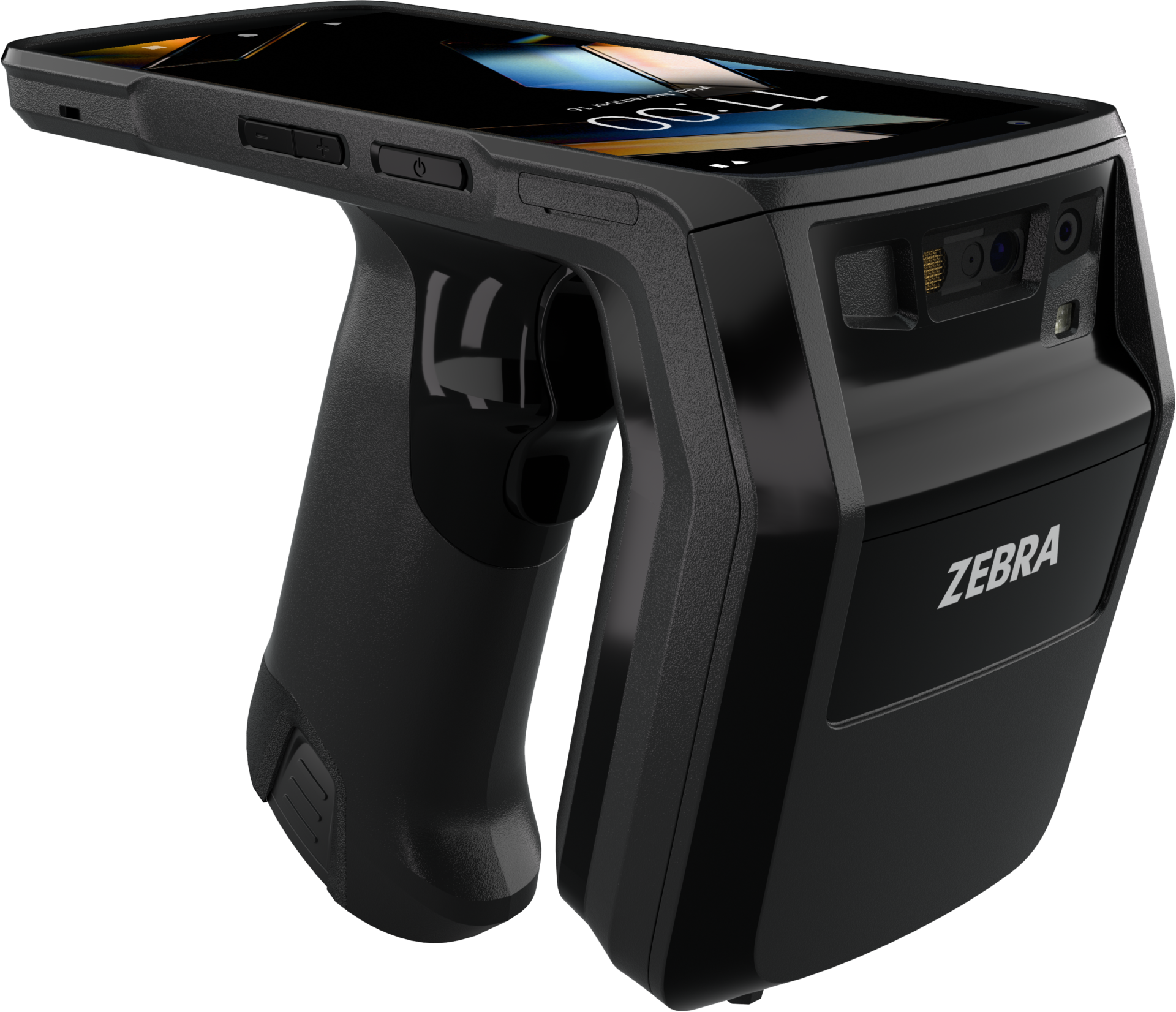
RFID
Need batch or non-line-of-sight reading?
An RFID handheld reader such as Zebra TC22R can be considered for RFID labels, asset tracking, stocktaking and item-finding workflows.
Compare RFID solutions
Information to provide with your enquiry
The clearer the information, the easier it is to reduce back-and-forth and avoid choosing the wrong scanner, cable, charging cradle or accessory.

Barcode and device details
- Barcode samples or photos: 1D, 2D, QR Code, PDF417, Code 128, Data Matrix or another format.
- Barcode source: paper label, product packaging, mobile screen, waybill, shelf label or asset label.
- Scan distance, barcode size, label quality, site lighting and reflective surfaces.
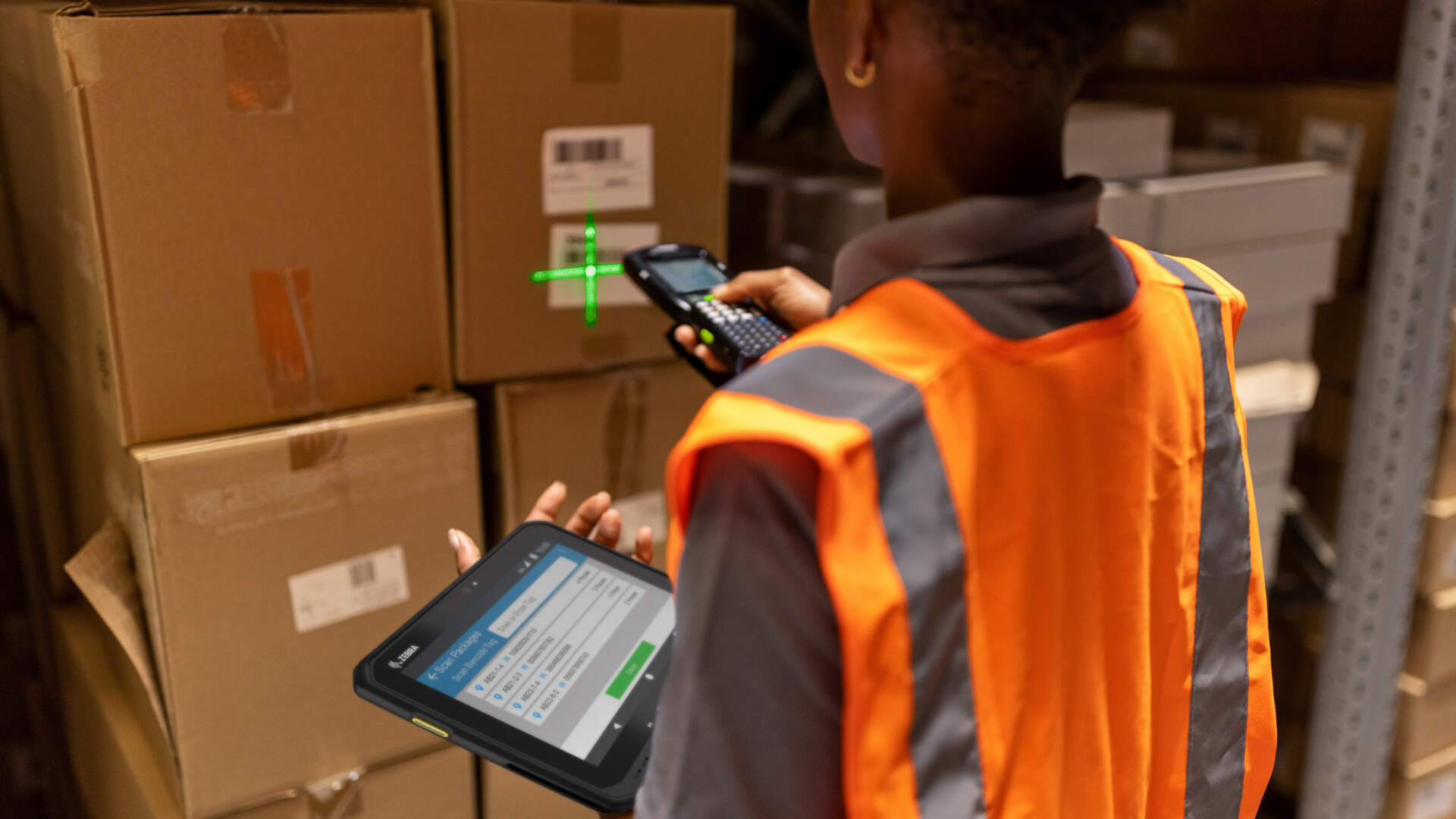
Workflow and system details
- Use case: POS, receiving, picking, shipping, stock count, process control, asset tracking or member registration.
- Connection method: USB, Bluetooth, Wi-Fi, fixed interface, charging cradle or existing system requirement.
- Whether the scanner must work with POS, ERP, WMS, Excel, an app or another existing system.

Information for support
- Current scanner brand, model, connection method and whether a cradle or charging base is used.
- Photo or video of the issue: scanner lights, beep behaviour, output result and error screen.
- For system issues, share the test field, desired output and whether Enter, Tab or a specific prefix / suffix is required.
Product enquiry
Have a barcode sample or system question?
Share your barcode photo, use case, scan distance, connection method and existing system. Easy Scan can help shortlist practical product and accessory options for Hong Kong retail, warehouse, logistics or manufacturing workflows.