
Barcode and Label Design Software
Design Software for Barcode Labels, QR Codes and Printer Workflows
Barcode and label design software helps teams create label templates, manage variable data, print barcodes or QR codes, and keep label output consistent across products, cartons, assets, documents or tickets. It is useful when label printing needs more control than a simple one-off document.
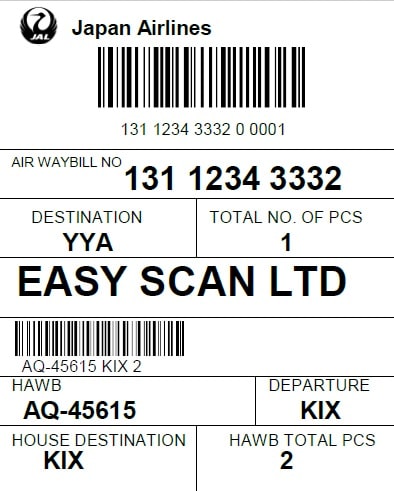
Easy Scan lists design software options such as Bartender, IATA printing program and NiceLabel categories on this site. The suitable choice depends on label content, printer model, database connection, user workflow, compliance needs and whether the software must support multiple workstations or departments.
Easy Scan is a recognized partner for NiceLabel and BarTender, useful when label design software must align with printer compatibility, database links, templates and user access.
Design Software Selection Guide
Label Template Design
For creating repeatable layouts with text, barcode, QR code, logo, date, serial number or item data.
Printer Compatibility
For matching software output with barcode, label, receipt or card printing equipment already in use.
Variable Data Printing
For labels that need changing product codes, batch numbers, expiry dates, prices or customer data.
Operational Control
For reducing manual edits and keeping repeated label jobs consistent across teams.
System Connection
For linking label output with POS, ERP, WMS, inventory or database sources where required.
Setup Support
For businesses that need help matching software, printers, media and actual label workflows.
Need help choosing barcode or label design software for your printers and label data? Contact Easy Scan for practical setup advice.
How should Design Software be selected?
Start with the real workflow, then compare print volume, media size, consumables and system connection, and only then narrow options by brand, model and budget.
What should be prepared before asking for advice?
Prepare current systems, work location, daily workload, connection method, accessories, consumables and support requirements for more accurate selection.

Your trusted advisor for barcode printer, barcode scanner, mobile computer, PDA, RFID & labelling solutions.
Solutions
Our Service
Company
© 2013 - 2026 • Easy Scan Barcode Technology Limited All rights reserved.