


Yard and container hardware for Hong Kong logistics
Yard, Vehicle and Container Data-Capture Hardware
Identify vehicles, trailers, containers, gates, yard locations and dock hand-offs at the physical work point. Easy Scan helps match rugged tablets, mobile computers, scanners, RFID, mobile printers, labels and support to site operations.
Overview
Control vehicle and container status across the yard
Record vehicle, container, gate and yard movements at operational checkpoints. This page follows the physical checkpoints, records and hand-offs that should be understood before product categories are narrowed or a deployment is planned.
The primary equipment review covers Rugged tablets, Mobile computers, Barcode scanners, RFID readers and tags, Mobile printers, Labels and ribbons. Easy Scan can help match these categories to the site, workload, identification samples, connectivity, power and support route; exact configuration remains subject to application and compatibility checks.
- Operating scope:Define the identities that move through the logistics site
- Critical hand-off:Separate entry checks from exit release
- Equipment bundle:Review Rugged tablets, Mobile computers, Barcode scanners, RFID readers and tags, Mobile printers, Labels and ribbons by work point instead of beginning with individual models.
- Deployment evidence:Use representative users, items, locations and exceptions during the site walkthrough.
Yard scope
Define the identities that move through the logistics site
Agree which entities must be confirmed at entry, movement, loading, unloading and exit. The application or approved process owns their relationship; the device captures the agreed identifiers and events.
Vehicle and driver
The approved vehicle, tractor, driver, carrier or visit reference. Use a representative journey to check how the device receives the task, captures each stop and returns the completed record. Include periods with limited connectivity in the workflow review without assuming unsupported offline capability.
Trailer or container
The physical unit being moved, staged, loaded or released. Keep the physical item, its identification and the resulting status connected throughout the process. If one element is missing, follow the page's exception route before the workflow continues.
Gate, yard and dock
The controlled entry, lane, parking, holding, door or hand-off location. Test this checkpoint with representative items and locations, including duplicate, missing or unreadable identification where relevant. The next action should follow the required exception path and keep the original count visible.
Load or work order
The authorised task, shipment, collection, movement or service record. The completed record should show the next user what was checked, what changed and what still requires attention, so the expected hand-off is clear at the real work point.
Gate controls
Separate entry checks from exit release
- Arrival reference:Open the expected visit, booking, task or authorised exception.
- Identity check:Confirm the required vehicle, driver, trailer, container or document identities.
- Entry assignment:Direct the confirmed visit to the permitted lane, holding area or dock queue.
- Exit decision:Release only after required work, checks and unresolved differences are recorded.
Unit identity
Confirm vehicle, trailer and container as separate records
One visible number should not be assumed to identify every part of a visit. Define which combinations are required and how substitutions, detached trailers or changed containers are authorised.
Vehicle
The tractor, truck, van or other approved moving unit. Review this route task at the depot, vehicle and hand-over points named above. Mounting or carrying, power, connectivity and record synchronisation should reflect where the operator actually works.
Trailer or container
The load-carrying unit with its own controlled identification. The completed record should show the next user what was checked, what changed and what still requires attention, so the expected hand-off is clear at the real work point.
Driver or crew
The approved person or team connected to the current visit. Review this route task at the depot, vehicle and hand-over points named above. Mounting or carrying, power, connectivity and record synchronisation should reflect where the operator actually works.
Dock assignment
Verify the destination before the unit enters a dock or work area
The current process should provide the authorised door, bay, lane or holding position. Location labels must be visible and readable from the driver’s or operator’s real approach.
- Approach lane:Keep arrivals separated by the approved site movement rule.
- Dock or bay:Confirm the assigned work point before positioning the unit.
- Holding area:Keep early, delayed, blocked or unmatched visits outside active doors.
- Location change:Use only a permitted reassignment and retain the prior state.
Yard movements
Record each controlled move without claiming real-time location
A scan or input can record that a unit reached an agreed checkpoint. Continuous or real-time location requires a separately verified technology and site design.
Move request
The authorised source, destination, unit and responsible operator. The completed record should show the next user what was checked, what changed and what still requires attention, so the expected hand-off is clear at the real work point.
Pick-up point
Confirm the physical trailer, container or vehicle before movement. Use a representative journey to check how the device receives the task, captures each stop and returns the completed record. Include periods with limited connectivity in the workflow review without assuming unsupported offline capability.
Drop position
Read or select the permitted yard, parking, lane or dock location. Use the item, location, unit and quantity rules required at this checkpoint to prepare the scan or entry screen. When the physical result differs from the expected record, preserve the discrepancy for review instead of forcing a match.
Move completion
Close only the confirmed event and retain any difference. Keep the physical item, its identification and the resulting status connected throughout the process. If one element is missing, follow the page's exception route before the workflow continues.
Load and unload hand-off
Connect the physical unit to the approved dock work
Before loading or unloading begins, confirm the vehicle, trailer or container, dock, load or shipment and responsible team. The shipping or receiving process owns package-level checks.
At completion, record the permitted load state, remaining differences and next yard destination before the unit moves.

Yard product categories
Choose product types for gates, docks, vehicles and open yards
Selection depends on viewing distance, barcode or tag, operator movement, screen input, print point, weather, connection, power, mounting and accessories. Verify the configuration on site.

Rugged Tablets
For mobile work that benefits from a larger screen or vehicle mounting. Test the larger-screen work at its intended location and while moving if required. Check how the user holds or mounts the tablet, enters information and returns it for charging or hand-off.

Mobile Computers
For walking operators at gates, lanes, docks and holding areas. Build the trial around the on-screen task and data entry required at this checkpoint. Check scanning, keypad or touch input, carrying method, charging and required connectivity as one mobile workflow.

Barcode Scanners
For fixed gate or dock positions with presented identification. Use the real item, package or location codes from this checkpoint to review scan angle, distance, operator movement and connection. Include difficult but valid samples so the selection is based on the working environment.

RFID Equipment
For tested tagged-unit workflows with controlled read areas. Validate this RFID step with representative tags, materials, read positions and the intended application. Record missed or unintended reads during the trial before deciding how RFID should complement barcode checkpoints.

Mobile Printers
For authorised labels or documents needed near the gate, dock or vehicle. Use the output required at this checkpoint to assess the print point, expected workload and operator handling. The printer, connection and consumables should be tested as one setup with the real label format.

Labels and Ribbons
For unit and location identification matched to outdoor handling needs. Test the intended surface and environment with the actual barcode layout. Confirm whether direct thermal or thermal transfer is required, then review the consumable as part of the complete print workflow.
Labels and ribbons
Treat labels and ribbons as part of the working hardware system
A printer or mobile-printing decision is incomplete until the label is matched to the item, package, location or document used at this work point. Size, material, adhesive, surface, barcode layout and expected life all affect whether the identification remains usable.
For thermal-transfer printing, the ribbon also needs to suit the label material and printer configuration. Bring representative packaging, current labels and print samples so the printer, label and ribbon can be reviewed as one combination.
- Purpose and size:Define what the label identifies, the available space and the information or barcode it must carry.
- Surface and adhesive:Check cardboard, plastic, metal, reusable containers and any curved, cold or difficult surface.
- Environment and working life:Record temperature, moisture, abrasion, handling and how long the print must remain readable.
- Print method and ribbon:Confirm direct thermal or thermal transfer, then match the ribbon where thermal-transfer printing is used.
Work-point fit
Match device handling to gate, dock and vehicle positions
Gate desk
Vehicle approach, identity presentation, document handling and barrier controls. Review this route task at the depot, vehicle and hand-over points named above. Mounting or carrying, power, connectivity and record synchronisation should reflect where the operator actually works.
Walking yard operator
Weather, light, gloves, carrying, safe reach and changing scan distance. Review this step with the employees who perform and supervise it. Confirm that the instruction, status choices and escalation wording are understood consistently across the intended shift or work area.
Vehicle-mounted work
Mount, power, charging, cab access, connection and safe stationary use. Use a representative journey to check how the device receives the task, captures each stop and returns the completed record. Include periods with limited connectivity in the workflow review without assuming unsupported offline capability.
Dock supervisor
Load status, door identity, screen visibility and movement around equipment. Keep the physical item, its identification and the resulting status connected throughout the process. If one element is missing, follow the page's exception route before the workflow continues.
Yard identification media
Make unit and location identification readable in the real environment
- Vehicle or container label:Confirm surface, placement, viewing distance, weather and handling.
- Gate and location placard:Position durable identification at the actual approach and scan point.
- RFID tag and read area:Test tagged units, materials, orientation, traffic and the controlled read zone.
- Mobile print control:Define authorised output, reprint reasons and removal of superseded labels.
Yard exceptions
Keep wrong-location, damaged and delayed units visible
Wrong lane, bay or dock
Stop the move and return the unit to the authorised reassignment process. Keep the physical item, its identification and the resulting status connected throughout the process. If one element is missing, follow the page's exception route before the workflow continues.
Identity mismatch
Hold the visit when vehicle, trailer, container or work-order identities conflict. Review this route task at the depot, vehicle and hand-over points named above. Mounting or carrying, power, connectivity and record synchronisation should reflect where the operator actually works.
Damage or unsafe condition
Use the approved inspection, hold and escalation process. Turn the responsibility required at this checkpoint into a clear instruction for the relevant role. The user should know the required input, permitted decision and named escalation route before this task is added to daily work.
Early or delayed visit
Move to the permitted queue or holding area and retain the updated status. Use a representative shift to confirm that instructions, scanning and status entry remain practical while the employee moves between the required work points. Include the intended case, cradle or other required accessory in the review.
Exit release
Release the visit only after physical and recorded work agree
The exit state should reflect the confirmed unit, driver or carrier, completed work and unresolved exceptions. The process owner defines which checks close the visit.
- Unit confirmed:The vehicle, trailer or container identity matches the approved departure.
- Work closed:Required load, unload, move or service events are recorded.
- Exceptions retained:Damage, mismatch, delay or missing work remains assigned for follow-up.
Connected yard flows
Review logistics, shipping, cross-docking and communication boundaries
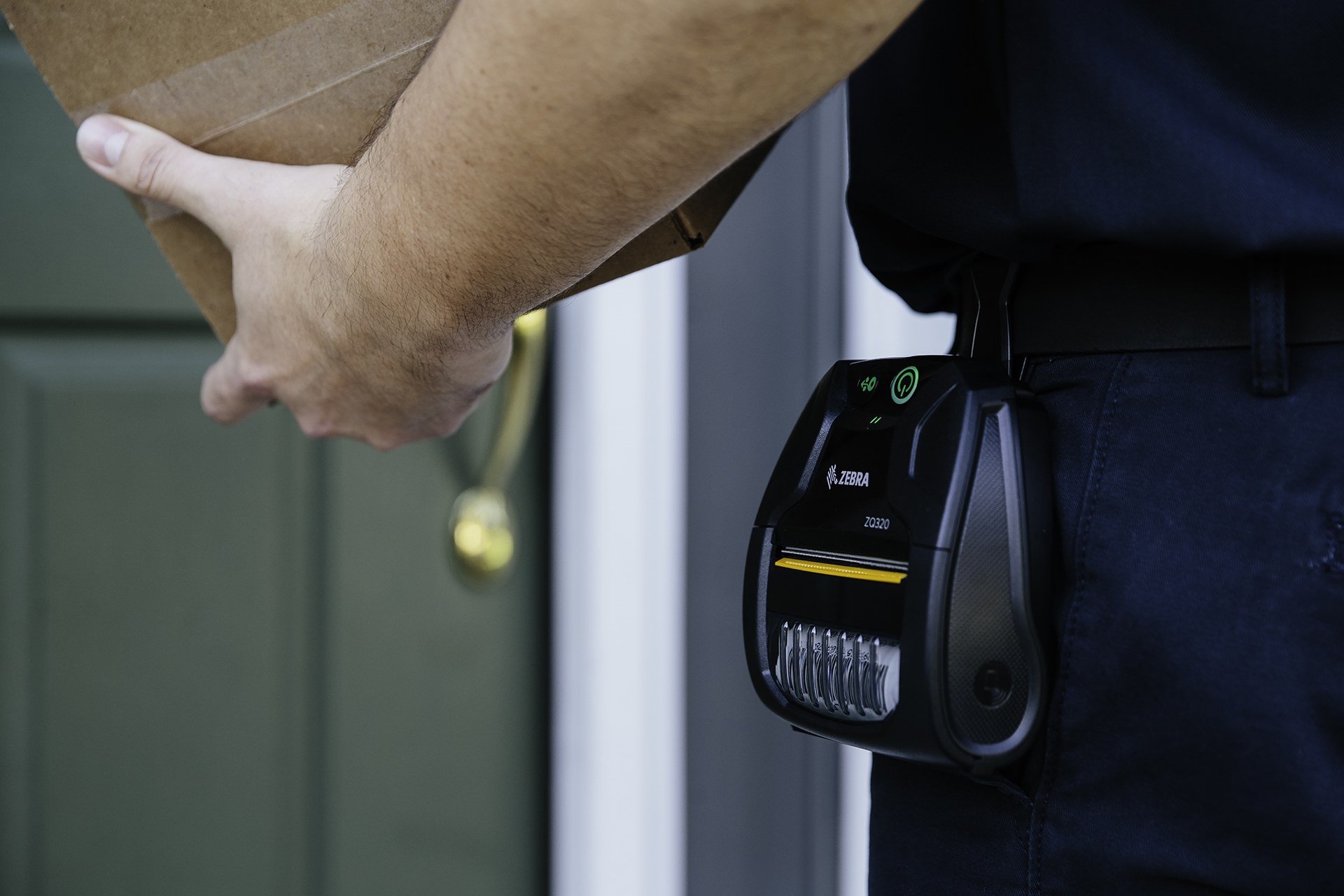
Transportation and Logistics
Connect yard events to depot, vehicle and field hand-offs. Use a representative journey to check how the device receives the task, captures each stop and returns the completed record. Include periods with limited connectivity in the workflow review without assuming unsupported offline capability.
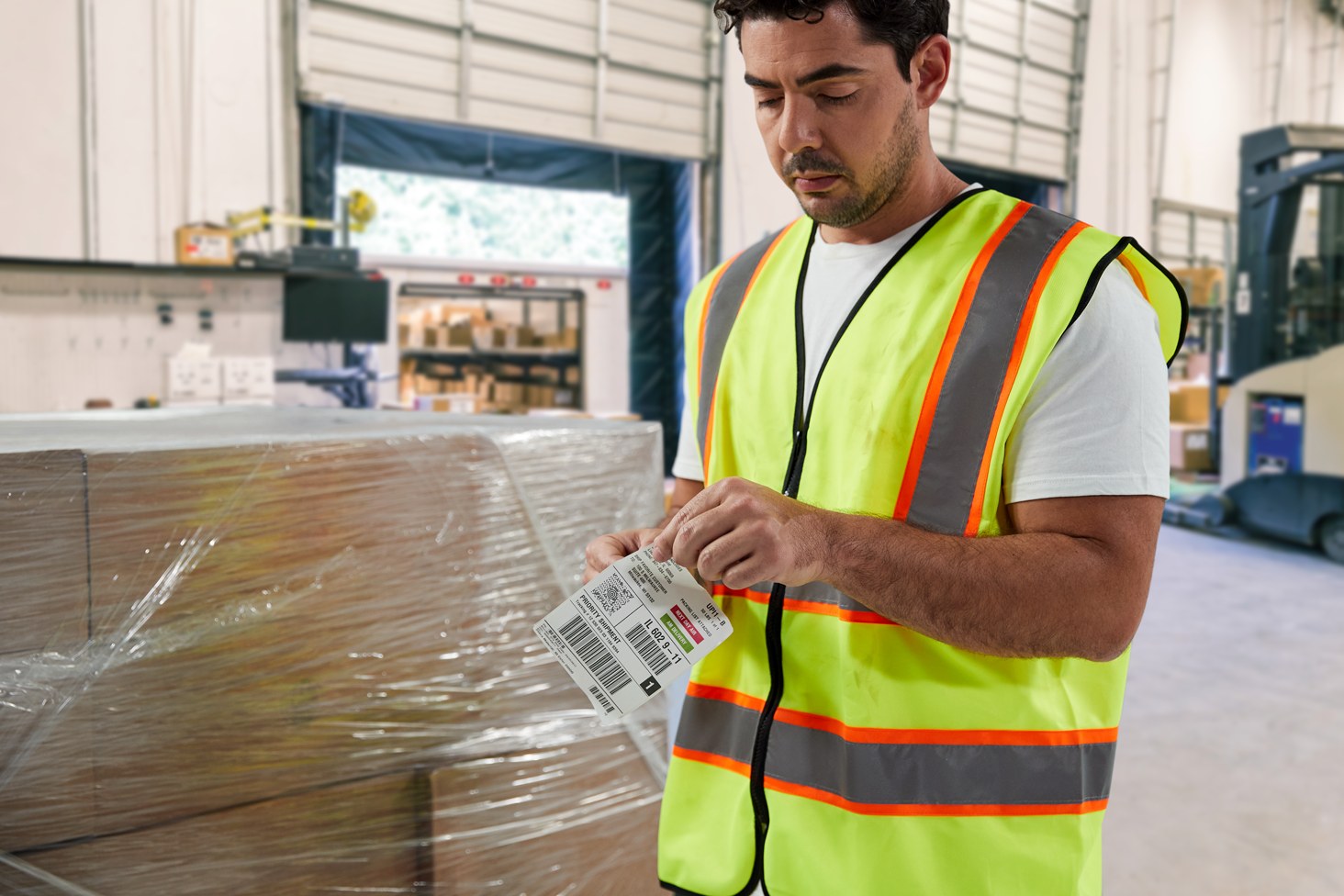
Shipping
Confirm packages, loads and carrier hand-offs at the dock. Keep the physical item, its identification and the resulting status connected throughout the process. If one element is missing, follow the page's exception route before the workflow continues.

Cross-Docking
Coordinate short transfer routes between receiving and dispatch. The completed record should show the next user what was checked, what changed and what still requires attention, so the expected hand-off is clear at the real work point.

Team Communications
Share authorised changes and exceptions between site teams. Review this step with the employees who perform and supervise it. Confirm that the instruction, status choices and escalation wording are understood consistently across the intended shift or work area.
Site review inputs
Walk the gate-to-exit route with real vehicles and identification
- Units and identifiers:Vehicles, trailers, containers, drivers, labels, tags, documents and existing markings.
- Site map:Gates, lanes, parking, holding, docks, bays, offices and exit routes.
- Users and equipment:Gate staff, yard operators, drivers, dock teams, vehicles, mounts and chargers.
- Application and rules:Visits, assignments, moves, work states, exit checks and exception ownership.
Yard and container FAQ
Yard-hardware planning questions
What should be checked at the gate?
Use the identities required by the approved visit, such as vehicle, driver, trailer, container, document and work reference.
Can scanning provide real-time yard location?
Not by itself. A scan records an agreed checkpoint; real-time location needs a separately verified technology and site design.
When is a rugged tablet useful?
It can suit gate, dock or vehicle work needing a larger screen, subject to mounting, power, connection, input and application requirements.
When should RFID be assessed?
Assess RFID only with representative tagged units, materials, orientation, traffic, read zones and the current application.
How should a dock assignment change be handled?
Use the permitted reassignment process, confirm the new location and retain the prior state and any exception.
What should we prepare for an Easy Scan review?
Share the site map, vehicles, trailers, containers, labels, tags, users, devices, mounts, power, connection, applications and common exceptions.
Map your yard and container checkpoints with Easy Scan
Show us how visits move from gate entry through yard assignments, dock work and exit release. We can then discuss product categories, identification media and verification steps.
