


Identification hardware for authorised retail checks
Retail Loss Prevention and Asset Identification Hardware
Strengthen item, asset and location identification at selected store checkpoints with scanners, mobile computers, RFID equipment, printers and labels. Easy Scan helps plan the operational evidence and device kit while keeping security, investigation and loss decisions with the retailer’s authorised process.
Overview
Strengthen controlled checkpoints without replacing policy
Define authorised item, asset and location checkpoints, evidence, decision owners and escalation routes before selecting hardware. This page follows the physical checkpoints, records and hand-offs that should be understood before product categories are narrowed or a deployment is planned.
The primary equipment review covers Barcode scanners, Mobile computers, RFID readers and tags, Barcode printers, Labels and ribbons. Easy Scan can help match these categories to the site, workload, identification samples, connectivity, power and support route; exact configuration remains subject to application and compatibility checks.
- Operating scope:Define where identification helps and who makes each decision
- Critical hand-off:Make the physical unit clear before recording an event
- Equipment bundle:Review Barcode scanners, Mobile computers, RFID readers and tags, Barcode printers, Labels and ribbons by work point instead of beginning with individual models.
- Deployment evidence:Use representative users, items, locations and exceptions during the site walkthrough.
Operational scope and decision boundary
Define where identification helps and who makes each decision
Barcode, RFID and mobile hardware can identify items, assets, locations and authorised users, then present or capture permitted workflow events. They do not determine theft, intent, staff conduct, refund eligibility, investigation results or disciplinary action.
Operational checkpoint
The physical place and action where identity or status must be recorded. Keep the physical item, its identification and the resulting status connected throughout the process. If one element is missing, follow the page's exception route before the workflow continues.
Permitted evidence
The approved item, asset, location, user, time and event fields. Test the evidence step at the real hand-over point, including how the operator finds the correct record and what happens when the expected proof cannot be collected. Keep the evidence separate from the commercial approval decision.
Decision owner
The retailer role authorised to review and decide the next action. Turn the responsibility required at this checkpoint into a clear instruction for the relevant role. The user should know the required input, permitted decision and named escalation route before this task is added to daily work.
Escalation route
The controlled path for missing, conflicting or restricted information. Review this step with the employees who perform and supervise it. Confirm that the instruction, status choices and escalation wording are understood consistently across the intended shift or work area.
Item, asset and location identity
Make the physical unit clear before recording an event
- Merchandise identity:Confirm the barcode or tag represents the item and packaging level in hand.
- Shared asset identity:Keep devices, tools, keys, cages and other controlled assets distinct.
- Location identity:Separate sales floor, stockroom, fitting, returns and temporary areas.
- Missing or duplicate identity:Use an authorised review or relabelling route before relying on the record.
Retail checkpoint map
Place identity controls where goods and responsibility change
1. Receive
Match delivered goods with the expected item and store location.
2. Move and display
Retain item, source, destination and responsible work state.
3. Sell or hand over
Connect authorised merchandise movement to the transaction process.
4. Return or investigate
Separate physical intake and evidence from the final business decision.
Receiving, transfer and shelf work
Keep authorised stock movement visible through store checkpoints
- Delivery to stockroom:Identify the delivery, item, quantity, receiving point and difference.
- Stockroom to sales floor:Connect the source, destination and responsible replenishment action.
- Shelf and display check:Confirm the physical item, location and permitted label or status task.
- Unplanned movement:Route wrong-location, unidentified or held goods for authorised review.
Controlled goods and shared assets
Record responsibility when selected items change hands
For retailer-defined controlled merchandise or shared assets, identify the unit, authorised user or role, source, destination, time and expected return or next state. The retailer remains responsible for access policy and investigation.
Issue
Record the authorised unit, recipient role and intended use or location. Review this step with the employees who perform and supervise it. Confirm that the instruction, status choices and escalation wording are understood consistently across the intended shift or work area.
Transfer
Keep responsibility clear when custody moves between teams or zones. Turn the responsibility required at this checkpoint into a clear instruction for the relevant role. The user should know the required input, permitted decision and named escalation route before this task is added to daily work.
Return or hold
Confirm physical condition, status and the next responsible role. Use representative returned goods to check how this status is recorded and handed to the next responsible area. Commercial disposition remains with the authorised business role, while hardware supports identification and evidence capture.
Returns and exception intake
Identify the item and transaction before applying retailer policy
- Item and packaging:Read the permitted identifier and confirm the physical unit presented.
- Transaction reference:Retrieve only the authorised sales, order or hand-off record.
- Observed condition:Use the retailer’s approved condition options and evidence fields.
- Disposition owner:Route refund, resale, hold, repair or other decisions to the authorised role.
Evidence and privacy boundary
Capture only approved operational facts at the work point
The selected application should define permitted observations, required fields, user access, retention and escalation. Do not treat a scan, tag read, location, image or staff action as proof of intent or responsibility without the retailer’s authorised review.
Privacy, monitoring, staff policy, investigation and legal requirements remain with the retailer and relevant advisers.

Loss prevention product categories
Match product types to the authorised checkpoint
Review the identifier, work position, scan distance, screen input, tag reading, printing, connectivity, power, carrying, accessories and media together.
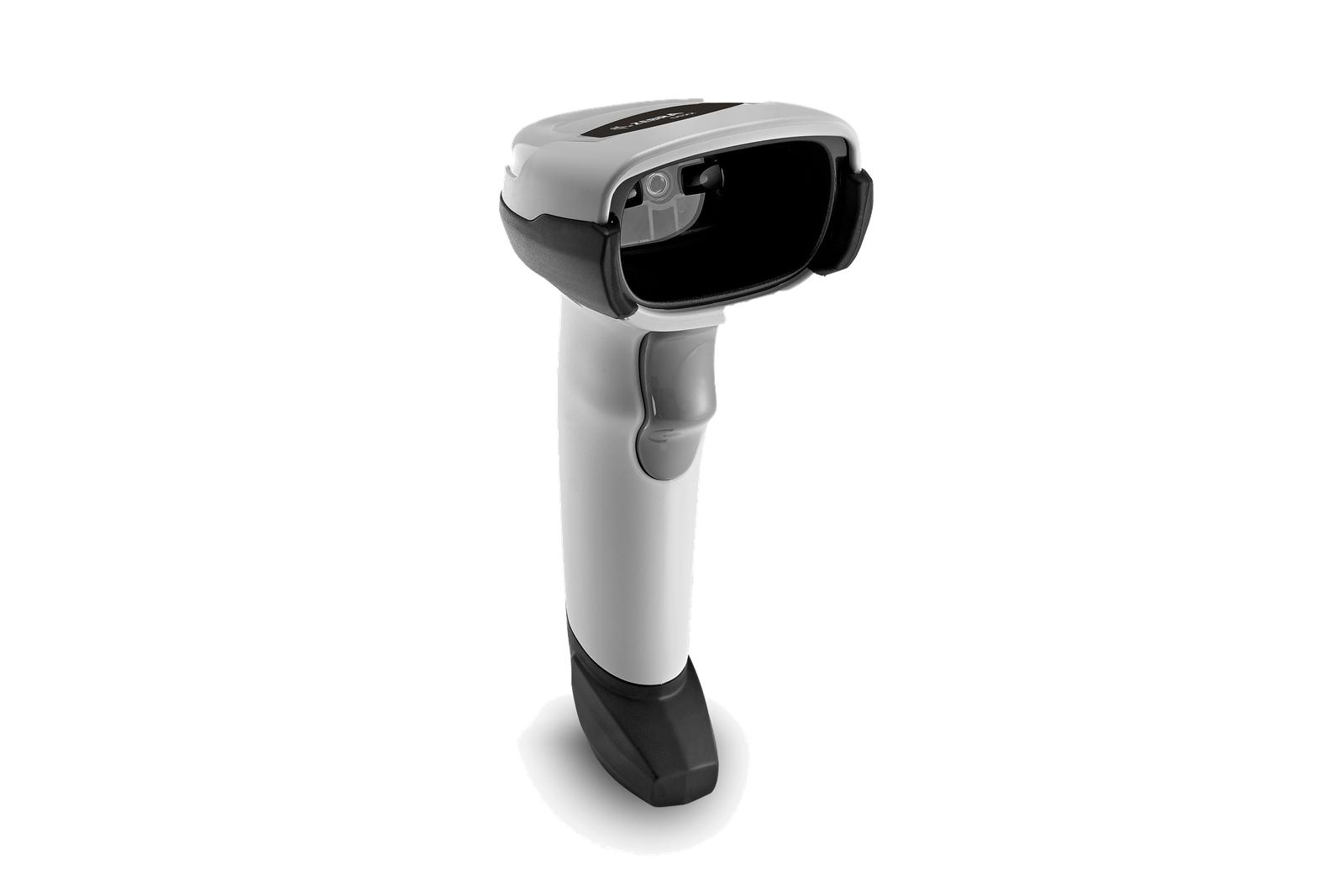
Barcode Scanners
For fixed or mobile barcode capture at selected store work points. Use the real item, package or location codes from this checkpoint to review scan angle, distance, operator movement and connection. Include difficult but valid samples so the selection is based on the working environment.

Mobile Computers
For work combining identity, approved instructions and status entry. Build the trial around the on-screen task and data entry required at this checkpoint. Check scanning, keypad or touch input, carrying method, charging and required connectivity as one mobile workflow.

RFID Equipment
For assessed tagged-item or asset workflows with controlled read areas. Validate this RFID step with representative tags, materials, read positions and the intended application. Record missed or unintended reads during the trial before deciding how RFID should complement barcode checkpoints.
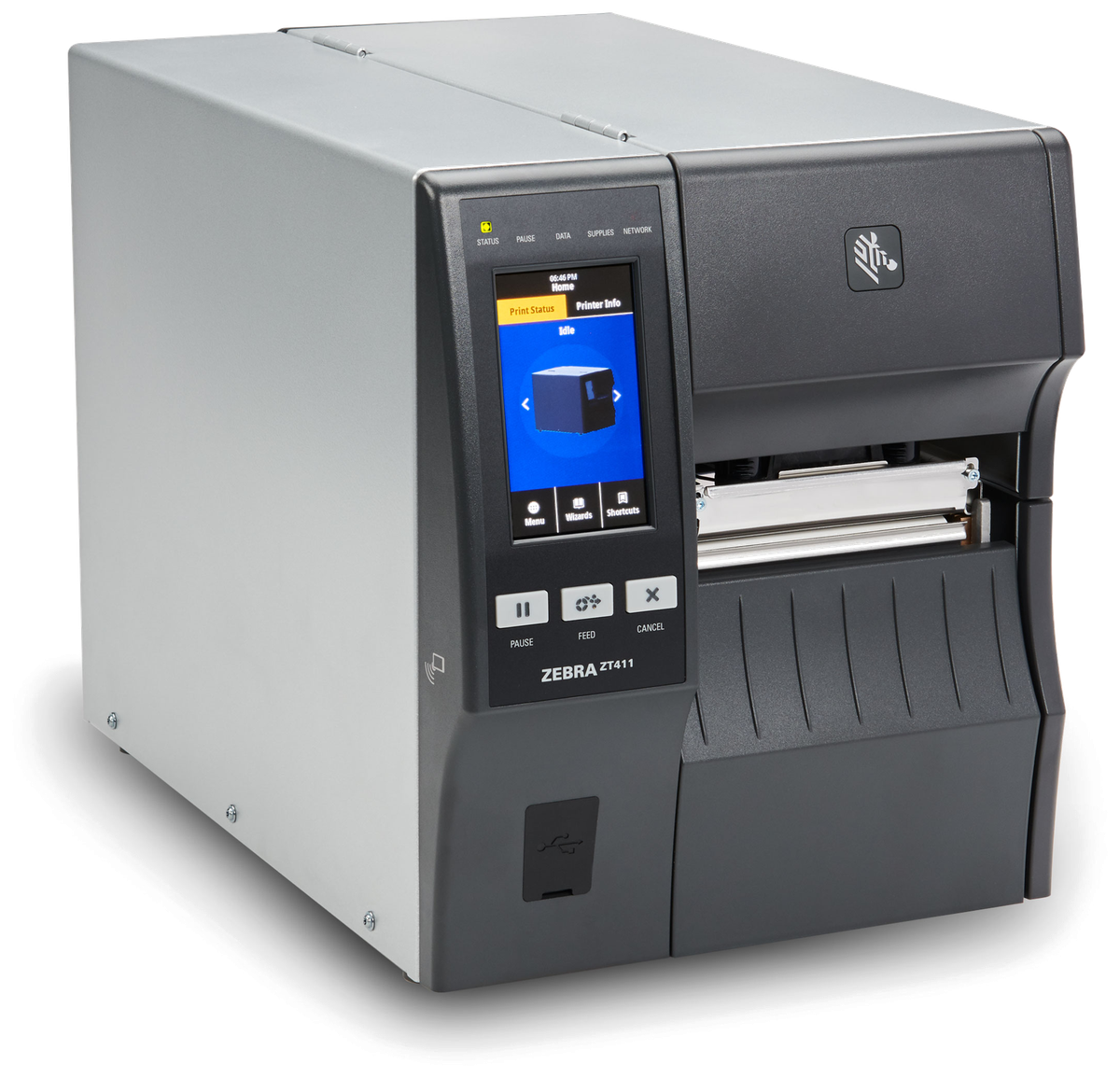
Barcode Printers
For controlled item, asset and location identification. Match this print point to where and when the label is produced, then review print method, label size, connection, placement and media replenishment. Check a print sample on the intended surface before narrowing the printer category.

Labels and Ribbons
For identities matched to the surface, exposure and authorised use. Test the intended surface and environment with the actual barcode layout. Confirm whether direct thermal or thermal transfer is required, then review the consumable as part of the complete print workflow.
Labels and ribbons
Treat labels and ribbons as part of the working hardware system
A printer or mobile-printing decision is incomplete until the label is matched to the item, package, location or document used at this work point. Size, material, adhesive, surface, barcode layout and expected life all affect whether the identification remains usable.
For thermal-transfer printing, the ribbon also needs to suit the label material and printer configuration. Bring representative packaging, current labels and print samples so the printer, label and ribbon can be reviewed as one combination.
- Purpose and size:Define what the label identifies, the available space and the information or barcode it must carry.
- Surface and adhesive:Check cardboard, plastic, metal, reusable containers and any curved, cold or difficult surface.
- Environment and working life:Record temperature, moisture, abrasion, handling and how long the print must remain readable.
- Print method and ribbon:Confirm direct thermal or thermal transfer, then match the ribbon where thermal-transfer printing is used.
RFID validation
Test the tag, item and read zone before relying on an event
Tag and merchandise
Confirm placement and performance on representative items and packaging. Test this checkpoint with representative items and locations, including duplicate, missing or unreadable identification where relevant. The next action should follow the required exception path and keep the original count visible.
Intended read zone
Separate the target shelf, doorway or area from adjacent tagged goods. Use tagged items from the required workflow to define the read area and operator action. Tag placement, surrounding material and system response should be checked together in the real environment.
Expected event
Define what a permitted read means inside the selected application. Keep the physical item, its identification and the resulting status connected throughout the process. If one element is missing, follow the page's exception route before the workflow continues.
Missed or unexpected read
Route it for review; do not treat it as automatic proof of loss. Specify which permitted evidence is needed for the hand-off required at this checkpoint and how it is tied to the correct order, asset or service record. Access, retention and exception handling should follow the organisation's approved process.
Label replacement control
Keep reprinting and relabelling separate from normal store work
- Authorised reason:Record why an identity is unreadable, missing, wrong or replaced.
- Approved content:Use the correct item, asset or location reference and label format.
- Physical placement:Match surface, visibility, handling and required service life.
- Superseded label:Remove or control the old identity to avoid duplicate records.
Exception record and escalation
Keep device events, investigation and business records distinct
Define which application owns the operational event, who may review it, which details may move to another authorised system and how rejected or incomplete records are handled. No dedicated SME ERP section is needed unless a supported business-record relationship is later verified.
Operational event
The approved identity, checkpoint, time, status and user action. The completed record should show the next user what was checked, what changed and what still requires attention, so the expected hand-off is clear at the real work point.
Review record
The retailer-controlled assessment, decision and permitted evidence. Specify which permitted evidence is needed for the hand-off required at this checkpoint and how it is tied to the correct order, asset or service record. Access, retention and exception handling should follow the organisation's approved process.
Follow-up owner
The role responsible for hold, correction, return, investigation or closure. Review this step with the employees who perform and supervise it. Confirm that the instruction, status choices and escalation wording are understood consistently across the intended shift or work area.
Connected retail workflows
Review the processes around item and asset movement

Retail Technology Solutions
Place authorised checks inside the wider store hardware plan. The hand-off should provide a status that the next work area can act on. If the record and physical condition do not agree, preserve the difference for review rather than replacing the earlier status.

Inventory Counting
Use controlled physical counts as one source of stock evidence. The hand-off should provide a status that the next work area can act on. If the record and physical condition do not agree, preserve the difference for review rather than replacing the earlier status.

Point of Sale
Connect permitted merchandise movement to the transaction process. Keep the physical item, its identification and the resulting status connected throughout the process. If one element is missing, follow the page's exception route before the workflow continues.

Merchandising
Keep shelf, display and label work tied to authorised item identities. The completed record should show the next user what was checked, what changed and what still requires attention, so the expected hand-off is clear at the real work point.
Store review inputs
Walk one item or asset through its authorised checkpoints
- Items, assets and locations:Representative merchandise, packaging, shared assets, barcodes, tags and zones.
- Checkpoints and roles:Receiving, transfer, shelf, checkout, return, hold and responsible users.
- Hardware and media:Current devices, accessories, power, printers, labels and tag arrangements.
- Policy and exceptions:Permitted evidence, privacy boundary, record owner and escalation path.
Frequently asked questions
Retail loss prevention hardware questions
What can identification hardware support in loss prevention?
It can identify authorised items, assets, locations and users, then present or capture permitted workflow events. It does not determine theft, intent, staff conduct or an investigation outcome.
Which product categories may be relevant?
Depending on the checkpoint, the review may include barcode scanners, mobile computers, RFID equipment, barcode printers, labels and ribbons. Suitability must be tested in the real store process.
Does an RFID read prove that merchandise was lost?
No. A tag read is an application event that depends on the tagged item, placement, read zone, configuration and exception handling. The retailer’s authorised process must review the evidence.
Can hardware decide whether to accept a return?
No. Hardware can identify the item and retrieve permitted references. Refund, condition and disposition decisions remain with the retailer’s policy and authorised role.
Is SME ERP required for this workflow?
No dedicated ERP layer is assumed. Add a business-system hand-off only when a supported relationship to an authorised item, asset or exception record is verified.
What should we prepare for an Easy Scan review?
Prepare the store zones, representative items and assets, identifiers, authorised checkpoints, current hardware, label needs, application owner and common exceptions.
Review retail identification checkpoints with Easy Scan
Share the store zones, items, assets, authorised events, device kit and exception route. We can then discuss suitable product categories and verification steps.
