


Packing hardware for Hong Kong fulfilment
Packing Verification and Shipping Label Workflow
Verify the order, items and quantities before sealing the carton, then control packing documents and shipping labels. Easy Scan helps match barcode scanners, label printers, consumables, mobile computers and technical support to the real packing station.
Overview
Connect order checks, packaging and final identification
Verify order contents and print the correct shipping identification at the packing station. This page follows the physical checkpoints, records and hand-offs that should be understood before product categories are narrowed or a deployment is planned.
The primary equipment review covers Barcode scanners, Barcode printers, Labels and ribbons, Mobile computers. Easy Scan can help match these categories to the site, workload, identification samples, connectivity, power and support route; exact configuration remains subject to application and compatibility checks.
- Operating scope:Start with an authorised order and a controlled work surface
- Critical hand-off:Confirm the item and quantity before it enters the carton
- Equipment bundle:Review Barcode scanners, Barcode printers, Labels and ribbons, Mobile computers by work point instead of beginning with individual models.
- Deployment evidence:Use representative users, items, locations and exceptions during the site walkthrough.
Packing inputs
Start with an authorised order and a controlled work surface
The station needs a clear order or shipment reference, the picked goods, approved packaging and a defined route for differences. Separate work in progress from cartons that have already passed packing checks.
Order or shipment reference
The approved record that tells the packer what may be packed. Test this step with representative items and records from the required workflow. Confirm what the operator can decide here and which condition must be handed to an authorised reviewer.
Picked goods
The totes, cartons or items released from the picking process. Test this checkpoint with representative items and locations, including duplicate, missing or unreadable identification where relevant. The next action should follow the required exception path and keep the original count visible.
Packaging materials
The approved carton, mailer, protective material, tape and documents available at the station. The completed record should show the next user what was checked, what changed and what still requires attention, so the expected hand-off is clear at the real work point.
Exception zone
A physical and recorded place for missing, excess, damaged or unidentified goods. Keep the physical item, its identification and the resulting status connected throughout the process. If one element is missing, follow the page's exception route before the workflow continues.
Order verification
Confirm the item and quantity before it enters the carton
Show the packer the authorised lines and required quantity. A barcode can verify identity, while the application and approved operating rule decide how quantity, substitutions and partially completed orders are handled.
- Order identity:Open the correct order, shipment, tote or packing task.
- Item identity:Read the agreed item or package barcode before packing.
- Quantity:Record the amount actually placed into the package.
- Completion rule:Close only when required lines pass or an authorised exception is selected.
Scan-and-pack sequence
Keep verification, packing and release in the correct order
1. Open the packing task
Confirm the order, shipment or tote and display the authorised contents. The hand-off should provide a status that the next work area can act on. If the record and physical condition do not agree, preserve the difference for review rather than replacing the earlier status.
2. Scan each required item
Stop if the identity does not match the permitted order line. Test this checkpoint with representative items and locations, including duplicate, missing or unreadable identification where relevant. The next action should follow the required exception path and keep the original count visible.
3. Record packed quantity
Use the approved count or input method for the amount placed in the package. Use the site conditions required at this checkpoint to confirm placement, cable or wireless reach, charging and safe access for support. Record constraints before selecting a product configuration or planning installation.
4. Select and prepare packaging
Use the permitted package and protective material for the operation. The completed record should show the next user what was checked, what changed and what still requires attention, so the expected hand-off is clear at the real work point.
5. Add controlled documents
Print or retrieve the authorised packing slip or other required document. Keep the physical item, its identification and the resulting status connected throughout the process. If one element is missing, follow the page's exception route before the workflow continues.
6. Print, apply and verify the label
Confirm the label belongs to the sealed package before release. Test the intended surface and environment with the actual barcode layout. Confirm whether direct thermal or thermal transfer is required, then review the consumable as part of the complete print workflow.
Package preparation
Define how the package is selected and prepared
Carton size, protective material and sealing method depend on the actual goods and approved packing standard. Hardware can guide or record the selected package, but it does not establish packaging suitability by itself.
- Package identity:Use a package code where the existing process needs the selected carton or mailer recorded.
- Protective material:Prepare the permitted insert, cushioning or separation before sealing.
- Weight or dimension hand-off:Only use measured values when verified equipment and application rules support the workflow.
- Seal control:Seal after order checks and required documents are complete.
Packing documents
Keep documents tied to the correct order and package
Define which document is required, where it is produced and whether it goes inside, outside or to another hand-off point. Discarded or reprinted documents need a controlled route so they are not attached to another order.
Authorised source
Print from the approved order or shipment record. The hand-off should provide a status that the next work area can act on. If the record and physical condition do not agree, preserve the difference for review rather than replacing the earlier status.
Placement
State where the document is inserted or attached before release. Keep the physical item, its identification and the resulting status connected throughout the process. If one element is missing, follow the page's exception route before the workflow continues.
Reprint handling
Remove superseded documents and record the permitted reprint action where required. Keep the physical item, its identification and the resulting status connected throughout the process. If one element is missing, follow the page's exception route before the workflow continues.
Shipping label control
Verify the label after it is applied to the sealed carton
Print the shipping or destination label from the authorised record at the correct station. Before release, confirm that the label belongs to the package and that its barcode is present, readable and not covered by tape, a fold or another label.
The exact label content and carrier or system hand-off must come from the approved application; do not infer data or compatibility from the printer alone.

- Print:Use the authorised package or shipment record at the designated print point.
- Apply:Place the label on the prepared surface in the approved position.
- Verify:Confirm package-to-label identity and test the applied barcode where required.
Packing product categories
Choose the product type for verification, printing and release
Product selection follows barcode quality, work surface, operator movement, print volume, label media, application, connection and support requirements. Exact accessories and consumables require site verification.

Barcode Scanners
For order, item, package and applied-label capture at a verified station. Test representative barcodes in the work position required at this checkpoint, including the normal scan distance, label presentation and host connection. This confirms whether the scanner category fits the actual item flow before individual products are compared.

Barcode and Label Printers
For controlled packing, destination and shipping identification. Use the output required at this checkpoint to assess the print point, expected workload and operator handling. The printer, connection and consumables should be tested as one setup with the real label format.

Labels and Ribbons
For package identification matched to the surface, environment and required use. Use the label purpose required at this checkpoint to confirm size, material, adhesive and expected life against representative surfaces. If thermal-transfer printing is involved, check the ribbon together with the printer and label rather than as a separate purchase.

Mobile Computers
For packing or release work that moves beyond a fixed bench. Use a representative shift to confirm that instructions, scanning and status entry remain practical while the employee moves between the required work points. Include the intended case, cradle or other required accessory in the review.
Labels and ribbons
Treat labels and ribbons as part of the working hardware system
A printer or mobile-printing decision is incomplete until the label is matched to the item, package, location or document used at this work point. Size, material, adhesive, surface, barcode layout and expected life all affect whether the identification remains usable.
For thermal-transfer printing, the ribbon also needs to suit the label material and printer configuration. Bring representative packaging, current labels and print samples so the printer, label and ribbon can be reviewed as one combination.
- Purpose and size:Define what the label identifies, the available space and the information or barcode it must carry.
- Surface and adhesive:Check cardboard, plastic, metal, reusable containers and any curved, cold or difficult surface.
- Environment and working life:Record temperature, moisture, abrasion, handling and how long the print must remain readable.
- Print method and ribbon:Confirm direct thermal or thermal transfer, then match the ribbon where thermal-transfer printing is used.
Packing work points
Match device handling to the bench, cart or oversize area
Fixed bench
Review scanner reach, screen position, printer placement, cable routing, supplies and carton movement. Use the output required at this checkpoint to assess the print point, expected workload and operator handling. The printer, connection and consumables should be tested as one setup with the real label format.
Shared packing lane
Keep orders, documents and labels separated between operators and stations. Use the label purpose required at this checkpoint to confirm size, material, adhesive and expected life against representative surfaces. If thermal-transfer printing is involved, check the ribbon together with the printer and label rather than as a separate purchase.
Cart or mobile station
Check carrying or mounting, power, charging, network coverage and mobile print handling. Check this requirement at the required work point with its actual power, connectivity, space and operator movement. Include the intended mount, cradle, charger or other required accessory so the review covers the complete setup.
Oversize goods area
Test the real barcode position, reach, package movement and label-application surface. Use the real item, package or location codes from this checkpoint to review scan angle, distance, operator movement and connection. Include difficult but valid samples so the selection is based on the working environment.
Packing exceptions
Keep mismatches and repacks outside the normal release path
- Wrong or unexpected item:Remove it from the package and return the record to the approved review route.
- Missing quantity:Keep the order open or use the permitted partial process; do not force completion.
- Damaged item or package:Move it to the defined inspection or repack point with a clear owner.
- Label or document error:Hold the carton, remove superseded material and reprint only from the authorised record.
Package release
Release only a sealed carton with completed checks
The final event should represent the physical package, not only a screen action. Define the checks required before the carton moves to staging or shipping.
Contents accepted
Required order, item and quantity checks have passed. Test this checkpoint with representative items and locations, including duplicate, missing or unreadable identification where relevant. The next action should follow the required exception path and keep the original count visible.
Documents complete
The authorised packing slip or other required document is in the correct place. Keep the physical item, its identification and the resulting status connected throughout the process. If one element is missing, follow the page's exception route before the workflow continues.
Label verified
The applied shipping or destination label belongs to the sealed package. Test the intended surface and environment with the actual barcode layout. Confirm whether direct thermal or thermal transfer is required, then review the consumable as part of the complete print workflow.
Connected fulfilment flows
Review what supplies and receives the packing station
Picking
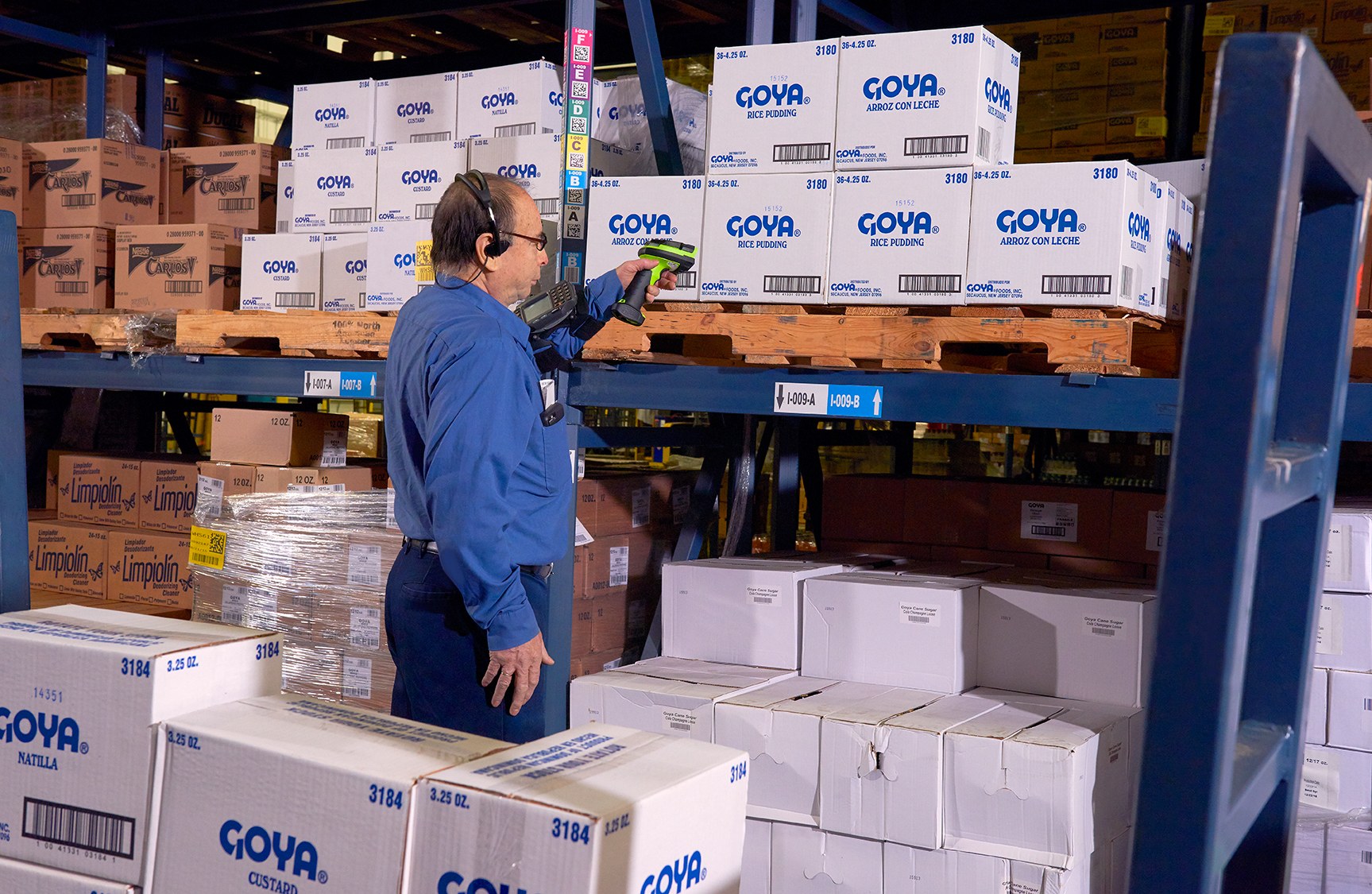
Guide and verify items before they reach the packing station. Use the item, location, unit and quantity rules required at this checkpoint to prepare the scan or entry screen. When the physical result differs from the expected record, preserve the discrepancy for review instead of forcing a match.

Shipping
Stage and load released cartons under the approved dispatch process. The completed record should show the next user what was checked, what changed and what still requires attention, so the expected hand-off is clear at the real work point.
Reverse Logistics
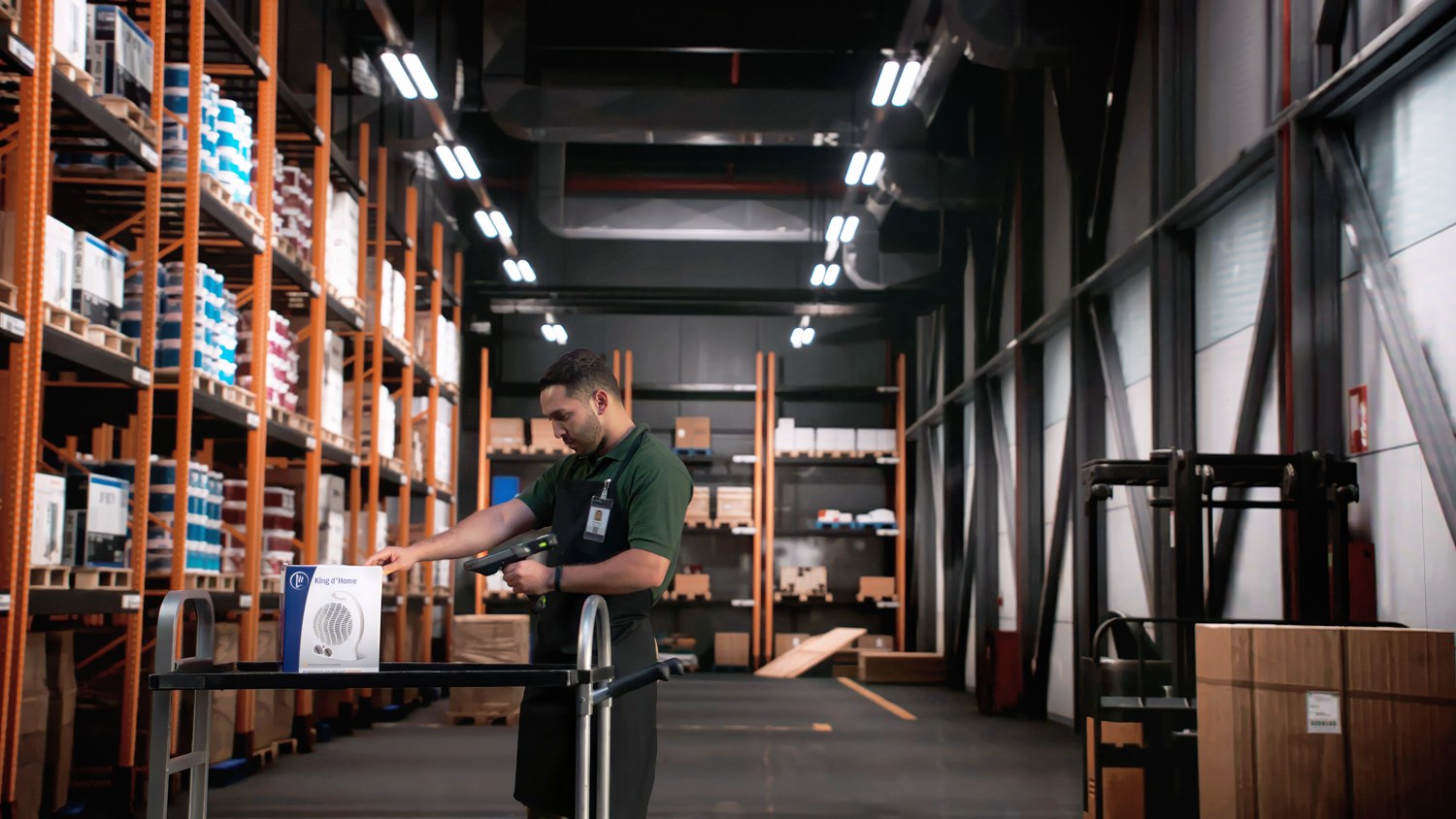
Identify returned packages and decide their next controlled route. Keep the returned item, its recorded identity and its current physical status together at this step. If they do not agree, route the item to the required exception review instead of overwriting the original record.

Omnichannel Order and Fulfilment
Coordinate packing decisions across the approved order and fulfilment routes. The hand-off should provide a status that the next work area can act on. If the record and physical condition do not agree, preserve the difference for review rather than replacing the earlier status.
Site review inputs
Review the real packing station before selecting hardware
- Orders and item samples:Actual orders, totes, items, packaging and barcodes, including common difficult cases.
- Labels and documents:Current packing slips, shipping labels, media, print points, reprint rules and application screens.
- Station and operator handling:Bench space, reach, gloves, carton sizes, shared work, carts, oversize goods, power and charging.
- Release and exception route:Completion events, staging hand-off, network coverage and ownership of mismatches or repacks.
Packing FAQ
Packing verification questions
What should be scanned at a packing station?
Use the approved order, tote, item, package and applied-label checkpoints required by the existing packing process.
Can scanning decide which carton is suitable?
No. Hardware can display or record an approved carton choice, but packaging suitability comes from the operating standard and actual goods.
When should the shipping label be printed?
Print from the authorised package or shipment record after the required order checks and at the designated station.
Why verify the label after application?
It confirms that the physical sealed package carries its own authorised label and that the barcode is present and readable.
Can one setup cover bench and oversize packing?
Not automatically. Reach, barcode position, package movement, print placement, power and connection can differ.
What should we prepare for an Easy Scan review?
Share orders, item and barcode samples, cartons, documents, labels, station layout, devices, printers, network and common exceptions.
Map your packing station with Easy Scan
Show us how orders, items, cartons, documents and shipping labels move through the station, including repacks and mismatches. We can then discuss the relevant product categories and verification steps.
