


Cross-docking hardware for Hong Kong operations
Cross-Docking Scanning and Dock-to-Dock Handoffs
Match identified inbound goods to an authorised outbound route without sending them through normal storage. Easy Scan helps plan the scanners, mobile computers, printers, labels and local support around each physical hand-off.
Overview
Protect the hand-off from inbound dock to outbound route
Move identified goods from receiving to dispatch with controlled hand-offs. This page follows the physical checkpoints, records and hand-offs that should be understood before product categories are narrowed or a deployment is planned.
The primary equipment review covers Mobile computers, Barcode scanners, Mobile printers, Barcode printers, Labels and ribbons. Easy Scan can help match these categories to the site, workload, identification samples, connectivity, power and support route; exact configuration remains subject to application and compatibility checks.
- Operating scope:Start with an authorised inbound-to-outbound match
- Critical hand-off:Define the movement window before selecting devices
- Equipment bundle:Review Mobile computers, Barcode scanners, Mobile printers, Barcode printers, Labels and ribbons by work point instead of beginning with individual models.
- Deployment evidence:Use representative users, items, locations and exceptions during the site walkthrough.
Cross-dock inputs
Start with an authorised inbound-to-outbound match
Cross-docking needs a clear relationship between the arriving handling unit and the route that will receive it. The existing application or approved process owns that match; the hardware captures the identities and permitted events.
Inbound reference
The expected receipt, supplier load, transfer or other authorised arrival record. The completed record should show the next user what was checked, what changed and what still requires attention, so the expected hand-off is clear at the real work point.
Handling unit
The pallet, carton, tote or item identification that can be read at the dock. Use the item, location, unit and quantity rules required at this checkpoint to prepare the scan or entry screen. When the physical result differs from the expected record, preserve the discrepancy for review instead of forcing a match.
Outbound route
The approved shipment, vehicle, lane, departure or destination assignment. Use a representative journey to check how the device receives the task, captures each stop and returns the completed record. Include periods with limited connectivity in the workflow review without assuming unsupported offline capability.
Transfer status
The permitted state showing whether the goods may move, wait or enter an exception route. Test this step with representative items and records from the required workflow. Confirm what the operator can decide here and which condition must be handed to an authorised reviewer.
Dock-to-dock flow
Define the movement window before selecting devices
Map where goods arrive, where they are identified, how they are sorted and where the outbound hand-off happens. Include travel distance, holding time, dock congestion and the point at which a late or unmatched load leaves the normal route.
A scan confirms an agreed checkpoint. It does not create the outbound allocation or determine whether a departure window can be met.

Arrival identification
Identify each handling unit before it leaves receiving
- Open the arrival:Confirm the expected receipt, transfer, supplier load or other authorised source.
- Read the unit:Scan the pallet, carton, tote or item label at its real presentation angle.
- Check condition:Keep unreadable, damaged or disputed goods outside the normal transfer route.
- Confirm eligibility:Move only the handling unit released for cross-docking by the approved process.
Route sorting
Sort by the authorised outbound assignment
The scan result should direct the operator to a controlled lane, dock, vehicle queue or holding area. Use clear location identification so a correct item is not placed into the wrong departure group.
Destination lane
Move goods to the location assigned by the current route or shipment record. Test this checkpoint with representative items and locations, including duplicate, missing or unreadable identification where relevant. The next action should follow the required exception path and keep the original count visible.
Dock or vehicle queue
Separate units waiting for different loading points or departure windows. Review this route task at the depot, vehicle and hand-over points named above. Mounting or carrying, power, connectivity and record synchronisation should reflect where the operator actually works.
Mixed-unit control
Keep carton, pallet or tote identities associated with the correct outbound group. Keep the physical item, its identification and the resulting status connected throughout the process. If one element is missing, follow the page's exception route before the workflow continues.
Hold location
Divert unmatched or disputed goods without blocking the normal cross-dock lane. Test this checkpoint with representative items and locations, including duplicate, missing or unreadable identification where relevant. The next action should follow the required exception path and keep the original count visible.
Short-term staging
Control space and time without treating staging as storage
Define how long a unit may wait, how the lane is identified and what happens when an outbound load is delayed. These are operating rules set by the business and application owner, not assumed device functions.
- Visible lane identity:Place controlled location labels at the operator’s actual viewing and scan position.
- Waiting status:Keep the handling unit tied to its current route, dock and permitted state.
- Missed window route:Assign delayed goods to an approved hold, review, reallocation or storage process.
Team hand-off
Make the receiving-to-shipping boundary explicit
Receiving releases
Only identified and permitted goods leave the inbound work point. The completed record should show the next user what was checked, what changed and what still requires attention, so the expected hand-off is clear at the real work point.
Cross-dock team accepts
The assigned route, lane and handling unit are confirmed before movement. Review this step with the employees who perform and supervise it. Confirm that the instruction, status choices and escalation wording are understood consistently across the intended shift or work area.
Shipping receives
The outbound team confirms the unit belongs to the authorised load. Review this step with the employees who perform and supervise it. Confirm that the instruction, status choices and escalation wording are understood consistently across the intended shift or work area.
Exception owner responds
Missing, damaged, late or mismatched units remain with a named process owner. Review this step with the employees who perform and supervise it. Confirm that the instruction, status choices and escalation wording are understood consistently across the intended shift or work area.
Cross-docking product categories
Choose product types around movement, identification and print points
Selection depends on barcode position, scan distance, operator movement, screen input, print location, connection, accessories and the real dock environment. Verify the chosen configuration on site.

Barcode Scanners
For fixed work points where goods and labels are presented to the operator. Use the real item, package or location codes from this checkpoint to review scan angle, distance, operator movement and connection. Include difficult but valid samples so the selection is based on the working environment.
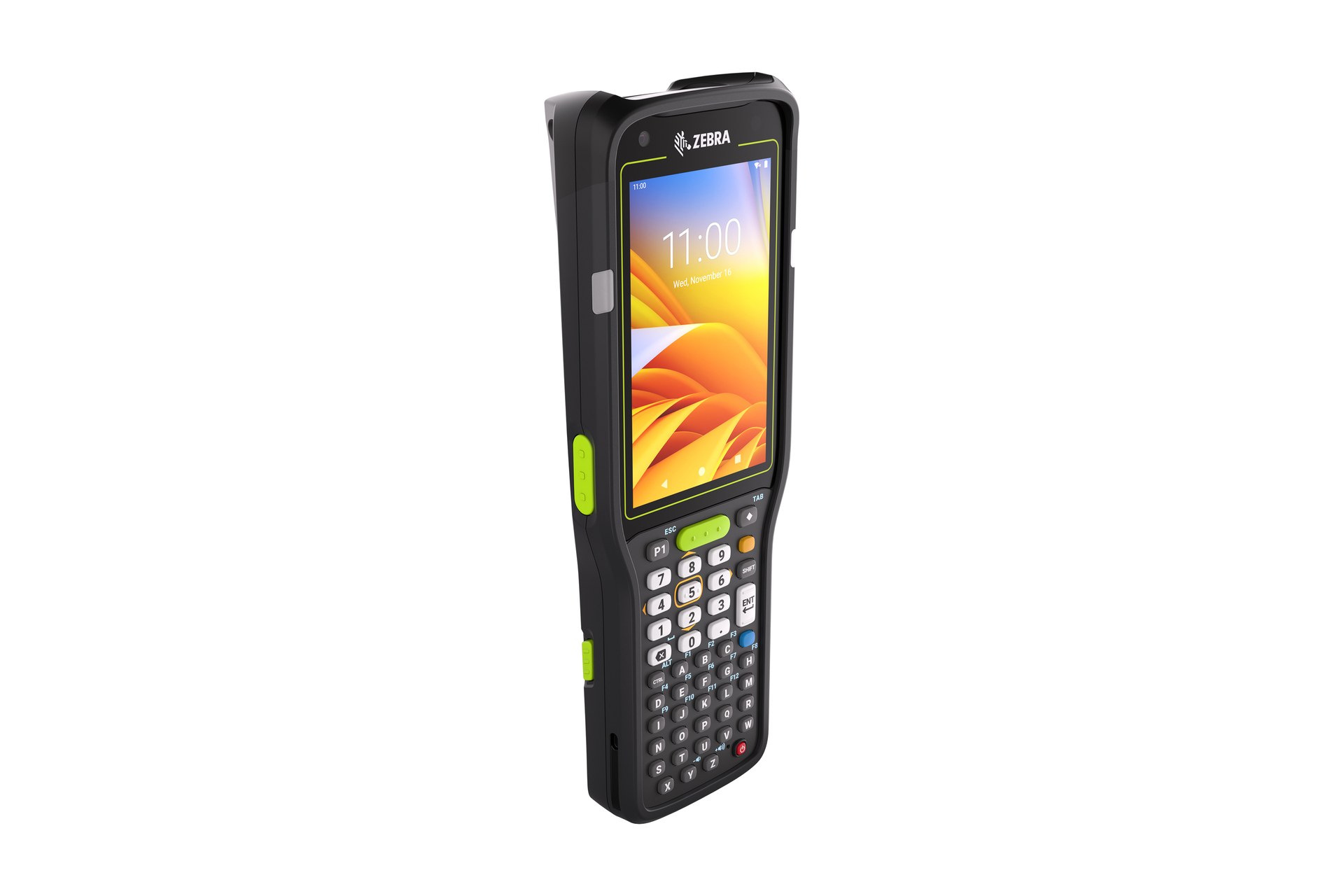
Mobile Computers
For employees moving between arrival, sorting, holding and dispatch points. Use a representative shift to confirm that instructions, scanning and status entry remain practical while the employee moves between the required work points. Include the intended case, cradle or other required accessory in the review.

Barcode and Label Printers
For controlled handling-unit, lane, destination or replacement labels. Use the output required at this checkpoint to assess the print point, expected workload and operator handling. The printer, connection and consumables should be tested as one setup with the real label format.

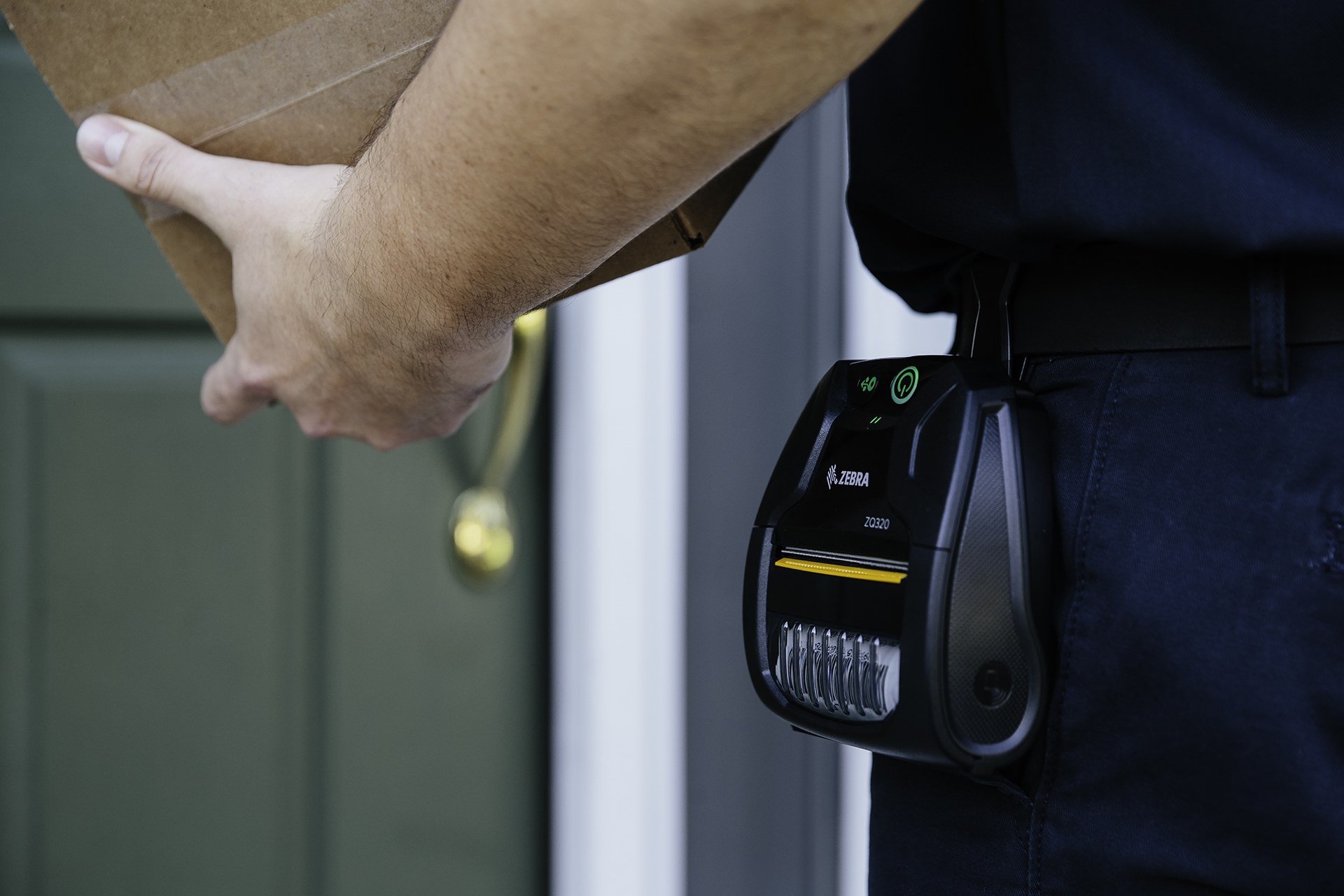
Mobile Printers
For approved labels needed near a lane, dock, vehicle or exception point. Use the output required at this checkpoint to assess the print point, expected workload and operator handling. The printer, connection and consumables should be tested as one setup with the real label format.

Labels and Ribbons
For unit and location identification matched to the surface, environment and required use. Test the intended surface and environment with the actual barcode layout. Confirm whether direct thermal or thermal transfer is required, then review the consumable as part of the complete print workflow.
Labels and ribbons
Treat labels and ribbons as part of the working hardware system
A printer or mobile-printing decision is incomplete until the label is matched to the item, package, location or document used at this work point. Size, material, adhesive, surface, barcode layout and expected life all affect whether the identification remains usable.
For thermal-transfer printing, the ribbon also needs to suit the label material and printer configuration. Bring representative packaging, current labels and print samples so the printer, label and ribbon can be reviewed as one combination.
- Purpose and size:Define what the label identifies, the available space and the information or barcode it must carry.
- Surface and adhesive:Check cardboard, plastic, metal, reusable containers and any curved, cold or difficult surface.
- Environment and working life:Record temperature, moisture, abrasion, handling and how long the print must remain readable.
- Print method and ribbon:Confirm direct thermal or thermal transfer, then match the ribbon where thermal-transfer printing is used.
Work-point fit
Match device handling to the transfer route
Inbound station
Review scanner position, display input, label printing and package presentation. Use the output required at this checkpoint to assess the print point, expected workload and operator handling. The printer, connection and consumables should be tested as one setup with the real label format.
Walking sorter
Check one-handed use, carrying, gloves, screen viewing and repeated lane movement. Keep the physical item, its identification and the resulting status connected throughout the process. If one element is missing, follow the page's exception route before the workflow continues.
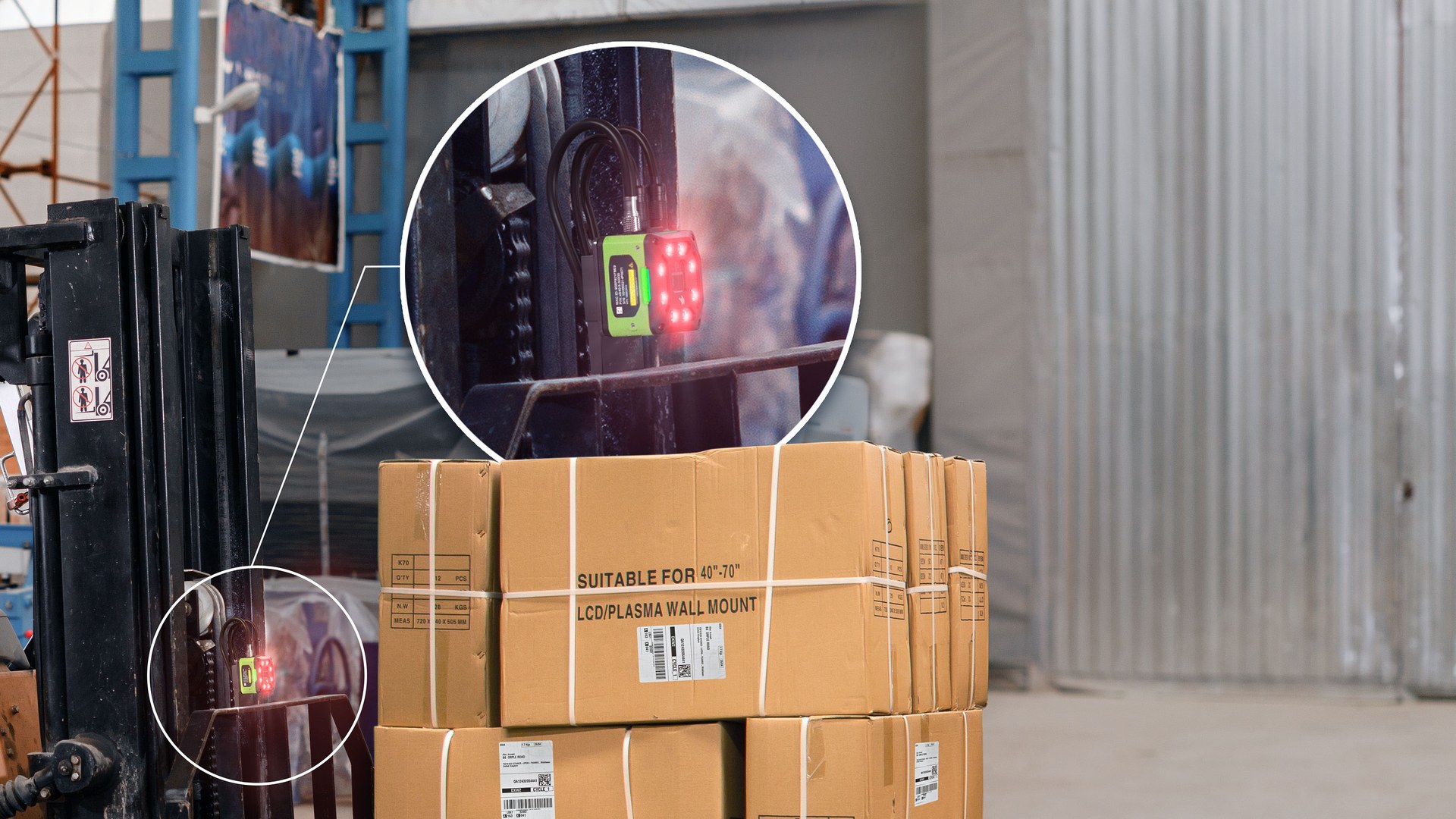
Forklift movement
Verify safe reach, scan distance, mount, power, charging and network at the vehicle. Review this route task at the depot, vehicle and hand-over points named above. Mounting or carrying, power, connectivity and record synchronisation should reflect where the operator actually works.
Outbound dock
Confirm load identity, package presentation, departure checks and exception access. Test this step with representative items and records from the required workflow. Confirm what the operator can decide here and which condition must be handed to an authorised reviewer.
Cross-dock exceptions
Remove uncertain goods from the fast path
- No outbound match:Hold the unit for approved review instead of assigning a route at the device.
- Unreadable or duplicate label:Resolve identity and remove superseded labels before normal movement resumes.
- Damage or quantity dispute:Keep the unit outside the outbound lane until the authorised decision is recorded.
- Departure window missed:Use the permitted hold, reallocation, return or storage route defined by operations.
Transfer completion
Close cross-docking at the confirmed outbound hand-off
The final state should identify which handling units reached the authorised load and which remain under exception control. The application owner defines the closure event and who may change it.
Unit confirmed
The physical handling unit matches the approved outbound assignment. Test this step with representative items and records from the required workflow. Confirm what the operator can decide here and which condition must be handed to an authorised reviewer.
Load accepted
The shipping or loading work point records the permitted hand-off. Keep the physical item, its identification and the resulting status connected throughout the process. If one element is missing, follow the page's exception route before the workflow continues.
Open differences retained
Missing, damaged, held or late units remain visible to their assigned owner. Test this step with representative items and records from the required workflow. Confirm what the operator can decide here and which condition must be handed to an authorised reviewer.
Connected cross-dock flows
Review the workflows on both sides of the transfer
Receiving
Identify arrivals and release eligible handling units into the transfer flow. Keep the physical item, its identification and the resulting status connected throughout the process. If one element is missing, follow the page's exception route before the workflow continues.

Shipping
Verify packages, loads and physical hand-offs before departure. The completed record should show the next user what was checked, what changed and what still requires attention, so the expected hand-off is clear at the real work point.

Yard and Container Management
Coordinate vehicles, doors, trailers and containers around the dock. Use a representative journey to check how the device receives the task, captures each stop and returns the completed record. Include periods with limited connectivity in the workflow review without assuming unsupported offline capability.
Transportation and Logistics
Connect dock release to route, transport and external hand-offs. Test this step with representative items and records from the required workflow. Confirm what the operator can decide here and which condition must be handed to an authorised reviewer.
Site review inputs
Walk the full cross-dock path before selecting hardware
- Real handling units:Pallets, cartons, totes and goods with their actual barcode position and condition.
- Dock and lane map:Arrival doors, scan points, sorting lanes, holding areas, outbound doors and vehicles.
- Operator and vehicle movement:Carrying, gloves, reach, mounts, power, charging, safe scans and network coverage.
- Application and exception rules:Inbound records, outbound assignments, release states, print points and exception ownership.
Cross-docking FAQ
Cross-docking planning questions
What should be matched before goods leave receiving?
Confirm the authorised inbound reference, handling-unit identity, outbound assignment and permitted transfer status.
Can a scanner decide the outbound route?
No. It reads the agreed identities and records permitted events. Routing and allocation remain with the approved application or process.
When is a mobile computer useful?
It can suit operators moving between docks, sorting lanes and vehicles when handling, screens, connection and accessories are verified.
When should labels be printed near the dock?
Only where the authorised process requires a unit, route, lane or replacement label at that work point.
What happens when the outbound window is missed?
Move the goods to the approved hold, review, reallocation, return or storage process; do not assume an automatic route.
What should we prepare for an Easy Scan review?
Share handling-unit labels, dock and lane layouts, devices, print points, vehicles, network, application screens and common exceptions.
Map your cross-dock hand-offs with Easy Scan
Show us how goods move from arrival through identification, sorting, staging and dispatch. We can then discuss the relevant product categories, labels and verification steps.
