


Cold-chain data-capture hardware
Cold Chain Data Capture for Warehouses and Distribution
Plan how employees identify goods, confirm locations, print labels and record hand-offs across receiving, controlled storage, picking, dispatch and delivery. Easy Scan helps Hong Kong operations review the hardware, consumables and deployment work required at each checkpoint.
Overview
How hardware supports work across cold-chain zones
Capture item, location and hand-off data in temperature-sensitive workflows. This page follows the physical checkpoints, records and hand-offs that should be understood before product categories are narrowed or a deployment is planned.
The primary equipment review covers Mobile computers, Barcode scanners, Rugged tablets, Barcode and label printers, Labels and ribbons. Easy Scan can help match these categories to the site, workload, identification samples, connectivity, power and support route; exact configuration remains subject to application and compatibility checks.
- Operating scope:Map the conditions before choosing data-capture hardware
- Critical hand-off:Keep identity and hand-off records connected across every transition
- Equipment bundle:Review Mobile computers, Barcode scanners, Rugged tablets, Barcode and label printers, Labels and ribbons by work point instead of beginning with individual models.
- Deployment evidence:Use representative users, items, locations and exceptions during the site walkthrough.
Define the operating environment
Map the conditions before choosing data-capture hardware
Cold-chain work can include ambient loading bays, chilled or frozen storage, staging areas, vehicles and customer hand-offs. Each zone may change how employees hold a device, view instructions, scan a barcode, apply a label or return equipment for charging.
Record the actual temperature and moisture conditions, transitions between zones, protective clothing, shift pattern, network coverage and mounting needs. Product suitability must then be checked against current manufacturer information and the intended configuration.

Receiving bay
Identify incoming goods, record differences and decide whether replacement identification is needed before storage. The completed record should show the next user what was checked, what changed and what still requires attention, so the expected hand-off is clear at the real work point.
Controlled storage
Confirm the item and location while accounting for gloves, movement, device handling and connectivity. Use the site conditions required at this checkpoint to confirm placement, cable or wireless reach, charging and safe access for support. Record constraints before selecting a product configuration or planning installation.
Picking and staging
Guide employees through the next task and keep picked goods associated with the correct order or handling route. Test this step with representative items and records from the required workflow. Confirm what the operator can decide here and which condition must be handed to an authorised reviewer.
Dispatch and delivery
Complete the outbound check and record the transfer to a vehicle, another facility or the receiving party. Review this route task at the depot, vehicle and hand-over points named above. Mounting or carrying, power, connectivity and record synchronisation should reflect where the operator actually works.
Zone-by-zone workflow
Keep identity and hand-off records connected across every transition
A cold-chain data-capture plan should follow the goods, not just the cold room. Define what employees must scan, enter, confirm or print before a load moves into the next zone, and separate exceptions from the normal flow.
Cold-chain product categories
Choose the product type for each work point
Start with the work employees need to complete, then narrow the category according to the environment, barcode samples, application, controls, accessories, charging and mounting arrangement. A product image represents its category only; suitability still requires a site-specific review.
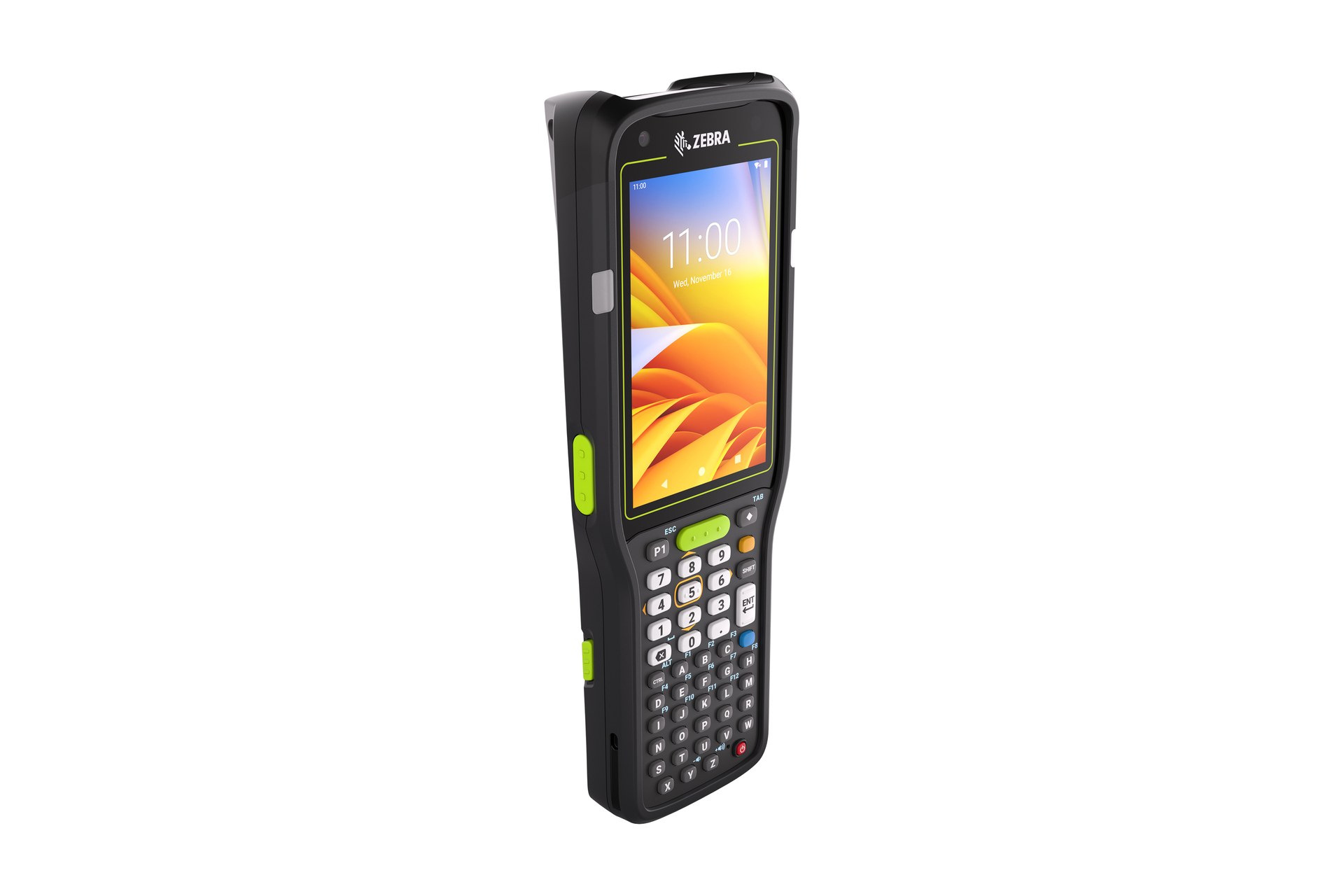
Mobile Computers
For mobile employees who need barcode capture, on-screen instructions and transaction entry in one handheld device. Build the trial around the on-screen task and data entry required at this checkpoint. Check scanning, keypad or touch input, carrying method, charging and required connectivity as one mobile workflow.

Barcode Scanners
For receiving, packing or review positions where goods are brought to a fixed workstation for identification. Use the real item, package or location codes from this checkpoint to review scan angle, distance, operator movement and connection. Include difficult but valid samples so the selection is based on the working environment.

Rugged Tablets
For work points that benefit from a larger display for task details, checks, exceptions or mobile supervision. Test the larger-screen work at its intended location and while moving if required. Check how the user holds or mounts the tablet, enters information and returns it for charging or hand-off.

Barcode and Label Printers
For planned print points producing item, carton, location or shipping identification with the selected consumables. Use the output required at this checkpoint to assess the print point, expected workload and operator handling. The printer, connection and consumables should be tested as one setup with the real label format.

Labels and Ribbons
For identification matched to the surface, application point, later exposure, print method and required service life. Use the label purpose required at this checkpoint to confirm size, material, adhesive and expected life against representative surfaces. If thermal-transfer printing is involved, check the ribbon together with the printer and label rather than as a separate purchase.
Labels and ribbons
Treat labels and ribbons as part of the working hardware system
A printer or mobile-printing decision is incomplete until the label is matched to the item, package, location or document used at this work point. Size, material, adhesive, surface, barcode layout and expected life all affect whether the identification remains usable.
For thermal-transfer printing, the ribbon also needs to suit the label material and printer configuration. Bring representative packaging, current labels and print samples so the printer, label and ribbon can be reviewed as one combination.
- Purpose and size:Define what the label identifies, the available space and the information or barcode it must carry.
- Surface and adhesive:Check cardboard, plastic, metal, reusable containers and any curved, cold or difficult surface.
- Environment and working life:Record temperature, moisture, abrasion, handling and how long the print must remain readable.
- Print method and ribbon:Confirm direct thermal or thermal transfer, then match the ribbon where thermal-transfer printing is used.
Labels for cold-chain work
Test the complete print-and-apply combination
A readable barcode depends on more than the printer. Bring representative packaging, the current label, print samples and handling requirements so the material, adhesive, ribbon or direct-thermal method can be reviewed together.
Surface and preparation
Identify the carton, plastic, film, metal or other surface, and how it is cleaned or prepared before application. Test the intended surface and environment with the actual barcode layout. Confirm whether direct thermal or thermal transfer is required, then review the consumable as part of the complete print workflow.
Application conditions
Record where the label is applied, the surface condition and the actual conditions at the time of application. Test the intended surface and environment with the actual barcode layout. Confirm whether direct thermal or thermal transfer is required, then review the consumable as part of the complete print workflow.
Later exposure
Explain later temperature changes, moisture, condensation, abrasion and handling that could affect identification. Test the intended surface and environment with the actual barcode layout. Confirm whether direct thermal or thermal transfer is required, then review the consumable as part of the complete print workflow.
Print method and life
Match direct thermal or thermal transfer output, label stock and ribbon to the information and usable life required. Use the label purpose required at this checkpoint to confirm size, material, adhesive and expected life against representative surfaces. If thermal-transfer printing is involved, check the ribbon together with the printer and label rather than as a separate purchase.
Clear responsibility boundaries
Separate data capture from refrigeration and temperature monitoring
Scanners, mobile computers, tablets and printers identify work and record transactions. They do not refrigerate goods or monitor product temperature by themselves. Refrigeration equipment, insulated transport and temperature-monitoring devices remain separate parts of the cold-chain operation.
If a sensor or monitoring platform must pass information to an existing application, confirm the equipment, interface, data fields, validation rules and responsibility for each system before defining the integration.

- Identity data:Confirm the item, barcode, lot or batch fields and location records managed by the existing application.
- Transaction data:Define what completes receiving, movement, picking, packing, dispatch and delivery hand-offs.
- Temperature data:Use only verified monitoring equipment and interfaces when temperature records are part of the required workflow.
Connected workflows
Review the operational stage closest to the current gap
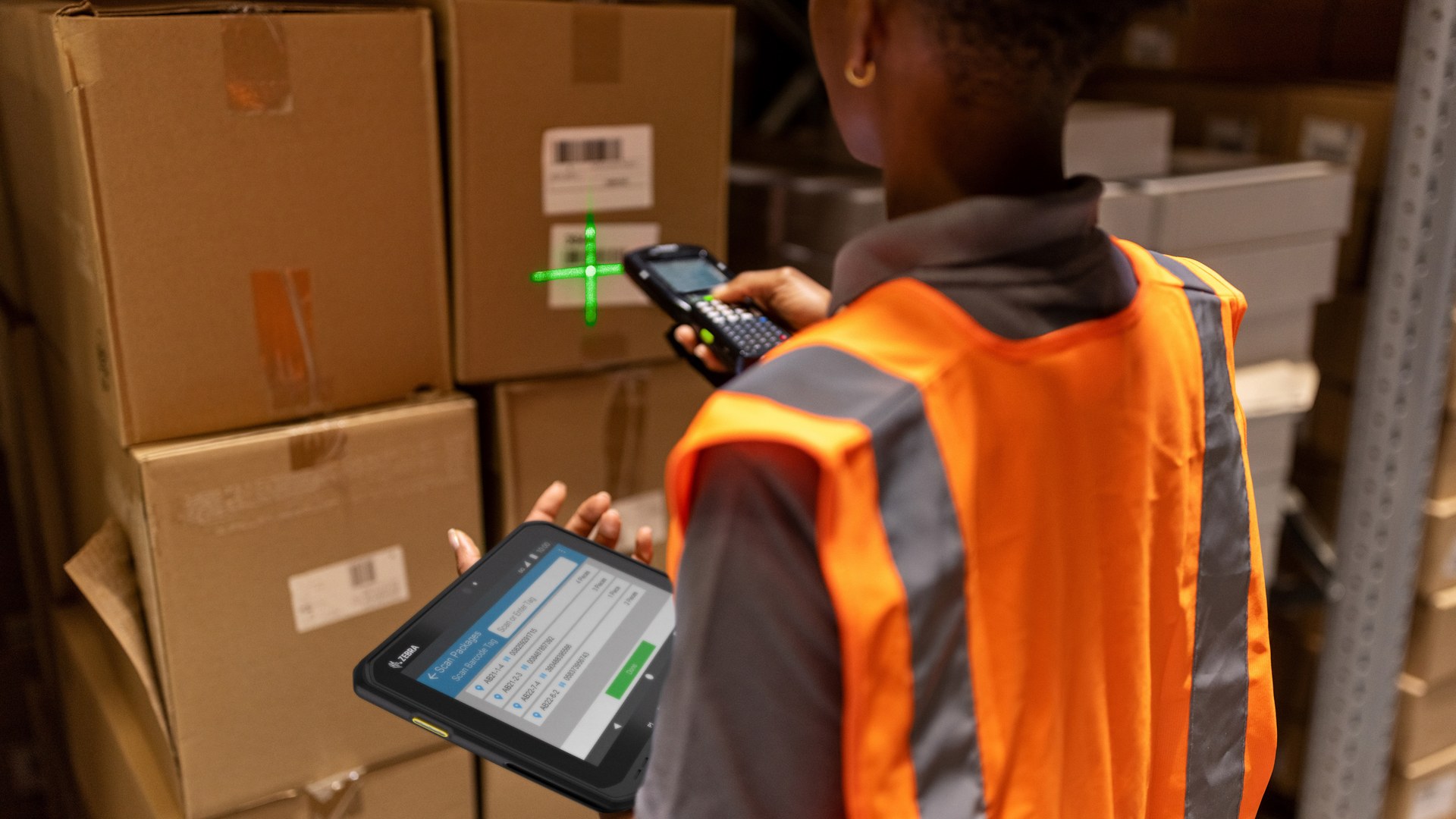
Warehouse Solutions
Connect receiving, storage, picking, packing and shipping checkpoints across the wider warehouse. The completed record should show the next user what was checked, what changed and what still requires attention, so the expected hand-off is clear at the real work point.
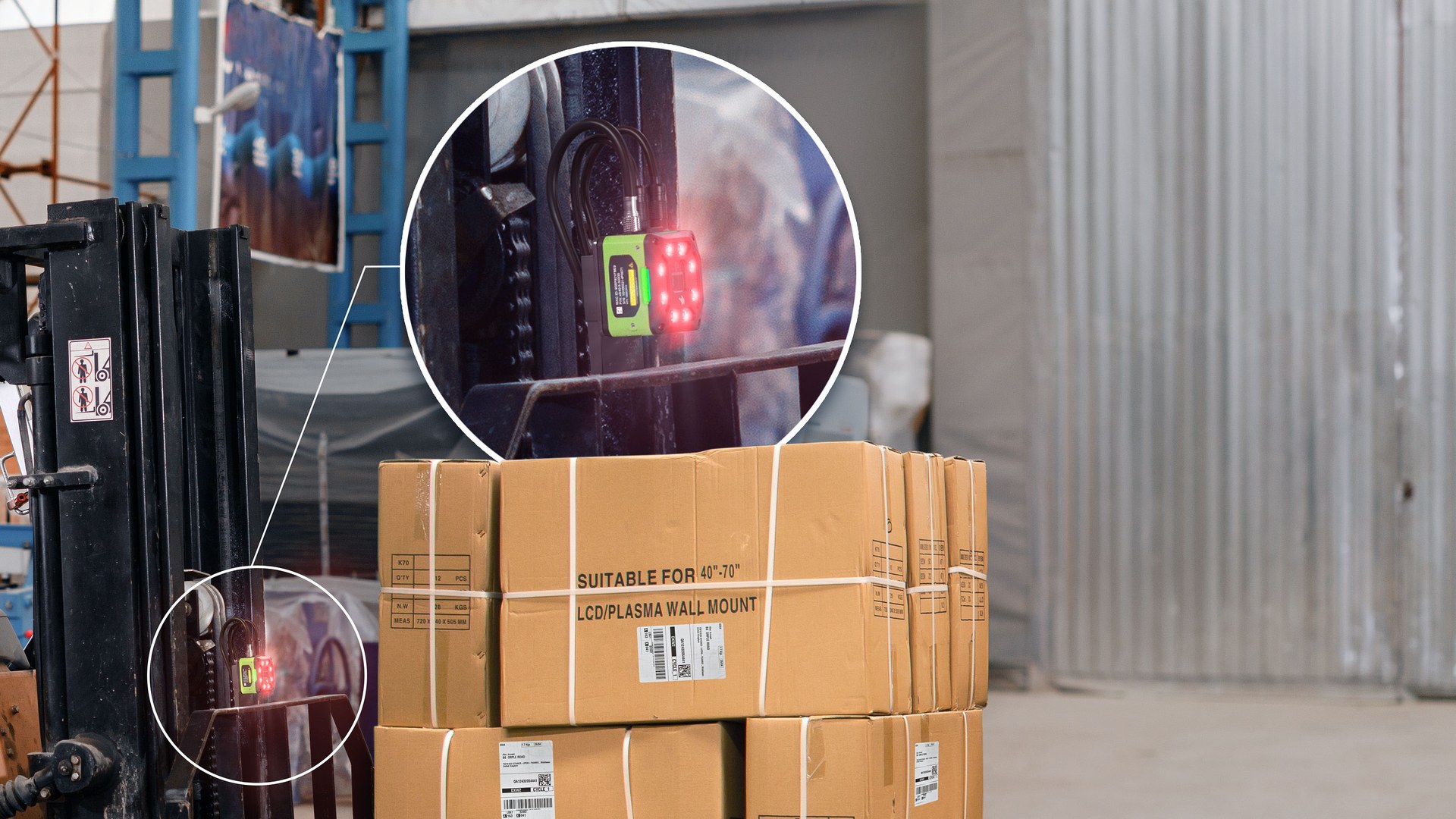
Receiving
Define the first identity, quantity and exception checks before goods enter controlled storage. Use the item, location, unit and quantity rules required at this checkpoint to prepare the scan or entry screen. When the physical result differs from the expected record, preserve the discrepancy for review instead of forcing a match.
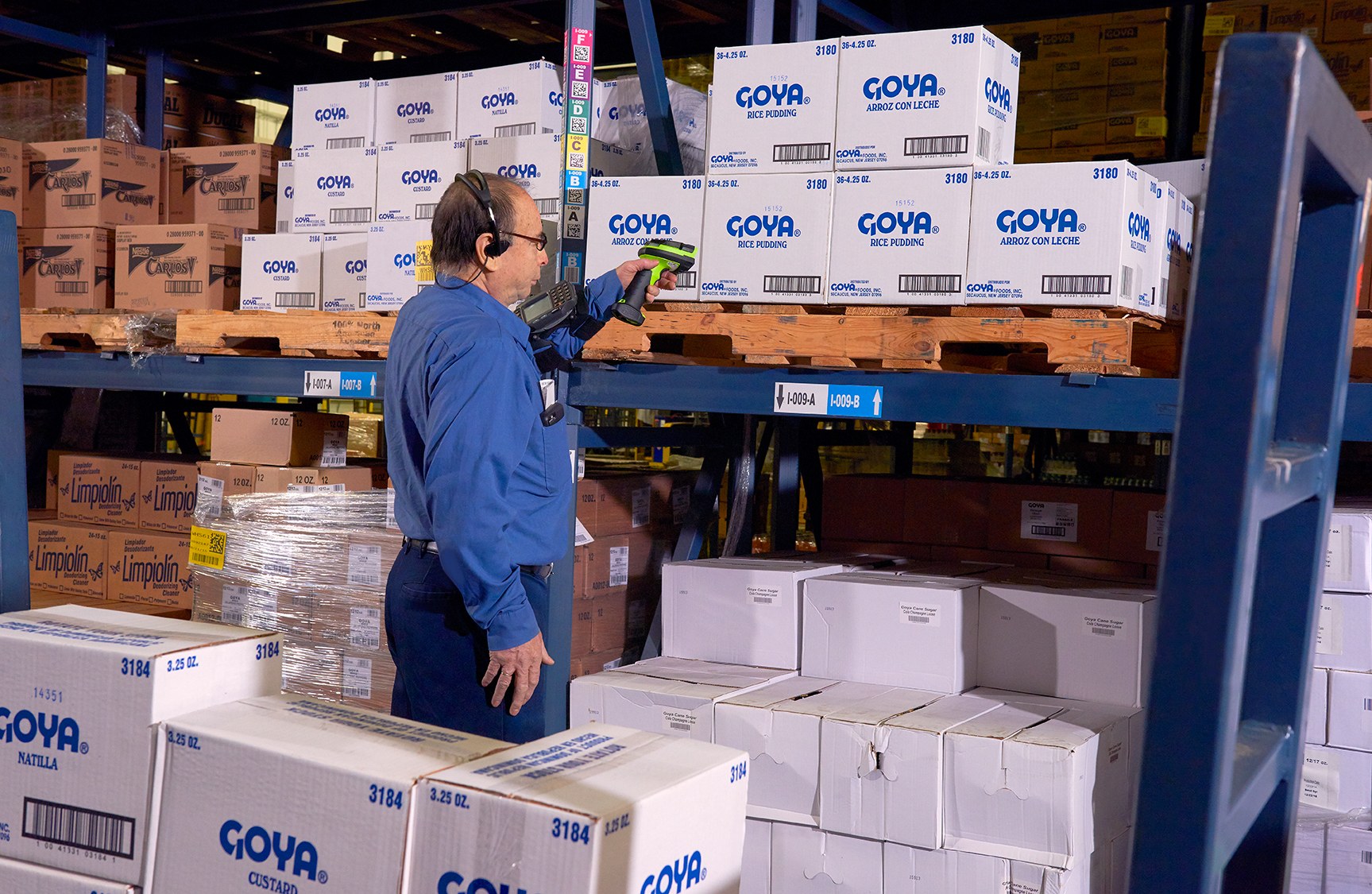
Picking
Guide mobile employees through the item, location and quantity checks required for each pick. Use the item, location, unit and quantity rules required at this checkpoint to prepare the scan or entry screen. When the physical result differs from the expected record, preserve the discrepancy for review instead of forcing a match.

Shipping
Complete the final order, label and hand-off record before goods leave the site. Use the label purpose required at this checkpoint to confirm size, material, adhesive and expected life against representative surfaces. If thermal-transfer printing is involved, check the ribbon together with the printer and label rather than as a separate purchase.
Prepare for a site review
Bring the evidence needed to narrow the product category
- Environment and transitions:Operating and storage conditions, moisture, transitions between zones, device storage and charging points.
- Employees and controls:Protective clothing, gloves, shift pattern, carrying method, screen use, buttons and mounting requirements.
- Barcode and label samples:Real codes, scan distance, damaged labels, item surfaces, current print samples and required label life.
- Application and connectivity:Current workflow screens, required records, Wi-Fi or mobile coverage, host connection, accessories and existing equipment.
Frequently asked questions
Cold-chain data-capture questions
Can any scanner be used in a cold room or freezer?
No assumption should be made. Check the selected product’s operating and storage guidance, protection, condensation handling, controls, battery, accessories and intended use against the real work point.
Do cold-chain labels need different materials?
They may. Test the label stock, adhesive, ribbon or direct-thermal method against the item surface, application conditions, later exposure, abrasion and required service life.
Should we use barcodes or RFID?
The choice depends on the item, tag or label, required read method, environment, volume and system record. RFID should be selected only after the tags, readers, placement and process have been tested together.
Does data-capture hardware monitor product temperature?
Not by itself. Data-capture hardware identifies work and records transactions. Temperature monitoring requires separate verified equipment and, where needed, a confirmed interface.
How should equipment move between cold and ambient zones?
Document each transition and follow the selected manufacturer’s current handling and environmental guidance. Confirm where equipment is stored, charged, mounted and transferred.
What should we prepare before contacting Easy Scan?
Share the workflow, operating conditions, zone transitions, barcode and label samples, scan distance, protective clothing, shifts, connectivity, current equipment and required records.
Review your cold-chain work points with Easy Scan
Tell us where goods are received, stored, picked and handed over, together with the operating conditions and records required. We can then discuss the relevant product categories, consumables and verification steps.
