

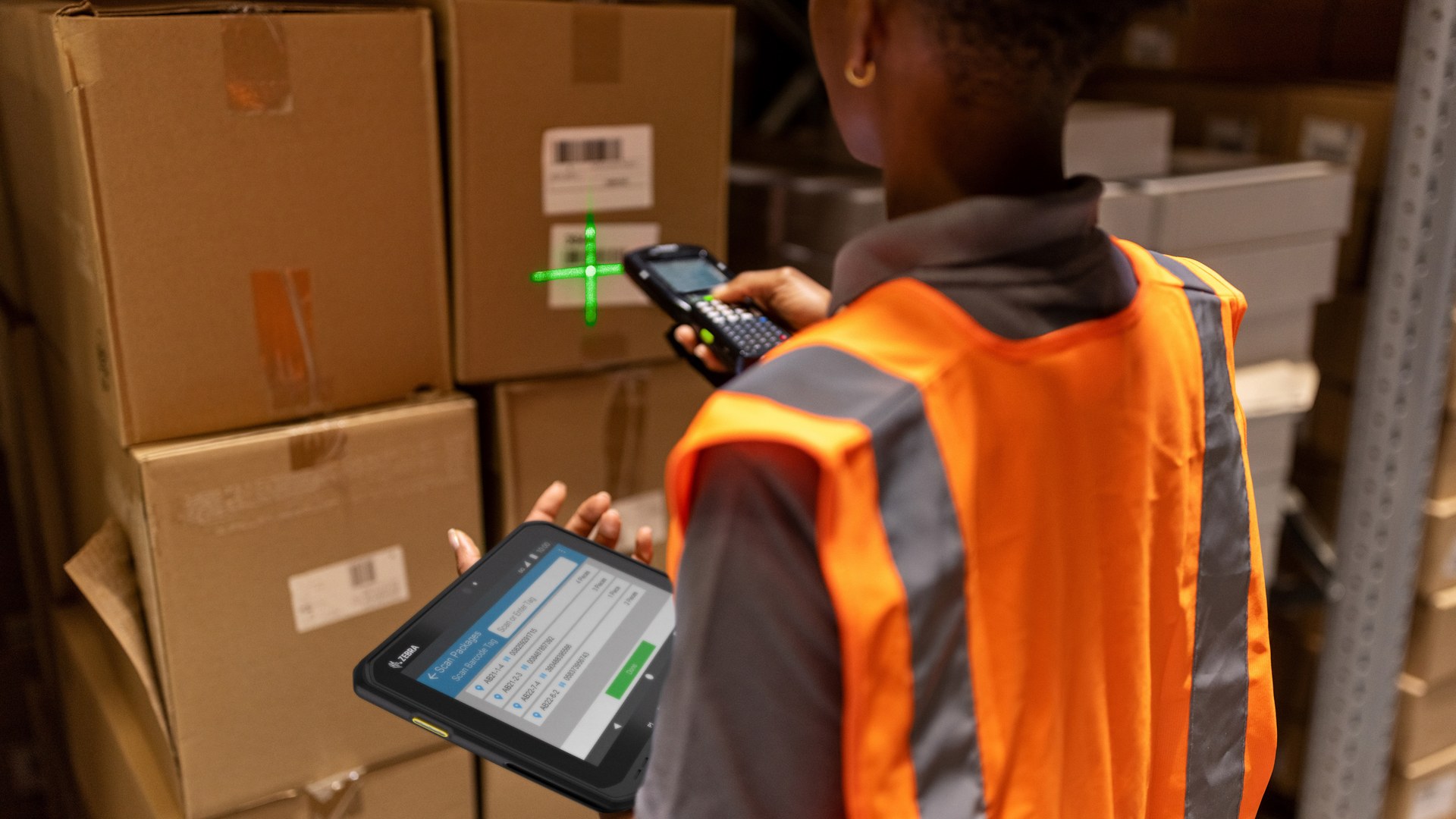
Warehouse hardware for Hong Kong operations
Warehouse Management Solutions for Hong Kong Operations
Improve the checkpoints that matter from receiving to dispatch. Easy Scan helps warehouse teams match barcode scanners, mobile computers, industrial label printers, RFID devices, labels and ribbons to the work employees complete on site.
Overview
What a connected warehouse operation needs to cover
Plan a connected receiving-to-shipping workflow before selecting devices. This page follows the physical checkpoints, records and hand-offs that should be understood before product categories are narrowed or a deployment is planned.
The primary equipment review covers Barcode scanners, Mobile computers, Barcode printers, RFID equipment, Labels and ribbons. Easy Scan can help match these categories to the site, workload, identification samples, connectivity, power and support route; exact configuration remains subject to application and compatibility checks.
- Operating scope:Which warehouse problem needs attention first?
- Critical hand-off:Connect each scan and print point to the next hand-off
- Equipment bundle:Review Barcode scanners, Mobile computers, Barcode printers, RFID equipment, Labels and ribbons by work point instead of beginning with individual models.
- Deployment evidence:Use representative users, items, locations and exceptions during the site walkthrough.
Start with the operational bottleneck
Which warehouse problem needs attention first?
Before comparing devices, record where the problem occurs, what the employee is trying to confirm and what happens after an exception. That evidence is more useful than starting with a list of model numbers.
Inbound checks take too long
Receiving staff must confirm goods, quantities or labels one by one, but the current work point makes scanning or recording differences difficult.
Document the expected receipt, actual quantity, label condition and discrepancy owner so staff know what can proceed and what must be held.
Stock reaches the wrong location
Items and destination locations are not clearly verified during put-away or replenishment, creating problems for the next pick.
Review both the source and destination scan, the location label and the blocked-move route before choosing a mobile device.
Picking checks are inconsistent
Mobile employees need to view the task, find the location and confirm the item and quantity without relying on memory.
Walk a real pick route and record screen, scanning, carrying, connectivity and short-pick requirements at each checkpoint.
Labels are unclear or lift from the surface
Barcode size, print method, adhesive, package surface and storage environment have not been reviewed together.
Use the actual item or package, current label and scanner to test application, readability and working life before approving the material.
Inventory counts consume too much time
The team needs to assess a mobile barcode workflow or, when items and the environment are suitable, test RFID tags and readers.
Define the count scope, item and location identity, variance route and approval step before deciding which capture method to trial.
Exception goods have no clear route
Returns, damage, quantity differences and unidentified items need a separate review point instead of joining the normal flow.
Set a controlled location, status and responsible owner so unresolved goods remain visible without contaminating available stock.
Receiving-to-dispatch flow
Connect each scan and print point to the next hand-off
A warehouse often uses more than one device type because a fixed desk, a moving operator and a print station create different requirements. Review the complete flow so that improving one work point does not create a new gap further downstream.
Warehouse product categories
Choose the product type for each warehouse work point
Start with the category that matches the work point, then narrow the product choice according to the site, samples, application, configuration and accessories.

Mobile Computers
Consider this category for employees who move between receiving, storage and picking locations and need scanning plus on-screen instructions in one handheld device.
Use it to present the next task, read an item or location barcode and record the operator’s confirmation without returning to a fixed workstation. Confirm the required scan configuration, accessories and application before ordering.

Rugged Tablets
Consider this category for mobile supervisors, inventory reviews, quality checks and work points that benefit from a larger screen.
It can display more detailed task, item or exception information than a compact handheld. Scanning and RFID options vary by configuration, so match the intended capture method and carrying or mounting arrangement first.
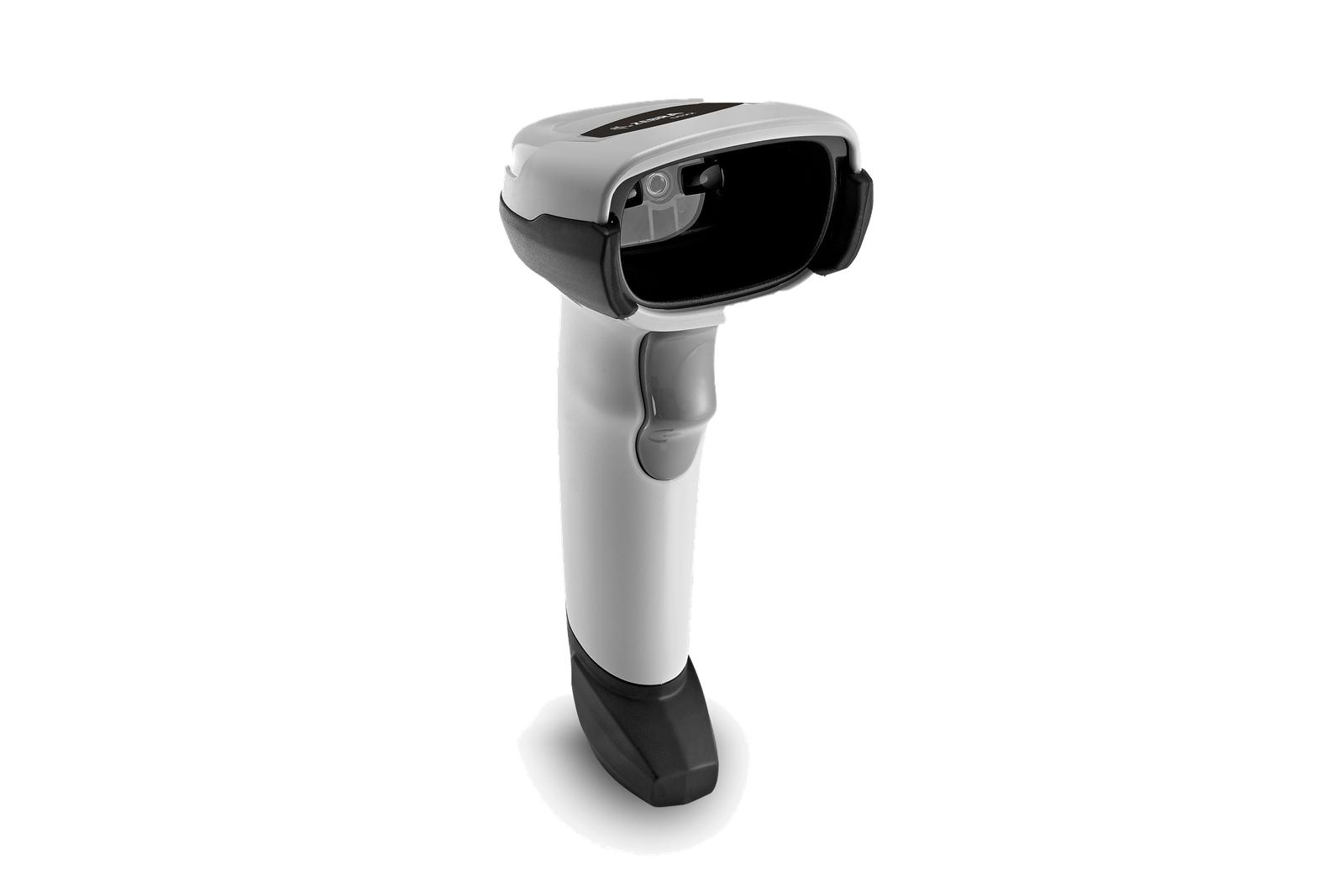
Barcode Scanners
Consider this category for a fixed receiving desk, packing bench, returns counter or other workstation where the item is brought to the scanner.
A corded workstation scanner can keep repeated verification straightforward without adding a mobile device to that work point. Check the barcode samples, presentation and required host connection.
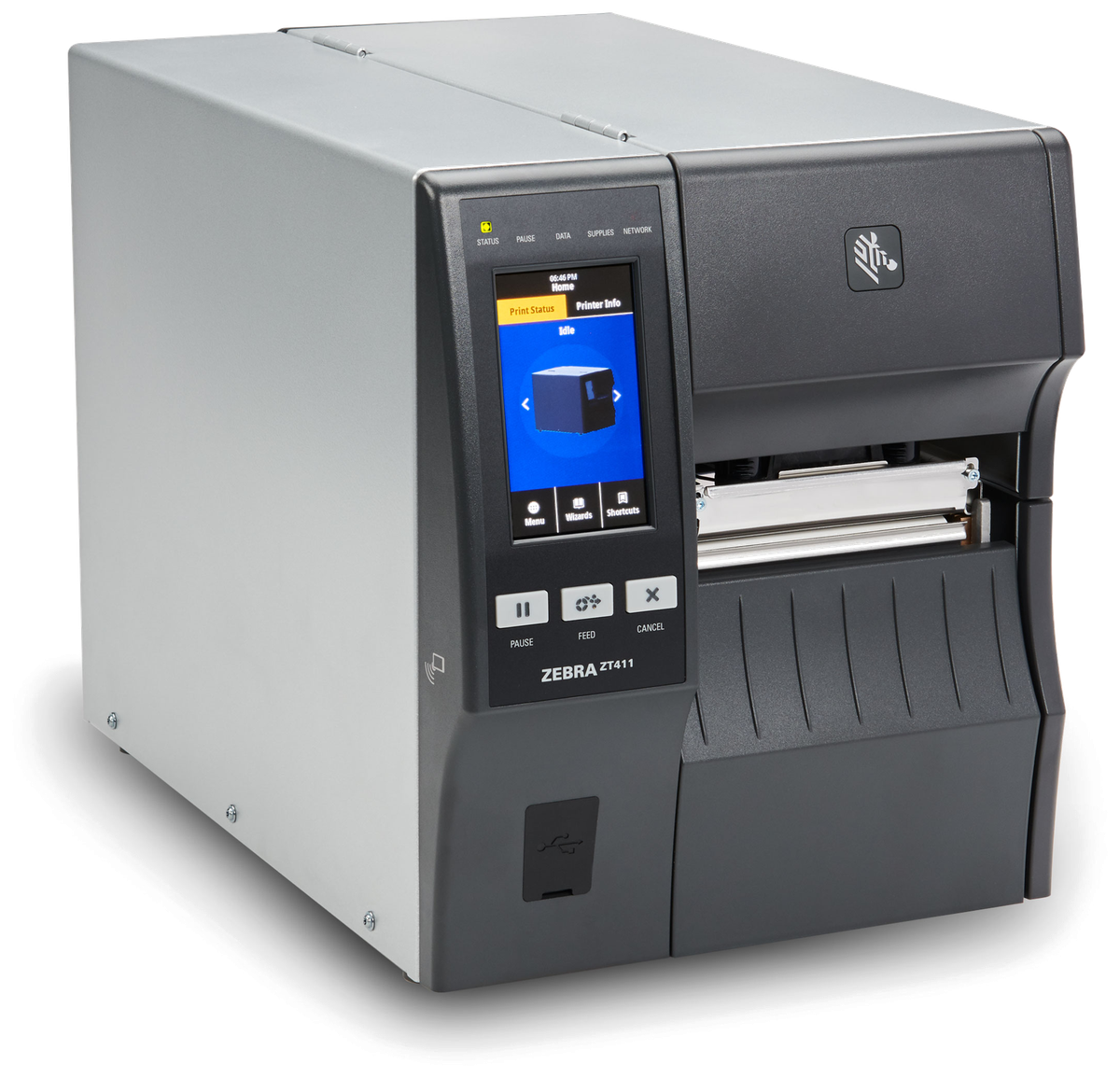
Barcode and Label Printers
Consider this category for planned warehouse print points producing item, location, carton, compliance or shipping labels.
Place the printer where labels are created or replaced, then match print method, label and ribbon to the surface, environment and expected life. Interface and configuration requirements should follow the application and print volume.

RFID Equipment
Consider this category for inventory or asset workflows where verified UHF RFID tags can be read more effectively than one barcode at a time.
RFID suitability depends on the tag, material, read area, process and application. Test representative tagged items in the real environment before deciding how it should support counting or item finding.

Labels and Ribbons
Consider this category with every printer decision. Match the size, material, adhesive, print method and environment to the item, location, carton or shipping label.
Bring the package, current label and print sample so the consumable and printer can be reviewed as one working combination.
Labels and ribbons
Treat labels and ribbons as part of the working hardware system
A printer or mobile-printing decision is incomplete until the label is matched to the item, package, location or document used at this work point. Size, material, adhesive, surface, barcode layout and expected life all affect whether the identification remains usable.
For thermal-transfer printing, the ribbon also needs to suit the label material and printer configuration. Bring representative packaging, current labels and print samples so the printer, label and ribbon can be reviewed as one combination.
- Purpose and size:Define what the label identifies, the available space and the information or barcode it must carry.
- Surface and adhesive:Check cardboard, plastic, metal, reusable containers and any curved, cold or difficult surface.
- Environment and working life:Record temperature, moisture, abrasion, handling and how long the print must remain readable.
- Print method and ribbon:Confirm direct thermal or thermal transfer, then match the ribbon where thermal-transfer printing is used.
Warehouse label validation
Test label performance at the real warehouse work point
After the material and ribbon direction is narrowed, validate how the printed identification performs during application, scanning, handling and replacement. A sample that looks acceptable at a desk may behave differently on a cold carton, reusable container, curved surface or busy dispatch route.
Apply and set
Check that the label can be positioned consistently and remains attached after the expected settling time.
Use the real surface, cleaning method and application pressure rather than relying on a loose sample at a desk.
Scan and verify
Use the actual scanners and working distance to confirm the barcode can be read at the receiving, storage, packing or shipping point.
Include both a new print and a handled sample so the test reflects the identification staff will meet later in the journey.
Handle and store
Expose the sample to representative moisture, abrasion, temperature changes and handling before approving it.
Record how long the label must remain readable and which condition would trigger replacement or a different material review.
Replace and control
Define who may reprint a damaged label, how the old identification is removed or invalidated and which record owns the change.
Test the exception at the real workstation so the replacement does not create two active identities for the same item.
Review the available labels and ribbons only after the work point, surface, print method and required label life are understood.
Explore the next work point
Choose the detailed warehouse solution closest to your bottleneck
These pages explain one operational stage in greater depth. Their current hero images help distinguish the work point before you open the full guide.
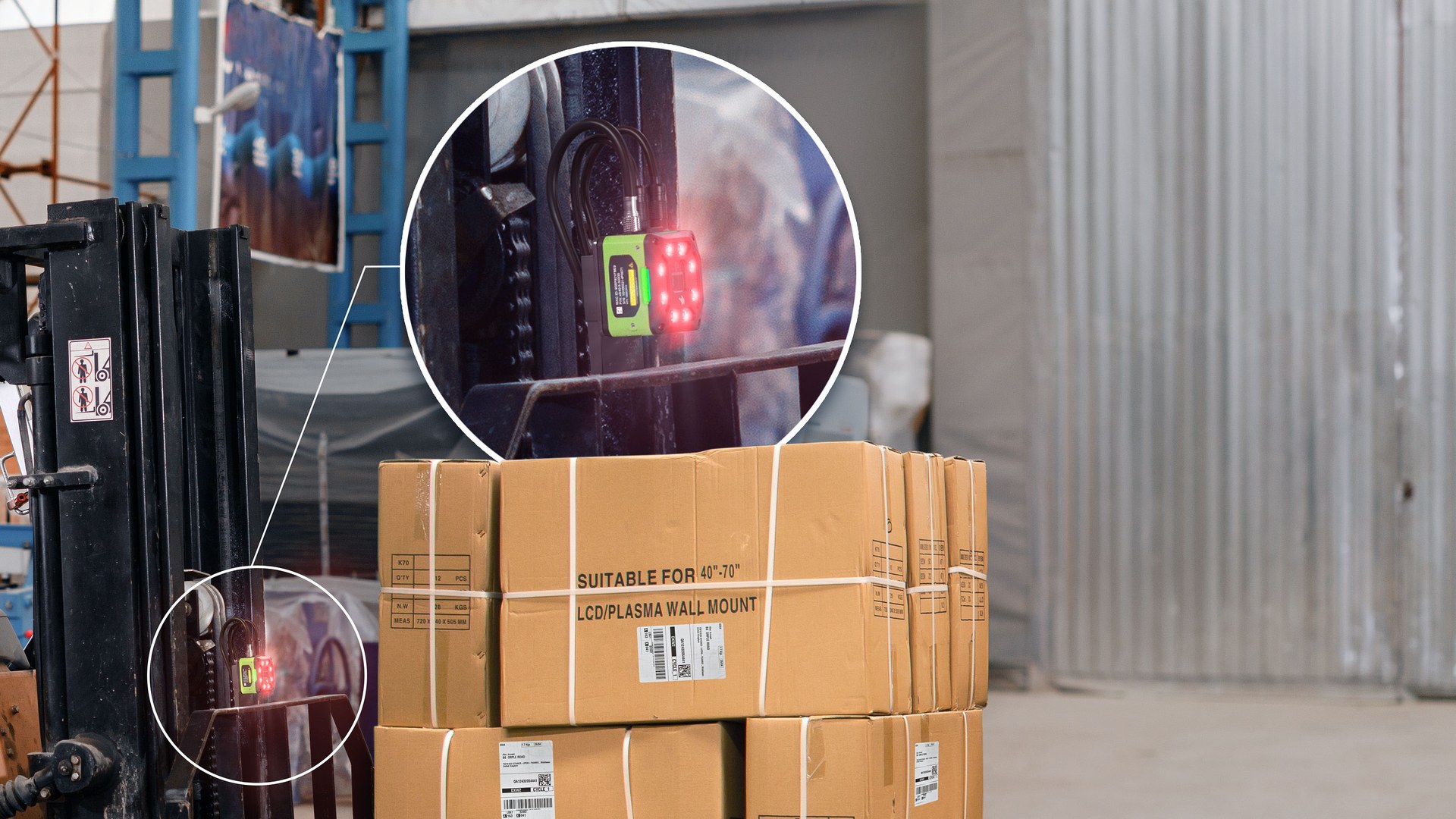
Receiving
Plan how staff check inbound goods, identify discrepancies and prepare stock for the next controlled movement. The completed record should show the next user what was checked, what changed and what still requires attention, so the expected hand-off is clear at the real work point.
Picking
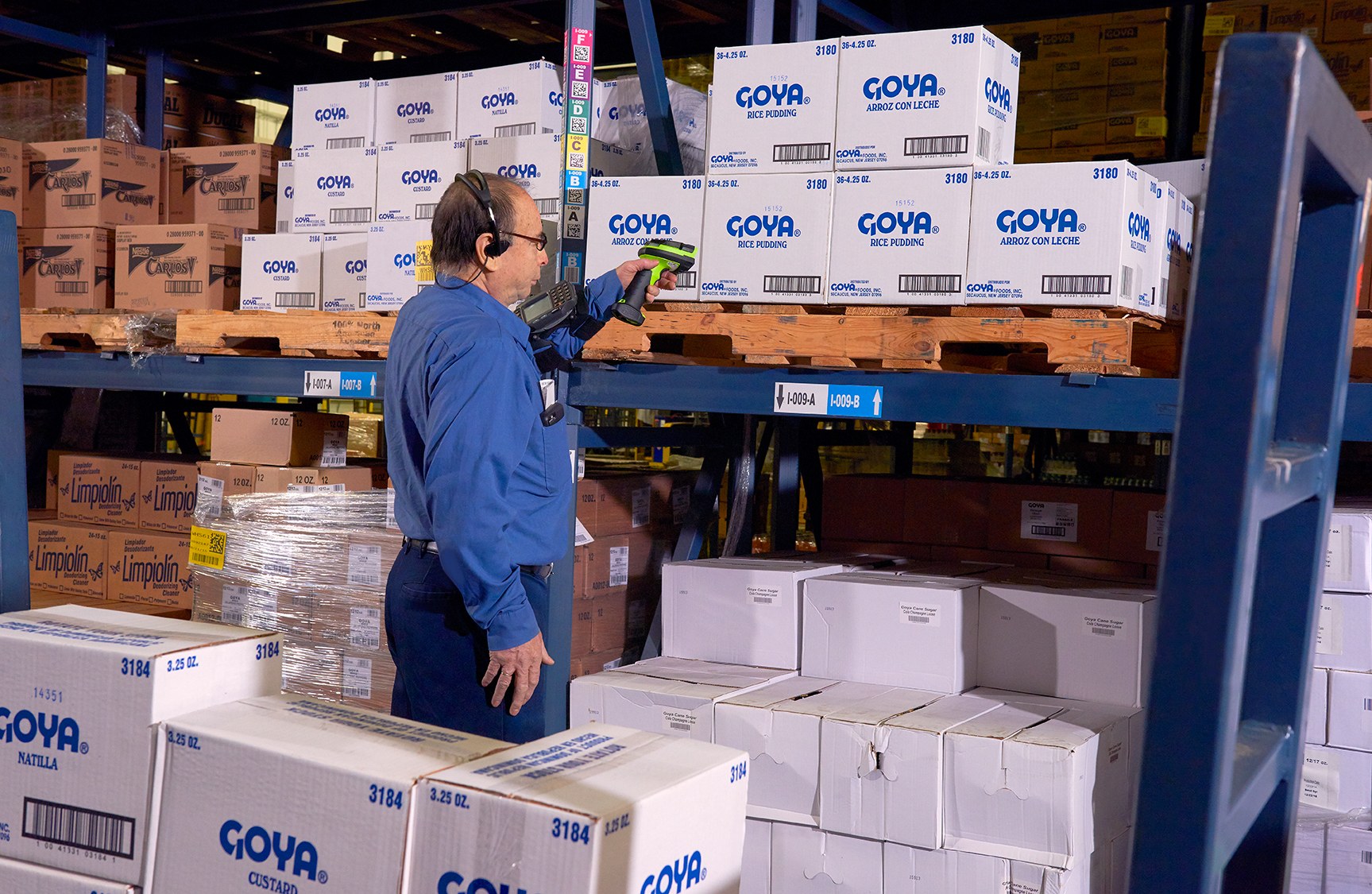
Review mobile item, location and quantity checks for employees moving through pick faces and storage areas. Keep the physical item, its identification and the resulting status connected throughout the process. If one element is missing, follow the page's exception route before the workflow continues.

Packing
Connect order verification, label printing and carton identification at a fixed packing station. The hand-off should provide a status that the next work area can act on. If the record and physical condition do not agree, preserve the difference for review rather than replacing the earlier status.

Shipping
Set the final checks for order identity, shipping labels and the hand-off before dispatch. The completed record should show the next user what was checked, what changed and what still requires attention, so the expected hand-off is clear at the real work point.
Reverse Logistics
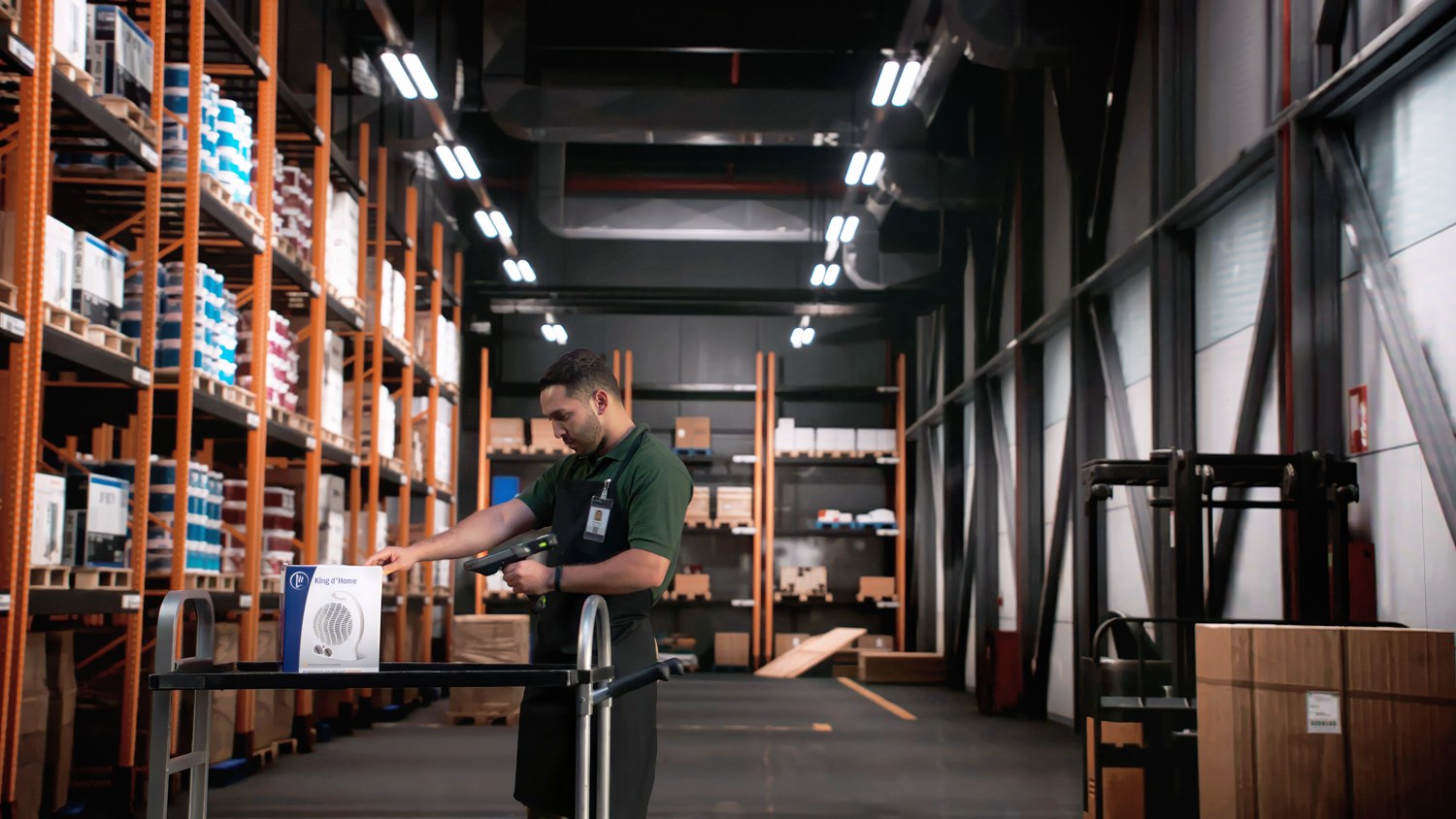
Create a separate identification and review route for returned, damaged or unexpected goods. Use representative returned goods to check how this status is recorded and handed to the next responsible area. Commercial disposition remains with the authorised business role, while hardware supports identification and evidence capture.
Prepare for a practical review
Show Easy Scan the real work point, barcode and exception
A useful discussion starts with the work your employees complete, not a list of model numbers. The following material helps narrow the product type and the questions that should be tested on site.
- Work-point photos:Show the bench, aisle, bay, lighting, operator movement and where equipment may be used or placed.
- Barcode and label samples:Include both easy-to-read and difficult labels, plus the package or surface that carries each one.
- Devices and application:List current scanners, computers, printers, network context and the application staff use.
- Common exceptions:Describe unreadable codes, quantity differences, damaged goods, relabelling and returned items.
For an existing equipment issue, visit Technical Support. For a new workflow or hardware review, contact Easy Scan with the information above.
Frequently asked questions
Warehouse hardware and workflow questions
Should we choose a fixed scanner or a mobile computer?
Use a fixed scanner when goods are brought to a stable workstation and the operator can work through a connected screen. Consider a mobile computer when the employee moves between goods and locations and needs both scanning and task information in hand.
Can one device cover receiving, picking and packing?
Possibly, but these work points often differ. Receiving and packing may suit fixed stations, while picking usually needs a mobile device. Compare the barcode, movement, screen, connection and accessories at each checkpoint before standardising.
When is RFID worth assessing?
Assess RFID when verified tags and readers may support inventory or asset work more effectively than individual barcode scans. Test representative items because tag type, material, read area, process and application all affect suitability.
How do we choose warehouse labels and ribbons?
Start with label dimensions, surface, adhesive, environment, required life, print method and barcode layout. Provide the actual package and current samples so the label, ribbon and printer can be reviewed together.
Can the hardware work with our current application?
That depends on the device configuration, connection method and how the application accepts scans, RFID reads or print jobs. Share the application, current devices and required transaction so compatibility can be checked instead of assumed.
What should we send with an enquiry?
Send the workflow stage, work-point photos, item and location codes, label samples, current devices, application details and two or three common exceptions. This gives the initial review a practical starting point.
Review one warehouse bottleneck with Easy Scan
Tell us where the problem occurs, what staff need to scan or print and which application they use. We can discuss the relevant hardware category and the samples needed for a more detailed review.
