


Business workflow hardware for Hong Kong operations
Business Hardware Solutions for Connected Workflows
Start with the work completed in your warehouse, logistics network, field operation or retail site, then match the scanning, mobile computing, printing, RFID, labels and deployment support required at each checkpoint.
Solutions overview
Build the solution around the work, not a device list
A useful hardware plan begins with the physical item, person, location or document that must be identified. It then defines what the employee needs to see or capture, what the next work point must receive and who handles an exception.
Easy Scan can help Hong Kong businesses review the equipment and supplies as one operating setup, including scanning position, carrying method, charging, connection, print point, label surface and local support route.
- Identify the checkpoint: receiving desk, aisle, dock, vehicle, customer site, counter, shelf or stockroom.
- Define the required action: scan, look up, enter, print, apply, read, confirm or hand over.
- Match the environment: space, movement, lighting, temperature, dust, power, connectivity and handling all affect the equipment choice.
- Keep exceptions visible: unreadable codes, damaged labels, mismatched quantities and incomplete records need an agreed review path.
Four operational starting points
Choose the workflow closest to your operation
Each hub connects a group of related work points. Use the closest hub first, then follow its child pages for the detailed process and equipment considerations.
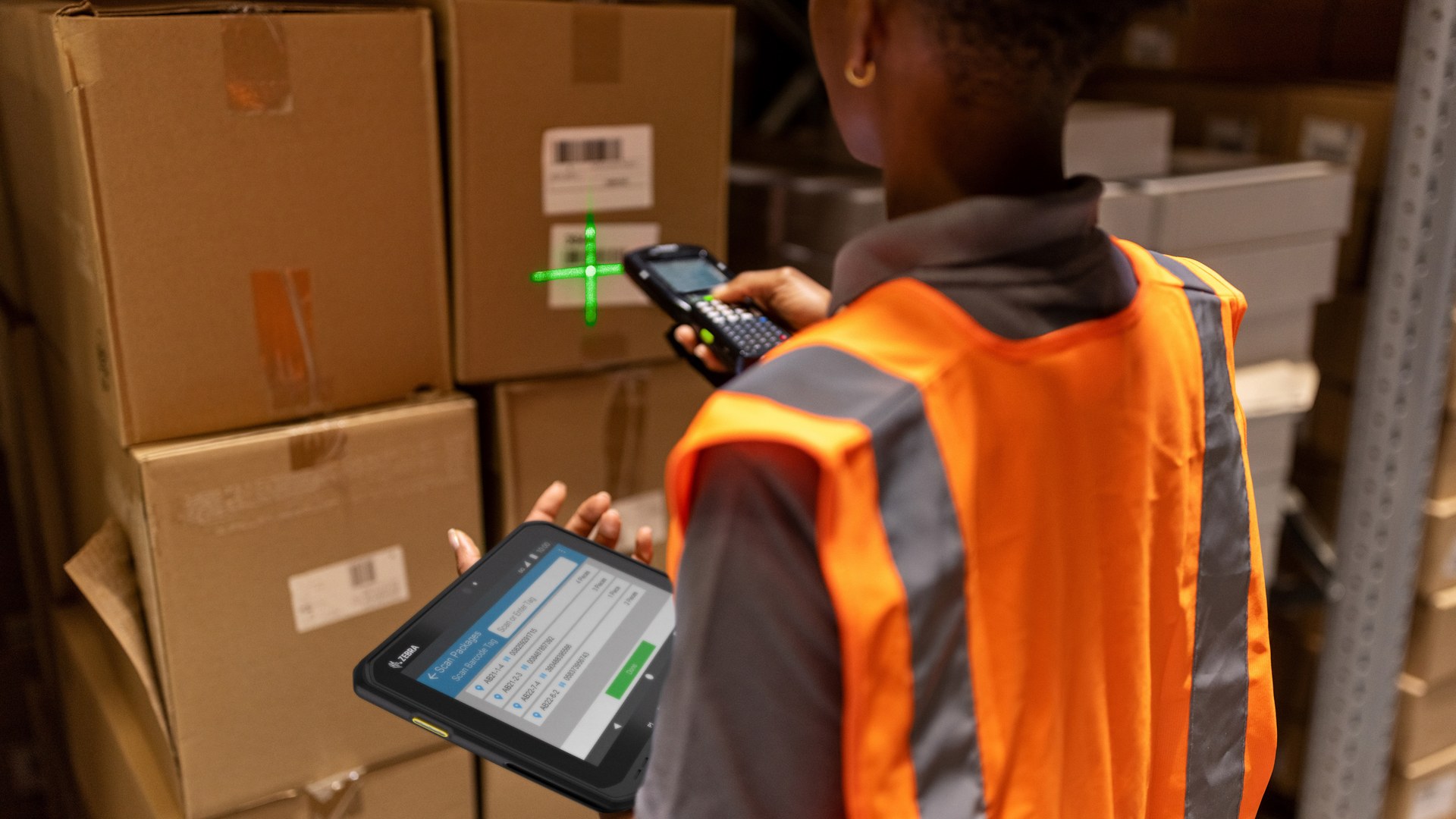
Warehouse Solutions
Connect receiving, put-away, replenishment, picking, materials handling, packing, shipping, returns and cross-docking. The hardware review follows how goods and location records move from arrival to dispatch.
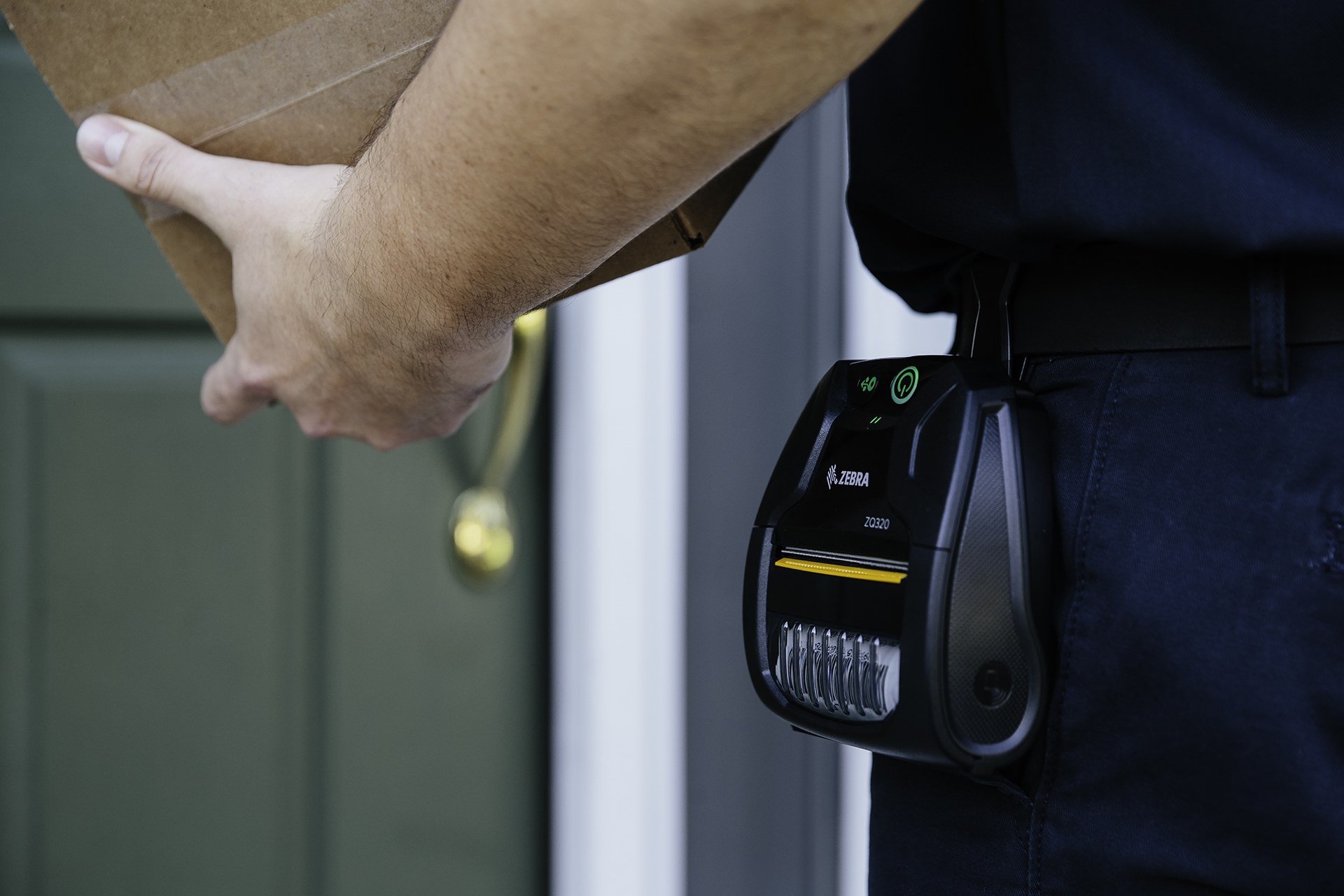
Transportation and Logistics
Plan identification and data capture across depots, yards, vehicles and delivery hand-offs. This hub covers courier work, assets and facilities, yard and container activity, and team coordination.

Field Operations
Review devices used away from a fixed desk, from direct store delivery and proof of delivery to fleet work and field service. Carrying, power, screen use, connectivity and mobile printing become part of the same decision.

Retail Technology Solutions
Connect checkout, inventory, loss prevention, merchandising, replenishment, fulfilment, returns, communication and frontline task work. Equipment is assessed at the counter, aisle, shelf and stockroom positions where it is used.
Workflow planning
Map the hand-offs before selecting equipment
The same barcode or application can pass through very different work positions. A practical review follows one representative journey and records what changes at each hand-off.
- Input: identify the order, item, asset, person, location, container or document available at the checkpoint.
- Employee action: define the instruction, scan, entry, print, application or confirmation the role must complete.
- Output: state what the next user or system should receive, including status, quantity, location, time or approved evidence.
- Exception owner: decide who reviews a mismatch, damaged label, failed read, missing record or unavailable connection.
- Operating kit: include the device, case, cradle, mount, charger, cable, battery plan, printer and consumables that the real work point requires.
Hardware and consumables
Compare product categories after the workflow is clear
The product image in each card represents the category. Final selection depends on the intended application, environment, connection, accessories, media and verified compatibility.
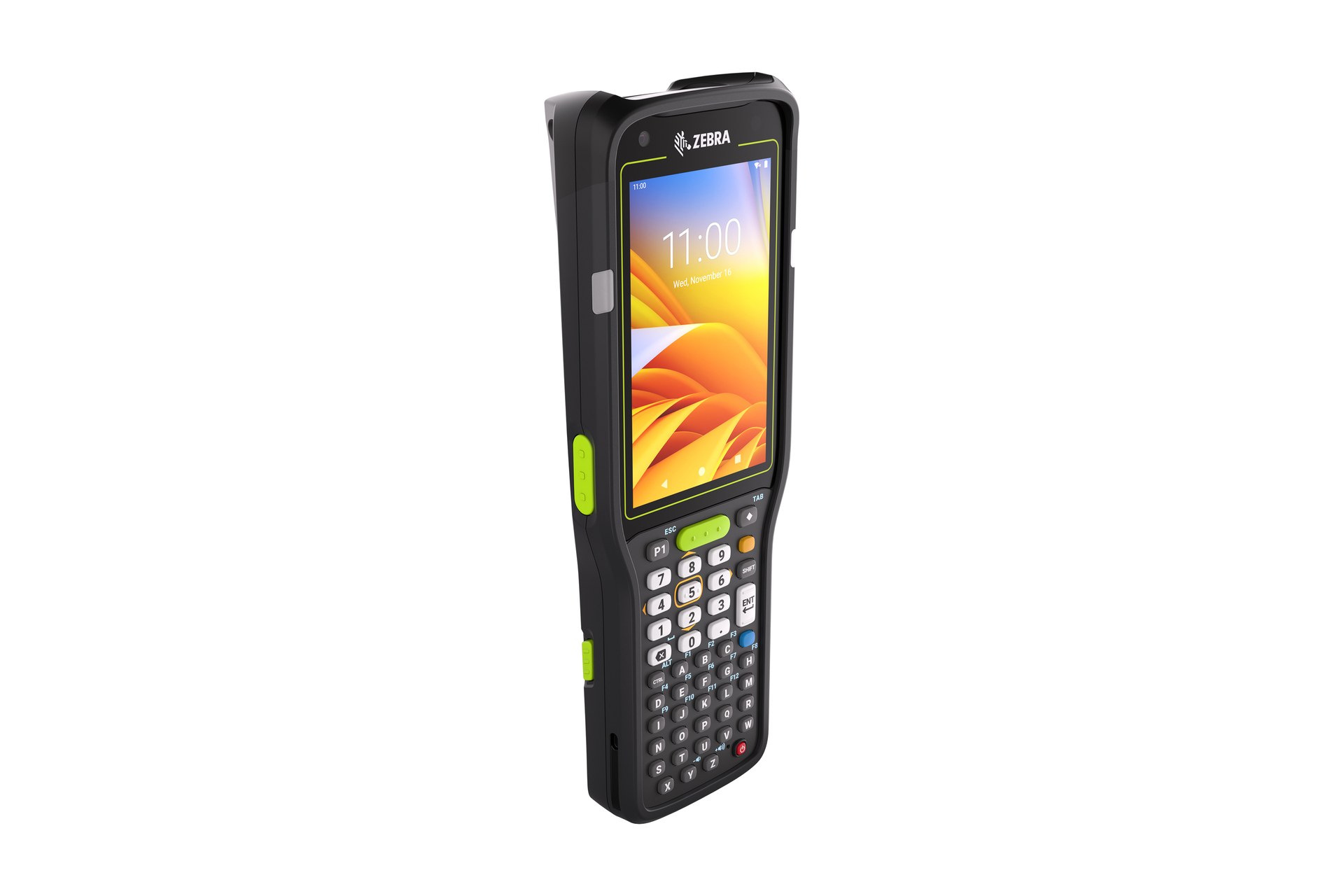
Mobile Computers
For employees who move between work points while viewing instructions, scanning and entering status. Review keypad or touch use, screen visibility, carrying method, accessories, charging and the connections required during the shift.

Rugged Tablets
For forms, documents, diagrams or exception work that benefits from a larger display. Check how the tablet is held or mounted, how information is entered and where the device is stored and charged between tasks.
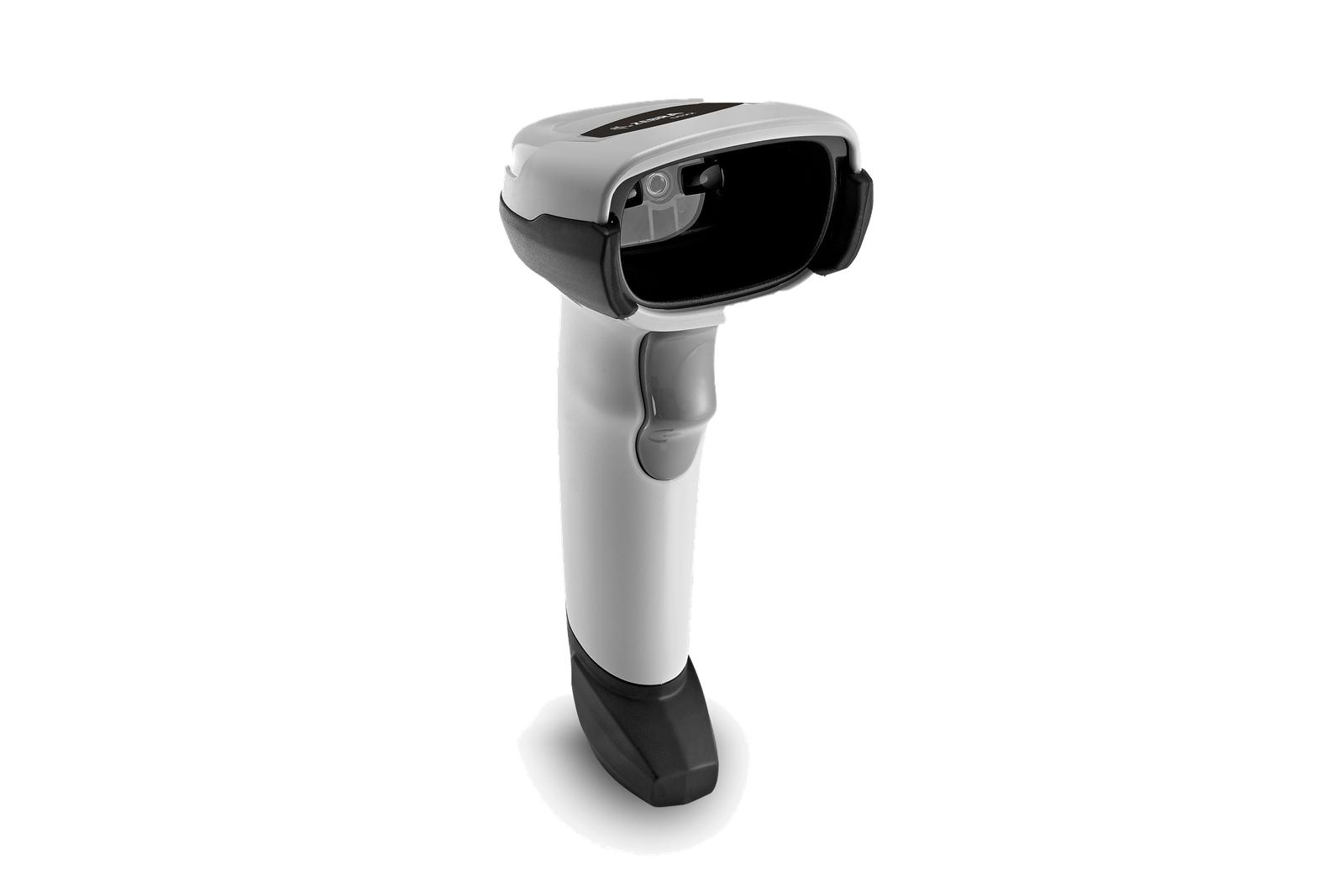
Barcode Scanners
For presented item, package, location, ticket or document codes. Use real valid samples to assess scan angle, distance, movement, code condition, operator position and the required host connection.
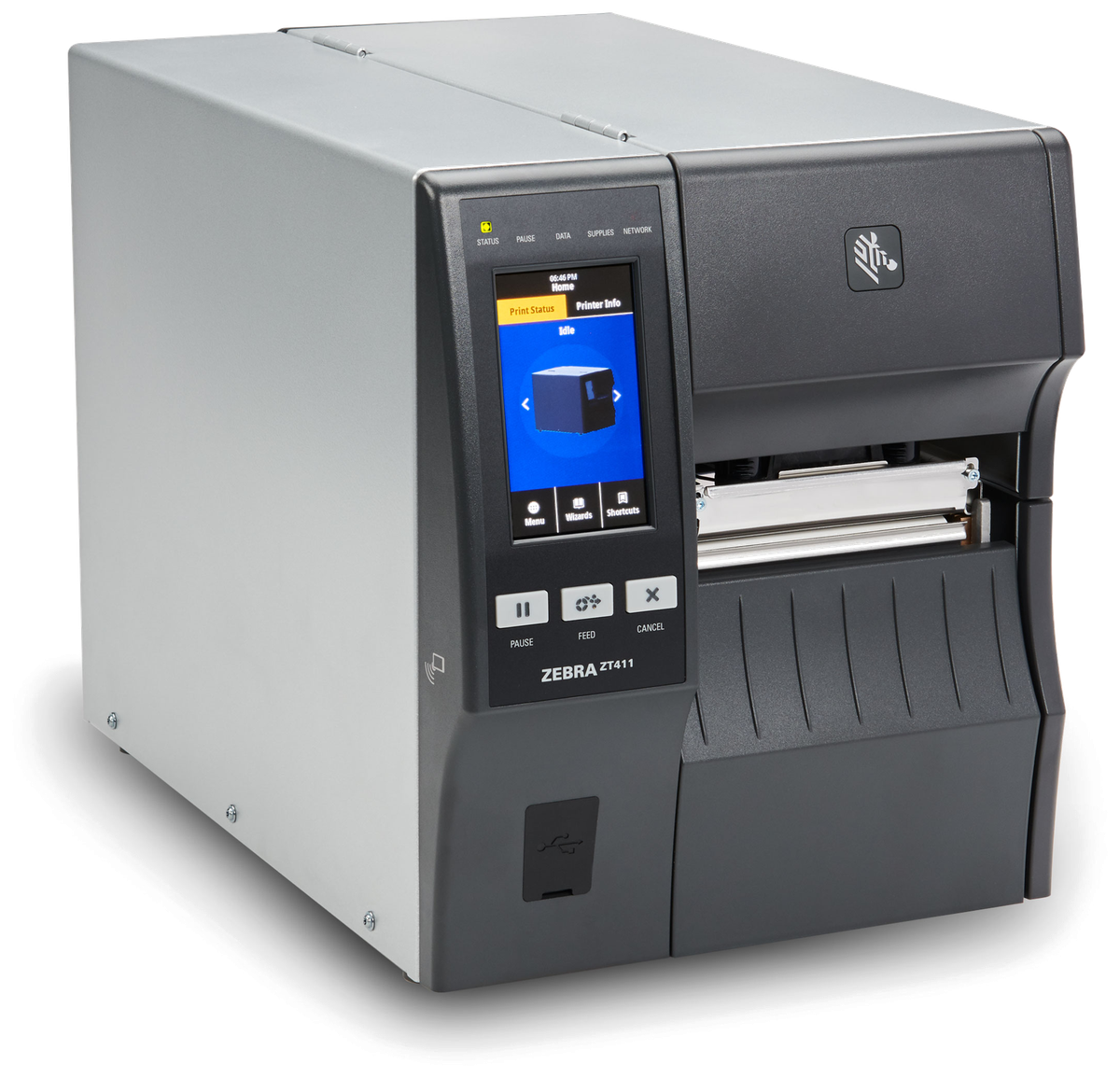
Barcode Printers
For controlled identification at a desk, packing station, production area, stockroom or dispatch point. Match print method, label size, workload, connection, placement and media replenishment to where the label is produced.

Mobile Printers
For approved labels, receipts or documents needed beside a trolley, dock, vehicle, shelf or customer hand-off. Review carrying, placement, power, connection and the exact output material as one mobile setup.

RFID Equipment
For workflows where a defined read area and suitable tag can support identification without presenting each barcode. Trial representative tags, materials and read positions, and record missed or unintended reads before deciding the role of RFID.

Labels and Ribbons
For labels that must remain readable on the intended product, carton, shelf, asset or container. Size, material, adhesive, surface, environment and required life determine the supply; thermal-transfer work also requires a suitable ribbon.
Selection checks
Review the complete operating setup
A device can be technically capable yet still be awkward at the real checkpoint. Include the surrounding equipment, supplies and support route when comparing options.
- Work position and handling: counter space, gloves, reach, carrying, mounting, cable route and simultaneous item handling.
- Device and connection: host equipment, application, wireless or cabled connection, screen or keypad use and verified compatibility.
- Power and continuity: charging location, shift pattern, docks, adapters and the agreed response when equipment is unavailable.
- Print and identification: barcode quality, label format, surface, material, adhesive, ribbon, print position and replenishment method.
- Deployment and support: setup ownership, user hand-over, approved configuration records, support contact and replacement decision path.
Labels and ribbons
Treat identification supplies as part of the hardware solution
The printer, label and ribbon need to work together at the intended print point. Before narrowing the supply, define the label purpose, size, information, surface, environment, expected life and whether direct thermal or thermal-transfer printing is required.
Provide representative packaging, existing labels and a print sample for review. A sample on the intended surface gives a more useful basis for checking readability and adhesion than selecting supplies from dimensions alone.
Secondary SME ERP layer
Connect approved operational records when the workflow requires it
Hardware captures or presents information at the work point; it does not define the business record by itself. Where a selected SME ERP or business system supports the process, a separate integration review can map identifiers, fields, permissions, timing and exception handling.
Define the source record
Confirm which order, item, asset, location, customer or service record is authoritative before a device submits an update. This keeps scans and entries tied to an approved business context.
Control the hand-off
Agree the destination field, status, validation, duplicate prevention, retry method and exception owner. Integration scope remains subject to the selected system and an available supported interface.
Hong Kong deployment support
Prepare the equipment for the real work point
Easy Scan can help review the device category, accessories, labels, ribbons, connectivity assumptions and deployment tasks against the intended operation. Exact product choice and configuration are confirmed after the relevant samples, site conditions and application requirements are checked.
- Discovery: map roles, work points, item flow, output and exception ownership.
- Equipment review: compare suitable categories with representative codes, items, labels, surfaces and work positions.
- Deployment preparation: record approved setup, accessories, charging, placement and user hand-over requirements.
- Technical support route: keep device identity, configuration context and the observed issue available when requesting assistance.
Frequently asked questions
Planning business workflow hardware
Which solution hub should I start with?
Choose the hub containing the main physical work point: warehouse, transportation and logistics, field operations or retail. Related processes can be linked later without duplicating the same child page under several hubs.
Do I need to choose a product model before contacting Easy Scan?
No. Start with the work point, item or document, expected action, environment, connection, output and exception route. These details provide a better basis for comparing the relevant product categories.
Can barcode scanning, printing and labels be reviewed together?
Yes. Bring representative codes, packaging, labels and required outputs. The scanner, printer, label, ribbon, connection and application assumptions should be checked as one operating setup.
When should RFID be considered?
Consider RFID when a defined tag-and-reader workflow may support the identification task. Trial the intended tags, materials, read areas and controls, and record missed or unintended reads before deciding how RFID complements barcode checkpoints.
Does the hardware automatically connect to SME ERP?
No. Integration needs an approved source record, agreed identifiers and fields, permissions, validation, timing, exception handling and an available supported interface in the selected system.
What should I prepare for an equipment review?
Prepare representative items, barcodes, labels, packaging, work positions, current devices, required applications, connection details, expected output and the people who perform and supervise the workflow.
Plan the next checkpoint
Review your workflow hardware with Easy Scan
Tell us where the work happens, what must be identified or printed and what the next work point needs to receive. We can then narrow the relevant hardware, supplies and deployment questions.
