

Warehouse Receiving Guide for Hong Kong Businesses
Warehouse Receiving SOP: From Delivery Checks and Carton Labels to Put-away
A practical receiving SOP matches each delivery to an approved inbound record, identifies and checks every managed carton or pallet, isolates discrepancies before stock becomes available, and confirms both the handling unit and destination during put-away. Barcode scanning, mobile computers and controlled labels can reduce repeated entry, but only when the data, decision rules and exception owners are clear.
Provide an approved inbound reference
Give the receiving team a purchase order, inbound shipment, transfer or other permitted record. If the supplier sends an ASN, process it before arrival so expected units can be matched.
Make every scan produce a decision
The screen should identify the item, packaging level, quantity, status and next action. Merely entering a barcode into a field is not the same as validating a receipt.
Confirm the goods and the destination
During put-away, scan the carton, pallet or internal handling-unit label and the physical location so the system record moves with the goods.
Standard Workflow
How should a warehouse receiving SOP run from arrival to put-away?
This sequence is a practical baseline that can be adjusted for the warehouse, system and product controls. Not every business needs the same fields, inspection depth or approval levels.
| Step | Frontline action | Completion condition |
|---|---|---|
| 1. Prepare inbound data | Open the purchase order, inbound shipment, transfer or ASN; confirm supplier, delivery date and expected goods. | An approved, traceable inbound reference is available. |
| 2. Check before unloading | Review the delivery document and count cartons or pallets while noting visible packaging issues. | The physical delivery can be matched to its document. |
| 3. Identify each unit | Scan a supplier carton label, item barcode, SSCC or configured internal handling-unit ID. | Every independently managed unit has a usable identity. |
| 4. Count and inspect | Confirm quantity, packaging level and unit of measure; capture lot, serial or date data only where controlled; check damage, moisture or tampering. | Actual quantity and condition are recorded, with discrepancies separated. |
| 5. Handle exceptions | Move shortages, overages, damaged goods, unknown items or unreadable labels to the defined hold area and record the reason. | The physical hold and system status agree. |
| 6. Apply an internal label | Where needed, print a controlled carton, pallet or LPN label and scan it back after application. | The new ID is unique, readable and linked to the correct receipt. |
| 7. Confirm the receipt | Review accepted, rejected and held quantities before the authorised user posts or confirms the receipt. | Only approved goods become available stock. |
| 8. Create and complete put-away | Move the identified unit to the directed bin, then scan both the goods and destination at the point of placement. | Physical goods, quantity, status and final location agree. |
Scanning and Carton Labelling
Place barcode controls at identification, validation, exception and put-away points
A barcode links the physical unit to a data record. The business system still has to decide which supplier, item, packaging level, inbound document and stock status it represents.

Can the supplier label be used?
Confirm the barcode format, data mapping, packaging level and duplicate handling. A GTIN identifies a trade-item class; an SSCC identifies a logistic unit.
Does one scan mean one item?
Not always. A pallet, carton, inner pack and single item can represent different quantities. Show the unit and quantity before confirmation.
When is an internal label needed?
Print one when the supplier label is missing, unreadable or unsuitable for the internal workflow, or when the WMS or ERP requires an internal LPN.
Scan both the unit and location
Complete work only after scanning at the physical storage point. A location barcode scanned away from the rack does not confirm placement.
Equipment Roles
What should scanners, mobile computers, printers and the WMS or ERP each do?
Before comparing hardware, decide what staff must see, enter and approve at each step, whether they move through the site, and whether they need photos or exception options.

Fixed workstation
For document review, exceptions and central printing
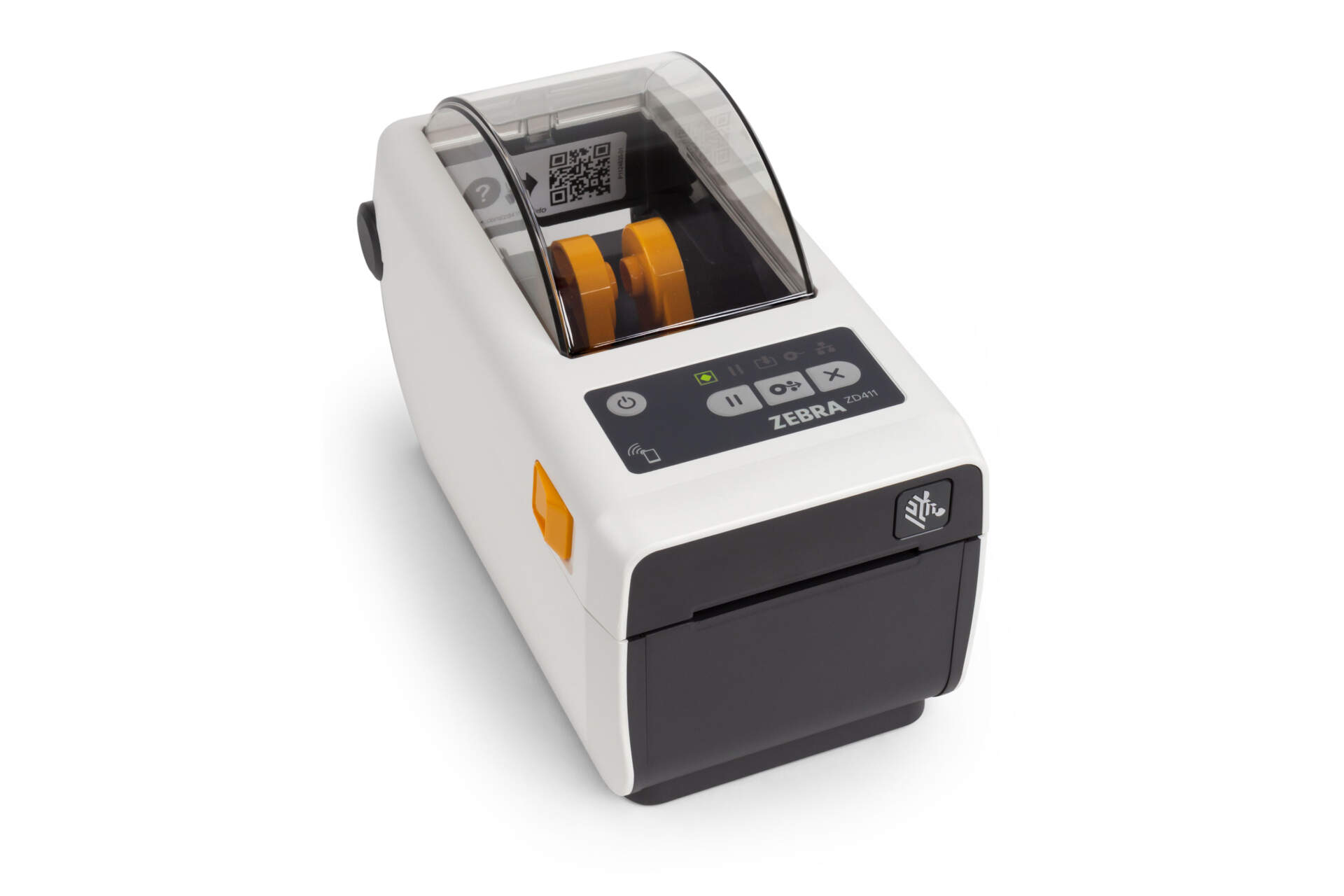
A fixed station can combine a PC, barcode scanner and desktop or industrial barcode printer. Compare print demand, label size, media, connection and the receiving environment before selecting a model.

Mobile workflow
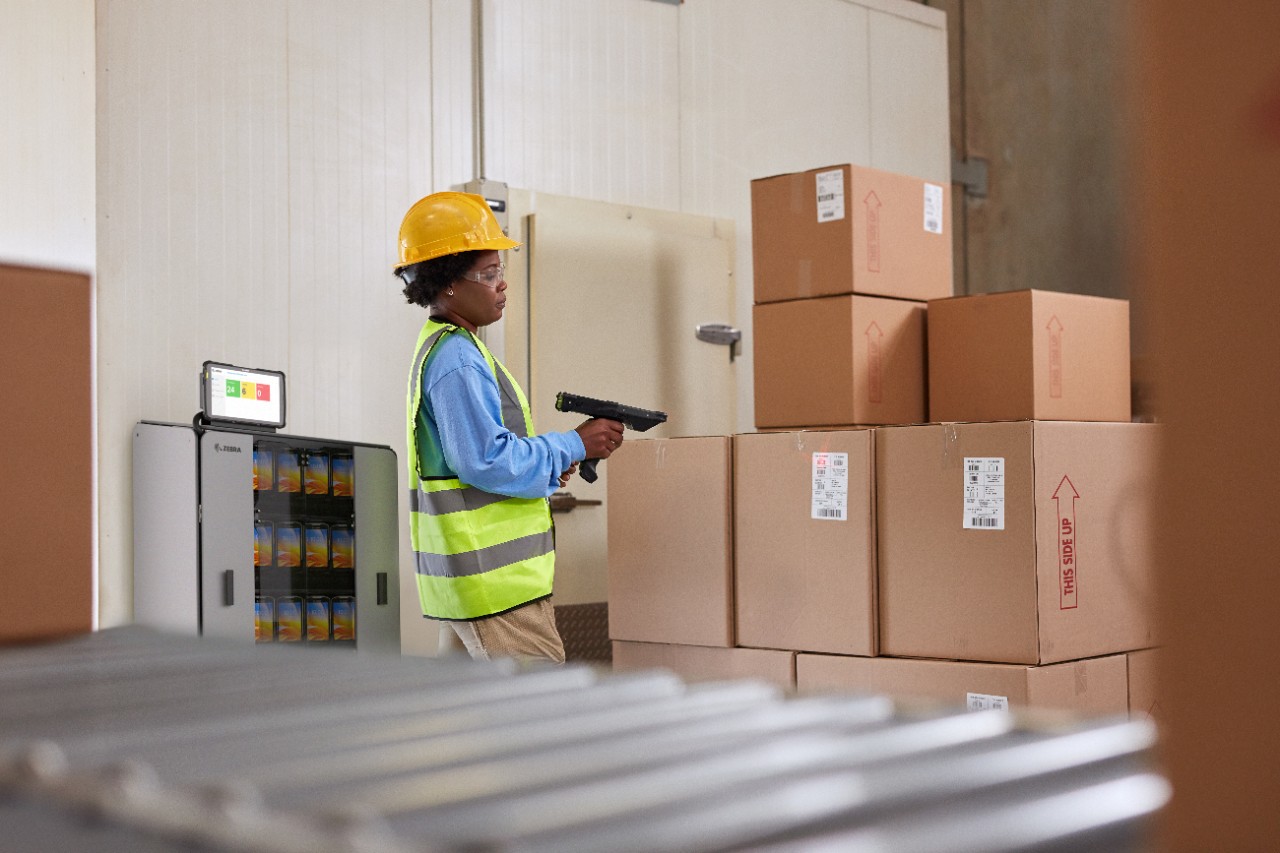
For receiving, inspection and put-away away from a desk
Mobile computers or rugged tablets fit workflows that require task viewing, quantity entry, exception selection, photos or bin confirmation. Test Wi-Fi, battery, cradle, durability and application compatibility on site.
Hardware is the entry point; the system applies the rules
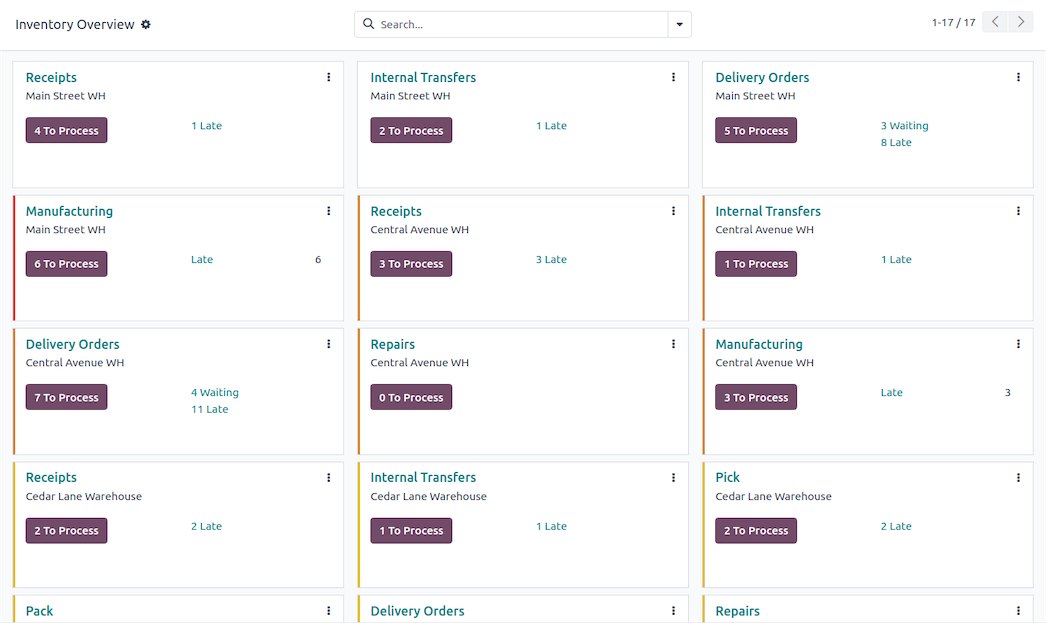
A scanner reads identifiers, a printer produces controlled labels, and the WMS or ERP connects those identifiers to the order, stock status, exception and location. Replacing hardware alone will not fix undefined receiving data or approvals.
Exception Handling
How should shortages, overages, damage and unknown goods be controlled?
Keep questionable goods out of normal stock. A visible physical hold needs a matching unavailable, inspection or other controlled system status.

| Exception | Immediate action | Evidence to retain |
|---|---|---|
| Shortage or overage | Count again, verify the packaging level and use the approved tolerance or escalation path. | Expected and actual quantity, UOM, reason, user and approval. |
| Damage, moisture or broken seal | Stop normal receipt for the affected unit, identify it and move it to quarantine or inspection. | Unit, quantity, condition, photos, decision and final disposition. |
| Unreadable or duplicate barcode | Do not guess. Use documents and product evidence to confirm identity before controlled relabelling. | Original value or image, replacement ID, reason and timestamp. |
| Unknown item or no inbound line | Segregate it and prevent available-stock posting until an authorised inbound basis exists. | Supplier, delivery reference, description, quantity and decision. |
| System, network or printer outage | Use only an approved downtime queue, then reconcile each physical unit after recovery and check for duplicates. | Outage time, temporary ID, recovered transaction and duplicate check. |
Put-away Control
How can receiving teams prevent goods from being placed in the wrong bin?
Put-away work should carry the handling unit, quantity, status and proposed destination from the receipt. At the destination, the operator confirms the unit and location before completing the task.

Identify the goods in receiving
Scan the carton, pallet or LPN and confirm that the quantity and status belong to the open put-away task.
Follow the configured location logic
The system may suggest a bin based on product, capacity, zone or another rule. Define what happens when the bin is full.
Scan the physical destination
Complete the task only after confirming the handling unit and location, then retain user, time, quantity and final bin.
Deployment and Improvement
Warehouse receiving deployment checklist
Map how receiving works today
- Inbound documents and approval owners
- SKUs, packaging levels, lots or serials
- Accepted, held and returned stock statuses
- Receiving, staging and bin-location codes
Test in the real operating area
- Docks, aisles, cold rooms and lift routes
- Wi-Fi coverage, roaming and outage recovery
- Normal, reflective, damaged and distant barcodes
- Print demand, media, charging and spare devices
Start with one flow or zone
- Test normal, short, damaged, duplicate and wrong-bin cases
- Train staff on decisions, not only device buttons
- Record every manual workaround
- Correct gaps before a phased expansion
| KPI | Suggested definition | Improvement question |
|---|---|---|
| Dock-to-receipt time | Time from recorded arrival to receipt confirmation. | Is time spent waiting for documents, item lookup, approval, printing or system response? |
| First-pass completion | Receipts completed without correction, rescanning, relabelling or supervisor intervention. | Which labels, suppliers or screen steps cause repeat work? |
| Receiving discrepancy rate | Receipts or lines with quantity, item, condition or document variance. | Which suppliers, product groups or reasons create the most discrepancies? |
| Exception resolution time | Time from exception creation to an authorised decision. | Are ownership, evidence and approval thresholds clear? |
| Put-away ageing | Time accepted stock remains in receiving or staging. | Are location, space, labour, equipment or data blocking completion? |

FAQ
Warehouse receiving workflow FAQs
Should receiving use a barcode scanner or a mobile computer?
It depends on the work after the scan. A scanner can suit data entry into a nearby PC. A mobile computer is usually more suitable when staff must move, view tasks, enter quantities, choose exceptions, take photos or confirm put-away.
Does every pallet or carton need an SSCC?
No universal requirement should be assumed. SSCC is a GS1 identifier for a logistic unit and is valuable when supplier labels, shipment data and the receiver’s system are connected. Other warehouses may receive by purchase order, item barcode or internal LPN.
When should we print an internal carton label?
Print one when the supplier label is missing, unreadable or incompatible with the internal process, or when the WMS or ERP needs an internal handling-unit ID. Keep it unique and linked to the original receipt.
Can damaged goods be received first and handled later?
Follow the authorised company process, but do not make questionable goods available. Identify and segregate the affected quantity, use a matching system status, retain evidence, and obtain an authorised decision.
Can barcode receiving work without a WMS?
Yes. A scanner can enter data into an ERP, inventory application or controlled form. However, the barcode alone does not provide quantity validation, exception status, put-away work or an audit trail; define the system of record first.
What should we provide before asking for equipment advice?
Provide the current WMS or ERP, daily and peak receipts, carton or pallet types, barcode samples, label size, receiving route, Wi-Fi conditions, data to capture, common exceptions and support expectations.
Next Step
Turn warehouse receiving, carton labelling and put-away into a workable frontline process
Share your current inbound documents, system, barcode samples, label size, workload, receiving area and put-away route. Easy Scan can help organise suitable device, label, scan-point and local Hong Kong support directions.
