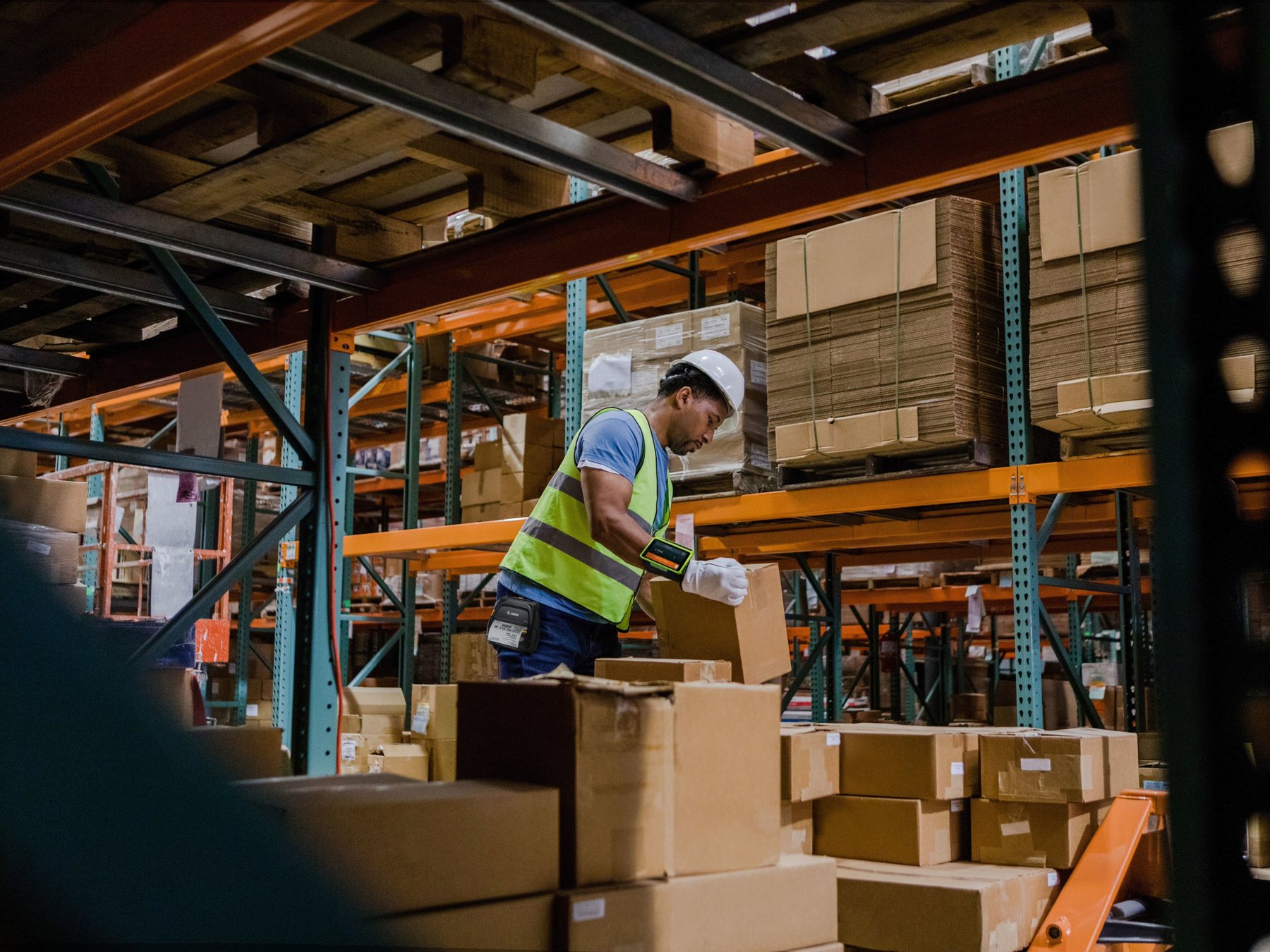
Logistics Mobile Computer Selection
How Should a Logistics Company Choose a Handheld Mobile Computer?
Start with where the device will work—warehouse, yard, vehicle or delivery point—then define scanning distance, drop and sealing requirements, shift battery needs, Wi-Fi or mobile data, proof-of-delivery functions and fleet management. Mapping the workflow before comparing models helps avoid buying a high-spec device that does not fit the real operation.
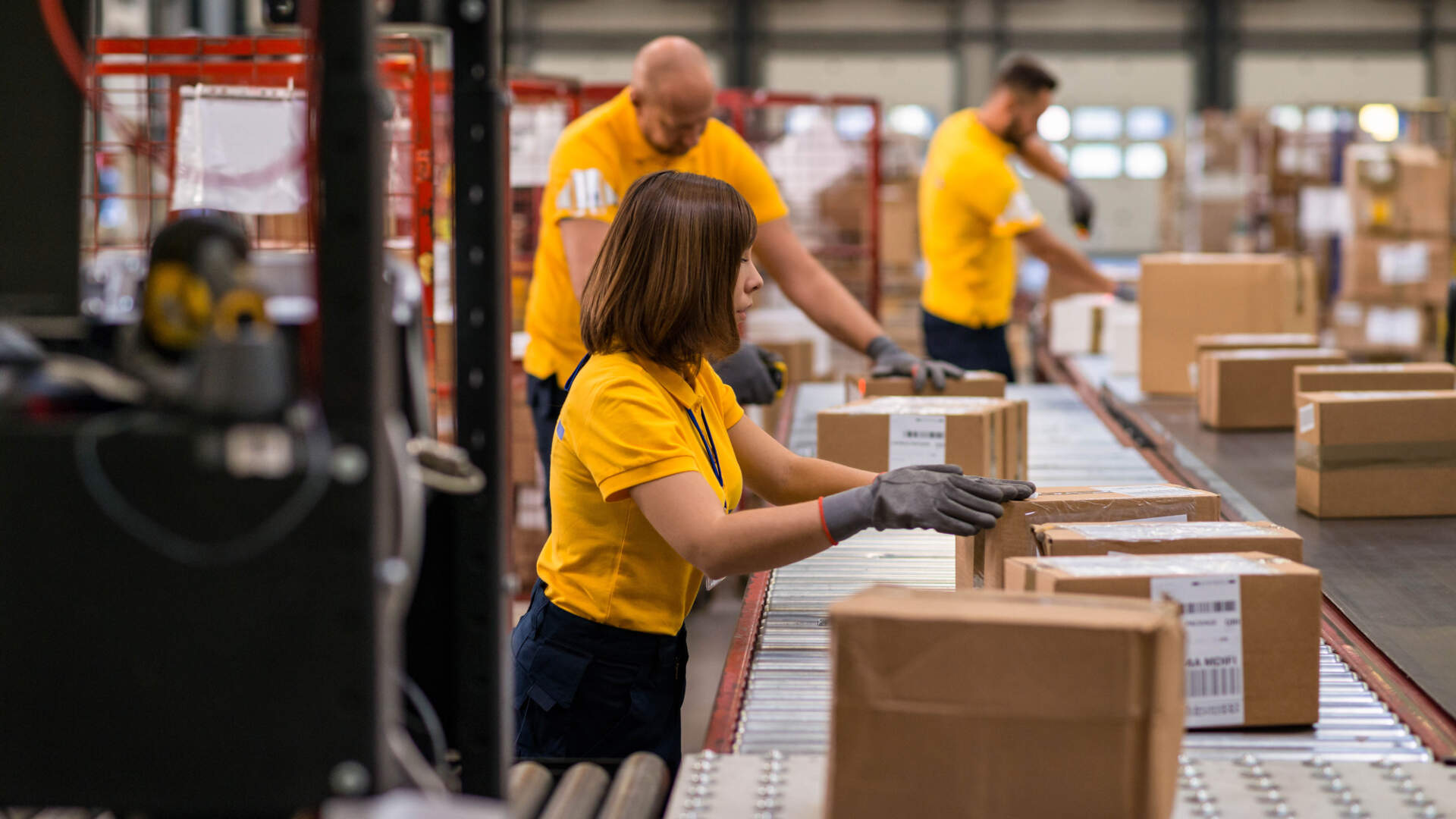
Sorting and dispatch
High-volume scanning needs usable hardware
Trigger position, grip, barcode condition, operator comfort and charging can affect frontline work more than one headline processor specification.
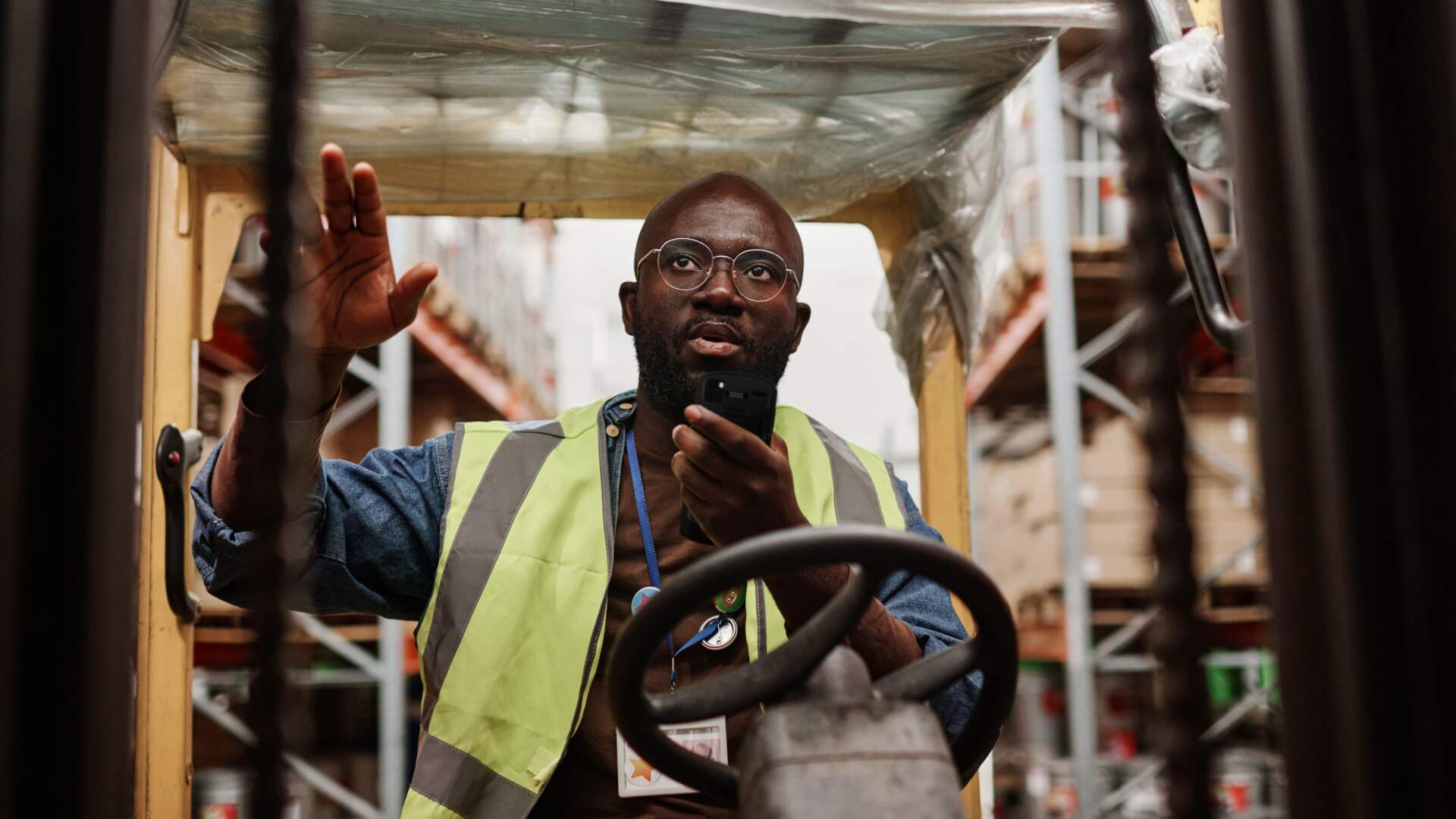
Warehouse and yard
Test range, drops and coverage on site
Rack height, pallet labels, loading areas, cold rooms and yards create different risks. Test real labels along the real route and check known coverage gaps.
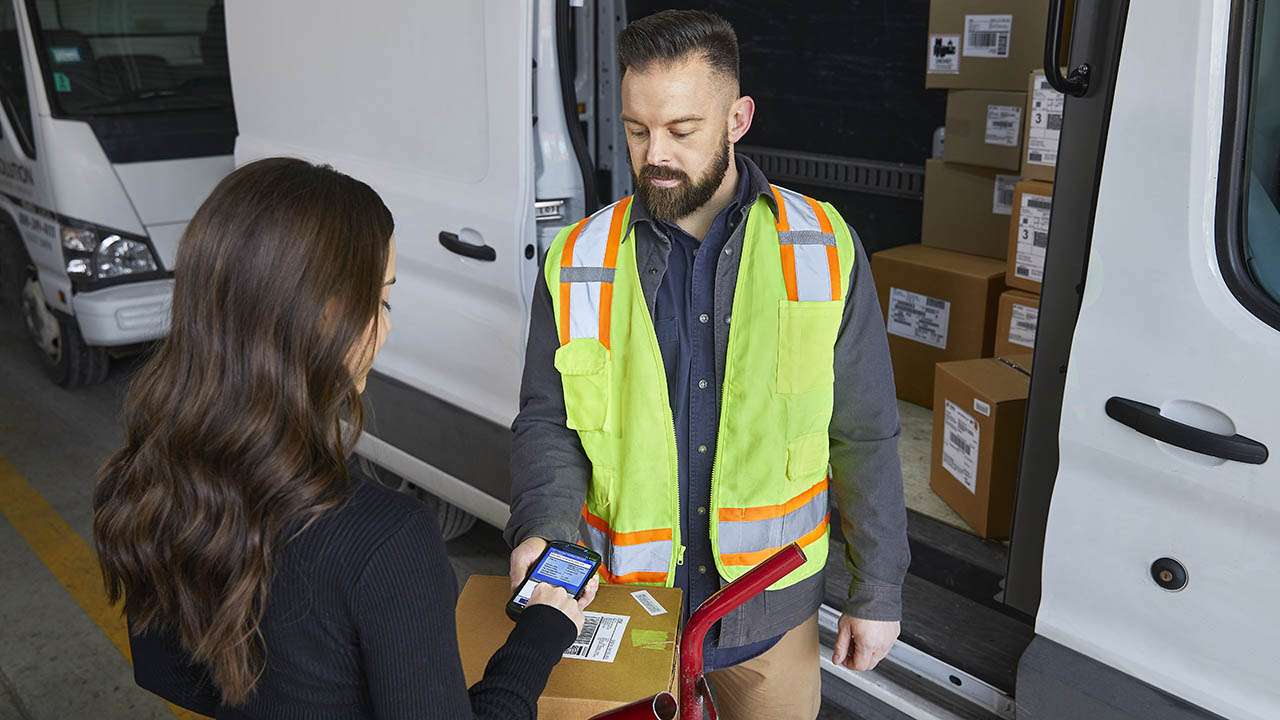
Proof of delivery
POD involves more than one barcode scan
The workflow may need task display, parcel confirmation, signature or photo capture, exception handling and reliable synchronization back to the business system.
Quick answer
Group users by work location and workflow before comparing hardware
For devices that remain inside a warehouse with stable Wi-Fi, focus on scan range, keypad or touch input, ruggedness, battery change and multi-slot charging. For drivers and field workers, add 4G or 5G, GNSS, outdoor readability, in-vehicle charging, photo or signature capture, offline records and lost-device handling. If one business has both environments, it may be more practical to use role-based device groups instead of forcing every user onto one model.
Make requirements testable: replace “fast scanner and long battery life” with real scan distances, peak scans per shift, likely drop surfaces, longest offline period, required POD evidence and the number of available charging positions.
Workflow comparison
Different logistics tasks create different device priorities
| Workflow | Typical tasks | Priorities to verify |
|---|---|---|
| Receiving, put-away and picking | Scan items, pallets and locations; enter quantity or exceptions | Scan range, gloves or keypad, Wi-Fi roaming, drops and shift battery |
| Sorting, packing and dispatch | High-frequency checks of parcels, routes, carton labels and status | Scanning ergonomics, barcode condition, screen prompts, chargers and accessories |
| Yard, port and outdoor work | Read container, pallet or longer-range labels across indoor and outdoor zones | Outdoor display, sealing, longer-range scanning, mobile network and vehicle mounting |
| Last-mile delivery | Display stops, scan parcels, collect evidence and report exceptions | 4G or 5G, GNSS, camera, one-handed use, offline work, vehicle power and MDM |
| Cold-chain operations | Receive, count and dispatch goods in low-temperature areas | Purpose-built cold configuration, gloves, condensation transitions, battery behaviour and protection |
Selection factors
Seven areas to check when comparing handheld mobile computers
Scan range and barcode condition
Bring real parcel labels, including small, damaged, wrinkled and reflective samples. Test the closest, farthest and busiest situations instead of choosing only by a maximum range figure.
Form factor and data entry
Compare gun grips or keypads for repeated scanning and larger touch displays for maps, photos and forms. Test gloves, wet input, left- and right-handed use and the carrying method.
Ruggedness means more than “rugged”
Check drop height, landing surface, tumble cycles, IP rating, operating temperature and any required protective boot. An IP rating classifies enclosure protection; it does not prove resistance to every impact, chemical or wash process.
Test the battery across a real shift
Display brightness, scanning, camera, GPS, cellular data and weak signal all affect consumption. Define the shift and handover process before comparing replaceable, hot-swap or extended batteries, vehicle charging and multi-slot cradles.
Wi-Fi, cellular and offline work
Test roaming in aisles, lifts, loading areas and cold rooms. For field delivery, verify Hong Kong radio compatibility, SIM or eSIM operation and known dead zones. The business app must also save work safely and synchronize later.
Apps, systems and accessories
Confirm Android support, WMS, ERP, TMS or POD applications, scanner interfaces, authentication, photo uploads, signatures and mobile printing. Quote and test holsters, vehicle mounts, trigger handles, cradles and spare batteries with the device.
Lifecycle and support
Review OS upgrades, security updates, repairs, battery and accessory availability, management support and replacement planning. Long-term manageability can matter more to a fleet than the initial unit price.
POD and fleet management
Test proof of delivery, offline behaviour and MDM together
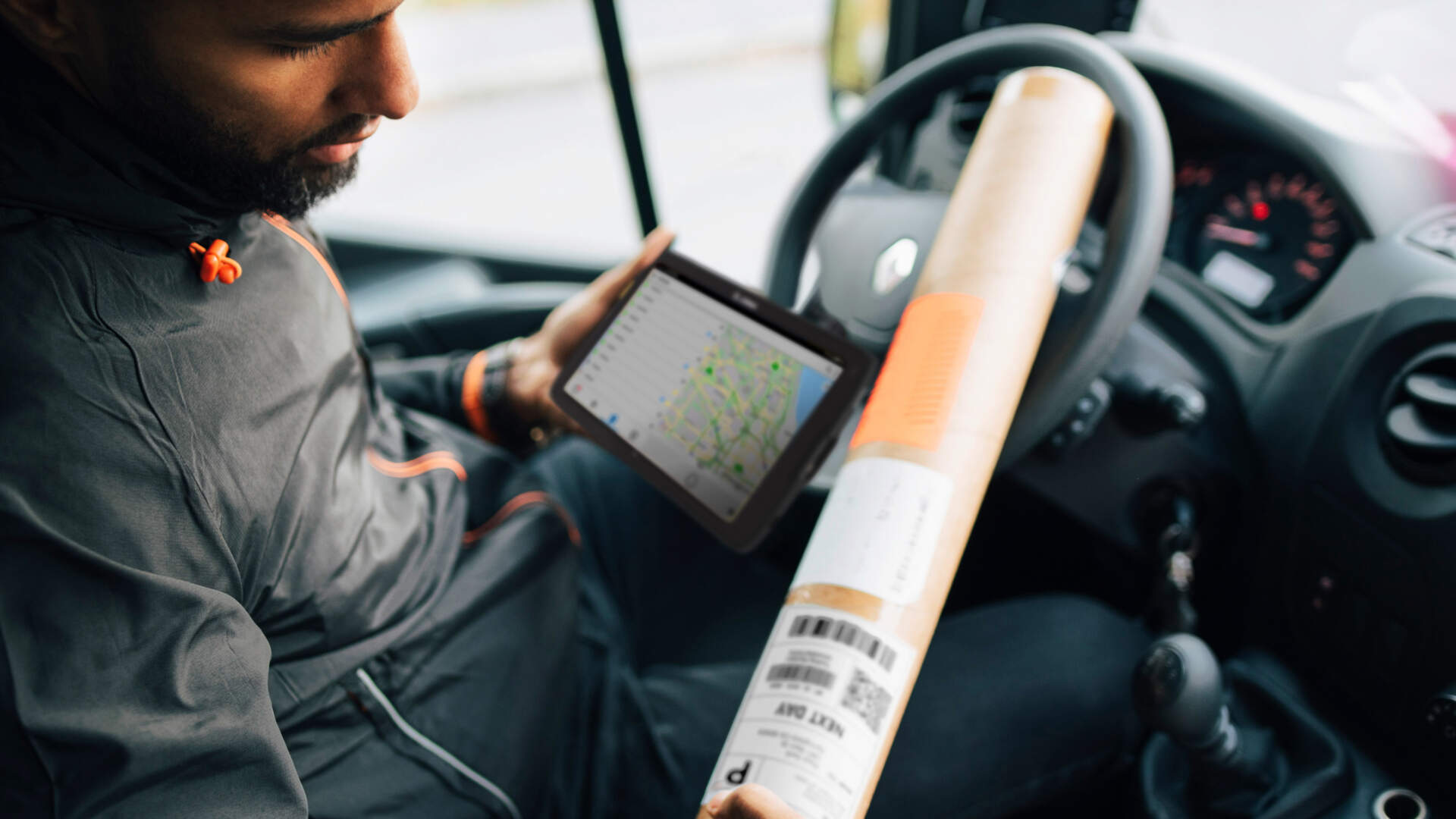
Walk through the complete driver journey
Test sign-in, route download, loading scans, stop confirmation, signature or photo capture, exception reasons, synchronization and shift handover.
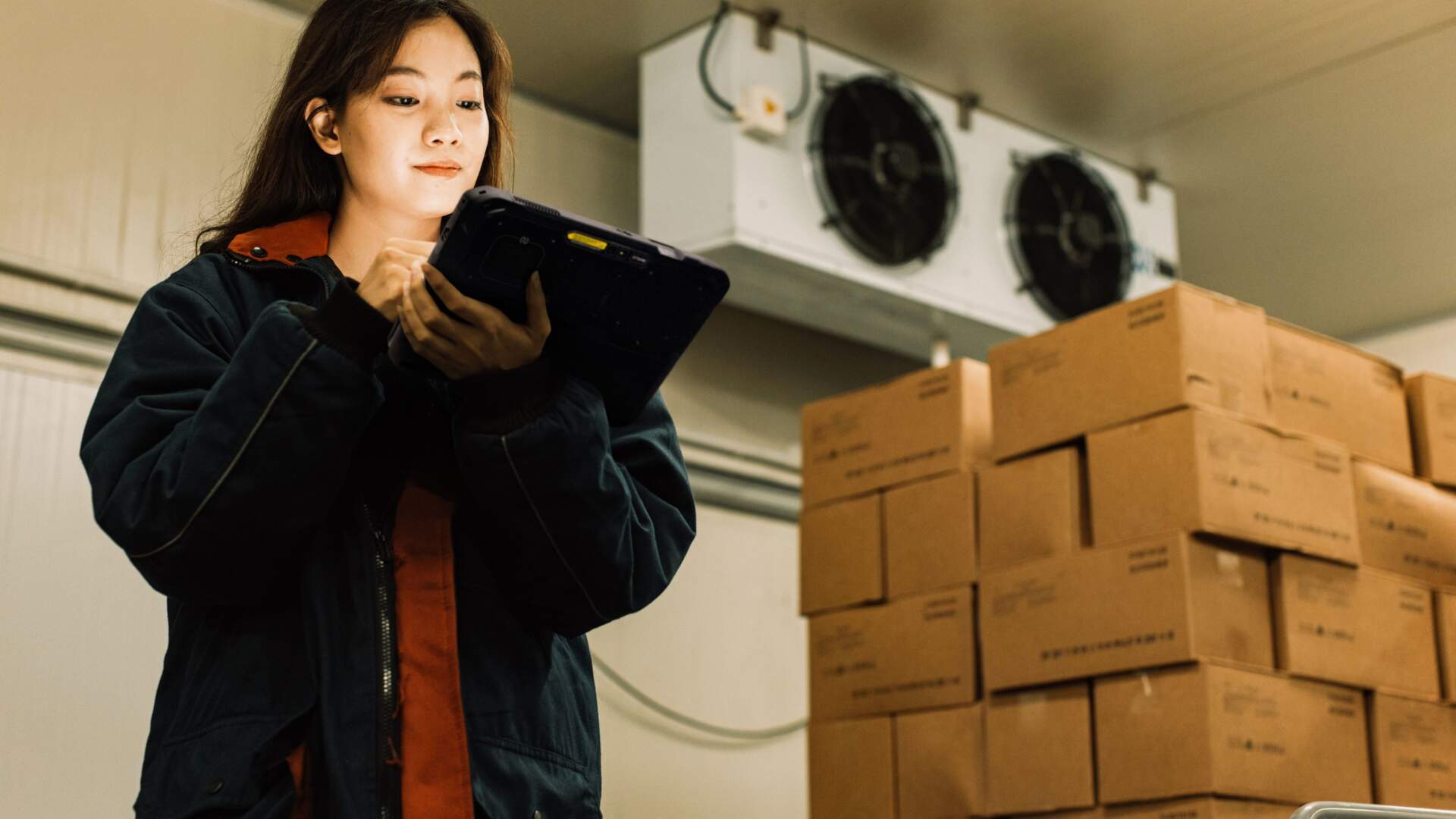
Include environmental changes in the pilot
Cold rooms, outdoors, rain, vehicles and loading areas create different conditions. Include gloves, moisture, temperature changes, brightness and network coverage instead of demonstrating only in an office.

Plan management before deployment
Group warehouse, driver, supervisor or shared devices and define app distribution, update windows, compliance, remote support, lost-device actions, repair and retirement.
Important: location, remote lock or wipe, silent app installation and remote support depend on Android version, device ownership mode, the MDM or EMM platform, licensing and connectivity. Verify these functions with the exact proposed configuration.
Buying mistakes
Five selection shortcuts that can increase later costs
Comparing only unit price
Cradles, protective accessories, spare batteries, vehicle mounts, MDM licences, integration, repair and replacement devices all affect deployment cost.
Buying the highest specification
Long-range scanning, 5G or a larger screen may not fit every role. Weight, carrying method and battery use can also increase.
Testing only on office Wi-Fi
Operational problems may appear deep in racks, lifts, loading bays, cold rooms, yards, vehicles or route dead zones.
Assuming the app will work
Scanner SDKs, camera, signatures, offline sync, mobile printing and enterprise sign-in must be confirmed with the system owner.
Skipping a small pilot
Run real shifts with representative users and record scan success, battery remaining, connection loss, errors and support demand before a fleet rollout.
Before you enquire
Prepare these details to narrow the suitable direction faster
| Information | What to prepare |
|---|---|
| Workflow | Real steps for receiving, put-away, picking, sorting, dispatch, yard, delivery, returns or POD |
| Barcode samples | Symbologies, sizes, longest range, damaged or reflective samples and peak scans per shift |
| Environment | Indoor or outdoor use, floor surface, rain or dust, cold rooms, gloves, vehicle mounts and carry method |
| Systems and apps | WMS, ERP, TMS, POD, Android support, sign-in, photos, signatures, printing and offline requirements |
| Network | Wi-Fi coverage, 4G or 5G, SIM or eSIM, known dead zones and maximum acceptable offline time |
| Shift and battery | Longest shift, charging locations, vehicle power, spare batteries, device sharing and handover |
| Management and support | Fleet size, MDM or EMM, update windows, loss response, repair replacement and lifecycle expectations |
Frequently asked questions
Logistics Mobile Computer FAQ
Should a logistics company choose Wi-Fi or 4G/5G mobile computers?
Wi-Fi may be enough for devices that stay inside well-covered warehouses. Drivers, yards and field teams may also need cellular data, GNSS, SIM management and offline operation. Choose by role and route; one configuration does not need to fit every user.
Is a larger battery always better?
Not necessarily. It may add weight or thickness and change holster or cradle compatibility. Run the real app, brightness, scan volume, camera, GPS and network over a full shift before comparing standard, extended, replaceable or charging options.
What functions are needed for proof of delivery?
Common requirements include task display, parcel scanning, recipient details, signature or photo capture, timestamps, exception reasons and visible synchronization status. Location, printing or payment should be confirmed against the service, privacy and system requirements.
Does a higher IP rating mean the device is drop-proof?
No. IP ratings mainly classify enclosure protection against solids and water. Drop, tumble, vibration and temperature are separate tests. Review the complete test conditions and required accessories.
How can MDM help a logistics fleet?
On supported devices and management modes, MDM or EMM can help enrol and group devices, distribute apps, apply policy, report compliance, schedule updates and respond to loss. Actual functions depend on the platform, Android version, licences and configuration.
What should be tested before a bulk purchase?
Run a pilot with real labels, applications, network routes and representative users. Record scan success, task time, connection and sync failures, end-of-shift battery, ergonomics, damage risk and support incidents before approving the device and accessory set.
Next step
Need to compare mobile computers for a logistics workflow?
Share your barcode samples, work locations, applications, systems, shifts, network conditions and fleet size with Easy Scan. We can help Hong Kong logistics, warehouse and delivery teams structure their requirements and review suitable device, accessory and deployment directions.