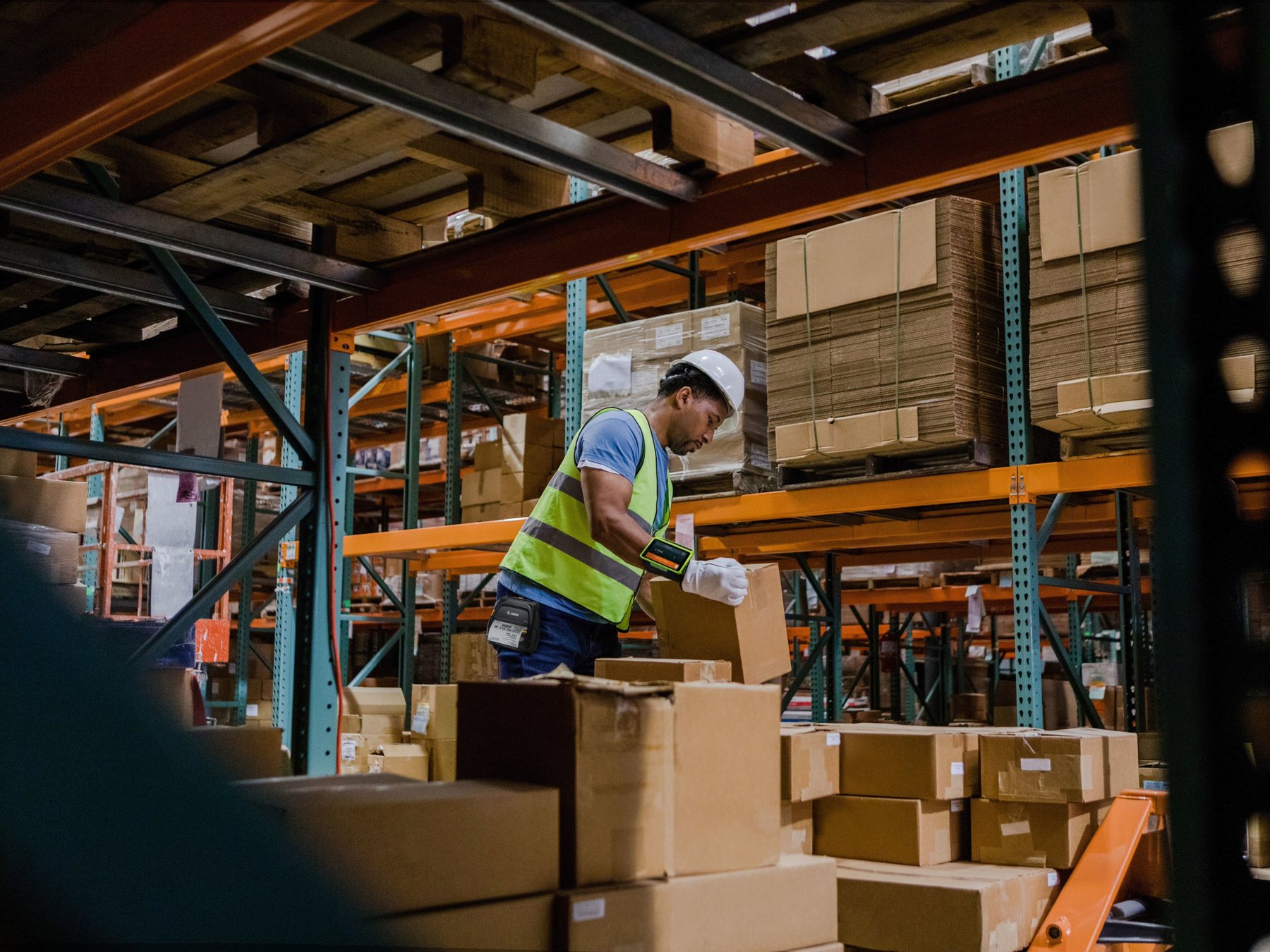
Hong Kong manufacturing barcode workflow guide
Manufacturing Barcode Workflow: Work Orders, WIP, Lots and Serials
A useful manufacturing barcode workflow starts with a released work order, identifies the material and operator or station, records operation start and completion at defined points, captures the required lot or serial granularity, prints from an approved label trigger, routes quality holds, rework and scrap visibly, confirms finished output and posts only accepted events to the ERP. Scanning does not create automatic ERP integration or complete product genealogy unless the data model, associations and posting rules are configured and used.
Traceability depends on identifier scope, event timing and stored ERP relationships
A readable code only carries the data chosen for it. The application must know which work order and operation are active, when material is consumed, when WIP moves, what quality state applies and when finished output becomes official. Keep warehouse receiving, storage, picking and shipping-label work in separate WMS or logistics workflows.
Choose lot or serial granularity before designing labels
Release → identify → operate → capture → label → quality → finish → ERP post
Validate stations, mobile and fixed scanning plus desktop and industrial printing
Define the object, event and posting time before choosing the device. A scan should name one material, lot, serial, WIP unit, work order or operation; the application should then show whether the event is local, accepted, held, reworked, scrapped or posted.
Product, lot, serial and WIP identity
Use the lowest granularity that the business can justify and operate consistently
A lot or batch assigns one identifier to multiple units produced or handled together. A serial number identifies one individual unit. Serializing everything increases labels, scans, data volume and exception work; lot control may be sufficient where service, recall, contractual or process needs do not require unit-level history.

| Level | Typical question | Capture point | Do not assume |
|---|---|---|---|
| Product/variant | Which item definition is being made or consumed? | Order release or material issue | It identifies a specific batch or unit |
| Lot/batch | Which grouped quantity shares a production or material history? | Material issue, production or finished registration | Every unit has its own history |
| Serial | Which individual unit is this? | Defined operation or finished output | Serial capture alone links every component |
| WIP unit/container | What in-process quantity moves between operations? | Start, complete or move checkpoint | It is the finished-good identifier |
| Work order/operation | Which authorised production event is open? | Station sign-on and confirmation | A product scan supplies the operation context |
GS1 Application Identifiers are conditional
Where downstream standards are appropriate, AI (01) can identify a GTIN, AI (10) a batch or lot, AI (11) a production date and AI (21) a serial number. These data meanings do not require every internal factory label to use GS1 or every label to carry every field.
Master data and event fields
Separate stable definitions from each shop-floor transaction
Master data defines products, variants, units, bills of materials, routes, operations, work centres, tracking policy, label templates and approved reason codes. Event data records who did what, to which work order, material, lot or serial, at which operation, location and time, with what quantity and result.

| Data group | Examples | Owner | Validation |
|---|---|---|---|
| Item and tracking master | Item, variant, unit, lot/serial rule | ERP/product-data owner | Active, unique and correct scope |
| Production master | BoM, route, operation, work centre | Manufacturing engineering/planning | Released version and effective date |
| Work event | Order, operation, operator, station, start/complete | Shop-floor application | Current assignment and permitted sequence |
| Material event | Component, lot/serial, quantity, consumption stage | ERP/MES workflow | No double issue or missing deduction |
| Quality/disposition | Pass, hold, fail, rework, scrap, reason | Quality and production owners | Status gates the next permitted action |
| Label event | Template, version, printer, copies, reprint reason | Label/production workflow | Output matches current ERP identity |
Station, mobile and fixed capture
Choose the scanner and printer role by the production checkpoint
Hardware must fit the application, code, operator movement, environment and exception screen. Confirm the exact device, host interface, symbology, field parsing, network and software version instead of assuming plug-and-play ERP integration.

| Device setup | Suitable process | Application boundary | Pilot test |
|---|---|---|---|
| Station scanner plus workstation | Bench issue, operation confirmation or label verification | Host screen owns work order, quantity and exception | Field focus, parsing, login and wrong-sequence response |
| Mobile computer | Moving material, WIP, quality or rework between points | Installed app owns task and posting request | Screen flow, battery, Wi-Fi, glove use and offline state |
| Fixed scanner/vision point | Controlled conveyor, gate or repeatable station presentation | Read zone and validation logic own the event | Object spacing, code location, no-read and reject route |
| Desktop printer | Defined station and moderate local label output | Template and trigger determine identity | Media, routing, scaling and reprint control |
| Industrial printer | Longer runs, shared line or higher-duty production output | Queue, media/ribbon and recovery are operational controls | Duty pattern, changeover, downtime and maintenance |
Standard manufacturing flow
Nine control points connect a released order to an accepted ERP result
ERP and MES screens differ, but each event needs a named object, actor, state and response.

| Step | Operator action | Control evidence | Stop condition |
|---|---|---|---|
| 1. Release work order | Open the current item, route, quantity and operation sequence | Released version and status | Hold, cancellation or obsolete route |
| 2. Identify material/operator | Sign on and scan the approved component or container | User, station, item and lot/serial where required | Wrong, unknown or held material |
| 3. Start operation | Confirm the intended work step | Order, operation, time and WIP identity | Previous gate incomplete |
| 4. Complete operation | Record actual good, reject and residual quantities | Result and next state | Quantity or sequence conflict |
| 5. Capture lot/serial | Assign or confirm the required output identity | Unique rule and product relationship | Duplicate or wrong granularity |
| 6. Print/apply label | Use the current template and intended printer | Identity, version, copies and application result | Missing, unreadable or duplicate output |
| 7. Quality/rework/scrap | Record inspection and non-standard disposition | Status, reason, quantity and owner | Held material cannot progress silently |
| 8. Complete finished output | Confirm accepted finished quantity | Finished identity and release state | Open operation, hold or unresolved variance |
| 9. Post to ERP | Submit accepted production, consumption and movement events | ERP response and transaction references | Rejected, duplicate or incomplete posting |
Material consumption and WIP movement
Choose when inventory is consumed and which WIP moves need a recorded event
Consumption may be posted at operation start, during work, at report-as-finished, by backflush or by manual confirmation depending on the ERP design. Mixing rules can deduct the same material twice or not at all. Likewise, scan only the WIP movements that matter to control; do not turn every physical step into an unowned transaction.

| Posting point | Control question | Exception test |
|---|---|---|
| At start | Is issued quantity committed before actual use? | Cancel, shortage and substitution |
| Per operation | Which operation owns the actual material usage? | Rework, split quantity and alternate component |
| Backflush/report as finished | Which standard quantity is calculated and when? | Yield variance, scrap and partial completion |
| Manual confirmation | Who enters actual item, lot and quantity? | Duplicate entry, missed issue and unit conversion |
| WIP move | Does the status/location change affect control? | Wrong destination, hold and rollback |
Label trigger, template and reprint
Print from the ERP identity event that owns the material or finished unit
Define whether a label is triggered at lot assignment, serial registration, operation completion, quality release or finished reporting. Lock template version, data source, printer route, media, copy count and reprint authority. A second scan or printer retry must not silently create another ERP identity or a competing label.

- Encode only approved identifiers and attributes for that label role.
- Validate human-readable text and barcode parsing against the ERP fields.
- Keep original, reprint, void and replacement states distinguishable.
- Remove or control superseded labels before the unit progresses.
- Test no-read, wrong template, wrong printer, missing media and partial print.
Fixed checkpoints
Automation needs a controlled read zone, a named event and an accepted transaction
A fixed scanner or vision system can verify presence, identity or sequence at a repeatable point. Define object presentation, trigger, read zone, expected code, validation message and physical reject or hold route. A read does not automatically mean the ERP operation was accepted.

Quality hold, rework and scrap
Non-standard outcomes must change status and quantity without breaking the trace
A quality check is useful only when pass, fail, hold and release control the next action. Rework, scrap, unbuild or recovered components need explicit events and ownership so the record does not falsely show a clean straight-line process.


| Outcome | Record | Next control |
|---|---|---|
| Quality hold | Object, lot/serial, quantity, reason and owner | Block movement or completion until disposition |
| Rework | Original identity, rework order/operation and result | Preserve relationship and reinspection |
| Scrap | Material/output, quantity, operation and reason | Post to the approved scrap path |
| Unbuild/recovery | Finished identity and recovered components | Distinguish usable return from unusable scrap |
| Duplicate scan/post | Event ID, user, device and ERP response | Review before reversing or resubmitting |
Traceability and genealogy boundary
Inventory transactions, forward/backward trace and component genealogy are different scopes
Transaction trace may show movements for a lot or serial. Full component-to-finished-unit genealogy requires the ERP feature, master data and shop-floor association event to record those relationships. Confirm by-products, subcontract steps, cross-company flows, manual corrections and trace-report timing; do not claim complete or live genealogy from scanning alone.
Downtime and offline fallback
Preserve sequence and event ownership when devices, network or ERP are unavailable
Define which work may continue, which identifiers can be reserved, how paper or local records are controlled, and who reconciles them after recovery. Use stable event IDs where supported to recognize retries and duplicate scans. Offline completion is not ERP completion, and uncontrolled preprinted serial labels can create gaps or duplicates.
- Show online, local, queued, rejected, conflicted and posted states separately.
- Record work order, operation, object identity, user, device and local time.
- Prevent two stations from allocating the same lot or serial during fallback.
- Reconcile actual quantities, quality states and label copies before resuming.
- Test application restart, device replacement and late submissions.
Finished completion and ERP posting
Finish only the quantity whose operations, identity and quality state are accepted
Report good, rejected, reworked and residual quantities explicitly. Confirm the final lot or serial, label status and required component associations before source completion. The ERP response should show whether production, consumption, WIP movement and finished-stock events were accepted, rejected or remain incomplete.

Customer-facing starter solution
Start with one traceable product family and one controlled pilot route
A starter engagement can be structured around the five workstreams below. The actual deliverables, effort, timing and commercial scope depend on discovery and confirmation; this is not a fixed-price or fixed-duration package.
1. Discovery
Map one work order, identifiers, operations, consumption timing, quality outcomes, WIP moves and source-system completion.
2. Devices
Select station, mobile or fixed capture roles and test the actual codes, operators, environment and exception screens.
3. Printing
Define label role, data source, template, media, desktop or industrial printer, print trigger and reprint control.
4. Integration
Map scanner parsing, event IDs, application calls and expected ERP fields; no automatic compatibility is assumed.
5. Pilot
Run normal and exception cases, compare physical results with ERP transactions, and decide the controlled next phase.
Common mistakes
More labels and scans do not automatically create better traceability
- Serializing everything. Unit-level work may exceed the real business need.
- Using one barcode for product, lot, serial and work event. Each object and event needs clear scope.
- Scanning without operation context. A valid material can be posted to the wrong work step.
- Mixing consumption methods. Components can be deducted twice or not at all.
- Printing before identity assignment is accepted. Orphan or duplicate labels can enter the line.
- Quality checks without a hold gate. Failed material may continue despite a recorded inspection.
- Correcting rework and scrap off-system. Trace and quantities become misleading.
- Assuming scanners and printers integrate automatically. Parsing, templates, APIs and ERP fields still require validation.
Pilot and deployment checklist
Validate one production path before expanding identifiers or hardware
- Choose the pilot product, BoM version, route, stations and normal quantity flow.
- Define product, lot, serial, WIP and work-order identifiers and owners.
- Map each start, complete, consume, move, inspect, label and finish event.
- Decide consumption timing and test short, substitute, scrap and partial cases.
- Approve label data, template versions, printers, media, copies and reprints.
- Test station, mobile and fixed scanning with actual codes and environments.
- Configure quality hold, release, rework, scrap and recovery paths.
- Define downtime identifiers, local/paper controls and reconciliation ownership.
- Validate event IDs, duplicate handling, field lengths, units and ERP responses.
- Compare forward/backward trace and any genealogy association with expected scope.
- Keep WMS receiving, storage and shipping handoffs outside the production pilot unless separately scoped.
Acceptance tests
Approve observable transactions without inventing productivity or accuracy metrics
| Test | Pass evidence | Failure route |
|---|---|---|
| Work-order context | Only the released item, route and operation are actionable | Hold station and correct assignment |
| Material/lot/serial capture | Expected identifier updates the intended event and field | Reject wrong, duplicate or held identity |
| Operation start/complete | Actual quantities and status follow the allowed sequence | Keep event incomplete |
| Consumption | One intended deduction occurs at the configured stage | Review missing or duplicate transaction |
| Label | Current identity, template and copy state match the ERP record | Quarantine output |
| Quality/rework/scrap | Disposition changes status and quantity with a named owner | Block next operation |
| Duplicate/offline retry | Repeated event is recognized without unintended second post | Supervisor reconciliation |
| Finished posting | ERP acknowledges accepted output, consumption and movement records | Do not rely on device success alone |
| Trace/genealogy | Report shows only the associations the configured process captured | Document scope gap rather than infer completeness |


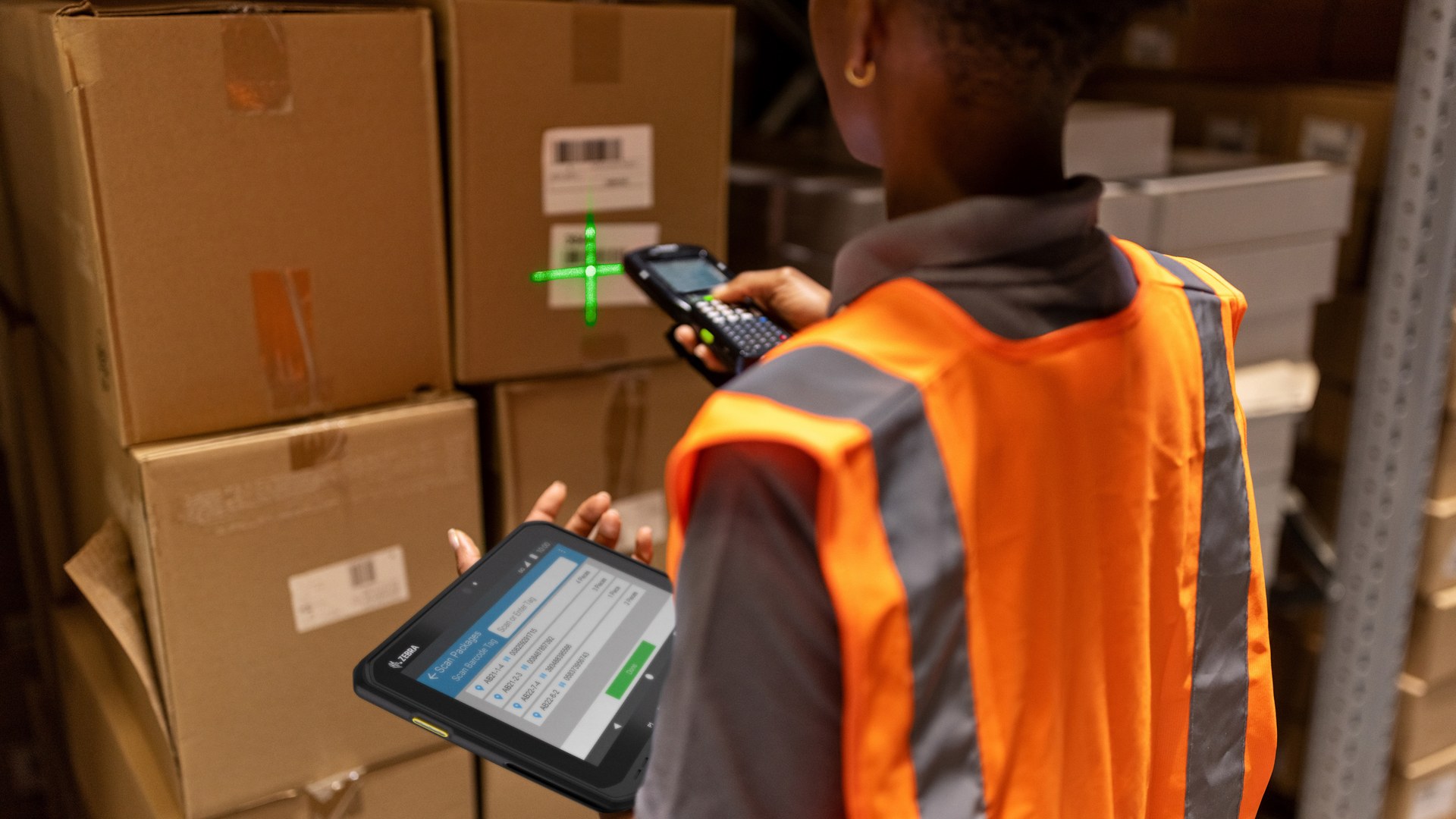

Frequently asked questions
Manufacturing barcode workflow FAQ
Should manufacturing traceability use lots or serial numbers?
Use lots when grouped-unit history is sufficient and serials when the business must identify individual units. Base the choice on service, recall, contractual, compliance and process needs plus the work required to capture it.
Are GS1 Application Identifiers mandatory on every factory label?
No. They standardize meanings such as GTIN, lot, production date and serial where that syntax is appropriate. Internal labels may use another controlled identifier design.
Does scanning a component create full product genealogy?
No. The ERP or MES must store the component-to-output association at the intended production event. A scan without that data model may record only a material or inventory transaction.
When should material consumption be posted?
It can be configured at start, per operation, by manual confirmation or at report-as-finished/backflush. Choose one controlled design and test partial, substitute, scrap and cancellation cases.
Can a scanner or printer connect automatically to any ERP?
No universal integration should be assumed. Validate device interfaces, parsing, app screens, templates, APIs, field mapping, transaction responses and the exact software version.
How should duplicate scans and reprints be controlled?
Use a stable event or operation reference where supported, show the ERP response, and distinguish retry, correction, replacement and duplicate. Quarantine competing labels or ambiguous posts.
What happens during network or ERP downtime?
Define which work may continue, how identifiers and paper/local records are controlled, and who reconciles them. Offline or manual completion is not source-system completion.
How is this different from a WMS workflow?
This workflow owns manufacturing orders, operations, WIP, consumption, quality and finished output. A WMS owns warehouse receiving, storage, picking, counting and shipping handoffs; integrations should keep those responsibilities explicit.
Start with one controlled production route
Bring your work orders, identifiers, labels, exceptions and ERP events to a practical review
Easy Scan can help map scan points, device and printer roles, label triggers, downtime controls, integration fields and pilot acceptance cases. Final ERP posting, trace and genealogy scope depends on the selected system, features and configuration.