Hong Kong proof-of-delivery workflow guide
Proof of Delivery Workflow: Handhelds, Offline Sync and Mobile Printing
A dependable proof-of-delivery workflow connects the dispatched shipment to the correct route, worker, device and stop; verifies the parcel or item on arrival; captures the allowed status and minimum required evidence; records a failed-delivery reason when needed; optionally prints an approved receipt or label; then queues offline work, synchronizes it, reviews exceptions and completes the record in the source system. A scan, signature, photo, time or location field is operational evidence with defined limits. The source system still decides completion, and legal sufficiency needs separate confirmation.
Proof of delivery is a mobile status workflow with identity, evidence and synchronization boundaries
The handheld helps the worker identify the assigned shipment or logistics unit and capture an approved stop outcome. The delivery application controls required fields, permissions, offline behaviour and source posting. Keep pre-dispatch shipping-label generation and warehouse operations in their own workflows.
Separate field capture, queued work and source-system completion
Dispatch → load scan → route → arrival → verify → evidence → handoff → sync → review
Plan devices, batteries, mobile printing, MDM and privacy together
Choose the status and evidence rules before the device. Assign each stop to an authenticated worker and managed handheld, verify the physical parcel, keep offline actions visibly queued, make retries safe, and let the source system confirm final completion.
Shipment and stop identity
State what the worker scans and which stop record it is allowed to update
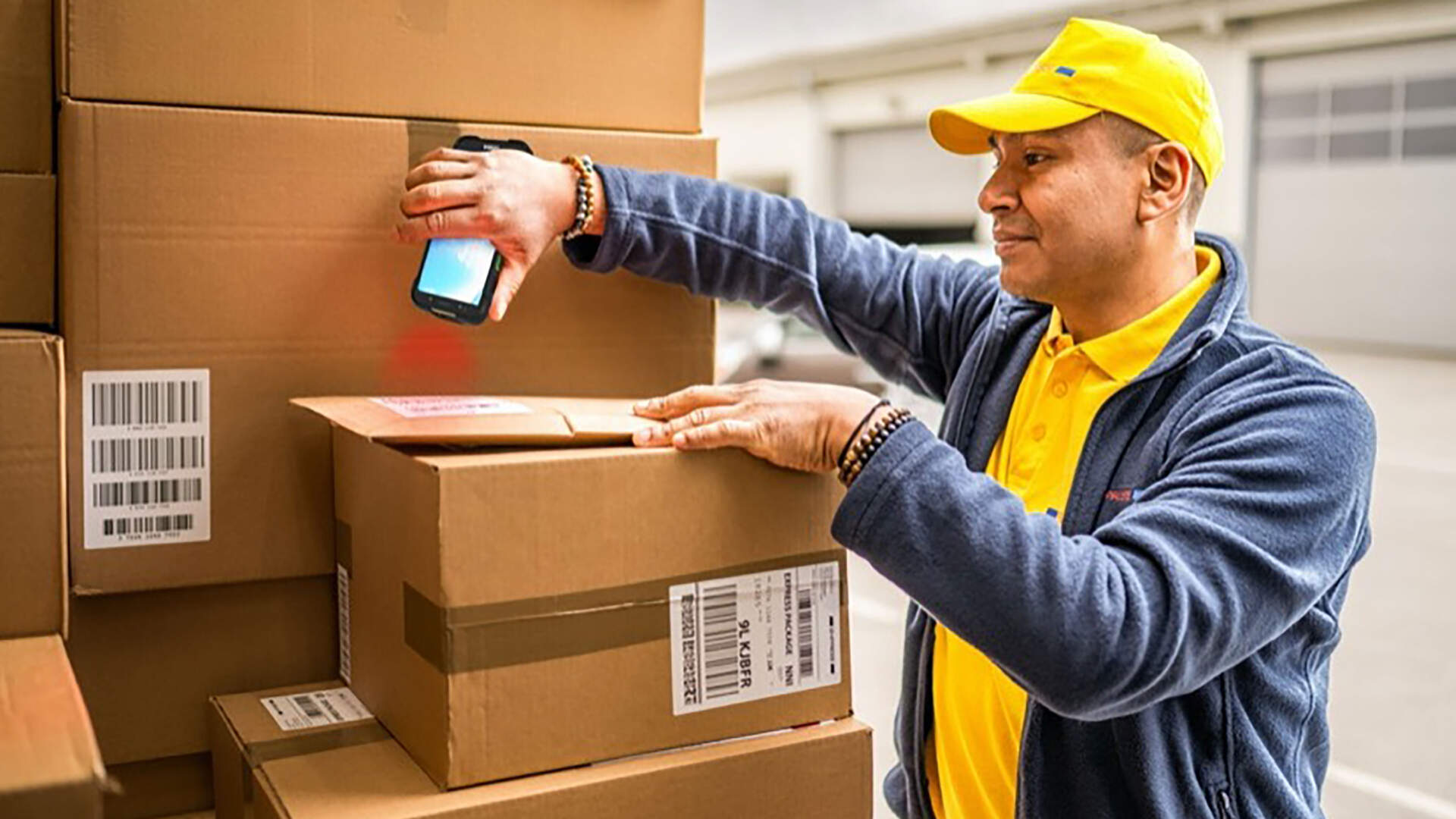
The scan point may identify a shipment, parcel, carton, tote or broader logistics unit. If the operation uses an SSCC or another transport identifier, map it to the correct task and handling level. A valid decode can still update the wrong delivery if assignment, route or stop context is wrong.

| Object | Question it answers | Field control | Risk to stop |
|---|---|---|---|
| Shipment | What delivery movement was released? | Current route, stop and service state | Old or cancelled shipment remains actionable |
| Parcel/carton | Which physical package is present? | Package sequence and expected stop | Right customer, wrong parcel |
| Logistics unit | Which grouped transport unit is handled? | Aggregation and de-aggregation relationship | One unit scan silently closes several parcels |
| Stop/task | Where and under whose assignment is work performed? | Route version, worker and account | Evidence saved to another stop |
| Recipient/handoff role | Who or what handoff condition is allowed? | Minimum approved identity field | Collecting excessive or unverified personal data |
Status and evidence design
Define evidence by delivery outcome instead of collecting every possible field
Delivered, left at an approved location, partial, refused, collected and unable to complete may need different evidence. Signature, photo, recipient name, timestamp and location each answer a limited question; none alone establishes legal sufficiency, perfect location accuracy or the correctness of parcel contents.

| Evidence | Operational use | Boundary to state |
|---|---|---|
| Parcel scan | Confirms a decoded identity at the stop | Does not prove the original assignment was correct |
| Signature | Records a signature action under the selected process | Does not automatically establish identity or legal sufficiency |
| Photo | Records visible condition or placement where permitted | Minimize people, addresses and unrelated surroundings |
| Timestamp | Records the device or server time source | Queued and source-posted times may differ |
| Location | Adds device-reported position context | May be delayed, unavailable or imprecise, especially indoors |
| Recipient name/note | Adds an approved handoff or exception detail | Collect only what the business needs and may retain |
Handheld, scanner and mobile printer
Choose hardware by the screen, evidence and print work carried to the stop
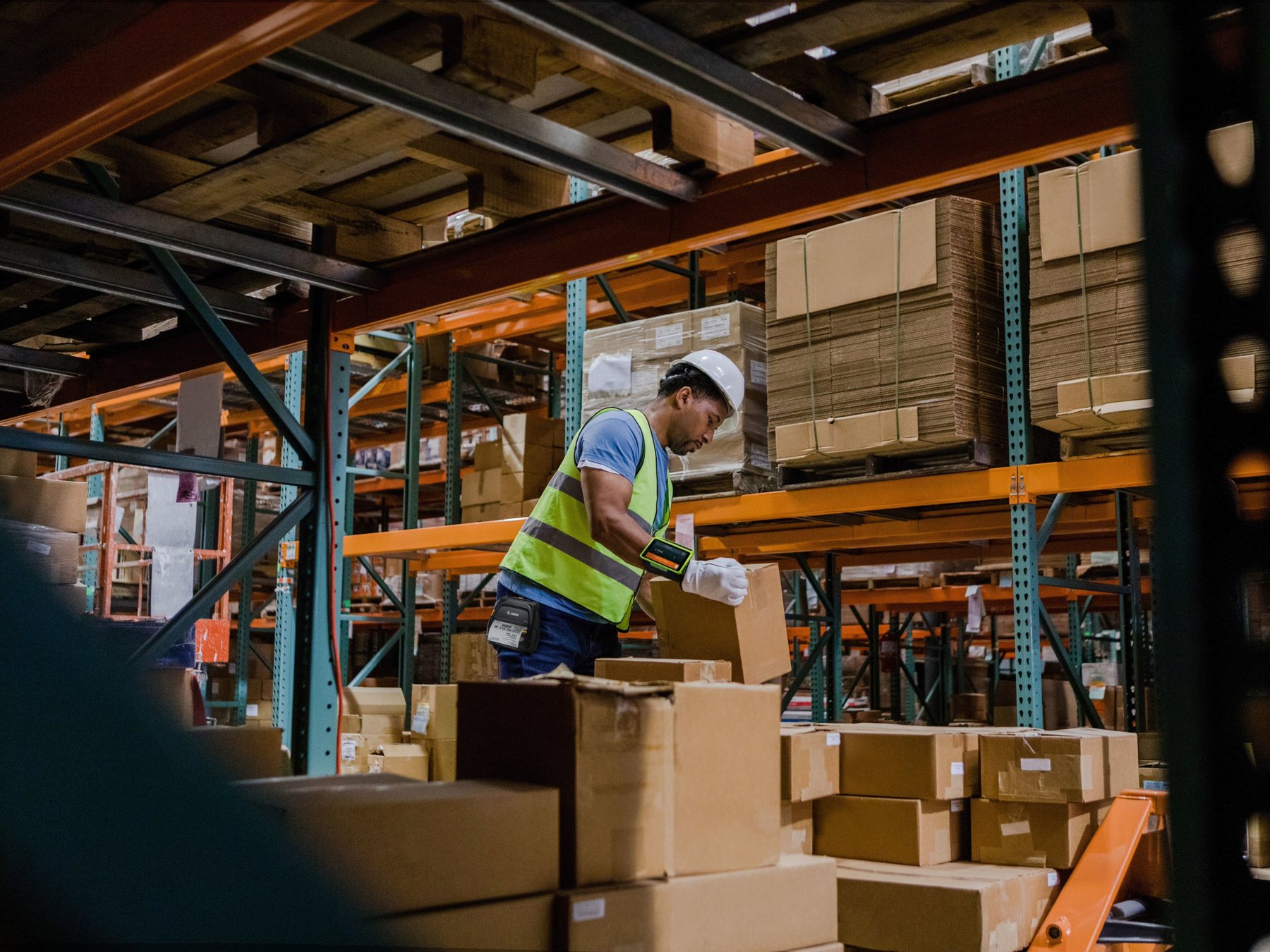
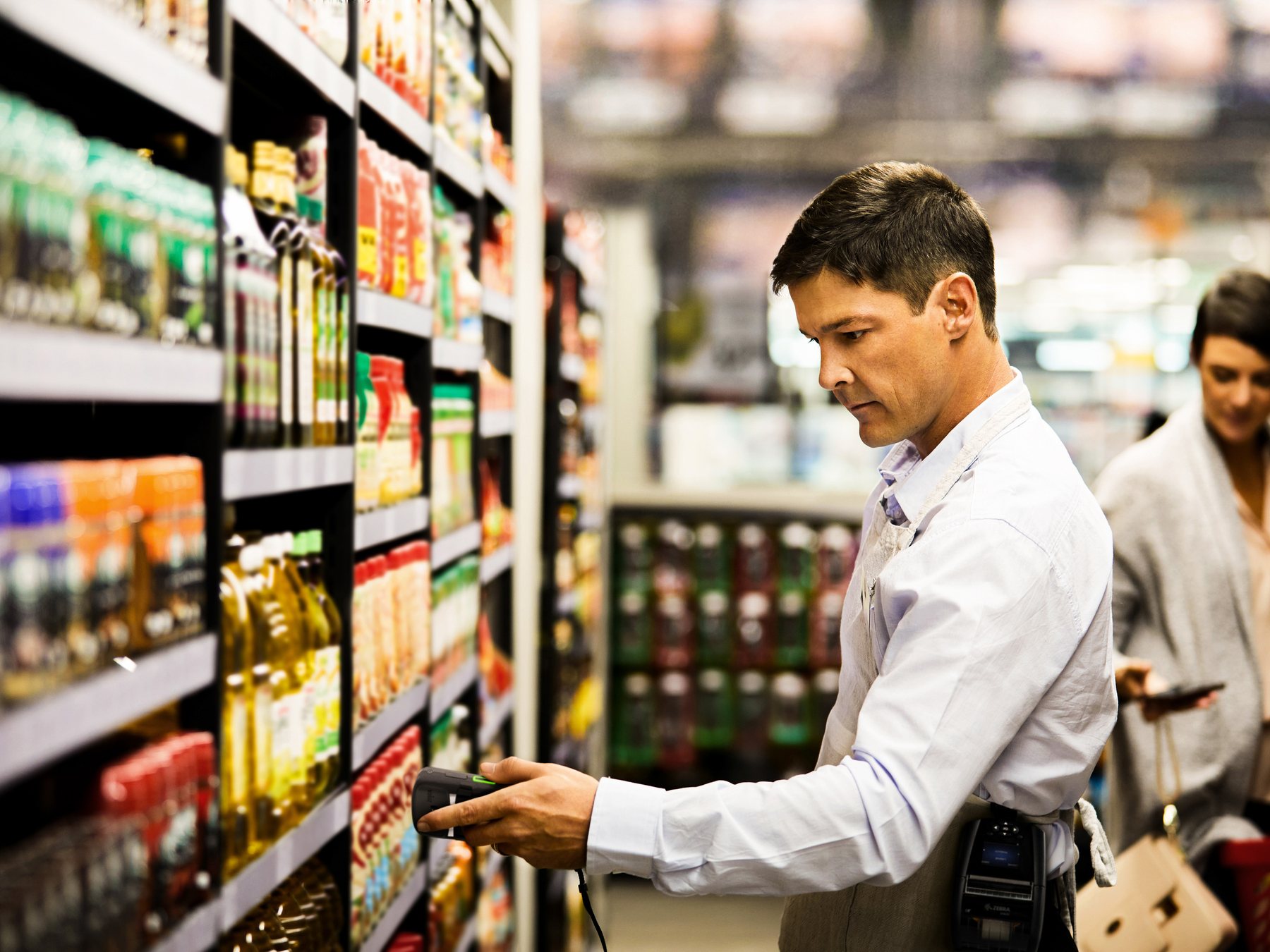
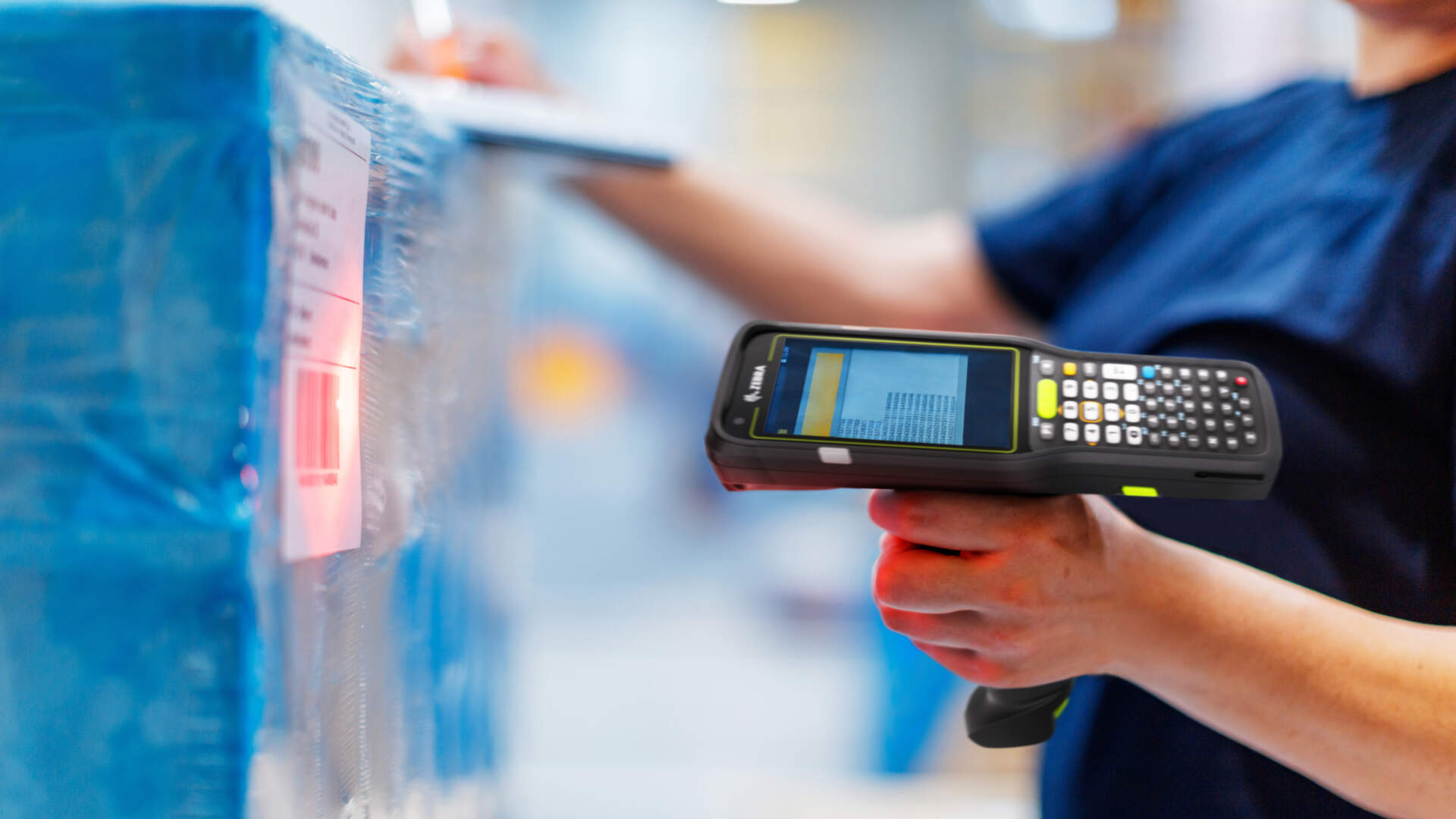
A scan-only device can suit a host-led loading point. A mobile computer can present stops, forms, camera capture, offline queues and exception choices. A mobile printer is optional where an approved receipt, pickup slip or field label is genuinely required. Confirm the exact app, interface, document and device combination.
| Setup | Suitable starting point | Workflow boundary | Test in the route |
|---|---|---|---|
| Scanner plus host station | Load check or depot handoff where a host owns the task | Scanner supplies identity input only | Field focus, wrong-parcel response and user session |
| Mobile computer/handheld terminal | Route, stop, evidence, exception and offline work | Installed app and permissions own the outcome | Screen flow, camera, scan, weak signal, glove/one-hand use |
| Phone/tablet under policy | Approved app-led work where ruggedization and accessories fit | Management model and app configuration must be defined | Battery, camera, authentication, OS support and mounting |
| Mobile printer | Optional approved receipt, confirmation slip or field label | Print does not itself prove delivery or content | Pairing, template, media, battery, retry and fallback |
Battery and charging plan
Profile a real route: screen use, scans, camera, wireless, GPS requests and printing all consume power differently. Define shift-start checks, chargers or approved spare batteries, vehicle or depot charging, low-battery action and safe device handoff. Do not promise a universal shift duration.
For hardware selection, see Mobile Computer Selection for Logistics and Scanner vs Mobile Computer.
End-to-end delivery flow
Twelve control points connect dispatch to source-system completion
Application names differ, but the worker, device, physical item and system state should stay linked throughout.

| Step | Operator action | Control evidence | Completion boundary |
|---|---|---|---|
| 1. Dispatch | Release current route and shipment tasks | Version, worker and device assignment | Only current tasks are actionable |
| 2. Load scan | Scan expected parcel or logistics unit | Vehicle/route and package match | Missing, extra and wrong-route items remain open |
| 3. Route handoff | Accept custody on the authenticated device | User, device, time and load state | Responsibility is visible |
| 4. Arrival | Open the intended stop and arrival state | Stop/task identity | Location is context, not perfect proof |
| 5. Verify parcel/item | Confirm the physical identity and condition | Expected scan and visible exception | Mismatch cannot pass silently |
| 6. Select status/evidence | Choose delivered, partial, refused or other approved result | Status-specific required fields | Incomplete evidence stays visible |
| 7. Record exception | Choose reason and permitted note/photo | Named reason, item and next action | Failed delivery is not completed delivery |
| 8. Optional print | Print approved receipt or field label when required | Template, printer and output state | Print failure has a fallback |
| 9. Customer handoff | Confirm the approved handoff condition | Minimum required recipient evidence | Custody outcome is explicit |
| 10. Offline queue/sync | Save locally, queue and retry when allowed | Queued, sent, rejected and conflicted states | Local success is not source completion |
| 11. Supervisor review | Resolve duplicates, conflicts and failed stops | Decision owner and audit history | No silent overwrite |
| 12. Source completion | Post accepted status to TMS, ERP or delivery system | Source response and reference | Only accepted records close centrally |
Arrival and physical verification
Verify the stop, parcel and visible condition before asking for proof
The worker should open the intended task, scan or select the expected parcel and record damage, shortage, extra items or a partial delivery before a successful handoff status. Where item-level confirmation is required, keep parcel, item and quantity levels distinct.


Customer handoff
Make authority-to-leave, recipient and refusal rules explicit
State which outcomes permit a customer handoff, reception-desk handoff, approved safe-place delivery, refusal or return. The app should ask only for the evidence required by that outcome and should not encourage workers to improvise personal details, take unnecessary photos or convert a failed attempt into delivery.

Optional on-site printing
Print only when the handoff workflow needs a controlled physical document
A mobile printer may provide an approved receipt, pickup confirmation, return label or exception document. Define document ownership, template version, copy count, media, connection, battery and reprint permission. A printed receipt records that a document was produced; it does not independently prove the shipment contents, recipient authority or source-system completion.

- Test the approved handheld, app, printer and document together.
- Show paired, disconnected, printing, printed, failed and duplicate states.
- Define a non-print fallback that does not falsely close the stop.
- Control customer copies and retained copies under the privacy policy.
- Keep shipping-label creation before dispatch within the separate Shipping solution workflow.
Network, queue and synchronization
Offline work needs visible queues, safe retries and explicit conflict rules
Weak signal can occur between loading zones, lifts, malls, industrial buildings and customer counters. The app may read from a local working record and queue permitted writes, but that architecture does not guarantee lossless synchronization. Operators and supervisors need to see what is local, queued, retried, accepted, rejected or conflicted.

| State | Meaning | Required control |
|---|---|---|
| Local draft | Evidence exists only on the device | Show device/user/task and protect local storage |
| Queued | A write is waiting for permitted connectivity | Persistent queue, retry condition and visible count |
| Sending/retrying | The app is attempting transmission | Stable operation ID and bounded retry policy |
| Accepted | The central endpoint acknowledged the operation | Store response/reference and stop version |
| Rejected | The source refused the update | Show reason and keep evidence for review |
| Conflict | A newer or different record exists | Version comparison and named resolution rule |
Idempotency and duplicate control
Give a logical stop update a stable operation identifier so a retry can be recognized. Distinguish a genuine correction from a duplicate tap, app restart or late device copy. Last-write-wins may fit selected low-risk fields, but disputed handoff, partial delivery and recipient evidence usually need version checks or supervisor review.
Failed delivery and exception ownership
An unsuccessful stop needs a reason, physical disposition and next owner
Standardize the reasons that matter to operations: recipient unavailable, access restricted, refused, wrong address, damaged, missing parcel, partial delivery, unsafe location or device/app failure. Preserve the shipment, stop, item, time, user and allowed evidence without forcing a successful status.

| Exception | Evidence to preserve | Controlled next step |
|---|---|---|
| Recipient unavailable/access restricted | Stop, attempt time and approved reason | Reattempt, return or customer-service review |
| Refused | Parcel, reason and permitted recipient detail | Retain custody and route return decision |
| Wrong address | Current task data and observed issue | Do not edit master data without authority |
| Damaged/short/partial | Affected parcel/item/quantity and condition | Separate accepted and unresolved outcomes |
| Device, printer or app failure | Last trusted task and queue state | Use approved fallback; reconcile before completion |
| Duplicate/conflicting update | Operation IDs, versions and device times | Supervisor decides the accepted record |
Authentication, MDM and app policy
Manage the handheld as a company endpoint, not a shared anonymous scanner
Choose the enterprise device mode that fits the work, such as fully managed or dedicated Android deployment. Bind tasks to authenticated users, distribute approved apps through policy, restrict unapproved use, schedule updates, monitor compliance and define lost-device response. Exact capabilities depend on the device, OS, enterprise mobility platform and configuration.
| Control | Decision | Acceptance case |
|---|---|---|
| Authentication | User sign-in, session timeout, device handoff and privilege | Another worker cannot silently inherit an active route |
| App policy | Approved package, forced install, configuration and blocked apps | Only the intended POD environment is available |
| Updates | Normal, urgent and postponed windows | Offline device updates after reconnect under policy without interrupting a live stop unexpectedly |
| Compliance | OS, encryption, screen lock and policy response | Non-compliant device is restricted as configured |
| Lost device | Report, access revoke, remote lock, return message and wipe escalation | Operations can act without assuming GPS is current or exact |
| Printer management | Approved pairing, configuration, firmware/update and replacement | Field printer cannot silently use an unapproved template or pairing |
Privacy minimization and retention
Collect the least evidence needed and define when it is deleted
For each status, document why a signature, photo, name, time, location or note is needed, who may see it, where it is stored, how it is transferred and how long it is retained. Avoid photographing unrelated people, access codes, payment details or more of a home or workplace than the operational purpose requires.
- Separate required evidence from optional convenience fields.
- Restrict capture and viewing by role and purpose.
- Protect local records at rest and in transit under the selected platform.
- Remove queued copies after confirmed processing according to policy.
- Define retention, deletion, dispute hold and lost-device response together.
- Use a privacy and legal review for the actual Hong Kong process; this article does not determine legal sufficiency.
Supervisor review and source completion
Close centrally only after queued, failed and conflicted work is resolved
The supervisor view should distinguish source-accepted delivery, locally captured work, pending sync, failed delivery, rejected update and conflict. Customer service needs the last trusted status and next action, not a generic green tick produced on the device.

Common mistakes
A polished capture screen can still leave weak operational evidence
- Starting with signature capture. Wrong shipment or stop context still creates the wrong record.
- Collecting every evidence field. More personal data creates more risk without necessarily improving the decision.
- Calling device save “complete”. Local, queued, accepted and source-posted states differ.
- Retrying without an operation ID. Weak signal or repeated taps can create duplicates.
- Using silent last-write-wins. Late offline records can overwrite a newer partial or disputed outcome.
- Choosing hardware without route testing. Screen, battery, charging, camera, scan and printer use interact.
- Leaving devices anonymously shared. Route custody and evidence ownership become unclear.
- Assuming lost mode gives perfect location. Lock, revoke and wipe decisions should not depend on exact GPS.
Pilot and deployment checklist
Test route conditions, offline recovery and device control as one service
- Map shipment, parcel, logistics-unit, route and stop identities.
- Define statuses, required evidence and physical custody outcome for each.
- Select handheld, scan, camera and optional mobile-print roles by stop work.
- Profile batteries and define charging, spares, low-power and device-handoff procedures.
- Test login, route assignment, session timeout and role permissions.
- Test weak signal, no signal, app restart, device restart, reconnect and late sync.
- Define stable operation IDs, retry limits, duplicate detection and conflict owners.
- Configure managed app deployment, updates, compliance, lock, revoke and wipe escalation.
- Minimize signature, photo, time, location and recipient data; set retention rules.
- Pilot delivered, partial, refused, failed, wrong-address, damaged and print-failure cases.
- Verify the source system distinguishes queued, rejected, conflicted and completed records.
Acceptance checks
Approve observable outcomes without inventing route or sync metrics
| Test | Pass evidence | Failure route |
|---|---|---|
| Route/load assignment | Only expected parcels and current stops appear for the authenticated worker | Hold release and correct assignment |
| Delivered status | Required identity and minimum evidence captured for that outcome | Keep stop incomplete or under review |
| Failed/partial/refused | Reason, custody and next owner remain visible | Do not convert to delivery |
| Offline queue | Local, queued, retrying, accepted, rejected and conflict states are distinguishable | Preserve device record for review |
| Retry/duplicate | Repeated submission is recognized without a second unintended completion | Quarantine duplicate operations |
| Conflict | Version and decision history show which record was accepted | Supervisor resolution required |
| Mobile print | Approved template prints once or falls back visibly | Keep stop/document state open |
| Authentication/lost device | Access can be revoked and policy actions recorded | Escalate lock/wipe and credential reset |
| Source completion | Central system acknowledges the accepted stop result | Do not rely on the device tick |


Frequently asked questions
Proof of delivery workflow FAQ
Is a customer signature enough for proof of delivery?
A signature is one operational evidence field. It does not automatically prove recipient identity, parcel contents, legal sufficiency or source-system completion. Define it within the actual delivery and legal process.
Should a POD workflow capture a photo, time and GPS at every stop?
Only collect fields needed for the selected outcome and permitted purpose. Location can be unavailable or imprecise, and photos may capture unnecessary personal or site information.
Can drivers continue when the network is unavailable?
Only if the selected application supports the required offline functions. Confirm which tasks and evidence are local, how writes queue, when they retry, and how rejected or conflicted records are reviewed.
Does offline-first design guarantee no data loss?
No. Local storage and persistent queues can reduce disruption, but crashes, replacement devices, duplicates and conflicts still require recovery, versioning, reconciliation and tested safeguards.
How should repeated synchronization avoid duplicate delivery records?
Use a stable operation identifier and idempotent source endpoint where supported. Keep the same logical action distinguishable from a genuine correction and escalate ambiguous duplicates.
When is a mobile printer useful in proof of delivery?
When the approved workflow needs a physical receipt, confirmation slip, return label or exception document. It is optional and must be tested with the exact app, device, template, media and fallback.
What should MDM control on delivery handhelds?
Typical scope includes enrollment, authentication policy, approved apps and settings, update windows, compliance, access revocation, remote lock, return instructions and wipe escalation. Capability varies by platform and device.
How is POD different from shipping labelling and warehouse work?
Shipping labelling controls identity before dispatch. Warehouse workflows receive, store, pick or pack goods. POD starts with route custody and records delivery or failed-attempt outcomes in the field.
Plan the route and system states before procurement
Bring your stop outcomes, offline needs, device policy and print documents to a practical review
Easy Scan can help review handheld and mobile-printer roles, evidence fields, offline queue states, exception routes, managed-device controls and acceptance cases. Final app, sync, device-management and source-posting behaviour depends on the selected platforms and configuration.