Hong Kong retail stocktake workflow guide
Retail Store Stocktake: How Scanners, PDAs and POS Records Work Together
A reliable retail stocktake starts by defining the store, zones, items and cut-off, then assigning users and devices. Staff scan the location and item, capture quantity in the approved unit, flag exceptions, complete rule-based recounts and send variances for approval. Only approved results should post to the authoritative POS, inventory or ERP record before normal sales and stock movements reopen.
Choose the stock record, count boundary and movement rules before choosing hardware
Start with one authoritative inventory record: the approved POS inventory, ERP, dedicated count application or other defined ledger. Then document where the count begins, what can move during it, who reviews differences and which event makes the adjustment official.
Absorb cycle count, blind count and variance reconciliation into one workflow
A scan confirmation shows that the device decoded and passed data. It does not prove that the application accepted the line, a reviewer approved the variance or the source of truth posted the adjustment.
Test online, offline and delayed-sync boundaries on the selected application
A scanner or mobile computer sends decoded data through the stocktake application. The application decides the open count, active location, quantity rule, exception state and user permission. Capturing a count is not the same as approving or posting an inventory adjustment.
Scope and cut-off
Define what is counted and what happens to sales, returns, transfers and receiving
List the store, selling floor, stockroom, counter, temporary holding area, item group and excluded stock state. State the counting unit and whether each movement continues, pauses or goes to a separate queue during the count window.

| Decision | Define before release | Evidence to retain |
|---|---|---|
| Physical scope | Store, zone, shelf, stockroom and temporary locations | Count document or session and zone status |
| Item scope | All items, category, exception list, batch or serial set | Included, excluded and zero-count lines |
| Quantity unit | Each, inner, pack, case, set or approved conversion | Captured unit and conversion rule |
| Movement cut-off | Sales, returns, transfers, receiving, online handoff and markdowns | Cut-off time, separate queue and later reconciliation |
Device and user assignment
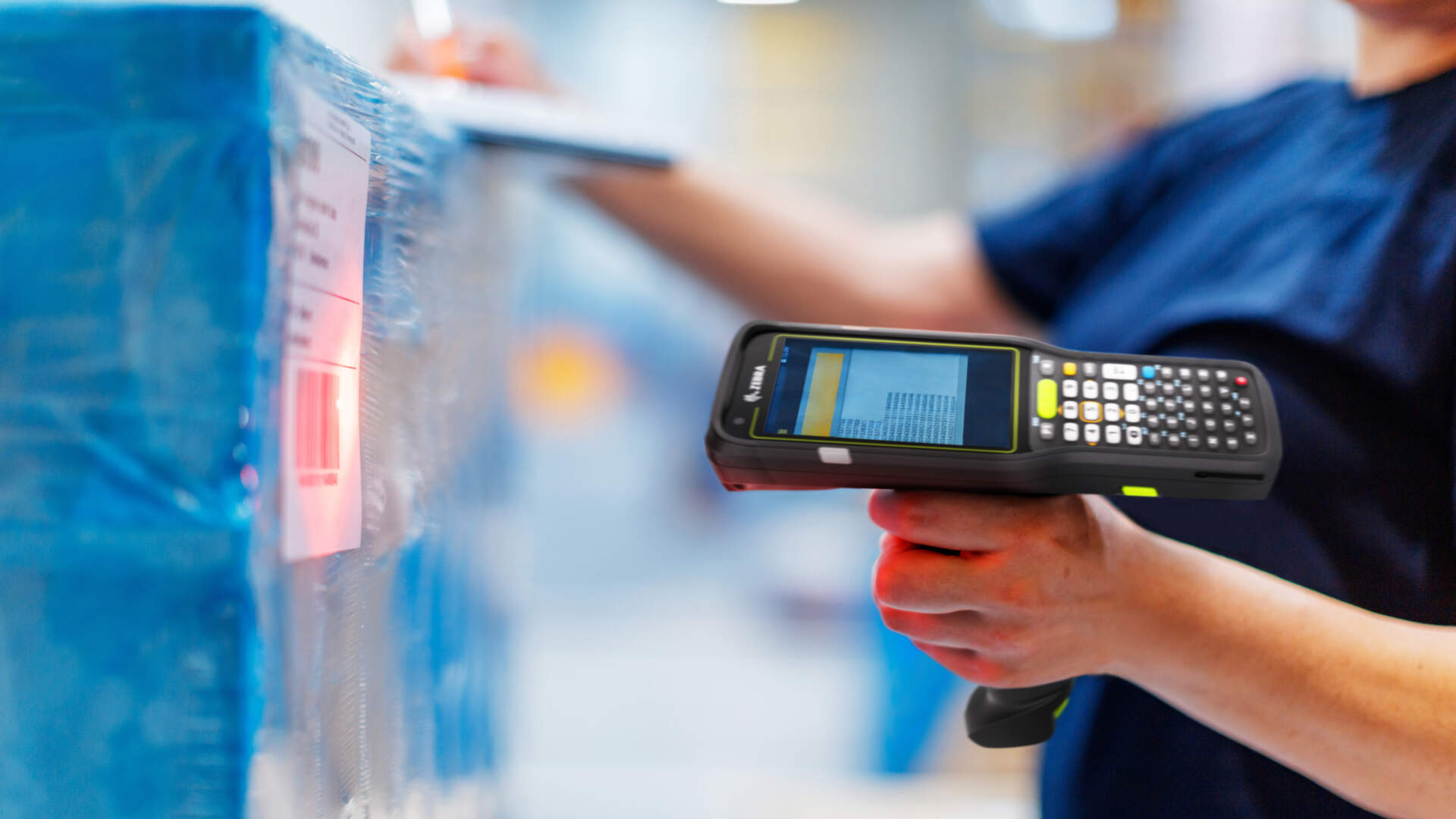
A scanner captures input; a PDA or mobile computer can also carry the count application
Assign every released zone, device and session to a named user or team. This keeps first counts, recounts, review and approval distinguishable.

| Workflow need | Starting direction | Application boundary | Test at site |
|---|---|---|---|
| Fixed counter or desk-side input | Barcode scanner with POS or workstation | The host screen owns item lookup, quantity, exceptions and submission | Field focus, symbologies, keyboard layout and wrong-item response |
| Shelf or stockroom count on the move | PDA or mobile computer | The installed app displays tasks, accepts scans and quantities, and syncs states | Screen flow, login, Wi-Fi route, battery, charging and one-handed use |
| Tagged high-SKU stock under evaluation | Test RFID only when the use case justifies it | RFID changes capture, not scope, approval or posting ownership | Tags, surfaces, read zones, missed reads, extra reads and fallback |
For a deeper form-factor comparison, see Scanner vs Mobile Computer.
Standard count workflow
Eight control points take a store from count release to reopening sales
Names differ between platforms, but the control states should remain explicit.

| Step | Operator action | Required control | Completion boundary |
|---|---|---|---|
| 1. Set scope | Open the approved count or zone | Store, location, items, unit and cut-off | Only eligible work is released |
| 2. Assign work | Sign in and accept a zone or task | User, device, session and role | Ownership is visible |
| 3. Confirm location | Scan the shelf or stockroom location when required | Correct, open and uncounted location | Wrong or closed locations do not pass silently |
| 4. Confirm item | Scan the product and required batch or serial | Known item, pack level and stock status | Unknown, duplicate or unreadable identity is flagged |
| 5. Capture quantity | Count, repeat-scan or enter the actual quantity | Approved unit, zero and skipped-line rules | The first result is retained |
| 6. Recount exceptions | Follow the assigned recount route | Reason, independence and visible first count | The recount does not erase its history |
| 7. Approve and post | Review variance and authorise an adjustment | Reviewer permission, reason and source-of-truth response | Only accepted results become inventory movements |
| 8. Reopen | Release the zone and normal transactions | Exception triage and central or branch alignment | Store activity resumes under the documented rule |
Cycle count or full stocktake
Choose the count method by control objective, not by convenience alone
Cycle counting covers selected locations or items on a repeated schedule. A full stocktake covers the defined site or population in one controlled window. A targeted recount investigates a specific discrepancy. Cycle counting does not automatically remove the need for a full stocktake; policy, shrinkage patterns and stock complexity decide that boundary.

| Method | Useful when | Control emphasis | Trade-off |
|---|---|---|---|
| Cycle count | Selected zones or item groups can be counted repeatedly | Schedule, selection rule and open-movement treatment | Coverage is distributed and gaps can remain if selection is weak |
| Full stocktake | The organisation needs a site-wide controlled count | Cut-off, staffing, zone release and consolidated approval | More operational coordination is required |
| Targeted recount | An exception or material variance needs investigation | Independent assignment, reason and audit trail | It should not silently replace the first result |
Blind or expected count
Hiding the expected quantity changes bias and workload, not the need for review
A blind count can reduce anchoring because counters do not see the system quantity. An expected count can help guided review and location-based workflows. Neither is universally better.

| Approach | Potential benefit | Trade-off | Required control |
|---|---|---|---|
| Blind count | Reduces direct anchoring to the system figure | Can increase recount effort when location, unit or master data is weak | Separate first count, exception flags and authorised review |
| Expected count visible | Supports guided checks and immediate investigation | The displayed number may influence the operator | Reason codes, supervisor review and retained evidence |
| Hybrid policy | Uses blind capture for first count and expected values during review | Needs role and screen controls | Document exactly who sees what and when |
Transactions in flight
Returns, transfers, receiving and sales need an explicit time and ownership rule
Do not let counters decide stock ownership at the shelf. Record cases that cross the cut-off in a separate queue and reconcile them to the count snapshot or posting rule.

| Case | Question to settle | Exception evidence |
|---|---|---|
| Sale during count | Is the item excluded, adjusted to snapshot time or reconciled later? | Transaction time, item, zone and session |
| Return | Is it saleable, quarantined, awaiting inspection or already posted? | Return state and physical holding location |
| Transfer | Which branch owns stock that has dispatched but not fully received? | Transfer state, source, destination and timestamps |
| Receiving | Was the delivery included, held outside scope or posted after cut-off? | Receipt state, temporary location and reviewer |
| Online handoff | Has stock been reserved, picked or physically removed? | Order state and physical custody |
Visible exception flags
Unknown, unreadable, duplicate and wrong-location stock should remain reviewable
A fast workaround can hide the exact discrepancy that the stocktake should surface. Preserve the original scan, item or location context and route the case to an owner.

Identity exception
Unknown barcode, duplicate identity, unreadable label or wrong pack level needs a defined lookup and relabelling route.
Location exception
Found stock in the wrong zone should keep both physical and expected locations visible.
Quantity exception
Zero, skipped, implausible or unit-mismatched quantities need a status, reason and next owner.
Recount, approval and posting
Count capture becomes stock only after the approved inventory transaction succeeds
Keep the first count, recount and decision as separate events. An authorised reviewer may approve an adjustment, request another count, quarantine stock, correct identity data, investigate a transfer or make no change.

Source-of-truth boundary
A scanner or PDA sends data through an application. The app may save locally, queue a transaction, commit it to a store system or submit it to head office. Only the verified response from the authoritative stock record should close the adjustment. Delayed, rejected and duplicate submissions belong in a visible reconciliation queue.
Network, offline and sync boundary
Do not generalise one platform’s offline behaviour to another
Some applications queue count input, some allow only selected operations offline and others require an online start or reconnect before submission. Confirm the behaviour of the chosen app, POS, ERP and branch-to-head-office path.

- Show connection, saved, queued, rejected and posted states distinctly.
- Define what operators may do after a disconnect and what must stop.
- Preserve session, user, device, time and count identity during recovery.
- Test duplicate submission, out-of-order sync, app restart and device handoff.
- Require review before delayed records post against newer sales or transfers.
Common mistakes
A stocktake fails when physical evidence and system state can no longer be reconciled

- Buying a scanner before defining the count application. Hardware cannot decide workflow ownership.
- Counting without a cut-off. Sales and transfers can cross the count boundary unnoticed.
- Skipping the location scan. The same item can be assigned to the wrong shelf or stockroom context.
- Mixing units. An each, inner and case must not become one unlabelled quantity.
- Overwriting the first count. Recounts need their own result, reason and user.
- Allowing counters to approve their own variance by default. Separate roles where the risk requires it.
- Treating saved or queued as posted. Verify the authoritative inventory response.
- Reopening all movements while unresolved exceptions are hidden. Triage and assign them first.
Deployment checklist
Pilot the real store route, labels, movements and review roles
- Name the source of truth. Record which system owns final on-hand inventory.
- Define scope and cut-off. Include every holding area and in-flight movement.
- Prepare identity. Check item, location, unit, batch and serial rules at the work point.
- Assign users and devices. Separate first count, recount, review and posting permissions.
- Configure visibility. State blind, expected or hybrid rules by role and stage.
- Build exception routes. Cover unknown, unreadable, duplicate, wrong-location and in-flight cases.
- Walk network boundaries. Test weak coverage, offline states, queues, reconnect and duplicate protection.
- Train on failed cases. Staff should recognise held, queued, rejected and posted states.
- Rehearse reopening. Confirm who releases zones and how late transactions are reconciled.
Acceptance checks
Accept observable states and audit evidence, not unsupported performance claims
Set any project-specific time, volume or accuracy targets from the retailer’s baseline and pilot. The checks below remain valid without invented figures.
| Test | Observable pass condition |
|---|---|
| Scope and assignment | Only approved zones and items open, and every session shows the correct user and device. |
| Location, item and quantity | Wrong identities, pack levels and units receive the designed response without silent acceptance. |
| Blind and expected policy | Each role sees only the intended information at first count, recount and review. |
| Unknown and in-flight stock | Sales, returns, transfers, receipts and unknown items remain traceable to an owner and state. |
| Recount and approval | The first count remains visible; recount reason, reviewer and decision are retained. |
| Posting | Accepted adjustments appear once in the authoritative inventory record; rejected or delayed cases remain visible. |
| Network recovery | Disconnect, reconnect, restart and device handoff do not create silent loss or uncontrolled duplicates. |
| Store reopening | Zones reopen under the documented rule and unresolved exceptions have assigned follow-up. |


Frequently asked questions
Retail stocktake scanner, PDA and POS FAQ
Does scanning an item update inventory immediately?
Not necessarily. The device sends decoded data through an application. The app may save a count line, queue it for sync or submit it for review. Inventory changes only when the authorised transaction posts successfully to the source of truth.
Should a retail stocktake use a scanner or a PDA?
A scanner may suit a fixed POS or workstation that already owns the screen and count logic. Use a PDA or mobile computer when staff need mobile tasks, quantity entry, exceptions or review. Test the selected app and hardware together.
What is the difference between cycle count and full stocktake?
A cycle count covers selected items or zones on a repeated schedule. A full stocktake covers the defined site or population in one controlled window. Governance, audit needs and stock complexity decide the appropriate mix.
Is a blind count always more accurate?
No. It can reduce anchoring to expected quantity, but weak location, label or unit data can increase exceptions and recount work. Choose blind, expected or hybrid rules by risk and role.
Can a store keep selling during stocktake?
Possibly, but the retailer must define how sales, returns, transfers, receiving and online orders cross the count cut-off. Some sites pause a zone; others use snapshot logic and later reconciliation.
What should happen to an unknown barcode?
Keep it as an exception with the physical location, scanned value, user and time. Route it for item lookup, ownership review or relabelling instead of assigning it to a convenient SKU.
How should recounts be controlled?
Retain the first result, record why a recount is required and assign the appropriate user or supervisor. The recount should lead to review, approval, investigation or no change. It must not silently overwrite history.
Can stocktake work offline?
It depends on the application and platform. Confirm which actions are stored locally, queued, blocked or require reconnect, then test duplicate protection and review delayed records before posting.
Plan the workflow before procurement
Bring your store layout, stock system and count rules to a practical review
Easy Scan can help review scan points, device roles, label conditions, count application boundaries and acceptance cases. Final integration depends on the selected POS, inventory or ERP platform and its configuration.