
Barcode Printer Buying Guide for Hong Kong Businesses
A barcode printer may also be described as a label printer or barcode label printer. For Hong Kong business use, the right direction depends on label purpose, daily print volume, print method, label size, system source and local support requirements before comparing desktop, industrial, mobile or RFID label printing options.

Step One
Define the label purpose and printed content
Product, carton, shelf, asset and shipping labels differ in size, barcode density, retention period and scan distance. These factors shape the printer, DPI, media and ribbon direction.

Step Two
Choose desktop, industrial or mobile by print volume
Stores, offices, receiving desks and low-to-medium volume stations usually start with desktop printers. Long-running, higher-volume or tougher environments should assess industrial printers. On-site labelling may need mobile printing.

Step Three
Confirm media, software and system output together
The printer is only one part of the workflow. Label material, ribbons, barcode and label design software, POS, ERP, WMS, USB, LAN, Wi-Fi and cloud printing should be reviewed together.
What is a barcode printer, and how is it different from a label printer?
A barcode printer prints text, barcodes, QR codes, batch data, addresses or product information onto labels, tags, wristbands or receipts. In Hong Kong B2B conversations, buyers may also call it a label printer, barcode label printer or thermal label printer.
Unlike a document printer, barcode printer selection must consider label size, print resolution, print method, label material, ribbon pairing, connectivity, print volume and maintenance. Easy Scan helps business teams narrow the model direction by workflow rather than by brand or appearance alone.
Six decision points for choosing a barcode printer
Different teams may describe the same requirement as a barcode printer, label printer, sticker printer, shipping label solution or RFID label printing workflow. A practical selection process starts by separating use case, print volume, print method, DPI, software and consumables, then comparing the printer direction against the real operating environment.
| Decision Point | What to Confirm First | Impact on Selection |
|---|---|---|
| Use case and printed content | Product labels, carton labels, shelf labels, asset labels, shipping labels or pallet labels; whether the label includes barcodes, QR codes, batches, dates or addresses. | Defines label size, readability requirement, DPI direction and whether scanner or system field alignment is needed. |
| Print volume and environment | Daily or monthly volume, long-running operation, and whether the printer sits in a warehouse, production line, store, office or vehicle route. | Low-to-medium volume may start with desktop printers; higher volume, larger media rolls or tougher environments should assess industrial printers; on-site printing points to mobile printers. |
| Print method and retention period | Whether the label is needed for days, weeks or longer-term retention; exposure to heat, light, abrasion, freezer conditions, cleaners or outdoor environments. | Short-term labels can assess direct thermal. Longer-retention product, asset and warehouse labels often need thermal transfer and ribbon matching. |
| Label size, DPI and scan readability | Small labels, dense barcodes, small text, icons, multi-line addresses, QR codes or longer scan distance. | Standard carton labels may not need the highest DPI. Small text, dense codes and small labels should be checked with samples before choosing 203, 300 or 600 dpi directions. |
| Software, data source and connectivity | Whether labels come from a standalone PC, POS, ERP, WMS, BarTender, NiceLabel or a cloud system; whether USB, LAN, Wi-Fi, Bluetooth or central management is needed. | Prevents a hardware-only purchase that later fails on drivers, templates, fields, permissions or multi-site printing workflow. |
| Local support and maintenance | Who handles installation, setup, consumable matching, printhead cleaning, sensor settings, troubleshooting and ongoing support. | Hong Kong B2B teams should include technical support, consumable supply and downtime risk in the selection, not only printer cost. |
Which workflows commonly need barcode printers?

Retail and Store Operations
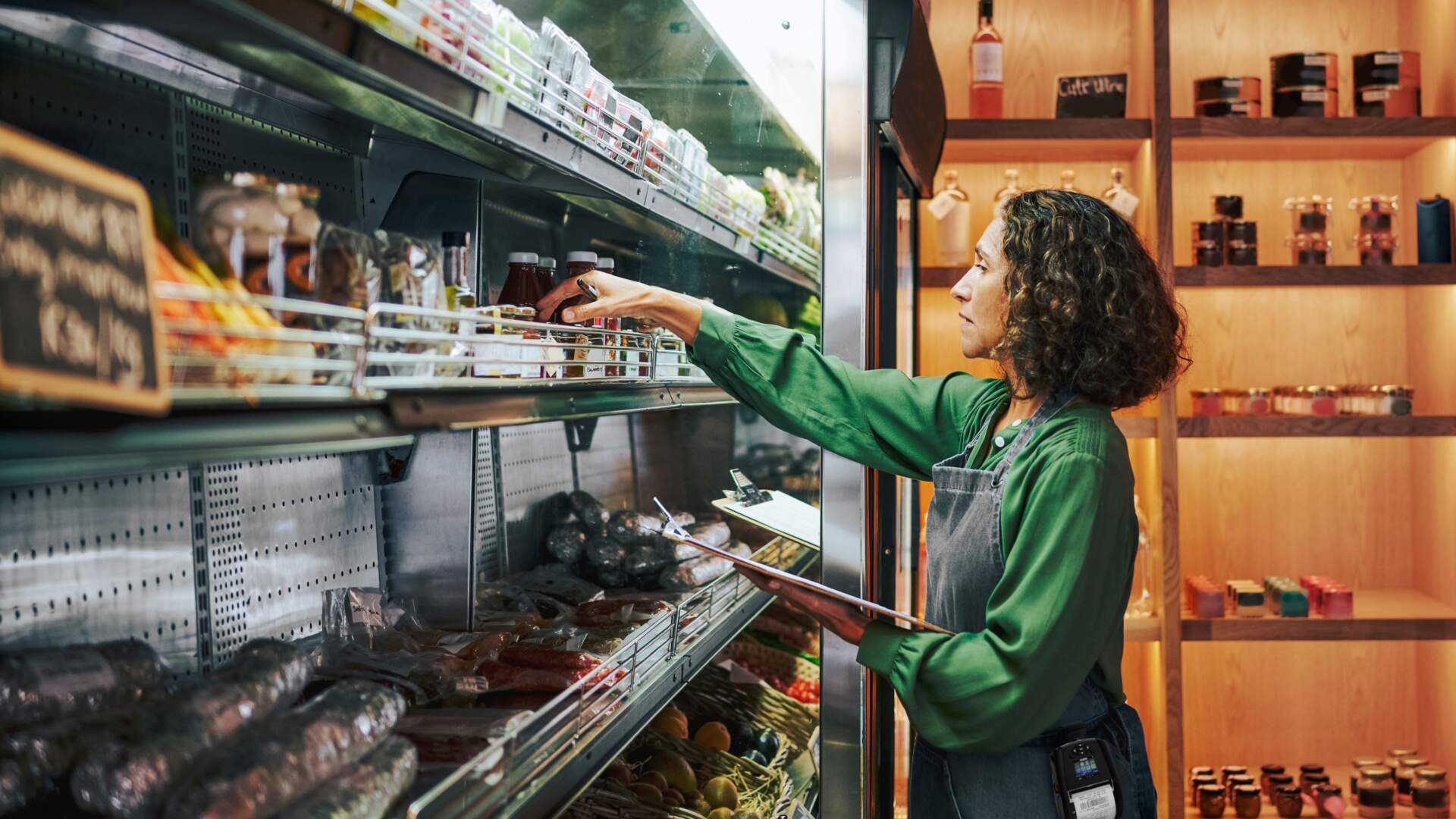
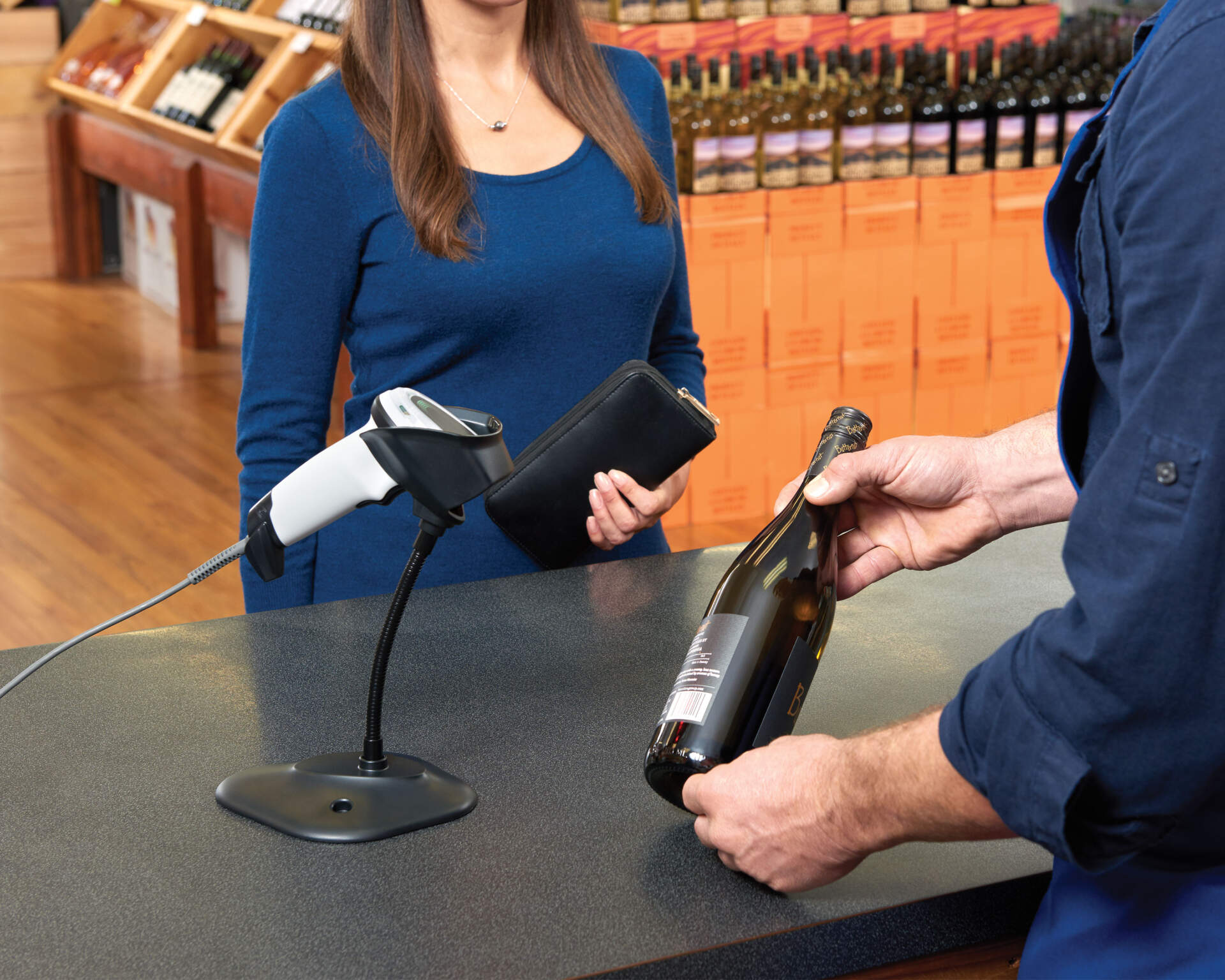
Print product labels, price labels, shelf labels, membership labels and back-office labels for POS and stock workflows.

Warehouse and Inventory
Print receiving labels, bin labels, carton labels, asset labels and stocktake labels for scanner and WMS workflows.

Logistics and Delivery
Print delivery labels, carton labels, waybill labels and returns labels so shipping data stays clear and scannable.

Manufacturing and Operations
Print work-in-progress, process, batch, fixed asset and maintenance labels for tracking, handover and operational control.
Direct thermal, thermal transfer and RFID print-encode
| Print Method | How It Works | Common Uses | Selection Focus |
|---|---|---|---|
| Direct thermal | Uses heat to activate direct thermal label stock. It does not use a ribbon. | Short-term shipping, logistics, receipts and temporary labels. | Confirm retention period, heat exposure, light exposure and abrasion conditions. |
| Thermal transfer | Uses a ribbon to transfer printed content onto the label material. | Product labels, asset labels, durable labels and warehouse labels. | Match label material, ribbon type and durability requirement, especially for longer-retention or more durable labels. |
| RFID print-encode | Prints visible information while encoding data into an RFID label in the same workflow. | Asset tracking, stocktaking, pallet labels or workflows that need RFID read/write. | Confirm RFID tags, readers, read range, system workflow and label placement environment before treating it as a normal barcode label workflow. |
DPI, consumables and software are selection gateways
Barcode printer selection usually involves print resolution, label material, ribbons, desktop versus industrial printers, label software and barcode data sources. Clarifying these points early makes model comparison, consumable matching and system integration easier.
| Comparison Topic | What to Confirm During Selection | Useful Next Comparison |
|---|---|---|
| DPI and readability | Small labels, fine text, dense barcodes and QR codes may need a higher-resolution direction. | 203 / 300 / 600 dpi comparison, sample testing, scan distance and barcode size. |
| Labels and ribbon consumables | Material, adhesive, freezer, outdoor, abrasion and retention requirements affect the print method. | Paper, PP, PET, wax, wax-resin, resin ribbon and sample testing. |
| Desktop vs industrial printers | Print volume, media roll size, environment and maintenance needs define the broad direction. | Small business desktop printers, warehouse industrial printers, high-volume use and upgrade timing. |
| Barcode and label design software | Templates, fields, permissions, database links and print access affect deployment. | BarTender / NiceLabel, ERP / WMS / POS data connection and multi-site management. |
| GS1 / GTIN / product barcode data | The printer outputs the label; formal barcode numbers, SKUs, batches and date fields need a confirmed data source. | Hong Kong GS1 barcodes, product marking, food or retail labelling compliance topics. |
Desktop, industrial, mobile or RFID barcode printer?
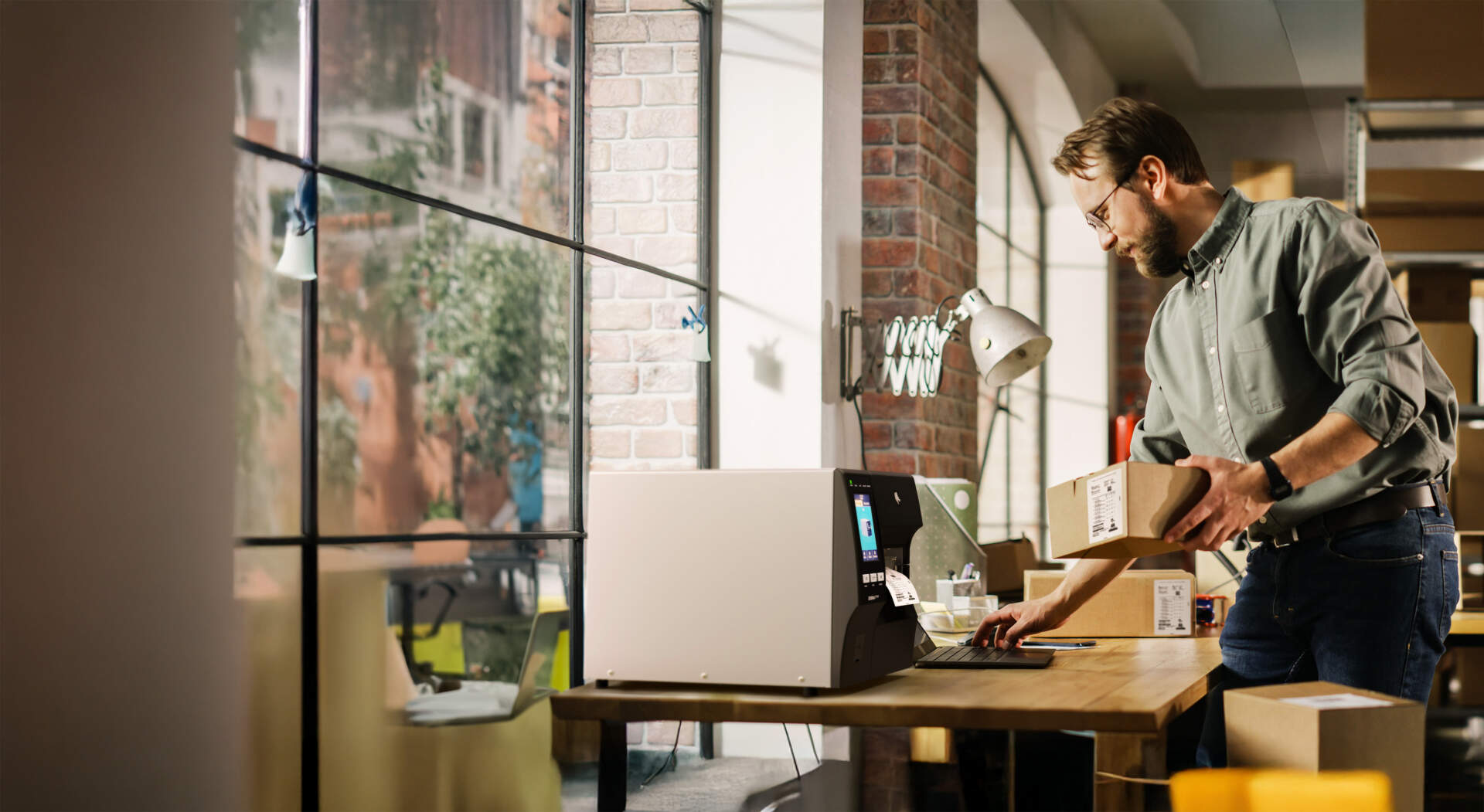
 Desktop Barcode PrintersFit stores, offices, receiving desks and medium-to-low volume workstations where compact size and simpler media handling matter.View Desktop Printer Direction
 Industrial Barcode PrintersFit warehouse, production, logistics and long-running print workflows where print volume, durability, media capacity and maintenance matter.View Industrial Printer Direction
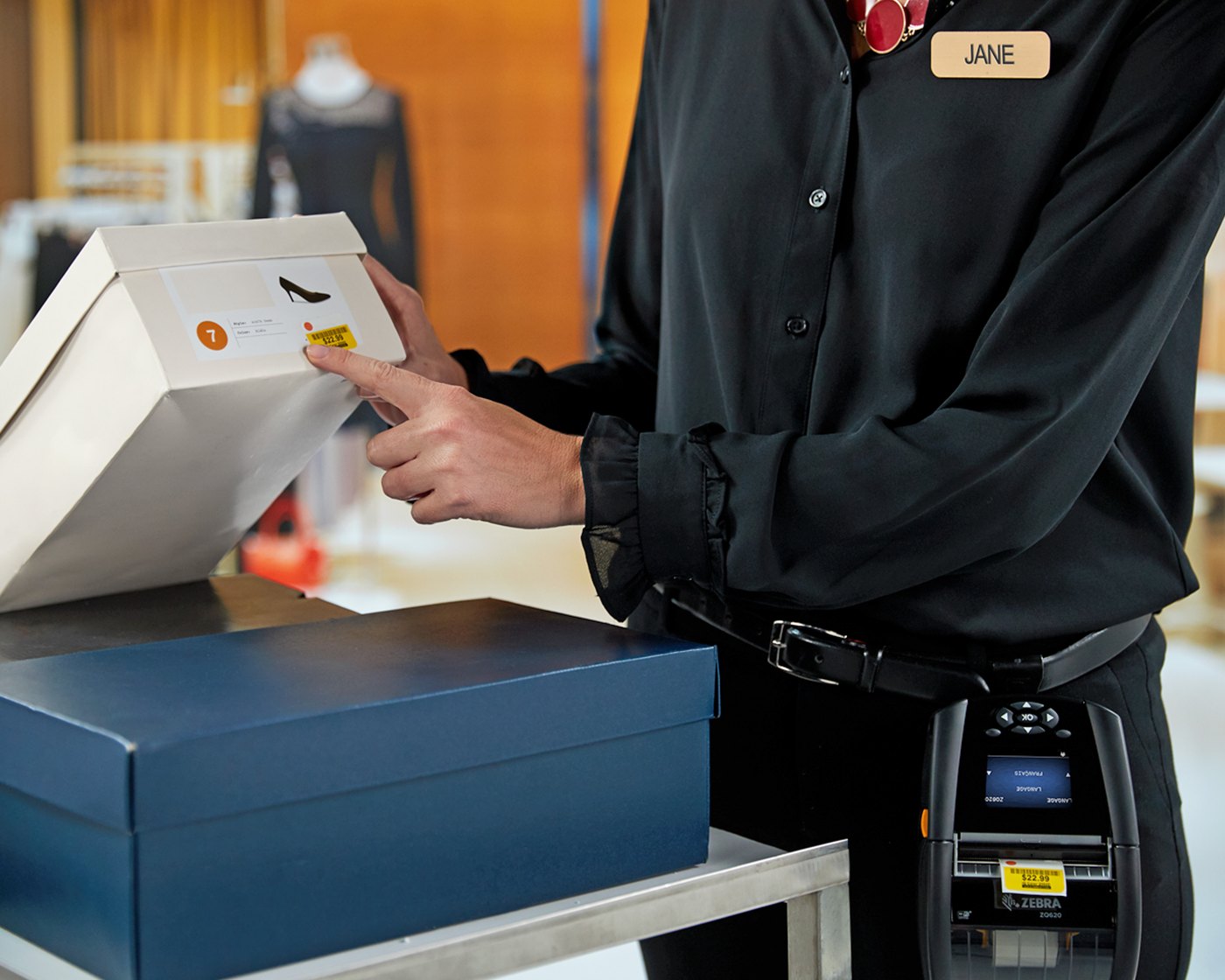
 Mobile PrintersFit staff who print labels at the store, warehouse, vehicle route or job site. Battery, connectivity, carrying method and label size are key.View Mobile Printer Direction
 RFID Label PrintersFit workflows that encode RFID labels and print visible information at the same time. Selection must confirm RFID tags, read/write range and system workflow.View RFID Printer Direction


Prepare these details before asking Easy Scan
Label, Volume and Consumable Details
- Label size, material, adhesive and operating environment
- Daily or monthly print volume
- Water, abrasion, heat, freezer, outdoor or long-retention requirements
- Existing label and ribbon specifications
- Label samples or current print output for comparison

System, Connectivity and Support Details
- Computer, POS, ERP, WMS or cloud system label output
- USB, LAN, Wi-Fi, Bluetooth or other connectivity requirement
- Label content such as SKU, barcode, QR code, batch or address
- Single-printer use, centrally managed multi-printer workflow or local Hong Kong technical support requirement


Barcode Printer FAQ
Does every barcode printer need a ribbon?
No. Direct thermal printing does not use a ribbon and is often assessed for short-term shipping, logistics or temporary labels. Thermal transfer printing uses a ribbon and is usually assessed for product, asset, warehouse and longer-retention labels.
Should we choose a desktop or industrial barcode printer?
It depends on print volume, operating environment, media roll size, connectivity and maintenance needs. Desktop printers suit lower-volume and space-limited workstations; industrial printers suit long-running, higher-volume or tougher warehouse, manufacturing and logistics workflows.
Can barcode printers connect to ERP, WMS or POS systems?
Yes, but the label format, data fields, printer driver, connectivity and operation workflow must be confirmed. Share your current system, label format and print workflow so compatibility can be reviewed.
How should labels and ribbons be matched?
Match them by label material, adhesive, environment, retention period and print method. A mismatched ribbon and label can cause smudging, fading, weak abrasion resistance or unreliable scanning.
When is an RFID label printer needed?
An RFID label printer is assessed when the workflow needs to encode data into an RFID label while also printing visible text or barcodes. Confirm RFID tags, readers, read range and system workflow first.
What information should we provide for a barcode printer enquiry?
Prepare label size, daily or monthly volume, label purpose, operating environment, printed content, current system, connectivity requirement, existing label or ribbon samples and any local Hong Kong technical support needs.
Need to choose barcode printers for your Hong Kong team?
Share your label size, print volume, operating environment, system source and existing consumable details with Easy Scan. We will help shortlist desktop, industrial, mobile or RFID barcode printer directions based on the actual workflow.