Barcode Printer Method Comparison
Direct Thermal vs Thermal Transfer Printers: An Equipment-Level Guide
Choose a direct-thermal-only printer when the verified label workflow can use heat-sensitive media and the team values a ribbon-free operating path. Choose a thermal-transfer-capable printer when the required label construction needs a matched ribbon, or when the site has a real mix of direct thermal and thermal transfer jobs. The right answer depends on printer hardware, supplies, changeovers, peak work, system settings and sample testing—not on the word “thermal” alone.
Fewer imaging supplies
The printer activates heat-sensitive media directly. Operators still load media, calibrate, clean the printhead and platen, and recover from media or sensor faults.
A ribbon-and-media system
The printer transfers a ribbon coating onto compatible media. Ribbon width, winding, coating side, routing and settings become part of normal operation.
Flexibility needs control
A verified dual-mode model can run both methods. That flexibility only helps when staff can identify supplies, switch the mode and check the first label correctly.
Printer hardware
What changes inside a direct thermal or thermal transfer printer?
Both methods use a thermal printhead. The physical difference is how the image reaches the label and whether the printer includes a ribbon supply, path, take-up and sensing arrangement.
| Equipment item | Direct thermal | Thermal transfer | Buyer implication |
|---|---|---|---|
| Image formation | Heat activates a coating on direct-thermal media | Heat transfers a coating from ribbon to compatible media | Test the complete printer-and-supply system, not the printer name alone. |
| Imaging supplies | No separate ribbon in the normal process | Label media plus a matched ribbon | Add ribbon stock, compatibility and storage to procurement. |
| Media path | Media passes under the printhead | Media and ribbon pass through the print zone; used ribbon winds onto take-up | Operator loading and fault recovery are different. |
| Printhead contact | Media surface contacts the printhead directly | Ribbon sits between printhead and label in the print zone | Media abrasiveness, ribbon width, cleanliness and settings all matter. |
| Mode setting | Printer and job must be set for direct thermal | Printer and job must be set for thermal transfer with ribbon sensing as required | A wrong driver, stored format or printer command can trigger ribbon alerts or poor output. |
Check the exact hardware configuration
A product family may contain direct-thermal-only and thermal-transfer-capable variants. Software cannot add a missing ribbon mechanism, so confirm the exact model and Part Number before ordering.
Direct thermal direction
When does a ribbon-free printer workflow make sense?
Direct thermal is a practical starting point when the tested media remains readable for the required workflow and removing ribbon handling helps the operator. It is not automatically maintenance-free or suitable for every short-life label.
Short-cycle output
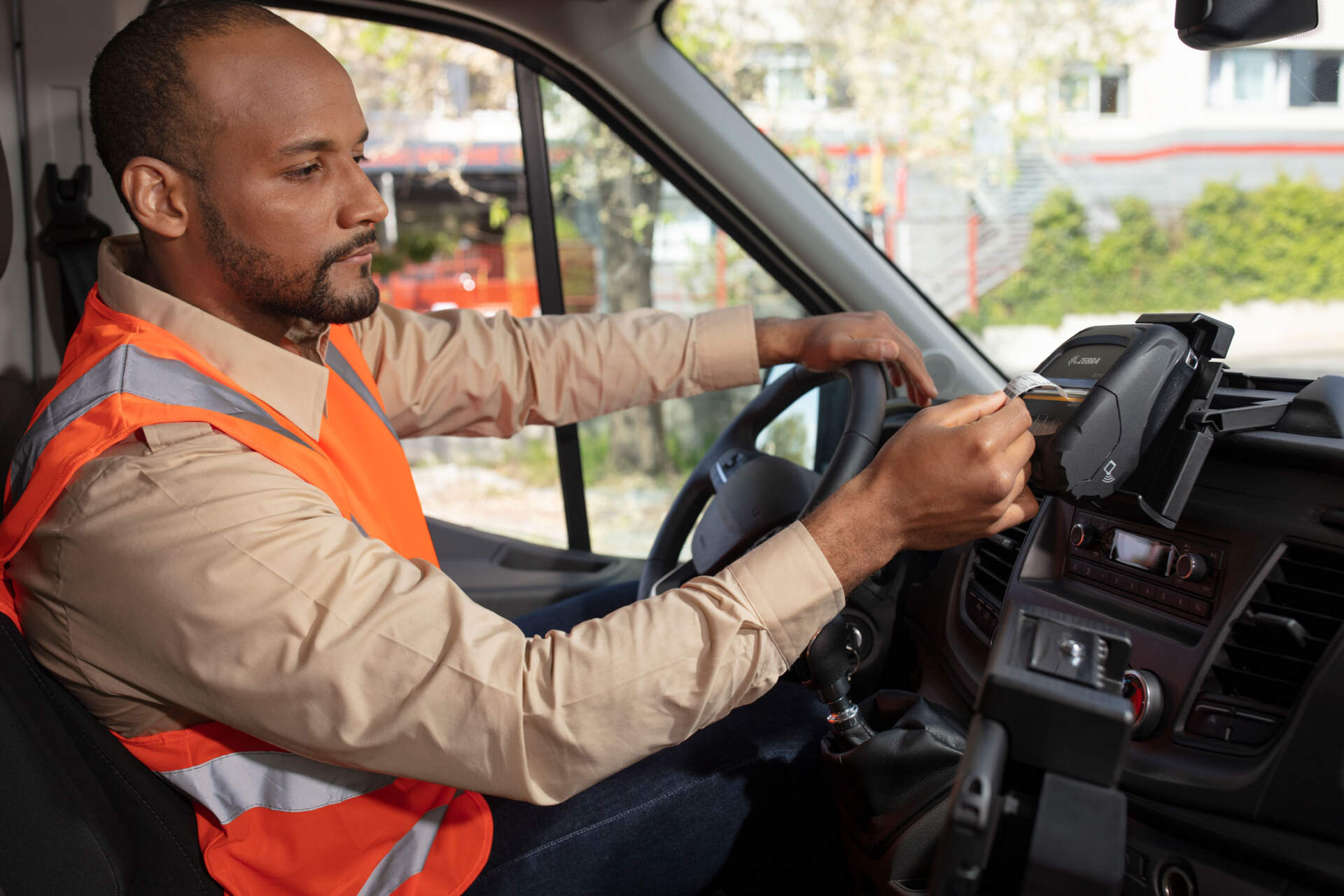
Receipts, queue tickets, temporary dispatch labels and other verified short-cycle jobs can suit direct thermal when the label will not face unsuitable heat, light or handling.
Simpler supply changes
Operators load one imaging supply rather than matching and routing a ribbon. Media alignment, sensing, calibration and cleaning still remain.
Mobile and compact stations
Direct-thermal-only hardware is common in mobile, receipt, wristband and some compact desktop workflows. Availability and features remain model-specific.
Specialty media creates exceptions
Do not assume every direct-thermal label fades on the same schedule or fails in cold conditions. Top-coated and specialty synthetic media exist, but the actual label, exposure and scan point still need testing.
Thermal transfer direction
When should the printer include a ribbon mechanism?
Thermal transfer becomes relevant when the proven label construction needs a compatible ribbon, or when the site wants one verified printer configuration for both direct thermal and ribbon-based jobs. Durability comes from the matched construction, not the printer method by itself.
Broader supply combinations
Thermal transfer can pair different ribbons with paper or synthetic labels. The correct combination depends on surface, required life and real exposure.
Additional operator steps
Staff must identify ribbon width, length, core, winding and coating side; route it correctly; remove used ribbon; and check the first label after a change.
More fault conditions to plan for
Ribbon out, ribbon wrinkle, incorrect mode, mismatched supplies and poor take-up can interrupt work. Training and recovery should form part of acceptance testing.
For detailed facestock, adhesive and ribbon matching, continue to the direct thermal versus thermal transfer label guide. This article stays focused on the printer and operating workflow.
Mixed workloads
Should you buy a printer that supports both methods?
A dual-mode printer can reduce hardware variety when a site genuinely runs both methods. It can also introduce wrong-supply and wrong-setting risks if jobs change often without clear controls.
| Work pattern | Practical direction | Control required |
|---|---|---|
| One stable direct-thermal job | Compare a direct-thermal-only configuration first | Keep approved media and settings documented. |
| One stable thermal-transfer job | Use a thermal-transfer-capable configuration with approved label and ribbon | Document ribbon details, loading and replenishment. |
| Occasional mixed jobs | A dual-mode printer may offer useful flexibility | Label each supply, store job profiles and check the first output after switching. |
| Frequent switching during peaks | Compare dual mode with separate dedicated stations | Measure changeover time, mistakes, queue impact and recovery. |
| Multiple branches or operators | Standardise only after a pilot | Use controlled supplies, training, configuration records and support ownership. |
Flexibility is not free
A dual-mode chassis may be sensible, but the operating design still needs ribbon stock, media identification, job settings and staff training. If switching is frequent, two dedicated stations may be easier to control.
Business workflows
How do Hong Kong operations use the two methods?
These are starting directions, not universal rules. The actual label construction, exposure, printer configuration and scan requirement still need proof.
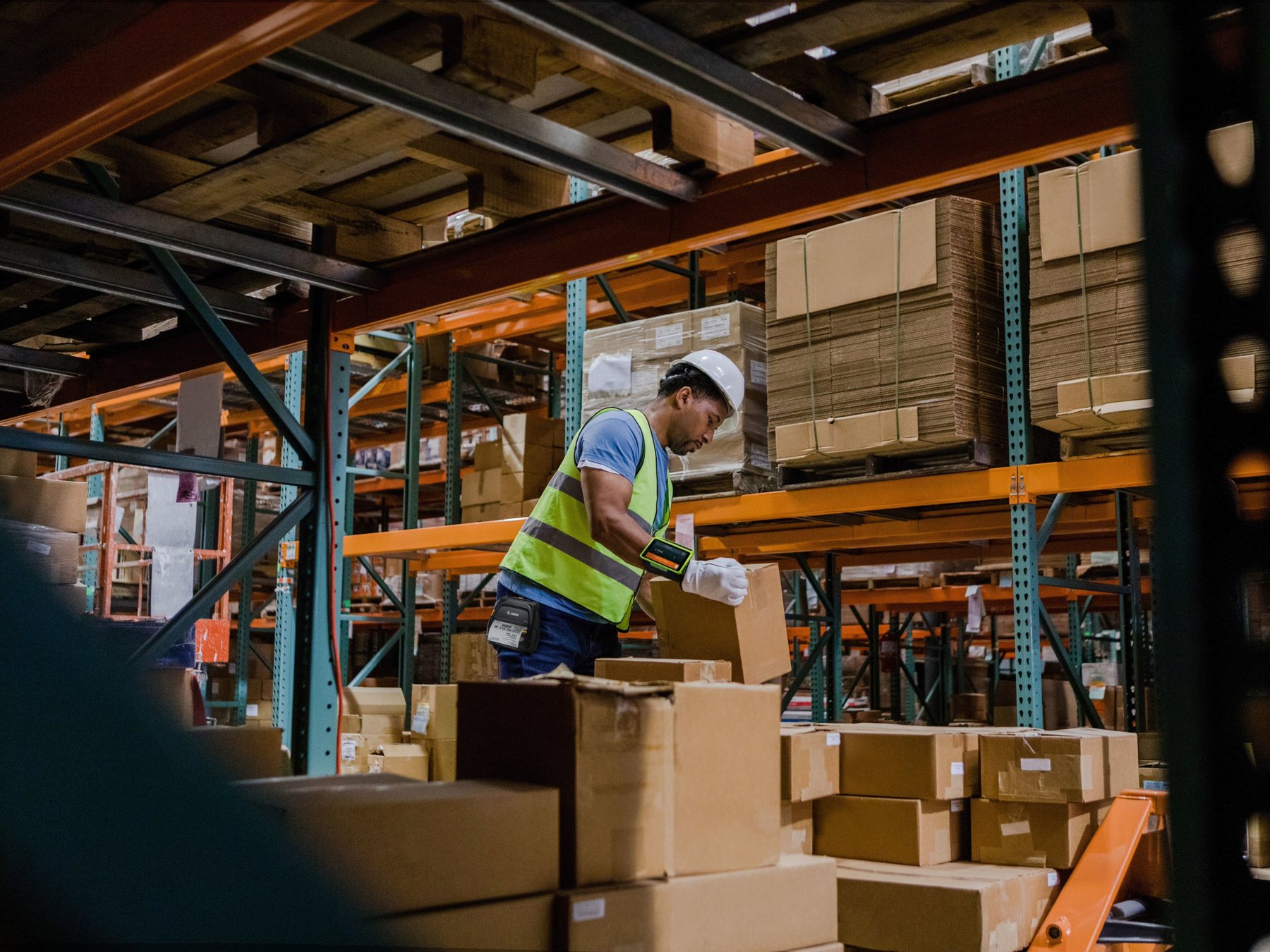
Warehouse and logistics
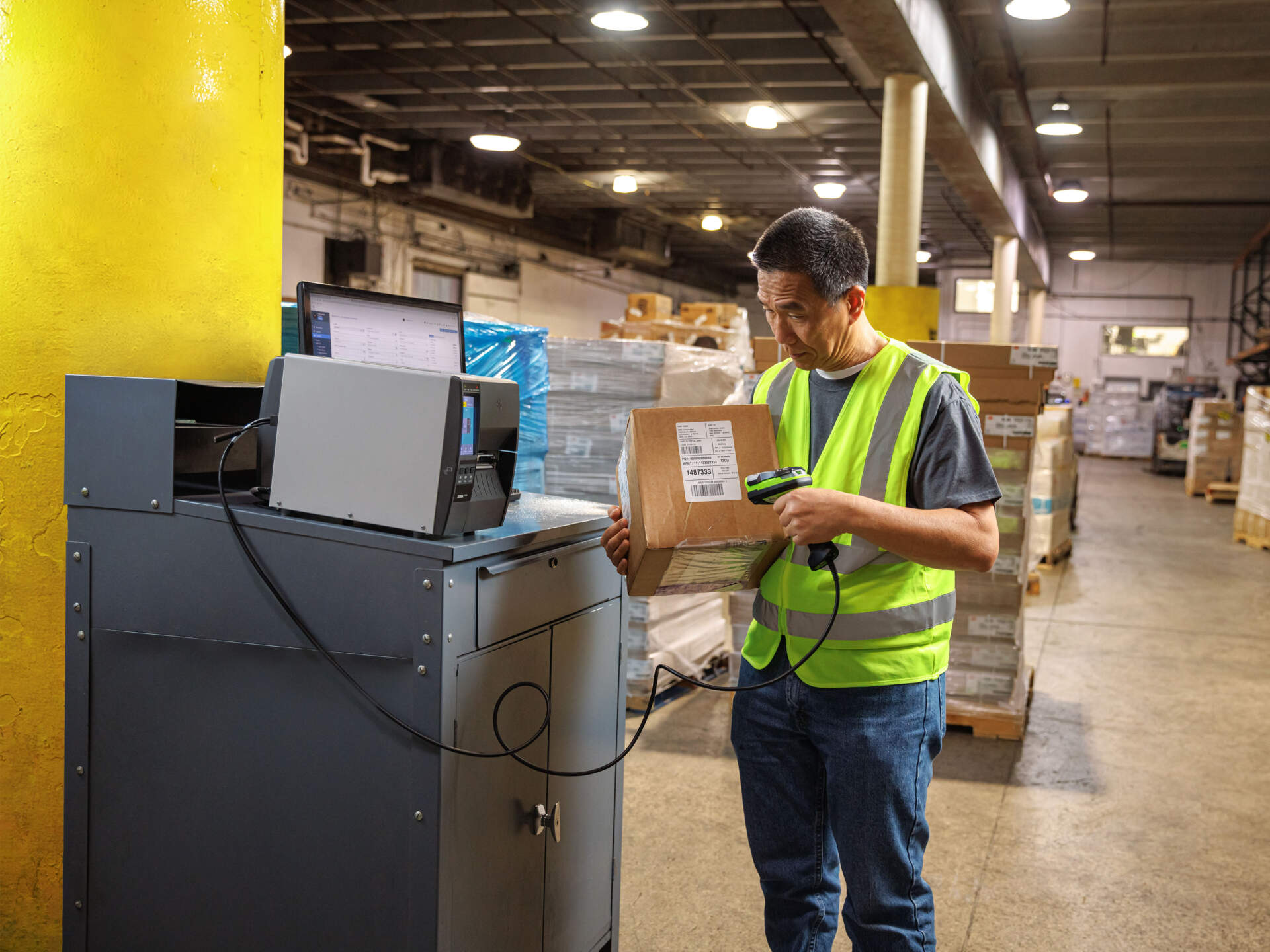
High-turnover parcel labels often begin with direct thermal. Fixed location, reusable container or longer-retention labels should be tested against a thermal-transfer route.
Healthcare and laboratory
Some queue, visitor, wristband and short-cycle specimen workflows use direct thermal. Other storage or identification jobs may need specialty media or thermal transfer.
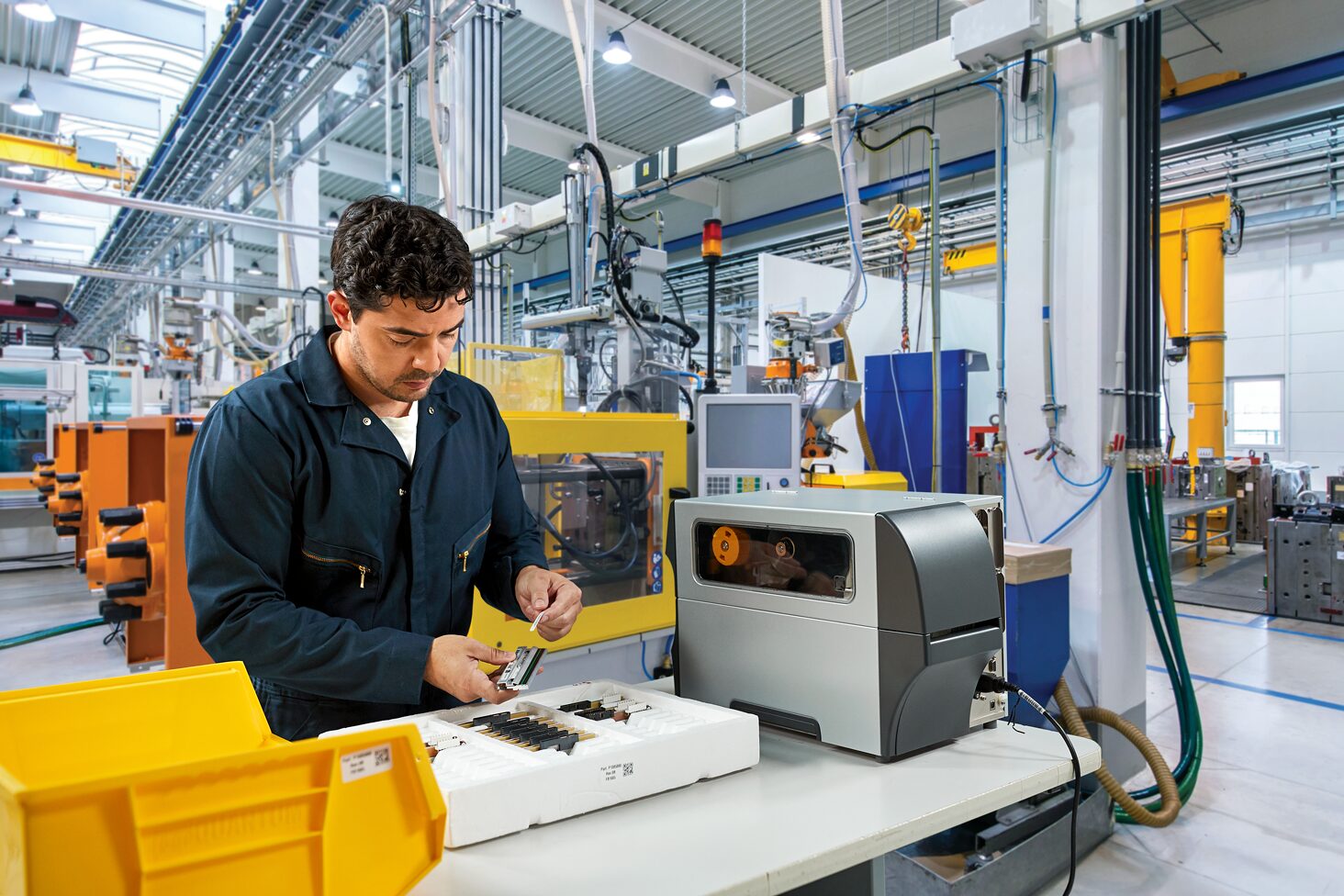
Manufacturing
Short-cycle work-in-progress labels may use direct thermal in controlled conditions. Component, serial, asset or exposure-heavy identification often needs a thermal-transfer proof.


Operating inputs
Compare the full workflow, not ribbon cost alone
No print method is always cheaper. Use your real label, run pattern and staffing to compare the supplies and interruption points that matter to the operation.
| Input | Direct thermal | Thermal transfer |
|---|---|---|
| Supply stock | Approved direct-thermal media | Approved label media plus matched ribbon |
| Changeovers | Media loading, alignment and calibration | Media change plus ribbon loading, take-up and matching |
| Quality risk | Wrong media, heat setting, contamination or unsuitable exposure | Wrong ribbon, width, winding, coating side, mode or matching |
| Maintenance | Printhead, platen, sensors and media path | Same core care plus ribbon-path and take-up checks |
| Loss to measure | Reprints, failed labels, cleaning, jams, calibration and downtime | The same, plus ribbon waste, wrinkle, out alerts and changeover errors |
Printer speed, DPI, connectivity and duty cycle are separate model-level decisions. Use the desktop versus industrial printer guide and 203 versus 300 dpi guide after the print-method direction is clear.
System and deployment
Printer mode can be changed by the panel, driver or label job
A correctly loaded printer can still fail when the panel, Windows driver, management tool, stored format or ERP / WMS command selects a different print method. Record where the setting is controlled.
One source of truth
Decide whether the printer, driver, template or application owns print method, darkness, speed and calibration settings.
Document each station
Record printer model, firmware, driver, connection, resolution, supply part numbers and approved job profiles.
Re-test after changes
Recheck output after firmware, driver, template, printhead, ribbon or media changes, especially for controlled barcode workflows.
Pre-purchase proof
Run a printer, supply and operator acceptance test
Use the exact printer configuration, label, ribbon where required, artwork and environment. A clean sample printed once at a demonstration desk is not enough.
- Record the exact configuration. Include model, Part Number, firmware, resolution, driver, options and connection.
- Record every supply. Include label material, adhesive, width, sensor type, core and roll orientation; add ribbon formulation, width, length, winding and coating side where used.
- Let the normal operator load it. Observe media and ribbon changes, calibration, alerts and recovery without vendor assistance.
- Print the real artwork. Include the smallest barcode, fine text, logos, high-coverage areas and largest label at intended settings.
- Inspect print defects. Check voids, smudging, ribbon wrinkle, missing dots, label skew, excessive darkness and poor edges.
- Expose and rescan. Apply labels to the real surface and test expected heat, light, cold, moisture, chemicals, rubbing or handling.
- Simulate supply end. Test media-out and ribbon-out recovery, then inspect the first labels after restart.
Procurement risks
Avoid these printer-selection mistakes
Buying “thermal” without checking the variant
Confirm whether the exact hardware is direct-thermal-only or includes the ribbon mechanism required for thermal transfer.
Calling thermal transfer automatically durable
Water, chemicals, abrasion and outdoor life depend on the label, adhesive, ribbon, settings and exposure—not the method alone.
Treating no ribbon as no maintenance
Direct thermal still needs model-specific printhead, platen, sensor and media-path care.
Testing only the first clean label
Approve the complete run, operator changeover, environmental exposure and scan result at the actual point of use.
Prepare before enquiry
Send these details for a useful printer recommendation
- Label purpose, application surface, required readable life and final scan point.
- Actual label sample or dimensions, artwork, barcode type and smallest text.
- Heat, light, cold, condensation, moisture, chemical, oil and abrasion exposure.
- Normal jobs, peak run pattern, shift coverage and acceptable interruption.
- Current printer model, exact configuration and any failed output sample.
- Current media and ribbon manufacturer, part number, core, winding and coating side.
- Who changes supplies, how often jobs switch, and whether separate stations are possible.
- ERP, WMS, POS or label software, operating system, connection and scanner used for checking.

FAQ
Direct Thermal and Thermal Transfer Printer FAQ
Does direct thermal use ink, toner or ribbon?
No separate ink, toner or ribbon is used in the normal process. The printhead activates the coating on compatible direct-thermal media.
Can one printer use both methods?
Some printers can. Other variants are direct-thermal-only. Confirm the exact hardware configuration because a driver setting cannot add a missing ribbon mechanism.
Is a direct thermal printer always cheaper to operate?
No. It removes ribbon handling, but the comparison still includes media, storage, replacements, reprints, cleaning, downtime and whether the label survives its required life.
Is thermal transfer always more durable?
It supports a wider range of ribbon-and-media combinations, but durability is not automatic. The ribbon, label, adhesive, settings, surface and exposure must be matched and tested.
Should we buy dual mode for flexibility?
Only when there is a real mix of jobs or a documented near-term need. Dual mode adds supply identification, ribbon stock, changeovers, settings and training. Dedicated stations may be clearer for frequent switching.
Does thermal transfer mean the printer should be industrial?
No. Print method and printer class are separate decisions. Desktop and industrial product families can include direct-thermal or thermal-transfer-capable configurations.
Which method is faster?
The method alone does not decide speed. Compare the exact printer at the required resolution and test the actual media, ribbon, darkness and barcode quality at the proposed operating speed.
Why does the printer report ribbon in or ribbon out after a supply change?
The physical supplies and configured method may not match. Check the printer panel, driver, management tool and label-format commands, then reload and calibrate according to the model instructions.
Printer selection support
Need to compare a direct-thermal-only or dual-method printer?
Send Easy Scan your label sample, required life, environment, peak print pattern, system details and current supplies. We can help narrow the printer configuration and arrange a representative test for your Hong Kong operation.