Barcode Printer Selection for Hong Kong SMEs
Desktop vs Industrial Barcode Printers: Which Fits Your Business?
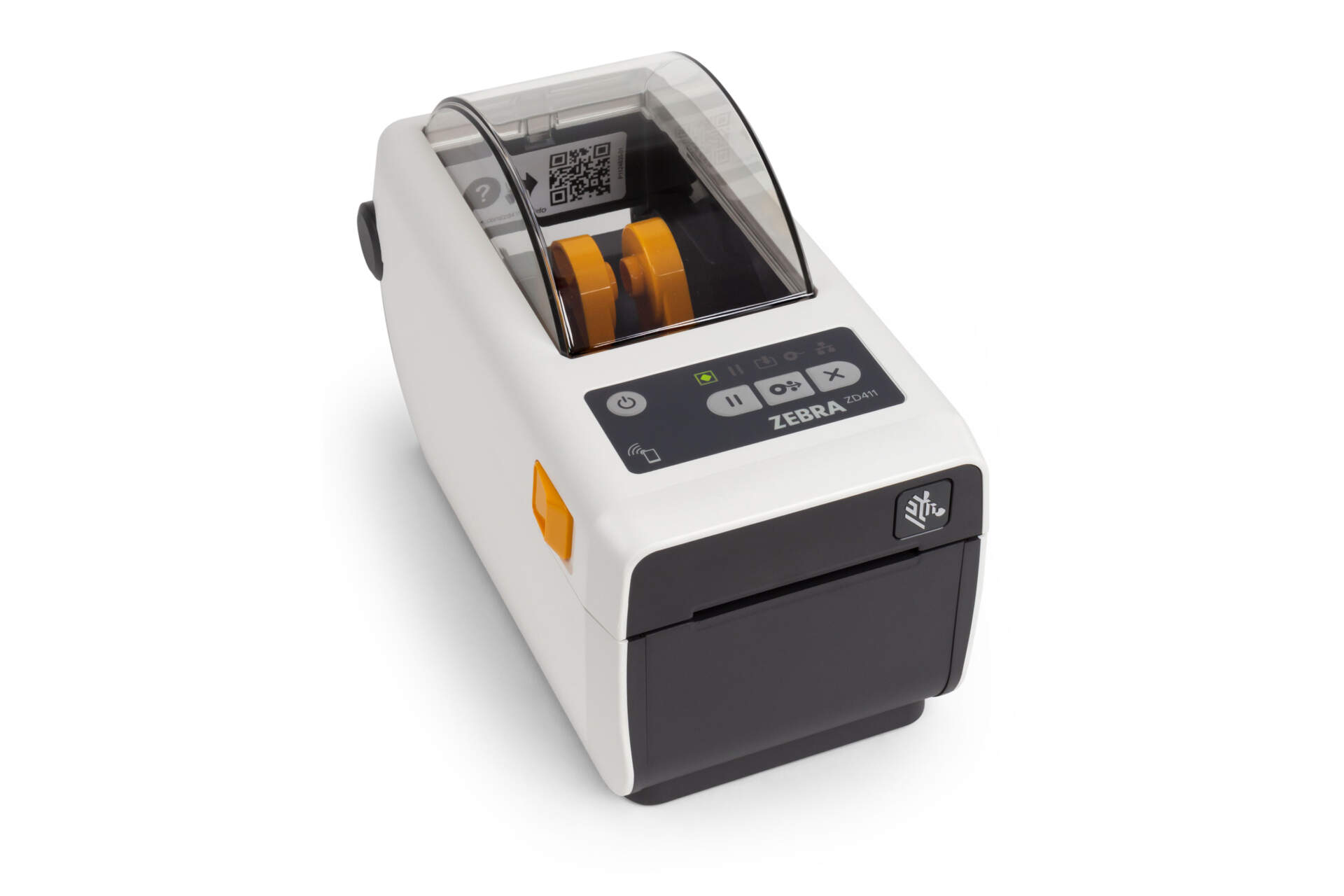
A desktop printer is often the sensible starting point when labels are printed on demand at a protected workstation, jobs are short, and media or ribbon changes do not interrupt operations. An industrial printer becomes worth evaluating when work arrives in long runs or sharp peaks, the site is more demanding, supply changes delay dispatch, or printer downtime can hold up receiving, production or shipping. Company size is not the deciding factor; the busiest operating period and the consequence of interruption matter more.
Printing stays close to an operator and jobs are short
Typical locations include a retail back room, office, receiving desk or small packing bench. The required label width, media roll, ribbon, connectivity and print quality must still fit the exact model.
Long runs or busy periods cannot tolerate frequent stops
Larger media capacity, more robust construction and service access may reduce the effect of replenishment and maintenance on receiving, production or dispatch.
Average daily volume cannot decide the printer class
The same daily output creates different pressure when it is concentrated into one hour rather than spread across the day. Record the busiest period, batch length and downtime consequence.
Desktop vs Industrial Comparison
What is the practical difference between the two printer classes?
Desktop and industrial printers can overlap in resolution, networking and management features. Compare installation, peak workload, supply capacity, environment, maintenance and expansion instead of relying on the category name alone.
| Dimension | Desktop direction | Industrial direction | Question to ask |
|---|---|---|---|
| Workload | Intermittent, on-demand or distributed across workstations. | Long runs, concentrated peaks or repeated multi-shift work. | How long does the printer run during the busiest hour or shift, and where are the natural pauses? |
| Environment | Protected retail, office, receiving and packing workstations. | Warehouse or production areas with more dust, handling or operational pressure. | Will it face dust, moisture, vibration, cleaning, temperature change or impact? |
| Space | Usually smaller and easier to place near the user. | Needs more support, door-opening, loading, output and service clearance. | Have you measured the cover, cables, loading path and operator movement, not only the base? |
| Labels and ribbons | Smaller internal supplies may require more changes during peak work. | Larger supplies can reduce interventions during long runs, subject to the exact model. | What are the roll diameter, core, winding, ribbon length and sensing method? |
| Resolution and width | Desktop families can offer different widths and resolutions. | Industrial families also vary by model, width and resolution. | What are the smallest text, barcode, QR Code and actual label dimensions? |
| Connectivity and management | Some models offer Ethernet, Wi-Fi, Bluetooth and remote management. | May add broader interfaces, monitoring and automation options. | Does output come from a PC, POS, ERP, WMS, label application or cloud workflow? |
| Maintenance and downtime | Distributed workstations can add flexibility but still need cleaning and backup planning. | Service-oriented designs may reduce interruption, but no printer guarantees zero downtime. | What orders, receipts or production tasks stop if printing is unavailable for 30 minutes? |

Desktop
Point-of-work placement and operator access matter
A desktop printer can sit beside the work, but peak queues, media changes and ribbon changes still need testing. Do not assume desktop means USB-only, unmanaged or suitable only for occasional output.

Industrial
Sustained availability, supply capacity and service risk matter
Industrial models are often designed for more demanding operations, but the word industrial does not prove waterproof, dustproof, chemical-resistant or uninterrupted operation. Verify every environmental limit and option on the exact configuration.
Six-Step Decision Method
Answer these six groups of questions before using a daily-volume figure
Record normal and peak periods
Separate a normal day, busiest day and busiest hour or shift. Record whether jobs print one at a time, in batches or continuously.
Bring the real label and supplies
Provide label dimensions, material, adhesive, roll, core, sensor mark, direct-thermal or thermal-transfer direction and ribbon details.
Inspect the site and working space
Measure the bench, cover opening, loading, output and cable clearance. Record dust, temperature, humidity, impact, cleaning and operator access.
Price the interruption
Imagine printing stops for 30 minutes or one shift. Which orders, receiving, packing or production tasks queue up, and can work move elsewhere?
Confirm systems and expansion
Check PC, POS, ERP, WMS, label software, printer language, network, wireless and remote-management needs, then consider new shifts or stations.
Test the real peak workflow
Print representative content with the planned media, ribbon, speed and darkness, then scan it with the deployed reader and run a realistic busy batch.
Workflow Scenarios
Where should retail, e-commerce, warehouses and manufacturing start?
These are starting directions, not model guarantees. Final suitability still depends on the real label, peak workload, environment and system test.

E-commerce and small packing benches
Desktop is a practical starting point when orders are spread out, the operator is nearby and supply changes do not disrupt the peak. Test queues and roll changes if dispatch has a sharp daily surge.

Retail and distributed print points
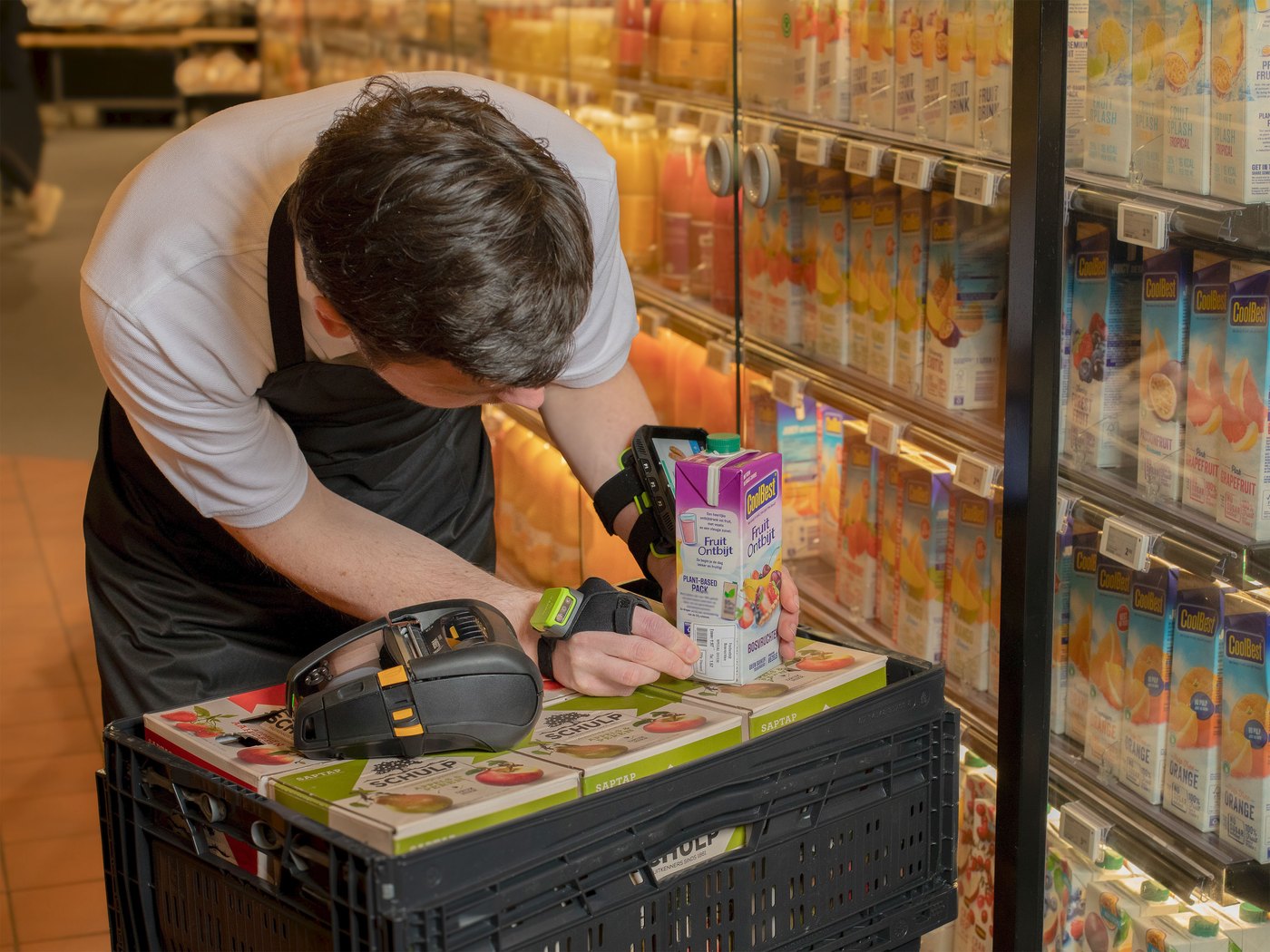
Several departments printing small quantities of shelf, product or price labels may benefit from distributed desktop devices. If the workflow requires printing while moving, compare mobile printers separately instead of forcing the choice between these two classes.

Warehousing, production and distribution
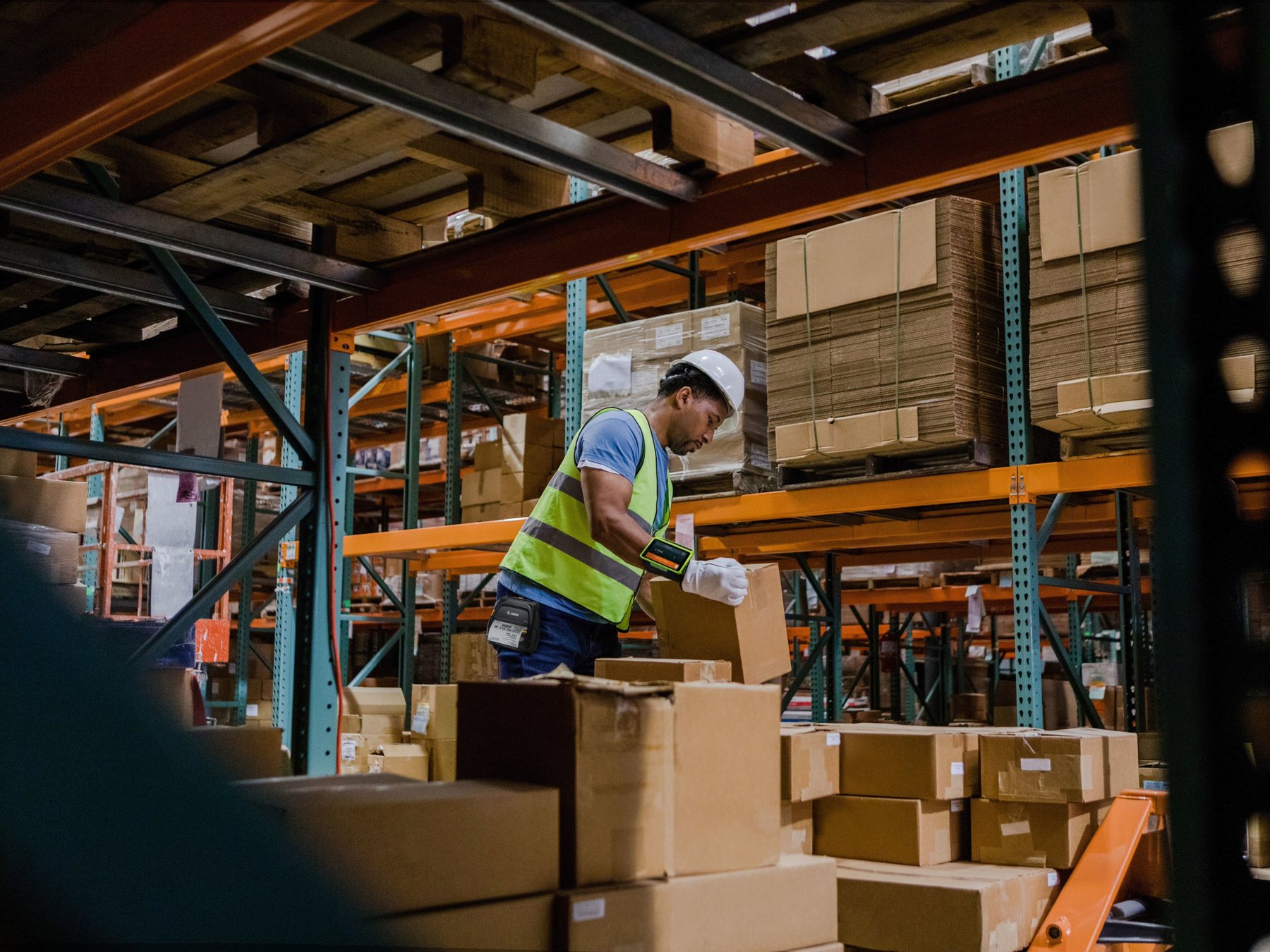
Long runs, repeated shifts, dust or costly downstream delay strengthen the case for industrial construction, larger supplies, planned service and backup. A protected receiving desk with on-demand output may still suit desktop.
Systems and Print Quality
Both classes must pass the same data, label and scan tests

System connection
Do not assume desktop lacks networking or industrial includes every interface
Confirm whether data comes from a PC, POS, ERP, WMS, label application, browser or cloud service, then check USB, Ethernet, Wi-Fi, Bluetooth, serial, printer language, drivers and remote management on the quoted configuration.

Print and scan quality
DPI is not a printer class and higher is not automatically better
Choose resolution from the smallest text, barcode module, QR Code, graphics, label size and scan distance. Print with the planned media, ribbon, speed and darkness, then test with the deployed scanner. Arrange formal verification where the workflow requires it.
Total Cost and Risk
Compare operation, supplies, downtime and expansion—not only purchase price
| Cost or risk | Question to check | How it can affect the direction |
|---|---|---|
| Operator time | How often are labels and ribbons changed, recalibrated or reprinted in each shift? | Larger supplies can be valuable when interventions interrupt peak work. |
| Downtime | How many orders, stations or downstream staff depend on one printer? | High-impact workflows should compare industrial hardware, backup devices, common supplies and support. |
| Supply fit | Do the actual roll, core, ribbon and sensing method fit? | Wrong supplies can create loading, alignment, abrasion, wrinkling or scan problems. |
| Maintenance | Who cleans the printhead, platen and sensors and responds to faults? | Service access, parts and support can shorten interruption but cannot promise zero downtime. |
| IT management | How many printers and sites need setup, updates and monitoring? | Remote configuration, status visibility and standard profiles can reduce site visits. |
| Growth | Will the business add shifts, widths, RFID, automation or locations? | Expansion can use a second desktop station, a mixed fleet or an industrial platform. |
Before You Enquire
Information that helps narrow the desktop or industrial direction
| Information | What to provide | Why it matters |
|---|---|---|
| Workload | Normal day, busiest day and busiest hour or shift; on-demand, batch or continuous; users and shifts. | Shows peak pressure instead of only an average. |
| Label and ribbon | Sample or artwork, width and height, roll diameter, core, winding, gap or mark, material, adhesive and ribbon. | Confirms mechanical fit, print method and intervention frequency. |
| Print content | Barcode type, smallest barcode or QR Code, fine text, graphics, address and variable fields. | Supports resolution choice and a representative sample test. |
| Site | Bench size, opening and loading clearance, power, network, dust, temperature, humidity, cleaning and impact. | Avoids a printer that fits physically but cannot be operated or serviced properly. |
| System | PC, POS, ERP, WMS, label software, operating system, printer language and connection method. | Confirms drivers, networking, wireless and management requirements. |
| Operational risk | What stops during downtime, rerouting options, backup, training, maintenance and future growth. | Moves the decision from purchase price to sustainable operation. |

FAQ
Common desktop and industrial barcode printer questions
Is there a fixed daily label count where we must buy industrial?
No reliable universal cut-off exists. Compare the busiest period, run length, environment, media and ribbon changes, downtime impact and exact model capability, then test the real label.
Can a desktop printer handle daily business use?
Yes, when supply capacity, job pattern, environment, resolution and operator intervention fit the workstation. Daily use alone does not make industrial mandatory.
Does every warehouse need an industrial printer?
No. A protected receiving or packing desk with on-demand jobs may suit desktop. Long runs, sharp peaks, dust, impact, larger supplies or costly downtime strengthen the industrial case.
Is an industrial printer always faster or better quality?
No. Speed and quality depend on the model, resolution, media, ribbon and settings. The industrial value often lies in sustained operation, construction, supply handling, serviceability and expansion.
Do 300 or 600 dpi labels require an industrial printer?
Not necessarily. Desktop and industrial families offer different resolutions. Choose DPI from label size, fine text, barcode density and a real scan test, then choose the enclosure from workload and environment.
Are thermal-transfer printers always industrial?
No. Both desktop and industrial printers can use thermal transfer or direct thermal. Print method and enclosure class are separate decisions based on label life, material, ribbon and workflow.
Will a larger industrial printer always reduce total cost?
No. It may reduce changes and downtime in the right workflow, but purchase, supplies, labour, maintenance, space, integration and backup still matter. Distributed desktop or mixed fleets can be more economical.
What should we send Easy Scan for a recommendation?
Send the real label or artwork, dimensions and roll details, normal and peak workload, site conditions, print method and ribbon, system and connection requirements, current printer details and the work affected by downtime.
Prepare Your Real Label and Workflow Details
Bring the desktop or industrial choice back to operational needs
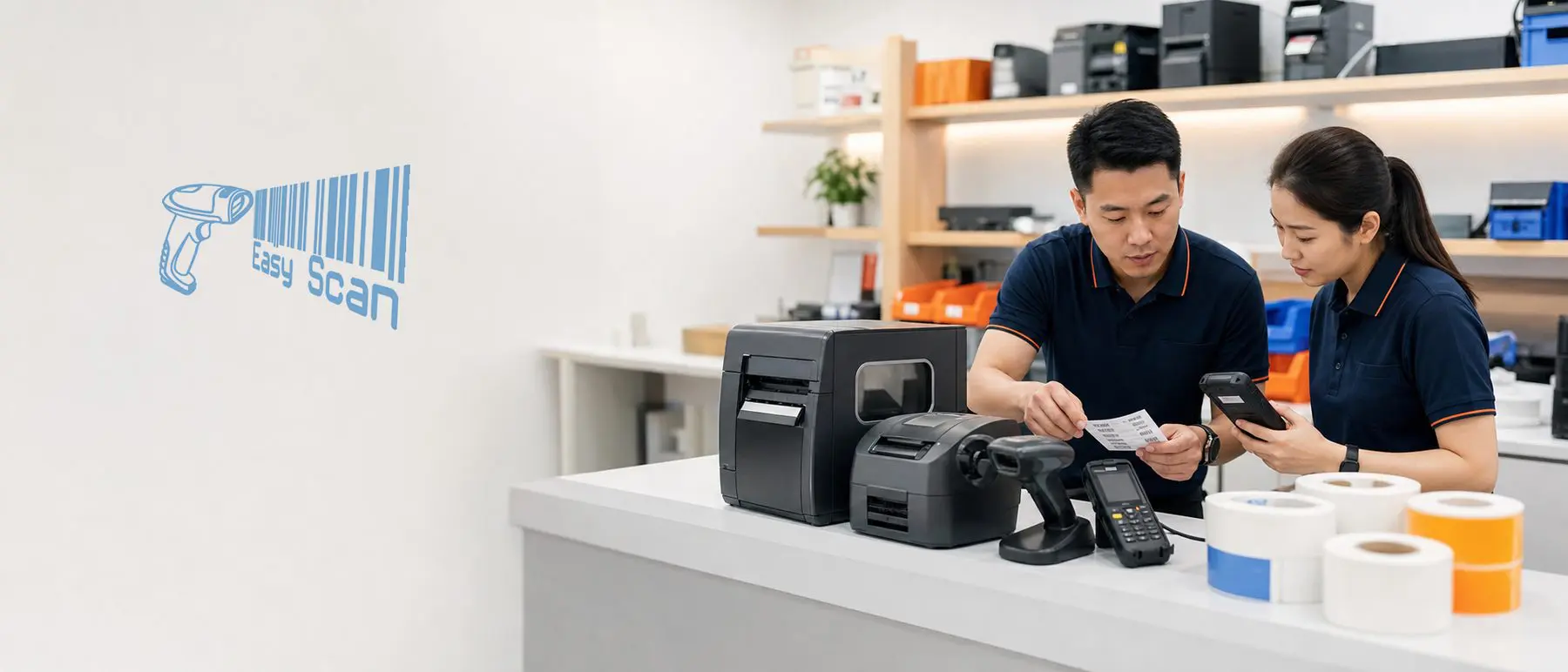
Easy Scan can help Hong Kong businesses narrow barcode printer directions by label size, peak workload, environment, supplies, systems and downtime impact, then arrange a representative sample test.