1D, 2D and QR Scanner Selection
How to Choose a 1D, 2D or QR Code Scanner in Hong Kong
Choose a 1D-oriented scanner only when the workflow is limited to printed linear barcodes. Choose a 2D imager when staff must read QR Code, Data Matrix, PDF417, mobile membership codes, e-coupons or a mix of printed and on-screen symbols. The safer buying method is to test real samples in the actual POS, ERP or WMS—not to decide from “1D” or “2D” on a specification sheet alone.
Suitable for a stable linear-barcode workflow
This can be a practical direction when every real sample is a printed linear barcode and there is no planned mobile QR, Data Matrix or PDF417 requirement.
Safer for mixed print and screen use
Current general-purpose 2D imagers usually read common 1D symbols as well as 2D symbols. Exact screen, damaged-code and distance performance still varies by model.
A screen-led task may need a mobile computer
If staff must view work orders, enter quantities, take photos or handle exceptions after scanning, compare the full workflow rather than buying a more expensive scanner.
Core comparison
What is the practical difference between 1D, 2D and QR Code scanning?
QR Code is one type of 2D barcode. The purchasing decision is therefore usually between a workflow limited to linear 1D symbols and one that needs a 2D imager for a wider symbol set.
| Requirement | 1D-oriented direction | 2D-imager direction | Buyer check |
|---|---|---|---|
| Common examples | EAN-13, UPC, Code 39, Code 128 | QR Code, Data Matrix, GS1 DataMatrix, PDF417, plus common 1D symbols | List the exact symbols used today and expected later. |
| Printed labels | Suitable when all labels are linear and readable at the required distance | Suitable for mixed 1D and 2D print workflows | Test glossy, curved, small, faded and damaged samples. |
| Mobile screens | Some 1D imagers can read on-screen linear codes, but this is model-specific | Usually the starting direction for QR, membership and e-coupon screens | Test actual iOS and Android screens at realistic brightness. |
| Orientation | Some workflows need more deliberate alignment | Many current imagers support omnidirectional capture | Confirm against the exact model and real working angle. |
| Future flexibility | Lower scope when the use case is fixed and stable | Broader symbol support for changing customer and supply-chain workflows | Ask whether QR or GS1 retail 2D adoption is planned. |
A 2D label does not prove the whole workflow is ready
A scanner may decode the symbol while the POS or ERP accepts only part of the data. For GS1 retail 2D planning, check both scanner capability and how the host application processes GTIN, lot, expiry or serial data. GS1 expects linear and 2D barcodes to coexist during the transition.
Print versus screen
Do you need to scan mobile membership codes, e-coupons or tickets?
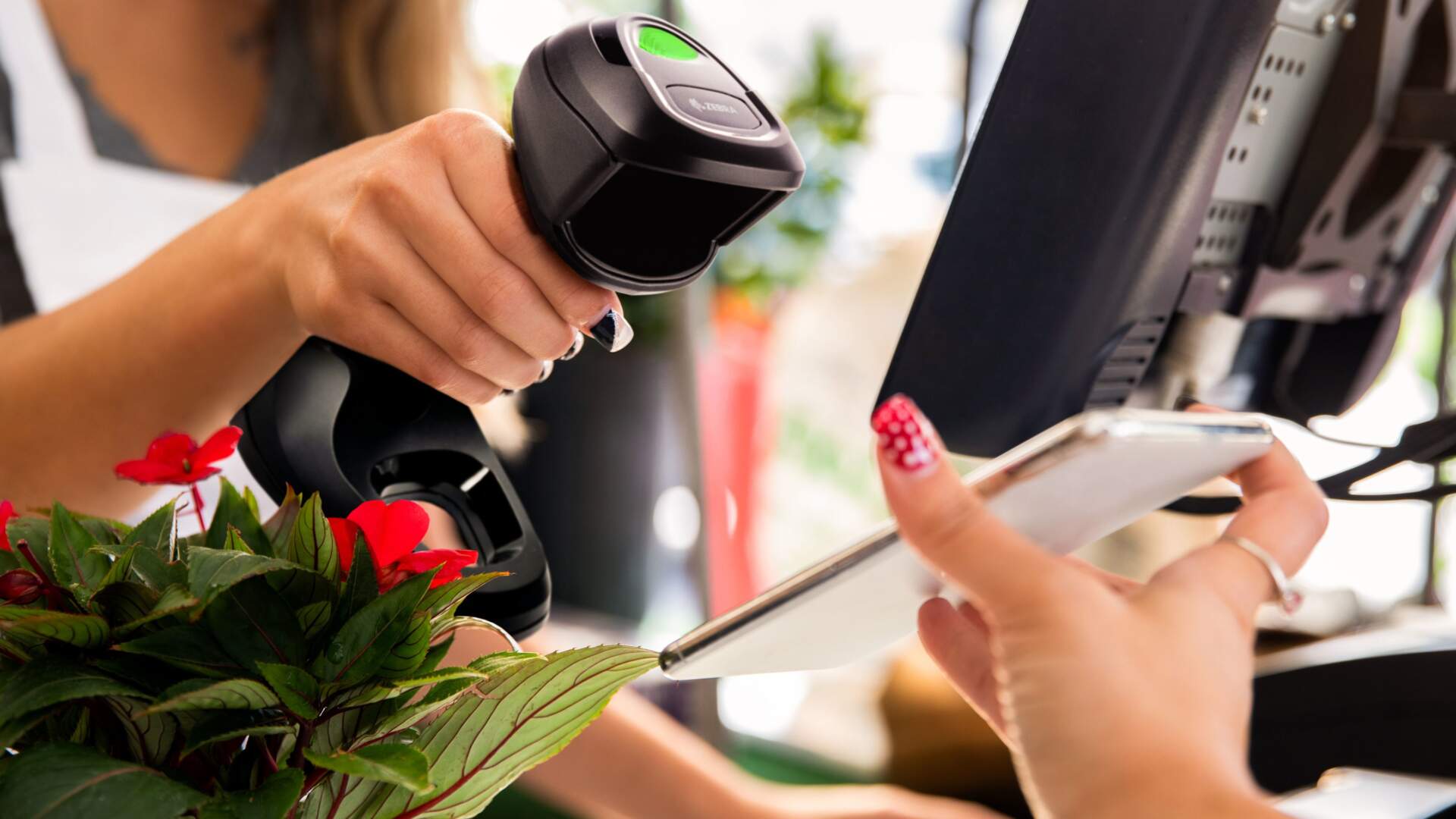
If the answer is yes, compare 2D imagers and test the real customer journey. Screen brightness, reflections, code size, a cracked protector and the angle between phone and scanner can all change the result.
Use the real app
A clean QR image on a laptop is not a useful acceptance test. Open the membership, coupon or ticket in the actual app and include both common phone platforms.
Include difficult screens
Test low and high brightness, dark mode where relevant, screen protectors, glare from counter lighting and the code size customers normally present.
Confirm what the code contains
A QR Code may contain a member ID, URL or structured data. The system must receive and use the expected value after the scan.
Do not buy on the promise “reads mobile phones” alone
That statement is only useful when tied to the exact scanner model, actual code type and working conditions. Ask for a test with your phone screens and target application before rollout.
Form factor
Should you choose a handheld or presentation scanner?
Barcode capability is only one part of the decision. The device must also fit how staff or customers bring the code into the scan area.
| Form factor | Good fit | Check before purchase |
|---|---|---|
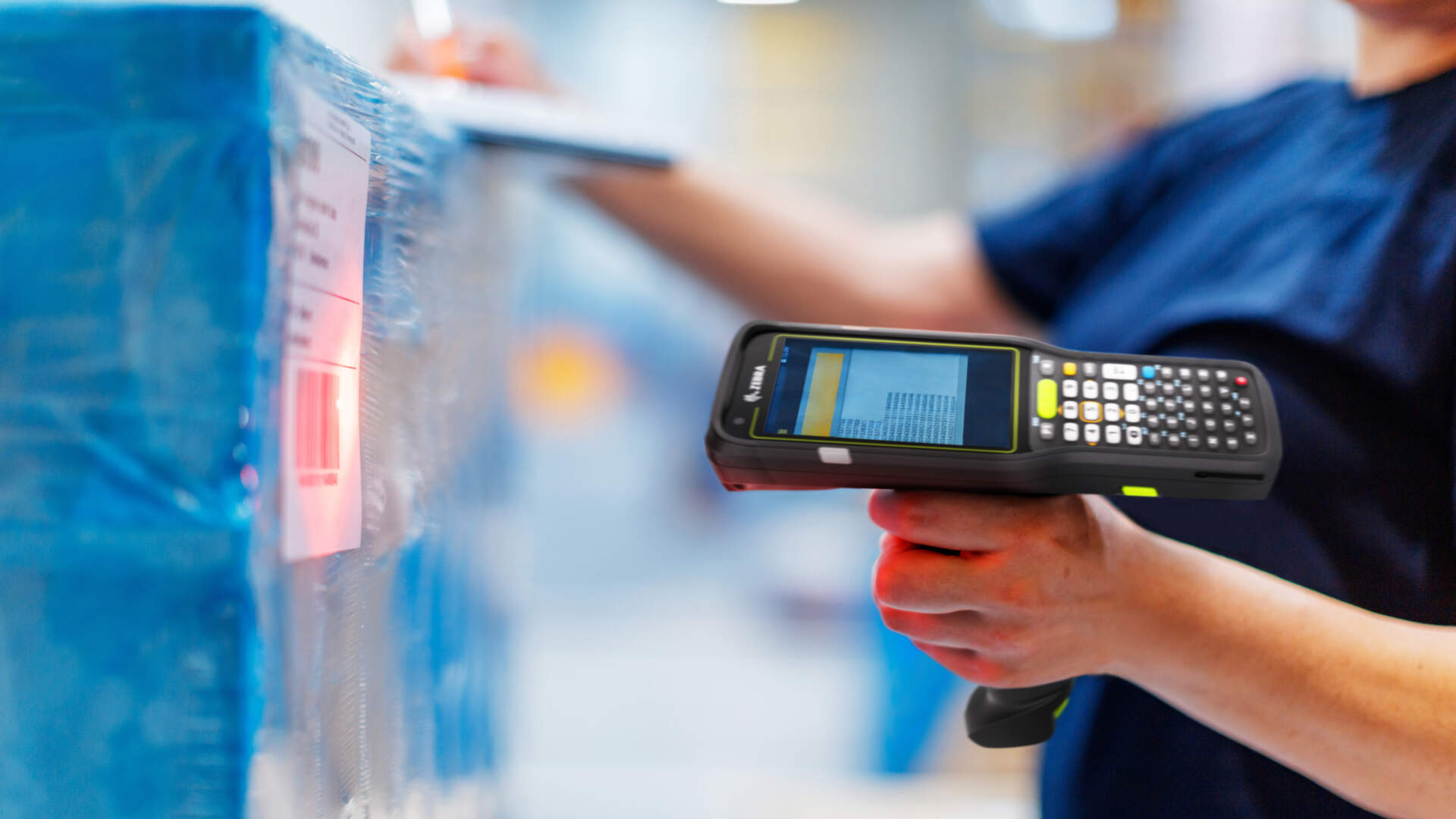
| Handheld scanner | Products, cartons, shelf labels and codes at changing angles | Reach, stand option, cable or wireless needs, aiming and staff movement |
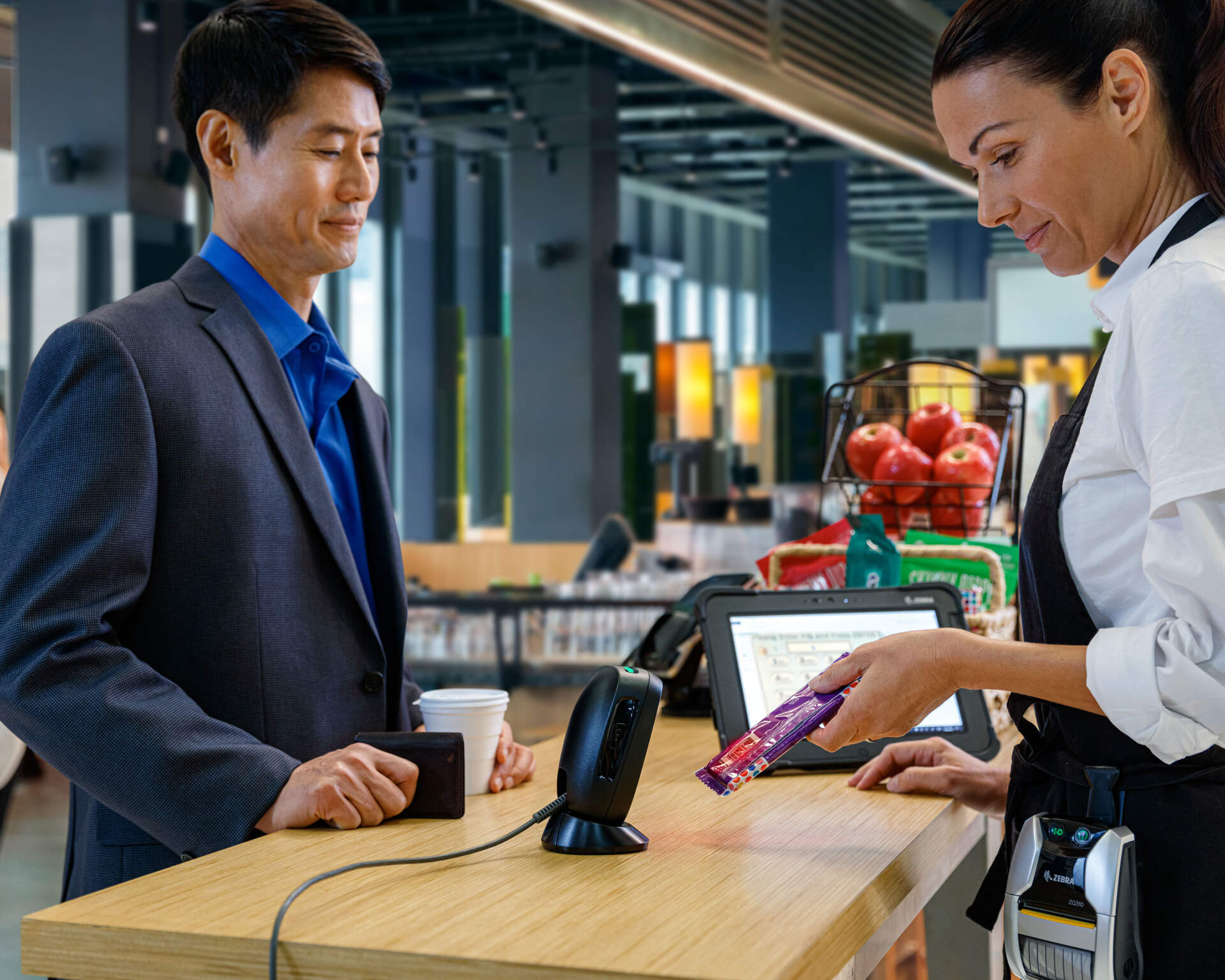
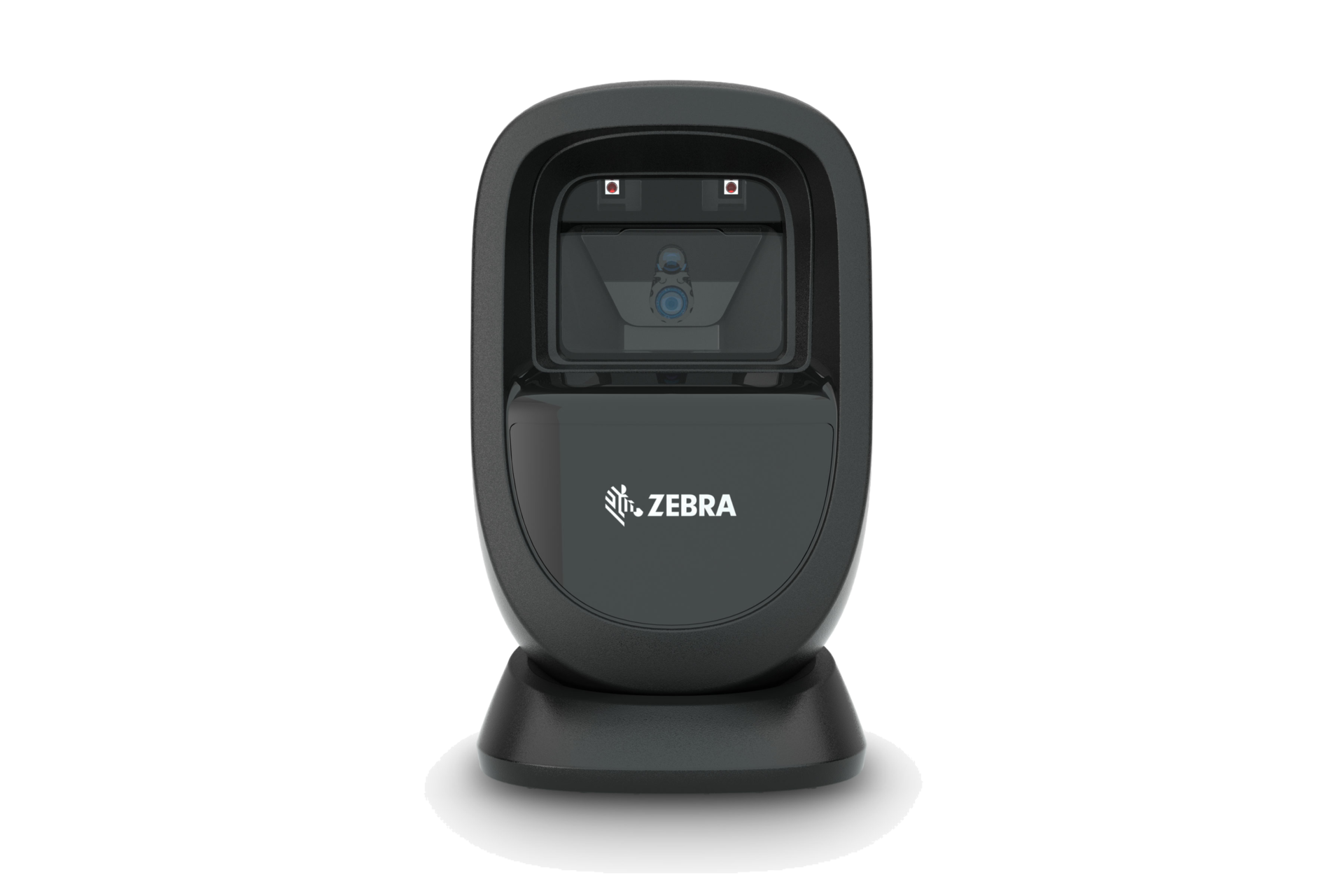
| Presentation scanner | Fixed counters, membership desks, ticketing and customer-facing phone codes | Counter space, scan window, hands-free flow, phone approach angle and occasional handheld reach |
| Fixed-mount engine | Kiosks, gates, equipment and embedded scanning points | Mounting, field of view, lighting, enclosure, service access and host integration |
Workflow fit
Match the scanner direction to where the barcode appears
The same QR Code can appear at a checkout, registration desk, warehouse station or kiosk. Location, user movement and the next system step change the best device direction.
Retail POS and membership
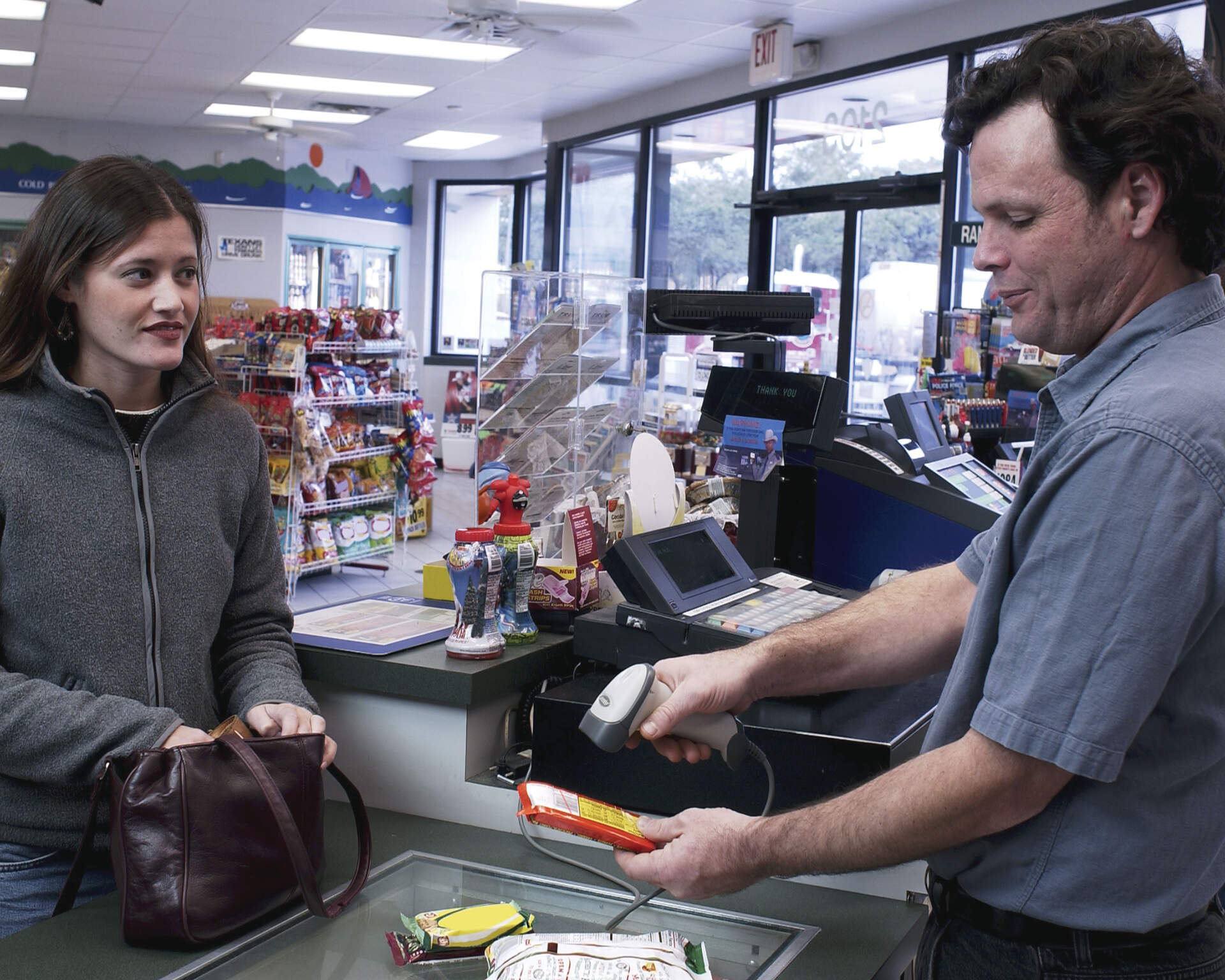
Start with a 2D handheld or presentation imager when the counter handles product labels, mobile membership codes and e-coupons. Test both print and screens.
Receiving and dispatch desk
A handheld 2D scanner often suits mixed carton, shipping and QR labels near a workstation. Confirm distance, label condition and whether staff need to leave the desk.
Registration and wristbands
Confirm wristband curvature, symbol size, print quality, privacy handling and the registration-system field. Do not assume a general counter test represents the actual wristband workflow.

Host system
A successful beep does not guarantee correct POS, ERP or WMS input
The scanner first decodes the symbol, then sends data to the host. Wrong field focus, a missing Enter or Tab suffix, stripped leading zeros, unexpected delimiters or unsupported GS1 data can still stop the workflow.
Simple keyboard-style input
USB HID or keyboard wedge can be practical when the system expects a plain text string in one field. Test keyboard language, leading zeros, suffixes and field focus.
Structured or controlled input
Serial, virtual COM, middleware or application parsing may be needed when the workflow uses GS1 elements, multiple fields or controlled validation. Confirm this with the system owner.
When a mobile computer is the better direction
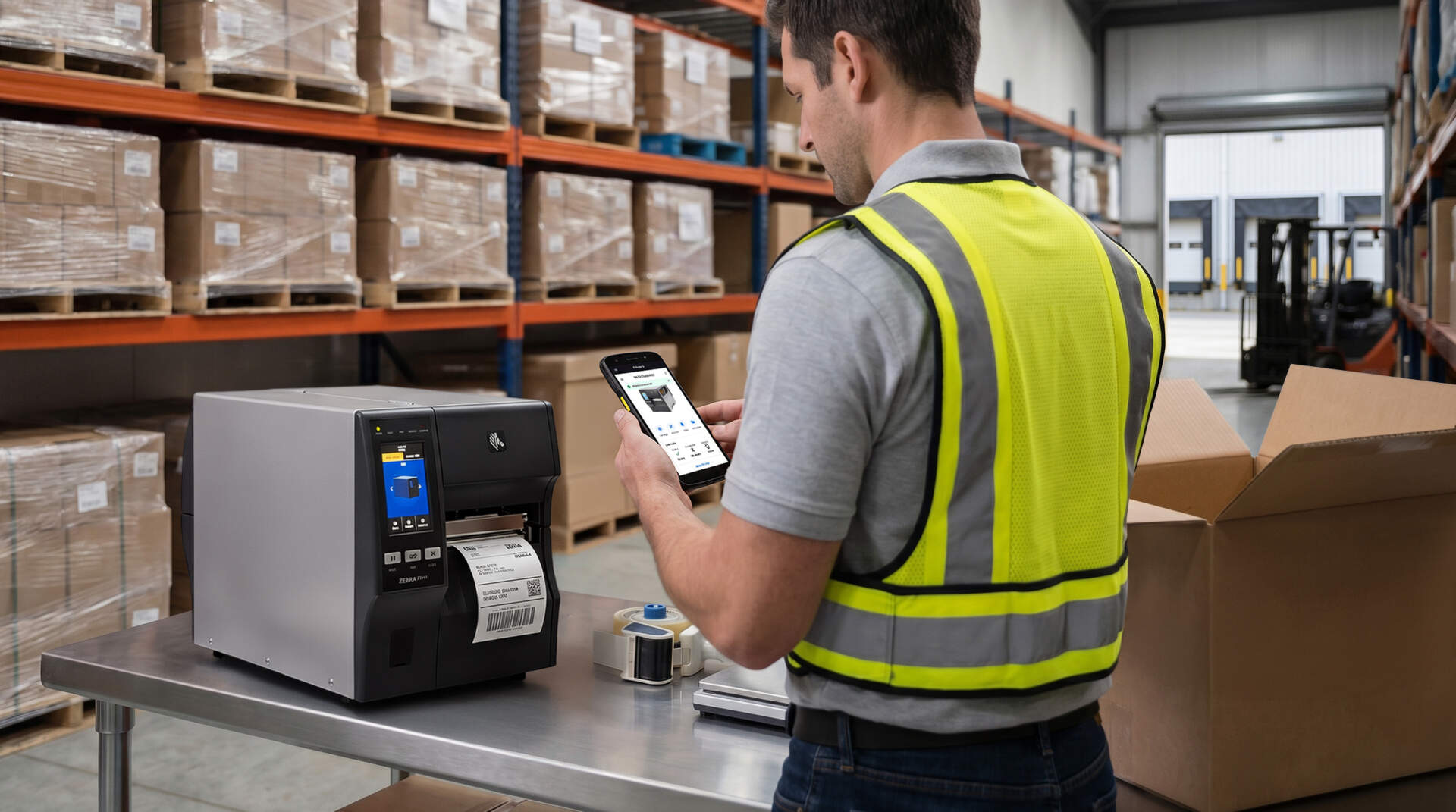
If the user must view tasks, enter quantities, choose an exception, take a photo or update status after each scan, a scanner alone may not be enough. Use the scanner versus mobile computer guide to compare the two workflows.
Acceptance test
Run this six-part test before choosing a scanner
Use the real workstation and the worst normal samples; ideal demo labels alone are not enough. Record failures so the supplier can distinguish barcode quality, scanner capability and system-input issues.
- Build the sample set. Include every 1D and 2D symbol, printed label, phone screen, ticket, carton label and wristband used in the workflow.
- Recreate the distance and angle. Test at the counter, shelf or desk with the real user posture and mounting position.
- Add difficult but normal conditions. Include glossy, curved, faded, wrinkled, low-contrast and slightly damaged samples where these occur in daily work.
- Test the phone journey. Use common phones, normal brightness, screen protectors and the actual app or coupon display.
- Test inside the live-like application. Confirm characters, leading zeros, Enter or Tab behaviour, field focus and any GS1 data parsing.
- Repeat the full task. Have the intended users complete normal transactions or receiving steps and note aiming effort, rescans and hand movement.

Buying risks
Avoid these scanner-selection mistakes
Testing one clean paper label
This misses phone screens, glare, damaged cartons, curved packs and the smallest symbols that staff actually handle.
Assuming every 2D scanner is equal
2D describes decode scope, not identical distance, poor-print tolerance, ruggedness or phone-screen performance.
Choosing by barcode type only
A correct engine in the wrong handheld, counter or fixed form factor can still slow the user down.
Ignoring the host application
The scanner can decode correctly while the POS, ERP or WMS receives the wrong characters or sends the user to the wrong field.
Prepare before enquiry
Send these details for a more useful scanner recommendation
- Clear photos or files of every barcode type, including difficult samples.
- Phone screenshots or access to the real membership, coupon or ticket app.
- Scan location, typical distance, counter dimensions and user movement.
- Whether the device is handheld, hands-free, kiosk-mounted or mixed-use.
- POS, ERP, WMS or application name, device platform and available connection.
- Expected action after scanning: plain input, Enter, Tab, field jump or structured parsing.
- Any need to view tasks, enter quantities or update status after the scan.
- Environmental issues such as glare, dust, cold rooms, drops or damaged labels.

FAQ
1D, 2D and QR Code Scanner FAQ
Is QR Code the same as a 2D barcode?
QR Code is one type of 2D barcode. Data Matrix, GS1 DataMatrix and PDF417 are other 2D or stacked symbol families that may appear in business workflows.
Can a 2D imager read normal 1D product barcodes?
Current general-purpose 2D imagers usually read common 1D symbols as well. Confirm the exact symbology list and test your labels because model capability and barcode quality still matter.
Can a 1D scanner read a barcode on a phone?
Some 1D imagers can read an on-screen linear barcode, so it is model-specific. A 1D-only device cannot read a QR Code simply because it appears on a phone. Test the actual symbol and screen.
Does every 2D scanner work well on mobile screens?
No. Brightness, reflection, code size, screen condition and scanner design affect performance. Use real membership, coupon or ticket screens in the acceptance test.
Should a fixed counter use a handheld or presentation scanner?
A handheld gives staff more reach; a presentation scanner reduces aiming and can keep both hands free. Compare counter space, customer-presented codes, product sizes and whether staff sometimes need to reach labels away from the stand.
Why test the scanner inside our POS, ERP or WMS?
Decoding and system input are separate steps. The host application may mishandle leading zeros, delimiters, Enter or Tab suffixes, field focus or structured GS1 data even when the scanner beeps successfully.
Does GS1’s 2027 retail goal mean 1D barcodes will disappear?
No. GS1 guidance expects linear and 2D barcodes to coexist during the transition. Retailers should assess scanner and host-system readiness without assuming every current imager is automatically ready.
Scanner selection support
Need to test 1D, 2D or mobile QR codes in your actual workflow?
Send Easy Scan your barcode samples, phone-screen examples, scan location and POS / ERP / WMS details. We can help narrow the device direction and prepare a practical test for your Hong Kong operation.