Barcode basics
Barcode Types Guide: EAN-13, Code 128, QR Code and Data Matrix
Choosing a barcode type is not only a design decision. For Hong Kong retail, warehouse, logistics, manufacturing and labelling workflows, start with the data you need to encode, where the label will be used, which scanner will read it, and how the POS, ERP or WMS will receive the data.

1D barcode
Short data and fast checkout
EAN-13, UPC and Code 128 are linear barcodes used on products, cartons, stock labels and internal IDs. The key checks are data length, label size and scan distance.

2D barcode
More data or screen scanning
QR Code, Data Matrix and PDF417 can carry more data in a smaller area, but usually require a 2D imaging scanner or a suitable reader.

System fit
Reading is not the same as using
Scanner decode support is only the first step. Your POS, ERP or WMS must also handle fields, prefixes, suffixes and GS1 Application Identifiers where relevant.
Quick comparison
How should common barcode types be separated?
This table is a practical starting point. Final selection should still be tested with the real label size, print method, scanner, system fields and workflow requirements.
| Barcode type | Common use | Typical data | Selection note |
|---|---|---|---|
| EAN-13 / UPC | Retail products, POS checkout, product packaging | Product identification such as GTIN | For public retail channels, confirm GS1 / product barcode registration and encoding requirements first. |
| Code 128 | Cartons, inventory, assets, logistics labels | Letters, numbers, batch, serial or internal IDs | Useful for dense 1D encoding; for GS1-128, confirm the data structure and system parsing as well. |
| QR Code | Mobile membership codes, e-coupons, web links, customer interaction | URLs, promotion codes, membership IDs or larger data | Usually needs a 2D scanner. Test phone brightness, screen reflection and real app screens. |
| Data Matrix | Small labels, healthcare, manufacturing and traceability marks | Higher-density data in limited space | Check printed size, contrast, scanner support and scan distance before rollout. |
| PDF417 | Documents, transport labels and longer rectangular symbols | Longer data segments or document-related data | Not every POS or general scanning workflow needs it; confirm the actual application first. |
Start from the workflow, not the barcode name
If the task is retail checkout, EAN / UPC may be the right starting point. If the label must carry lot, expiry, serial or carton data into a warehouse system, Code 128, GS1-128 or 2D barcode structures may be more relevant. If staff need to scan phone screens, 2D scanning should be included from the beginning.
1D barcode
When should EAN-13, UPC or Code 128 be used?
Linear barcodes are usually suitable for fast scanning, shorter data and labels with enough horizontal space. The main distinction is between retail product identification and internal or logistics identification.

EAN-13 / UPC
Retail product identification
Common on product packaging and POS checkout items. For retail channels, confirm product barcode registration, GTIN, package placement and POS requirements.

Code 128
Warehouse, carton and internal IDs
Suitable for dense 1D labels on cartons, shelves, assets, work orders or internal serial numbers. Label space and scan distance still matter.

GS1-128
Structured supply-chain data
If the barcode uses GS1 Application Identifiers for GTIN, lot, expiry, serial or SSCC data, the system must know what each data segment means.
| What you need to do | Starting point | What to confirm |
|---|---|---|
| Scan products at POS or retail channels | EAN-13 / UPC | GS1 coding, product data, label position, POS reading and package print quality. |
| Identify shelves, cartons, work orders or assets internally | Code 128 | Data length, label size, scan distance, print resolution and scanner symbology settings. |
| Carry lot, expiry, serial or logistics unit data | GS1-128 or GS1 DataMatrix | Application Identifiers, data fields, WMS / ERP parsing rules and human-readable text. |
2D barcode
How should QR Code, Data Matrix and PDF417 be compared?
Two-dimensional barcodes can hold more data and are often used for mobile screens, traceability, documents or compact labels. They usually require a 2D imaging scanner; older 1D-only laser scanners may not be suitable.
QR Code
Mobile, web, membership and interaction
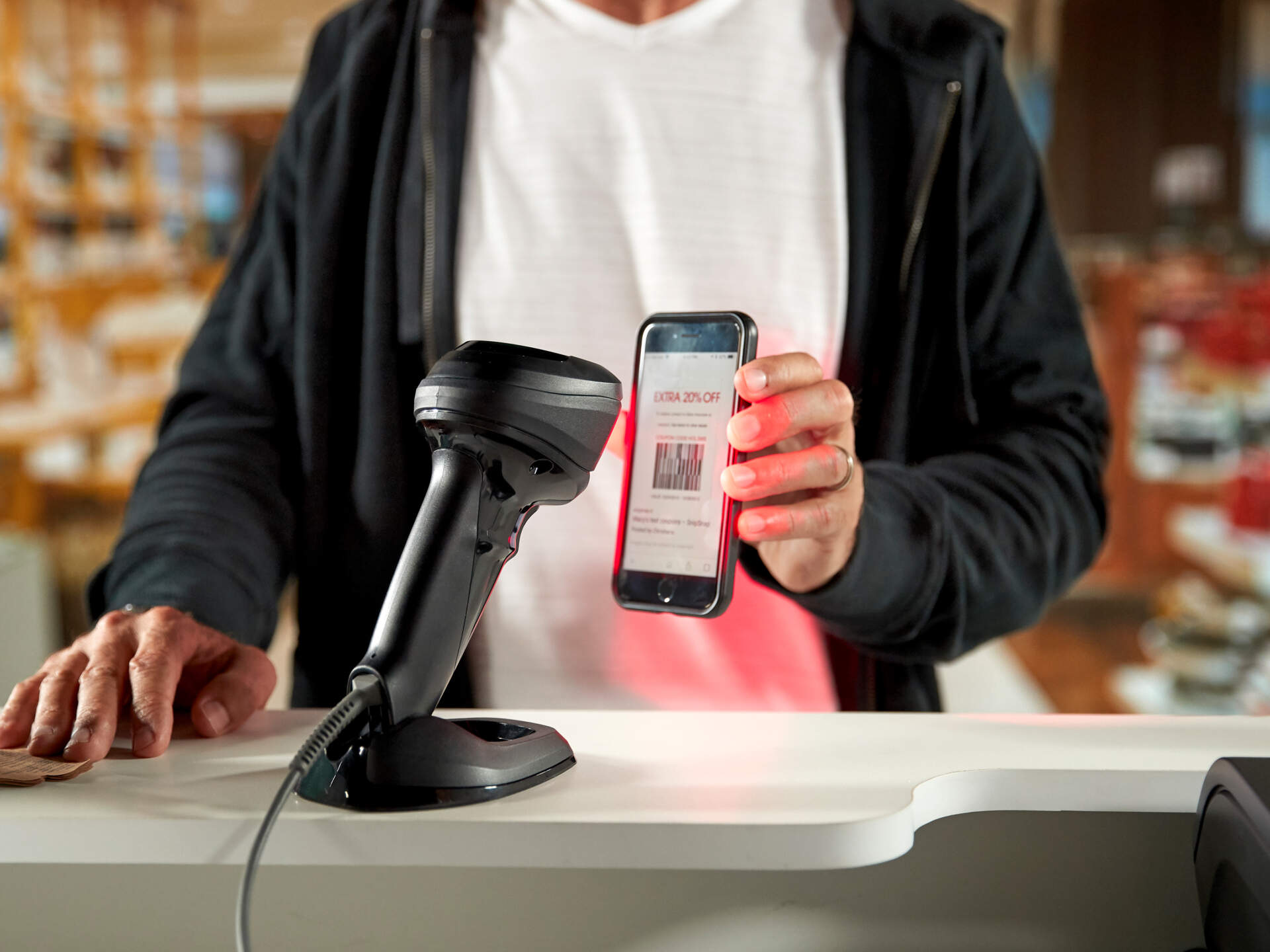
Useful for membership codes, e-coupons, URLs, campaign codes and customer-facing information. Test with real phones, brightness levels and app screens.

Data Matrix
Compact traceability marks
Often considered where the available label area is small or the workflow needs traceability, such as small items, healthcare labels or industrial processes.

PDF417
Documents and long rectangular data
PDF417 is common in document, transport or ID-style applications. If the workflow is only simple product checkout or short internal codes, it may not need to be the first option.
A 2D barcode is not automatically phone-friendly
QR Code is widely used for phones and web links, but an internal 2D barcode may still require a specific scanner, app or system parser. Use real code samples and realistic lighting during testing.
Hong Kong B2B use cases
What should different workflows test first?
The same barcode type may behave differently by workflow. Retail focuses on POS speed; warehouse teams care about scan distance and field input; manufacturing and healthcare teams care more about traceability, durability and error control.
| Workflow | Common barcode direction | Pre-purchase checks |
|---|---|---|
| Retail products and POS checkout | EAN-13 / UPC, plus QR Code for membership or e-coupons | POS support, phone-code scanning, counter lighting, scan angle and transaction speed. |
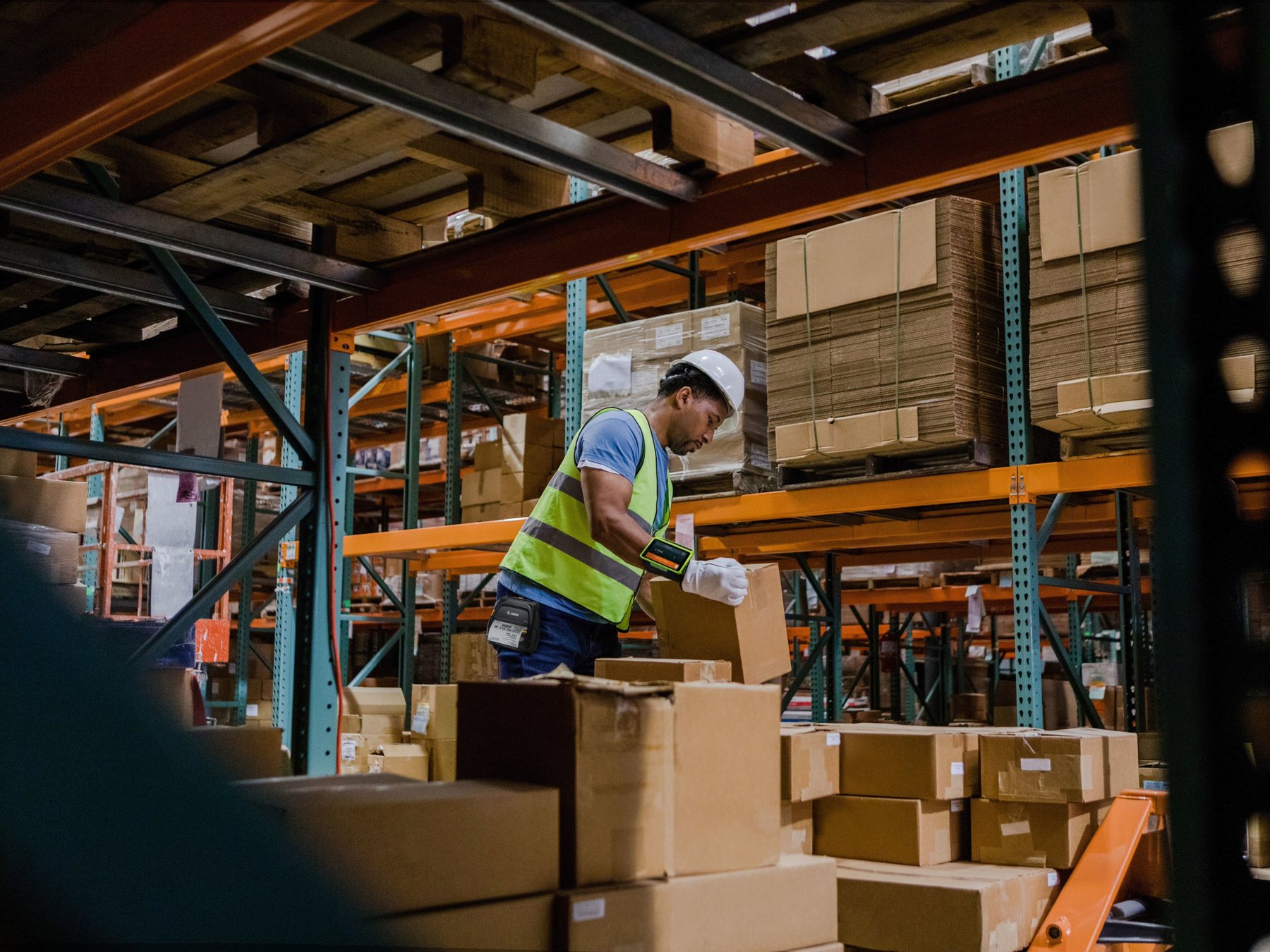
| Warehouse receiving, put-away, picking and shipping | Code 128, GS1-128, QR Code or logistics labels | Carton distance, label size, wireless range, WMS fields and prefix / suffix settings. |
| Manufacturing work orders, serials and traceability | Code 128, Data Matrix or QR Code | Small-code readability, print resolution, reflective surfaces, lot / serial fields and ERP input. |
| Healthcare, laboratory, samples or medicine labels | Data Matrix, Code 128 or specific GS1 structures | Label material, cleaning or low-temperature exposure, small-code scanning and compliance requirements. |
| Ecommerce, 3PL and shipping operations | Code 128, QR Code, PDF417 and carrier label barcodes | Platform format, print speed, parcel flow, returns and scanner support for all required symbologies. |
Common mistakes
Barcode type assumptions that cause avoidable issues
Many scanning or printing problems are not caused by broken hardware. They come from barcode type, label design, print quality, scanner settings and system fields being tested separately.
Assuming every scanner reads QR Code
A 1D-only scanner generally will not read QR Code or Data Matrix. For mobile and 2D workflows, compare 2D imaging scanners.
Assuming printed means scannable
Small size, poor contrast, insufficient quiet zone, glare or printhead wear can all reduce scan stability. Test real labels before rollout.
Using internal codes as retail product codes
An internal Code 128 or QR Code is not the same as a product barcode for public retail channels. GTIN and GS1 registration should be handled separately.
Expecting systems to parse everything
Even if the scanner reads GS1-128 or 2D barcodes, the ERP, WMS or POS must still parse fields, separators and data format correctly.
Pre-enquiry checklist
What should you prepare before confirming barcode type, scanner or label printing setup?
Real code samples, label size and system workflow help Easy Scan narrow down the right direction without selecting only by model name or barcode name.
1. Real barcode samples
Include EAN-13, Code 128, QR Code, Data Matrix, logistics labels or mobile screen examples.
2. Label size and material
Share label width, height, material, reflective surface, low-temperature needs, abrasion risk or waterproofing needs.
3. Scanning environment
Describe scan distance, lighting, angle, phone-screen scanning, mobile use and estimated daily scan volume.
4. System connection
List POS, ERP, WMS, Excel, BarTender, NiceLabel or other systems that receive scanned data.
5. Printing equipment
If labels are printed in-house, provide printer model, DPI, label format, ribbon or direct thermal needs and current artwork.
6. Current error pattern
If there is already an issue, share photos, scanner model, system input result and repeatable steps.


FAQ
Barcode type FAQ
What is the difference between EAN-13 and Code 128?
EAN-13 is usually used for retail product identification and POS checkout. Code 128 is more common for warehouse, logistics, asset, carton and serial workflows where more flexible internal data is needed.
Can a 1D barcode scanner read QR Code?
Usually no. A scanner designed only for 1D barcodes generally cannot read QR Code, Data Matrix or most 2D barcodes. For mobile membership codes, e-coupons or Data Matrix, compare 2D imaging scanners and test real samples.
Is Data Matrix better than QR Code for industrial or healthcare labels?
Data Matrix is often considered for compact labels, healthcare and traceability workflows, but fit depends on label space, data volume, print quality, scanner support and industry requirements. QR Code is more common for phones, URLs, membership and customer-facing content.
Do Hong Kong products always need a 489 barcode?
If a product needs a GS1 product barcode for retail or supply-chain channels, confirm the application and usage requirements with GS1 Hong Kong or the relevant issuing organisation. Easy Scan can help review printing, scanning and labelling workflow, but barcode registration should follow official requirements.
Why can my scanner read the barcode but the system receives the wrong data?
The issue may be scanner prefix / suffix, Enter / Tab behaviour, GS1 field parsing, system field length or data format. Check both scanner configuration and POS / ERP / WMS input rules.
What should I prepare before asking about a barcode setup?
Prepare real barcode samples, label size, printer and scanner model, operating environment, daily scan volume, POS / ERP / WMS connection method and any current error screenshots or scan results.
Need to confirm barcode type?
Send Easy Scan your barcode samples, label size and system workflow so the printing and scanning direction can be checked together.
Whether you are working with product barcodes, warehouse carton labels, mobile QR codes, compact Data Matrix symbols or GS1 structured data, test real samples with the scanner, printer and system before finalising the setup.