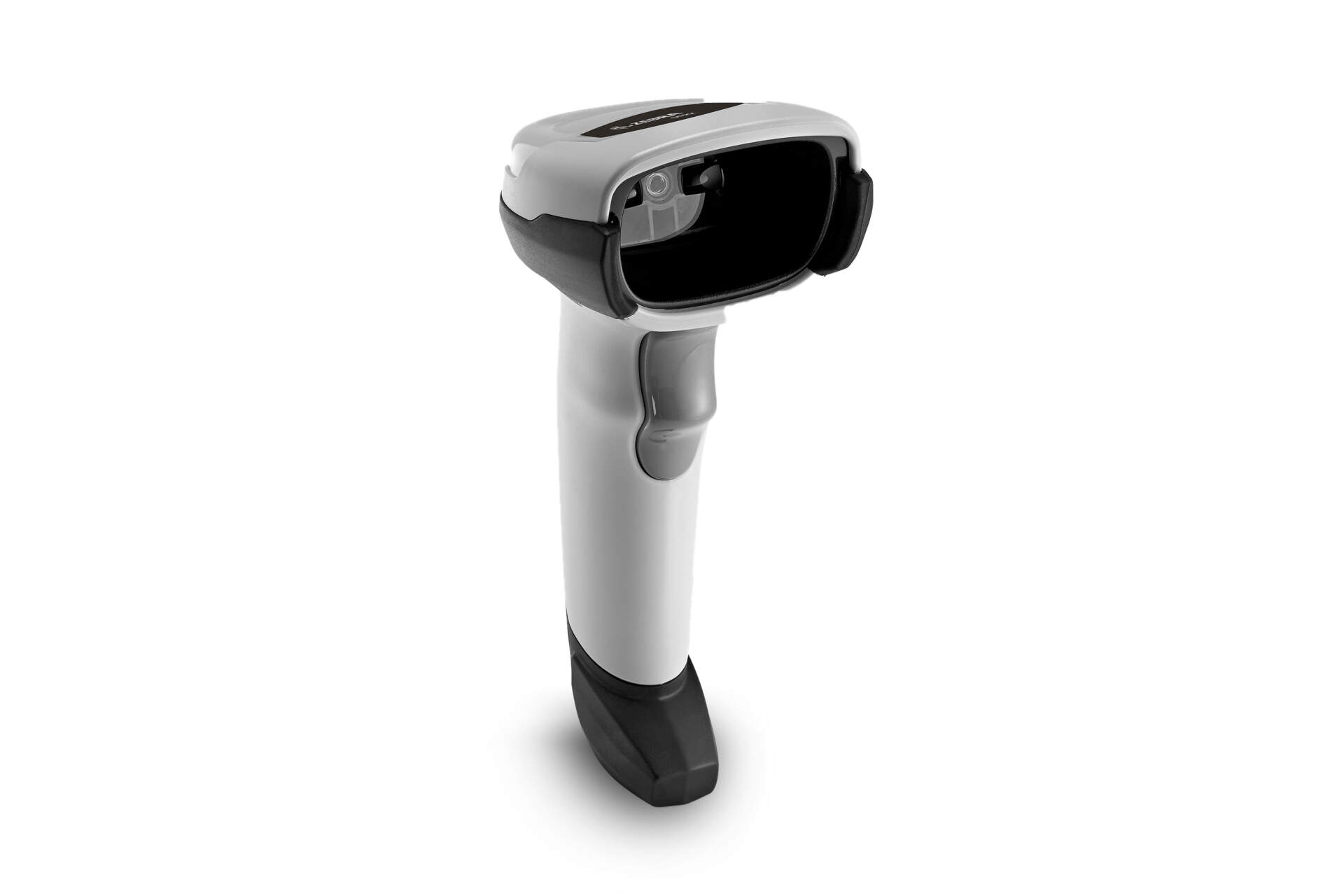
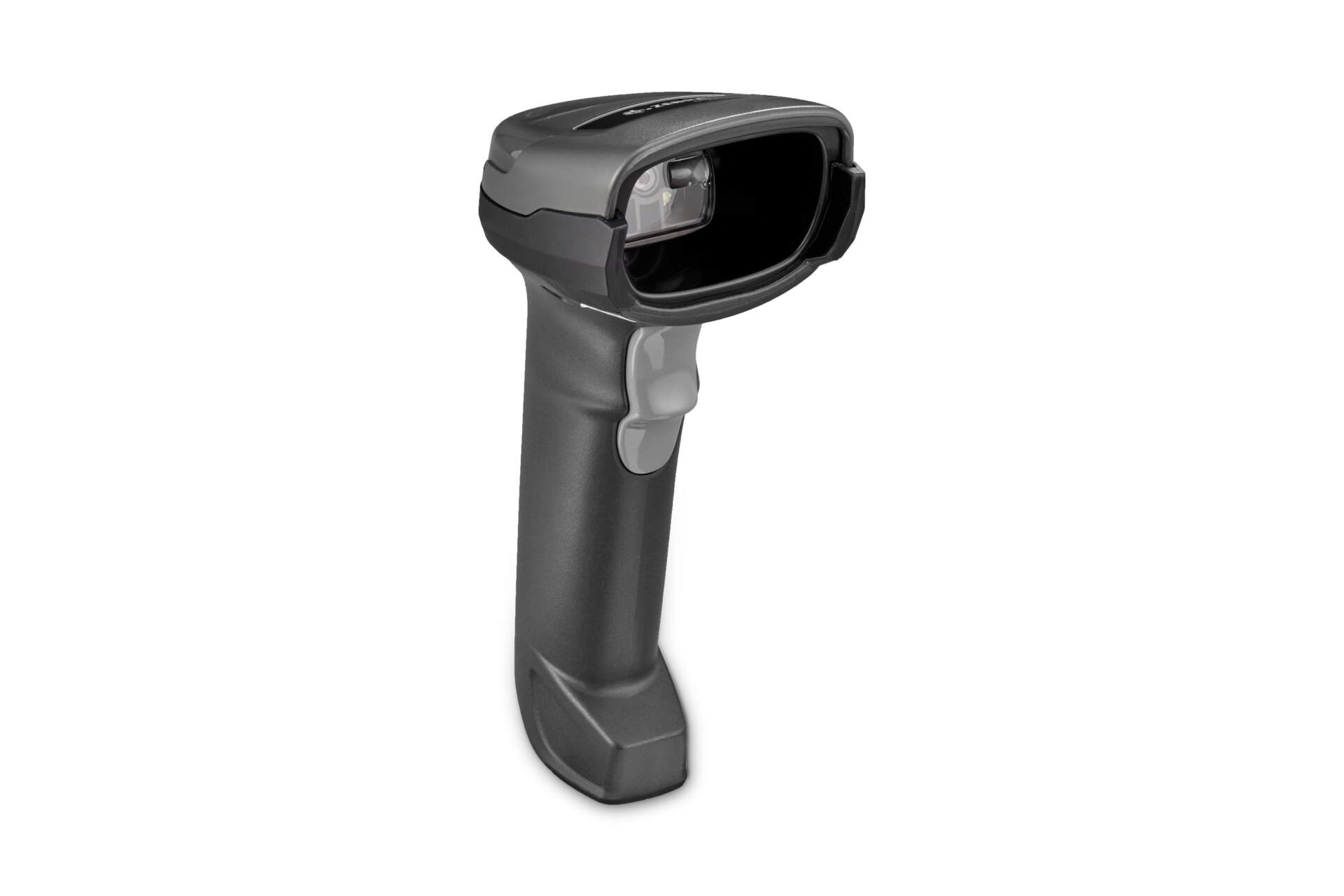
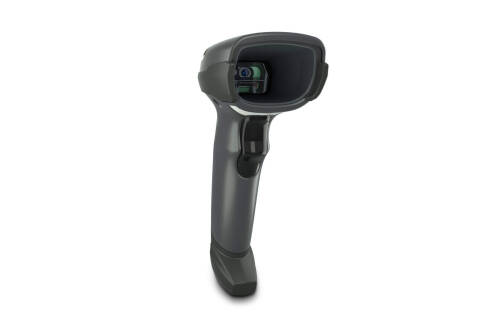
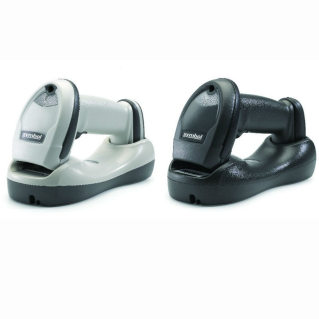
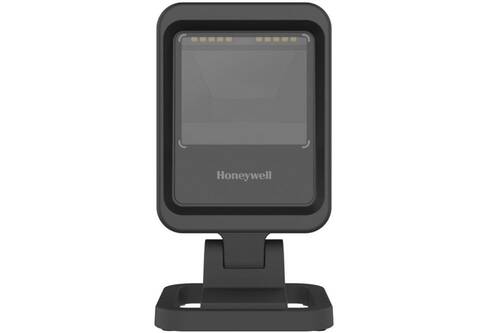
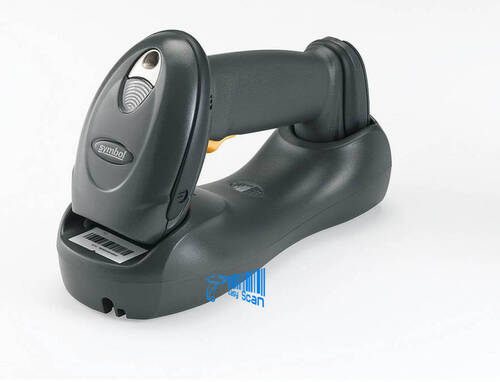
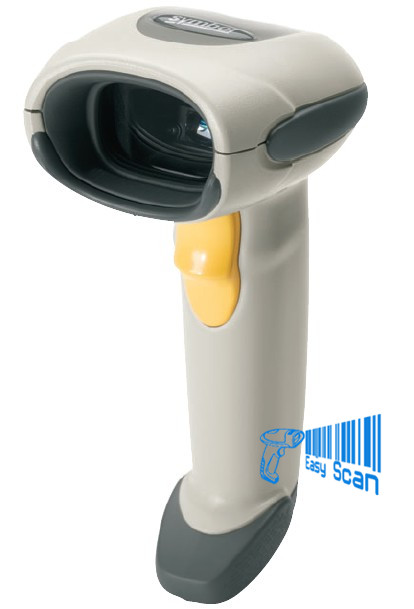
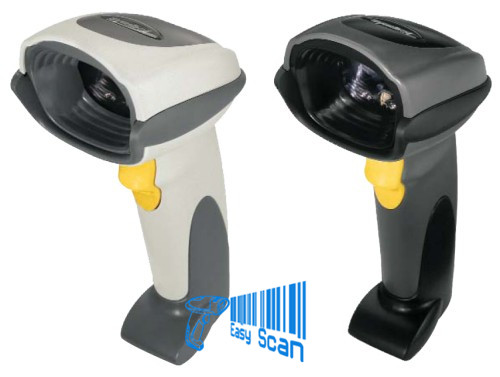
Zebra DS2208
Corded 1D / 2D handheld barcode scanner
- Designed for POS, receiving desks, offices and fixed scanning stations.
- Supports 1D / 2D barcodes including QR Code, Data Matrix and PDF417.
- Check host interface, cable, stand and output setup before ordering.
- Description
- Additional information
- Part Number
- Accessories / Services
- Resources
- Certificates
- Video
- FAQ

Zebra 1D / 2D Corded Barcode Scanner
Zebra DS2208 for POS, counter and everyday 1D / 2D scanning
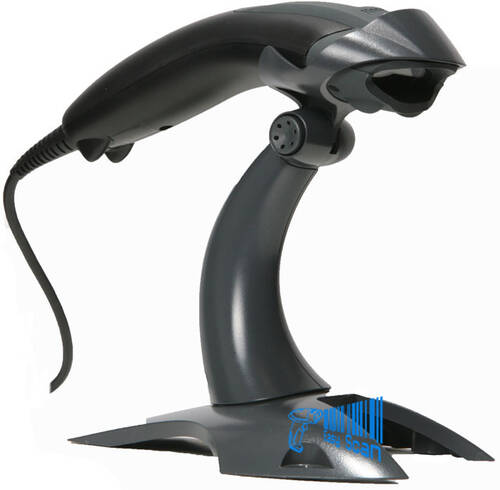
The DS2208 is a corded handheld area imager in Zebra’s DS2200 Series. It is a practical fit for Hong Kong retail counters, receiving desks, office workflows and fixed scanning stations that need dependable 1D / 2D scanning without wireless battery management.
Product Overview
A daily-use scanner for moving from 1D to 2D barcodes
Zebra DS2208 is built for teams that need to scan traditional barcodes plus QR Code, Data Matrix, PDF417 and phone-screen codes at a fixed workstation. Its 640 x 480 pixels area imager and corded design make it suitable for POS counters, receiving desks and back-office barcode workflows where stable host connection matters more than wireless mobility. For procurement, the key decision is to match the scanner, cable, stand and host output settings to the actual workflow.
Quick Fit
Is DS2208 the right scanner for your workflow?
Check first: host interface, cable / stand kit, Enter or Tab suffix, keyboard language and counter placement.
Not ideal: long-range warehouse scanning, harsh wet environments, high-drop-risk workflows or mobile cordless scanning.
Good DS2208 use cases
- Retail POS, member QR codes, product barcodes and e-coupon scanning.
- Receiving desks, simple stock checks, document barcodes and fixed office stations.
- Teams that prefer corded reliability over charging, pairing and battery management.
Check before ordering
- Black or white body, whether a gooseneck stand or USB kit is required.
- Barcode mix: 1D, QR Code, Data Matrix, PDF417 and phone-screen scanning.
- POS, ERP or WMS input behaviour, including suffix, prefix and keyboard language.
Key Features
Procurement points for DS2208
1D / 2D area imager
Supports common 1D and 2D barcodes including QR Code, Data Matrix, PDF417, UPC/EAN and Code 128.
640 x 480 pixels sensor
Designed for standard-range counter and workstation scanning, including paper and screen barcodes.
Corded reliability
Useful when the scanner stays at a fixed POS, receiving desk or office workstation.
Host interface options
Supports USB, RS-232, Keyboard Wedge and TGCS (IBM) 46XX over RS-485 directions.
Direct Decode Indicator
Clear successful-scan feedback for repeated counter or receiving tasks.
123Scan / Scanner SDK
Can work with Zebra 123Scan, Scanner Management Service and Scanner SDK for setup and management.
IP52 / 1.5 m drop
Official references list IP52, 1.5 m concrete drops and tumbler testing for normal commercial use.
Stand and accessory options
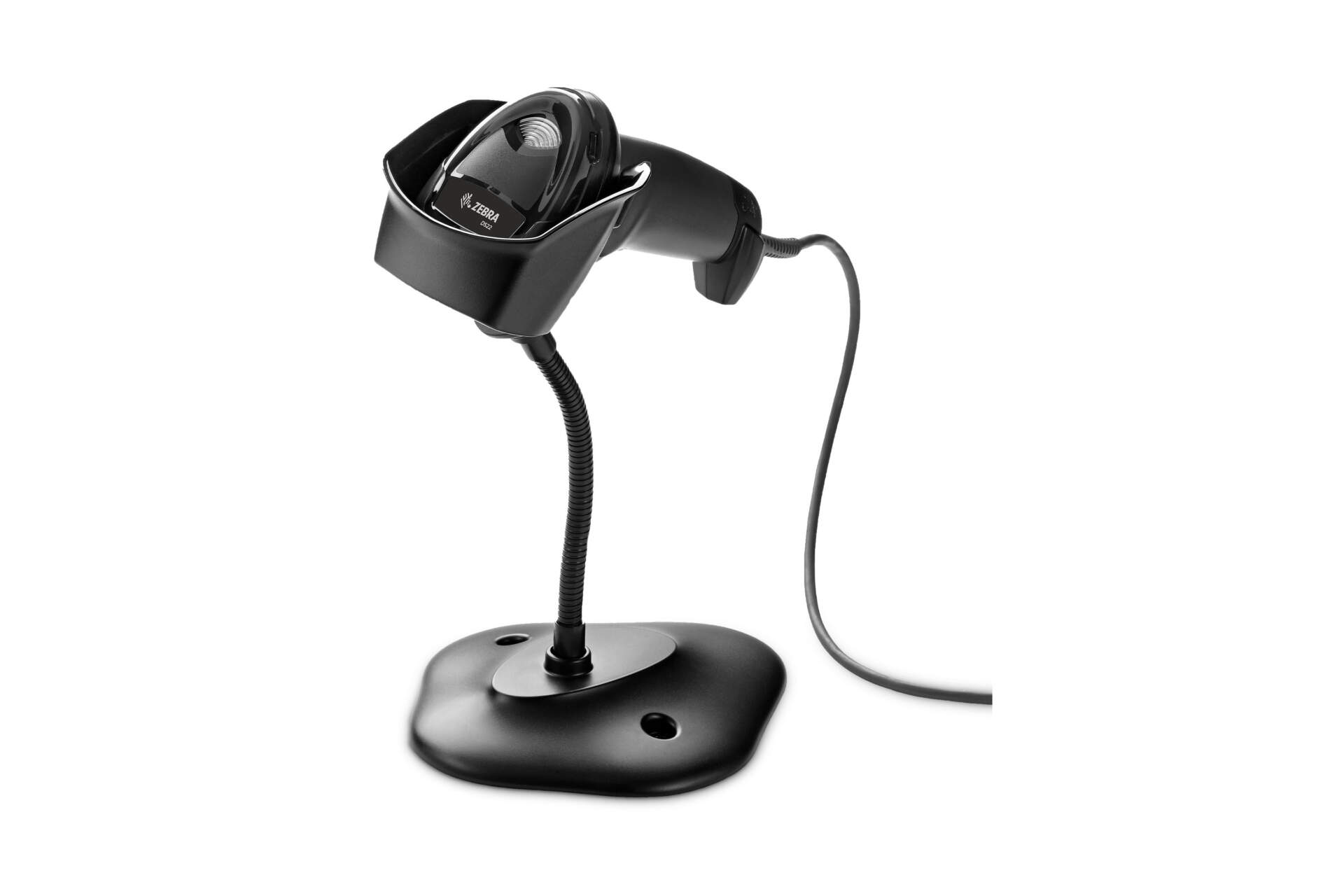
Choose USB kit, stand kit and counter accessories to match the workstation.
Applications
Common Hong Kong B2B workflows
Retail POS
Product barcode, member QR code, e-coupon and phone-screen scanning.
Receiving desk
Inbound, outbound, replenishment and simple stock check workflows.
Ticketing and registration
Counter verification for printed and screen-based QR or 2D codes.
Office barcode workflows
Document barcodes, asset labels, service records and internal form IDs.
Compatibility
Cables, stands, software and setup
Because DS2208 is a corded scanner, the practical ordering decision is not only the scanner body. Buyers should confirm the USB cable, stand requirement and host-side data entry behaviour. If your POS, PC, WMS or ERP needs a specific suffix, keyboard language or host interface, provide those requirements when enquiring so Easy Scan can help check the model, kit and setup direction.
Selection Guide
Four checks before choosing DS2208
Barcode mix
Confirm whether you need only 1D, or also QR Code, Data Matrix, PDF417 and phone-screen codes.
Host interface
Check whether the system needs USB, RS-232, Keyboard Wedge or IBM 46XX over RS-485.
Counter layout
Decide between handheld use, stand-assisted scanning, and black or white body requirements.
Output behaviour
Confirm Enter, Tab, prefix, suffix and keyboard language requirements before deployment.
Comparison
DS2208 compared with other scanner directions
| Decision point | Zebra DS2208 | Cordless 2D scanner direction | Corded 1D scanner direction |
|---|---|---|---|
| Connection | Corded | Cordless / Bluetooth connection | Corded |
| Scan type | 1D / 2D area imager | 1D / 2D area imager | 1D linear imager |
| Best fit | Fixed POS, receiving desk and everyday 2D scanning | Users who need to move away from the counter or shelf | Everyday 1D-only barcode scanning |
| Ordering focus | Cable, stand, host interface and output setup | Cradle, battery, wireless range and charging management | 1D scan range, cable and stand |
Buying Pitfalls
Common DS2208 ordering mistakes
Ordering the scanner without checking cable and kit
The practical kit may vary by cable, stand, region and configuration.
Leaving host input behaviour until deployment
POS or WMS fields may need Enter, Tab, prefix, suffix or keyboard-language setup.
Using standard range for long-distance scanning
DS2208 is a standard-range scanner; high-rack or long-distance scanning needs another model direction.
Ignoring stand and counter ergonomics
High-frequency counter scanning may benefit from a gooseneck stand or fixed placement.
Why Buy from Easy Scan
Check model, cable, stand and setup in one procurement flow
As a Zebra Premier Solution Partner, Easy Scan can help Hong Kong teams review DS2208 scanning scenarios, model choices, common kits, stands, cables, scanner output settings and support documents before procurement, reducing the risk of ordering the scanner body without the supporting items, documents or setup flow needed for deployment.
Specifications
Zebra DS2208 key specifications
The table below is based on the Zebra DS2208 product page, DS2200 Series specification sheet and DS2208 Product Reference Guide for buyer and deployment checks.
| Product family | DS2200 Series Corded and Cordless 1D/2D Handheld Imagers |
|---|---|
| Model | DS2208 corded handheld scanner |
| Scan type | 1D / 2D |
| Scan range | Standard Range |
| Scan technology | Array Imager |
| Image sensor | 640 x 480 pixels |
| Corded / cordless | Corded |
| Weight | 5.7 oz. / 161.6 g |
| Colour | Black / Nova White options shown in official image set and PN data |
| Supported host interfaces | USB, RS-232, Keyboard Wedge, TGCS (IBM) 46XX over RS-485 |
| Keyboard support | Supports over 90 international keyboards |
| Illumination / aiming | Linear 624 nm amber LED; two 645 nm super-red LEDs |
| Field of view | 32.8 degrees horizontal x 24.8 degrees vertical nominal |
| Print contrast | 25% minimum reflective difference |
| Skew / Pitch / Roll | +/-65 degrees / +/-65 degrees / 0-360 degrees |
| Common symbologies | UPC/EAN, Code 128, Code 39, PDF417, Data Matrix, QR Code, Aztec, MaxiCode, Micro QR, Han Xin and other listed symbologies |
| Decode range examples | UPC 13 mil: 0.5-14.5 in. / 1.3-36.8 cm; QR 20 mil: 0-11 in. / 0-27.9 cm; Data Matrix 10 mil: 0.3-6.2 in. / 0.8-15.7 cm |
| Operating temperature | 0 degrees C to 50 degrees C |
| Storage temperature / humidity | -40 degrees C to 70 degrees C; 5% to 95% RH, non-condensing |
| Sealing / ESD | IP52; +/-15 kV air, +/-8 kV direct, +/-8 kV indirect |
| Drop / tumble | Multiple drops at 5.0 ft / 1.5 m to concrete; 250 tumbles in 1.5 ft / 0.5 m tumbler |
| Ambient light immunity | 0 to 10,000 foot candles / 0 to 107,600 lux |
| Software / management | 123Scan, Scanner Management Service and Scanner SDK |
FAQ
DS2208 FAQ
Can DS2208 scan QR codes?
Yes. DS2208 is a 1D / 2D area imager and supports common 2D barcode types including QR Code, Data Matrix and PDF417.
Is DS2208 suitable for fixed workstations?
Yes. DS2208 is a corded scanner and is usually straightforward for fixed POS, receiving desk and office workstation use.
What should I provide when asking for a quote?
Share the barcode types, host interface, stand requirement, preferred body colour, POS or WMS input behaviour and target workflow.
Need to confirm whether DS2208 fits your counter or receiving workflow?
Tell Easy Scan about your scanning workflow, host interface, cable and stand requirements. We can help check DS2208 model, kit and accessory direction.
| Brand | Zebra |
|---|---|
| Product Type | Corded barcode scanner |
| Series | DS2200 Series |
| Model | DS2208 |
| Scan Type | 1D / 2D area imager |
| Connectivity | Corded |
| Host Interfaces | USB, RS-232, Keyboard Wedge, TGCS (IBM) 46XX over RS-485 |
| Colour Options | Black / Nova White |
| Suitable Application | Retail POS, receiving desks, office barcode workflows and fixed scanning stations |
Part Number
The tables below help buyers discuss scanner body and kit options. Actual sellable items may vary by region, configuration, supply status and Easy Scan’s available range.
Scanner body configurations
| Part Number | Description |
|---|---|
| DS2208-SR00006ZZK | DS2208: AREA IMAGER, STANDARD RANGE, CORDED, NOVA WHITE – INDIA & S. KOREA ONLY |
| DS2208-SR00006ZZWW | DS2208: Area Imager, Standard Range, Corded, Nova White |
| DS2208-SR00007ZZK | DS2208: AREA IMAGER, STANDARD RANGE, CORDED, TWILIGHT BLACK – INDIA and S. KOREA ONLY |
| DS2208-SR00007ZZWW | D22208: Area Imager, Standard Range, Corded, Twilight Black |
| DS2208-TT00007ZZJP | DS2208: AREA IMAGER, TOSHIBA TEC, CORDED, TWILIGHT BLACK – JAPAN ONLY |
Common bundled kits
| Part Number | Description |
|---|---|
| DS2208-SR6U2100AZW | DS2208-SR WHITE USB KIT: DS2208-SR00006ZZWW SCANNER, CBA-U21-S07ZBR SHIELDED USB CABLE |
| DS2208-SR6U2100SGW | DS2208-SR WHITE (WITH STAND) USB KIT: DS2208-SR00006ZZWW SCANNER, CBA-U21-S07ZBR SHIELDED USB CABLE, 20-71043-04R STAND |
| DS2208-SR7U2100AZK | DS2208-SR BLACK USB KIT: DS2208-SR00007ZZK SCANNER, CBA-U21-S07ZBR SHIELDED USB CABLE – INDIA & S. KOREA ONLY |
| DS2208-SR7U2100AZW | DS2208-SR BLACK USB KIT: DS2208-SR00007ZZWW SCANNER, CBA-U21-S07ZBR SHIELDED USB CABLE |
| DS2208-SR7U2100SGW | DS2208-SR BLACK (WITH STAND) USB KIT: DS2208-SR00007ZZWW SCANNER, CBA-U21-S07ZBR SHIELDED USB CABLE, 20-71043-04R STAND |
| DS2208-SR7U3200AZW | DS2208-SR BLACK COILED USB KIT: DS2208-SR00007ZZWW SCANNER, CBA-U32-C09ZAR SHIELDED COILED USB 9' CABLE |
| DS2208-SR7U3200SGW | DS2208-SR BLACK WITH STAND COILED USB KIT: DS2208-SR00007ZZWW SCANNER, CBA-U32-C09ZAR SHIELDED COILED USB 9' CABLE, 20-71043-04R STAND |
Accessories / Services
Use this list to discuss stands, cups, cable-related accessories and service coverage. Actual availability should be checked during enquiry.
Accessories
| Part Number | Description |
|---|---|
| 20-71043-04R | Gooseneck Intellistand – Black (DS2208, DS4308, DS4608, DS8108) |
| 21-71043-04R | Cup – Black (DS2208, DS4308, DS4608, DS8108) |
| STND-GS00UNC-04 | Universal Gooseneck Intellistand – Black (LS2208, LI2208, LS4208, DS2208, DS4208, DS4308, DS4608, DS8108) |
Service coverage
| Part Number | Description |
|---|---|
| Z1AE-DS2208-3C00 | 3 YEAR(S) ZEBRA ONECARE ESSENTIAL, 3 DAY TAT, FOR DS2208, PURCHASED WITHIN 30 DAYS, WITH COMPREHENSIVE COVERAGE. |
| Z1AE-DS2208-5C00 | 5 YEAR ZEBRA ONECARE ESSENTIAL. INCLUDES COMPREHENSIVE COVERAGE |
| Z1AS-DS2208-3C03 | 3 yr Z1C Select DS2208, advanced replacement, not available in LATAM, Zebra owned buffer, coverage for cradles where applicable, purchased within 30 days, comprehensive, std commissioning |
| Z1AS-DS2208-5C03 | 5 yr Z1C Select DS2208, advanced replacement, not available in LATAM, Zebra owned buffer, coverage for cradles where applicable, purchased within 30 days, comprehensive, std commissioning |
| Z1BE-DS2208-1000 | 1 YEAR ZEBRA ONECARE SERVICE CENTER ESSENTIAL. DOES NOT INCLUDE COMPREHENSIVE COVERAGE. |
| Z1BE-DS2208-1003 | 1 yr Z1C Essential DS2208, 3 day TAT, coverage for cradles where applicable, purchased after 30 days, non comprehensive, std commissioning, MOQ 20 |
| Z1BE-DS2208-1C00 | 1 YEAR(S) ZEBRA ONECARE ESSENTIAL, 3 DAY TAT, FOR DS2208, PURCHASED AFTER 30 DAYS, WITH COMPREHENSIVE COVERAGE. |

| Z1BE-DS2208-1C03 | 1 yr Z1C Essential DS2208, 3 day TAT, coverage for cradles where applicable, purchased after 30 days, comprehensive, std commissioning, MOQ 20 |
| Z1BE-DS2208-3000 | 3 YEAR(S) ZEBRA ONECARE ESSENTIAL, 3 DAY TAT, FOR DS2208, PURCHASED AFTER 30 DAYS, WITH NON COMPREHENSIVE COVERAGE. |
| Z1BE-DS2208-3C00 | 3 YEAR(S) ZEBRA ONECARE ESSENTIAL, 3 DAY TAT, FOR DS2208, PURCHASED AFTER 30 DAYS, WITH COMPREHENSIVE COVERAGE. |

Resources
Download DatasheetDS2200 Series datasheet covering DS2208 scanning, dimensions, environment and interface data.
DS2208 Product Reference GuideDetailed setup, programming barcode, host interface and technical reference.
DS2208 Quick Start GuideQuick connection, common setup and basic operation guide.
DS2200 Series Accessory GuideReference for common stands, cables and accessories.
Certificates
Easy Scan can help Hong Kong teams check Zebra DS2208 model choices, accessories, documents and procurement details before deployment.
Video
These videos help explain DS2208 and DS2200 Series positioning across everyday scanning and retail workflows.
VideoZebra DS2200 1D/2D Series Barcode Scanners: 1 Minute Overview | ZebraA quick overview of the DS2200 1D / 2D scanner family.
VideoZebra DS2200 Series Handheld ScannerProduct demonstration for the DS2200 Series handheld scanner.
VideoZebra Technologies: DS2200 Scanner Series, NRF 2017Retail scanning context for the DS2200 Series.
VideoOptimized Scanners for Every Decoding Distance | ZebraScanner portfolio context including the DS2200 family.FAQ
Does DS2208 support 2D barcodes?
Yes. DS2208 is a 1D / 2D area imager and supports common 2D barcodes such as QR Code, Data Matrix and PDF417.
Is DS2208 cordless?
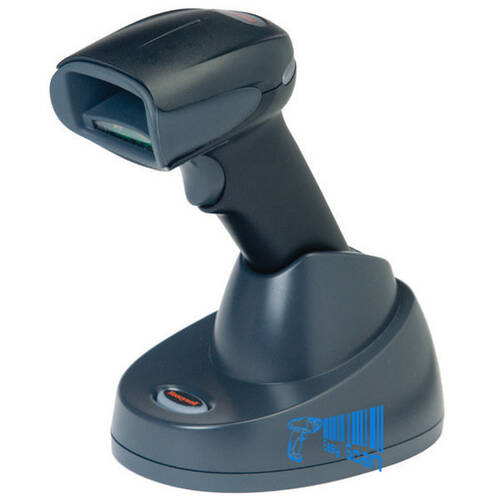
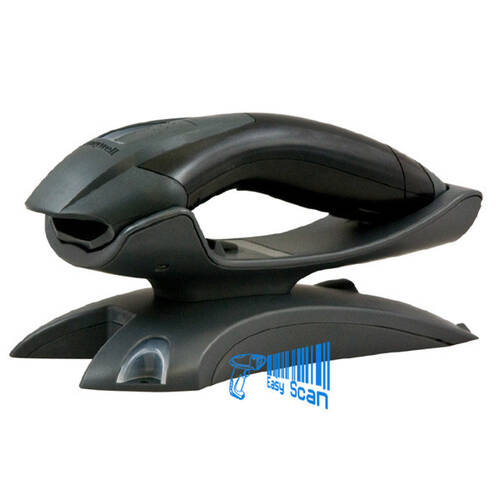
No. DS2208 is the corded model. If cordless scanning is required, compare a wireless scanner direction instead.
Do I need to order a stand?
Not always. If the counter needs hands-free scanning or fixed-angle placement, check the stand kit or gooseneck stand direction.
Can it scan phone-screen barcodes?
DS2208 is positioned for everyday 1D / 2D scanning. Screen brightness, barcode size and workflow should be tested before deployment.
What should a Hong Kong buyer prepare for enquiry?
Share the scanning workflow, barcode types, host interface, stand need, cable length and output behaviour.
Is DS2208 suitable for warehouse use?
It fits receiving desks and fixed workstations. For high-rack, long-range or mobile scanning, compare another model direction.
Leave Your Message