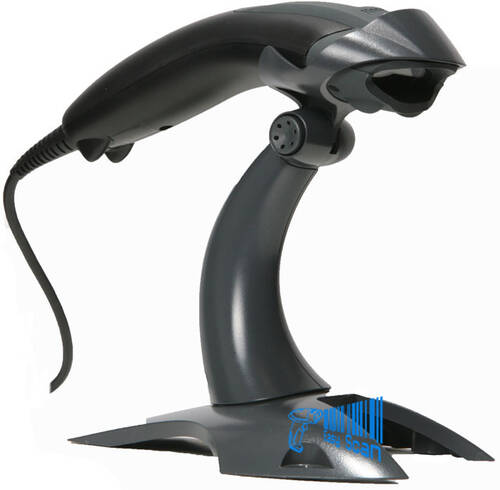
Zebra LS1203

Cost-effective 1D corded barcode scanner

  • Suitable for small retail counters, stockroom work and everyday 1D barcode entry.
  • Supports USB, RS-232 and Keyboard Wedge interfaces for POS and host compatibility planning.
  • Lightweight handheld design with triggered or Auto-Scan continuous scanning.
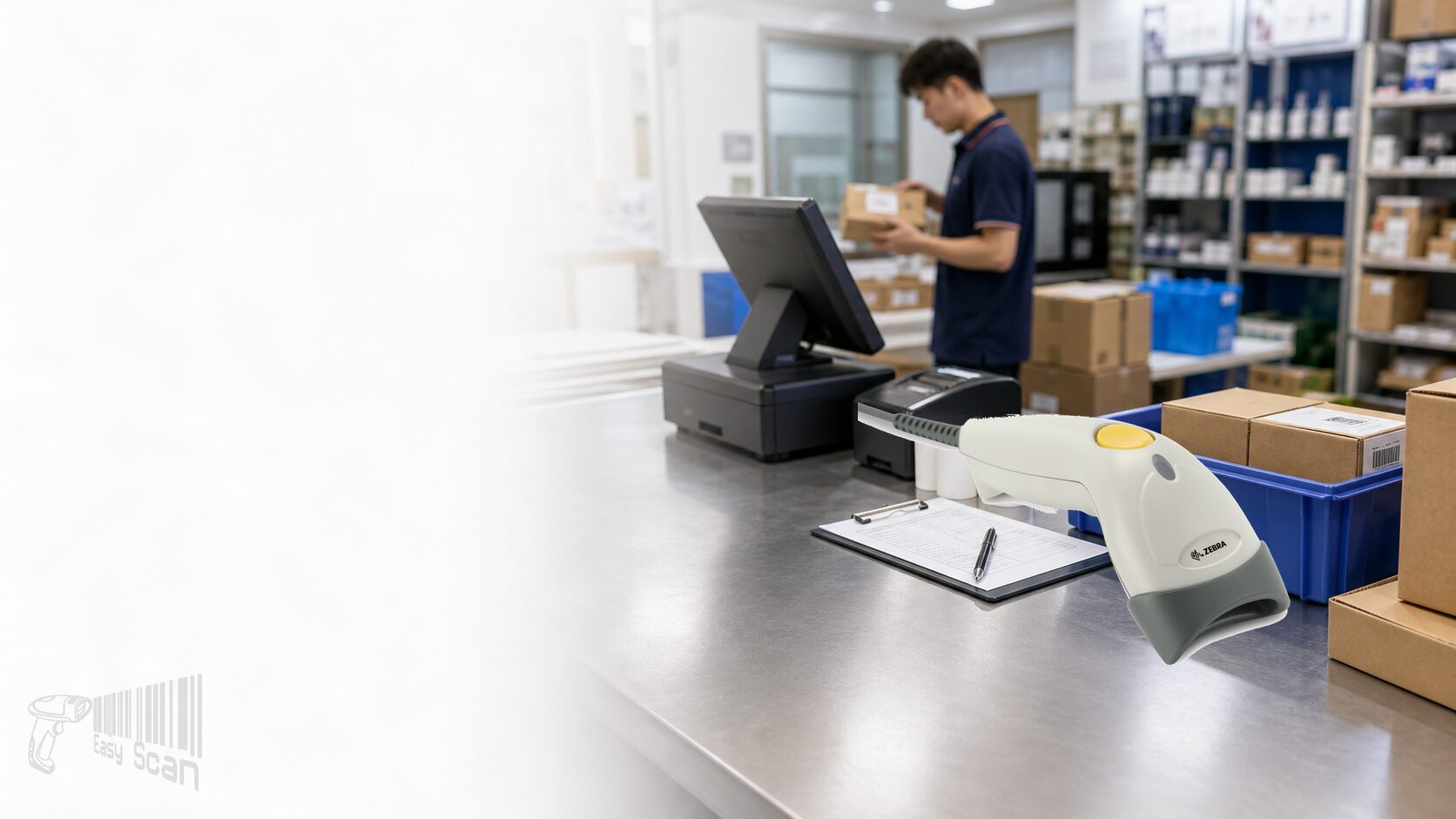
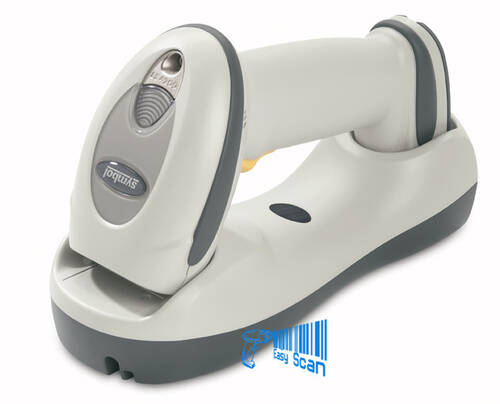
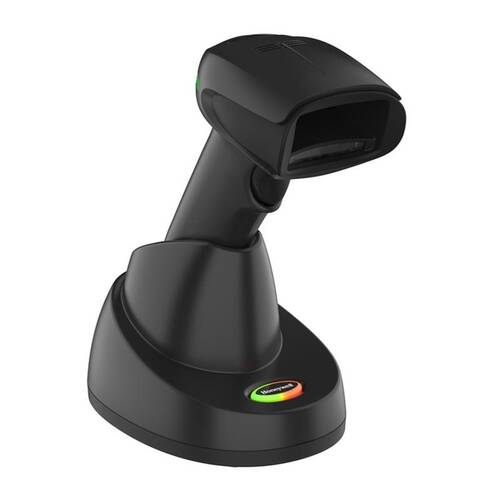
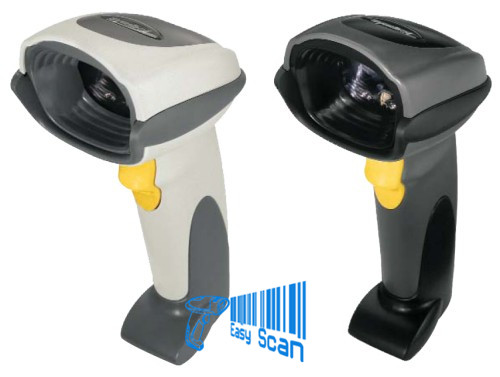
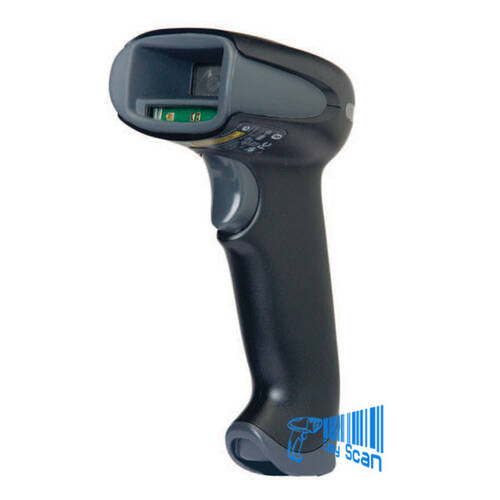
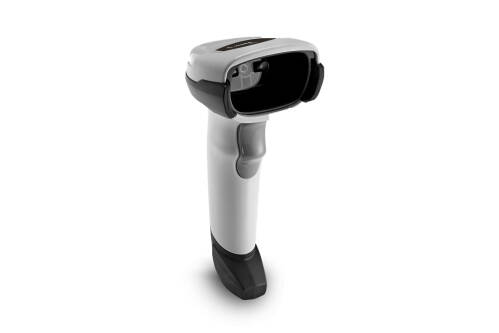
Zebra LS1203 corded handheld barcode scanner in a retail and stockroom workflow

Zebra 1D Scanner

Zebra LS1203 for everyday retail and stockroom 1D scanning

The LS1203 is Zebra’s entry-level corded handheld laser scanner for small retail, counter and stockroom 1D barcode workflows. If your team mainly scans printed UPC/EAN, Code 39, Code 128 or GS1 DataBar labels, and needs simple deployment with USB, RS-232 or Keyboard Wedge host options, LS1203 can be a practical cost-conscious choice.

Product Overview

A simple 1D scanner for small-business counters and fixed workstations

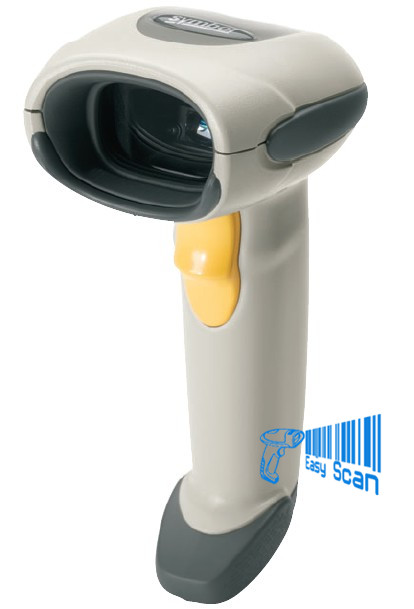
The Zebra LS1203 is a bi-directional 1D laser barcode scanner focused on simplicity, lightweight handling and everyday reliability. Zebra’s official specification lists USB, RS-232 and Keyboard Wedge interface support, a body weight of approximately 122 g without cable, triggered scanning and Auto-Scan continuous mode. It is best considered for retail checkout, small shops, stockroom entry, order desks and other fixed-station workflows where printed 1D barcodes are the main data source. Before selection, confirm barcode type, host interface, cable or stand requirement, scanning distance and output formatting. If QR Code, Data Matrix or PDF417 reading is required, a 2D imager should be reviewed instead.


Quick Fit

Is the LS1203 likely to fit your workflow?

Good fit: printed 1D product barcodes, stock labels, counter workflows and simple keyboard-style data entry.
Check first: USB, RS-232 or Keyboard Wedge interface, stand, cable, Enter / Tab suffix and POS field behaviour.
Not a fit: QR Code, Data Matrix, PDF417 or mobile-screen 2D barcode workflows.

Where LS1203 makes sense

  • Printed UPC/EAN, Code 39, Code 128, Codabar or GS1 DataBar workflows.
  • Fixed counters, service desks, stockroom PCs or packing desks.
  • Corded scanning where host connection stability matters more than mobility.

Where to review another model

  • QR Code, Data Matrix, PDF417 or mobile-screen scanning is required.
  • Wireless operation, greater decode tolerance or harsher operating environments are expected.
  • A single scanner must handle mixed 1D and 2D workflows.


Key Features

Verified LS1203 features

1D laser scanning

Supports common 1D symbologies for product, stock and document barcode entry.

100 scans per second

Zebra’s specification lists a scan rate of 100 scans per second.

Multiple interfaces

USB, RS-232 and Keyboard Wedge support help match different POS or host systems.

Light handheld body

Approximately 122 g without cable, suitable for repeated counter scanning.

Auto-Scan mode

Supports triggered scanning or Auto-Scan continuous scanning for fixed counter workflows.

5 ft drop spec

Zebra states the scanner withstands multiple 5 ft / 1.524 m drops to concrete.

Black or white body

The official specification lists Cash Register White and Twilight Black colour options.

Selectable beeper

User-selectable beeper volume and tone support different front-line environments.


Applications

Typical Hong Kong B2B use cases

01

Retail POS

Scan printed UPC/EAN product codes and reduce manual item entry.

02

Stockroom entry

Capture 1D stock or shelf-label barcodes into a workstation.

03

Documents and cards

Read linear barcodes on forms, job sheets, membership cards or internal paperwork.

04

Packing desk

Scan SKU, order or carton labels beside a fixed PC.


Accessories And Setup

Confirm interface, stand and data output before purchase

Scanner selection should include the cable, stand, power need and output formatting, not only the scanner body. If the POS or host software expects Enter, Tab, prefix or suffix behaviour after each scan, test this before rollout. Easy Scan can review the host system, workstation position and expected barcode workflow before recommending the LS1203 configuration direction.

Selection Guide

Four checks before choosing LS1203

01

Barcode type

Confirm that your workflow only needs 1D. For QR Code or Data Matrix, review a 2D imager.

02

Host interface

Check whether the POS or PC requires USB, RS-232 or Keyboard Wedge connection.

03

Scanning position

Decide whether handheld trigger scanning is enough or whether a stand is needed.

04

Output format

Confirm Enter, Tab, prefix, suffix or other data formatting needs before deployment.


Model Comparison

LS1203 vs LI2208 vs DS2208

Model Positioning Best fit Watch point
LS1203 Entry corded 1D laser scanner Small retail, counter and stockroom 1D barcode use Not for 2D barcodes
LI2208 Corded 1D linear imager Newer 1D imager experience for everyday counters Still focused on 1D workflows
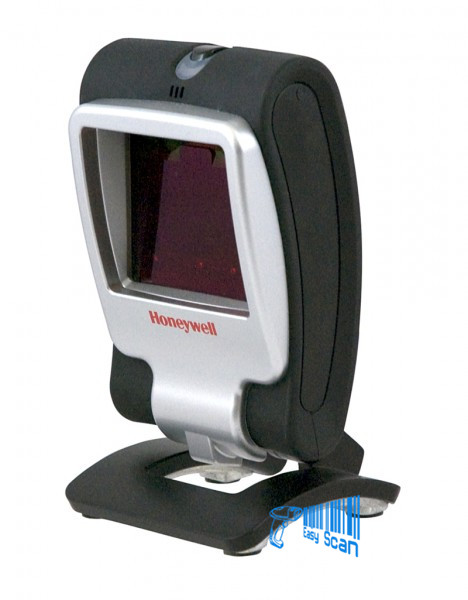
DS2208 Corded 1D / 2D imager QR Code, Data Matrix or mobile-screen barcode workflows Better fit when barcode types are mixed

Buying Pitfalls

Common selection mistakes

Treating 1D as 2D

LS1203 is for 1D barcodes. If QR Code may be needed, choose a 2D direction early.

Missing cable or stand needs

Corded scanners depend on host interface and workstation layout, so accessories matter.

Skipping POS field tests

Enter, Tab or suffix behaviour can affect checkout or stockroom speed.

Ignoring barcode quality

Damaged, reflective, very small or low-contrast labels can affect reading performance.


Why Easy Scan

Review the scanner, interface and workflow together

As a Zebra Premier Solution Partner, Easy Scan can help Hong Kong businesses review barcode type, host interface, cable, stand, output formatting and workstation use before selecting LS1203. Where 2D scanning or a newer scanner platform is required, we can also compare LI2208, DS2208 or other scanner directions to reduce procurement risk.

Specifications

LS1203 technical specifications

The following buyer-useful specifications are taken from Zebra’s LS1203 official specification sheet. Exact configuration should still be confirmed by part number, cable and environment.

Product And Scanning
Product model Symbol / Zebra LS1203
Scanner type Bi-directional 1D laser scanner
Light source 650nm laser diode
Scan rate 100 scans per second
Print contrast minimum 30% minimum reflectance
Decode capability UPC/EAN, UPC/EAN with Supplementals, UPC/EAN 128, Code 39, Code 39 Full ASCII, Code 39 TriOptic, Code 128, Code 128 Full ASCII, Codabar, Interleaved 2 of 5, Discrete 2 of 5, Code 93, MSI, Code 11, IATA, GS1 DataBar variants, Chinese 2 of 5
Physical, Power And Interface
Dimensions 2.4 in. H x 7.1 in. L x 2.4 in. W / 6.2 cm H x 18 cm L x 6 cm W
Weight Approximately 4.3 oz. / 122 g without cable
Voltage and current 5 +/-10% VDC @ 100 mA; standby <35 mA
Power source Host power or external power supply
Colour Cash Register White or Twilight Black
Supported interfaces USB, RS-232, Keyboard Wedge
User Environment
Operating temperature 32 degrees F to 122 degrees F / 0 degrees C to 50 degrees C
Storage temperature -40 degrees F to 158 degrees F / -40 degrees C to 70 degrees C
Humidity 5% to 95% relative humidity, non-condensing
Drop specification Withstands multiple 5 ft. / 1.524m drops to concrete
Ambient lighting tolerance Tolerant to typical artificial indoor and natural outdoor lighting; LED lighting with high AC ripple content can impact scanning performance
ESD 15 kV air discharge and 8 kV contact discharge
Depth Of Field And Angles
Code 39 – 5 mil 0.25 in. – 5.00 in. / 0.50 – 12.50 cm
Code 39 – 7.5 mil 0 – 7.75 in. / 0 – 19.68 cm
Code 39 – 10 mil 0 – 8.50 in. / 0 – 21.50 cm
100% UPC – 13 mil 0 – 8.50 in. / 0 – 21.50 cm
200% UPC – 26 mil 0 – 10.25 in. / 0 – 26.00 cm
Roll / Pitch / Skew Roll +/-30 degrees from normal; Pitch +/-65 degrees; Skew +/-60 degrees
Feedback And Regulatory
Beeper volume User-selectable: three levels
Beeper tone User-selectable: three tones
Laser safety IEC Class 1
Electrical safety UL1950, CSA C22.2 No. 950, EN60950 / IEC950
EMI/RFI FCC Part 15 Class B, ICES-003 Class B, European Union EMC Directive, Australian SMA, Taiwan EMC, Japan VCCI/MITI/Dentori

FAQ

LS1203 FAQs

Can LS1203 scan QR Codes?

No. LS1203 is a 1D laser scanner. For QR Code, Data Matrix or mobile-screen barcode workflows, review a 2D imager instead.

Is LS1203 suitable for checkout counters?

Yes, when the counter mainly scans printed 1D product barcodes and the host interface, cable and output behaviour are confirmed.

Should I choose black or white?

Zebra lists Twilight Black and Cash Register White. The right choice depends on the counter environment, kit configuration and available part number.

What should I provide for an enquiry?

Please share the barcode type, host interface, workstation location, stand requirement and any Enter, Tab, prefix or suffix output needs.

Contact Easy Scan

Need to confirm whether LS1203 fits your counter or stockroom workflow?

Send Easy Scan your barcode sample, host interface, workstation layout and expected scanning use. We can help compare LS1203, LI2208 and DS2208 directions before quotation.

Brand

Zebra

Product Type

Corded barcode scanner

Series

LS1203

Model

LS1203

Scan Type

1D laser scanner

Connectivity

Corded

Host Interfaces

USB, RS-232, Keyboard Wedge

Suitable Application

Retail POS, stockroom entry and fixed workstation 1D barcode scanning

Part Number

Use these model references when discussing interface, cable, stand and regional configuration requirements.

Scanner-only configurations

Part Number Description
LS1203-CR10001R LS1203:RS232, USB and Keyboard Wedge Interfaces, Close Range, Cash Register White
LS1203-CR10007R LS1203:RS232, USB and Keyboard Wedge Interfaces, Close Range, Twilight Black
LS1203-CR10007Y LS1203: Laser Scanner, Corded, Twilight Black – INDIA ONLY
LS1203-HD20007ZZR LS1203:RS232, USB and Keyboard Wedge Interfaces, High Density Focus, Twilight Black

USB and stand kits

Part Number Description
LS1203-1AZU0100SR KT:LS1203 WHT,USB CABLE & STAND KIT
LS1203-7AZU0100SR KT:LS1203 BLK,USB CABLE & STAND KIT
LS1203-7AZU0100ER KIT: LS1203 Scanner (LS1203-CR10007R) with Cable (CBA-U01-S07ZAR) and Gooseneck LS1203 Stand (20-73951-07R), EMEA Only
LS1203-7HDU0100SR KT:LS1203 BLK,HD,USB CABLE & STAND KIT

Additional kit variants

Part Number Description
LS1203-1AZU0100ZR KT:LS1203 WHT,USB CABLE KIT
LS1203-7AZU0100ZR KT:LS1203 BLK,USB CABLE KIT
LS1203-7AZU0100ZY KT:LS1203,BLK,USB CBL,NO STAND, INDIA

Accessories / Services

These accessories and service options can be reviewed together with workstation layout, stand requirements and support planning.

Stands

Part Number Description
20-73951-01R Gooseneck Intellistand – LS1203 Cash Register White
20-73951-07R Gooseneck Intellistand – LS1203 Twilight Black

Zebra OneCare service options

Part Number Description
Z1BE-LS1203-1000 1 YEAR ZEBRA ONECARE SERVICE CENTER ESSENTIAL
Z1BE-LS1203-10E0 1 YEAR ZEBRAONECARE SERVICE CENTER ESSENTIAL WITH EXPRESS SHIP OPTION
Z1BE-LS1203-1C00 1 YEAR(S), ZEBRA ONECARE ESSENTIAL, 3 DAY TAT, FOR LS1203, PURCHASED AFTER 30 DAYS, COMPREHENSIVE COVERAGE
Z1BE-LS1203-3C00 3 Year(s) Zebra Onecare Essential, 3 day TAT for LS1203, Purchased after 30 days, With comprehensive coverage.
Z1AE-LS1203-3C00 3 Year(s) Zebra Onecare Essential, 3 day TAT for LS1203, Purchased within 30 days, With comprehensive coverage.
Z1RE-LS1203-1C00 1 YEAR(S) ZEBRA ONECARE ESSENTIAL, 3 DAY TAT, FOR LS1203, RENEWAL, WITH COMPREHENSIVE COVERAGE.
Z1RE-LS1203-2C00 ZEBRA ONECARE ESSENTIAL RENEWAL
Z1BS-LS1203-1C03 1 YEAR ZEBRAONECARE SERVICE CENTER SELECT.
Z1RS-LS1203-2C03 2 yr Z1C Select LS1203, advanced replacement, not available in LATAM, Zebra owned buffer, coverage for cradles where applicable, Renewal, comprehensive, std commissioning
Z1AS-LS1203-3C03 3 yr Z1C Select LS1203, advanced replacement, not available in LATAM, Zebra owned buffer, coverage for cradles where applicable, purchased within 30 days, comprehensive, std commissioning

Resources

Certificates

As a Zebra Premier Solution Partner, Easy Scan can help Hong Kong businesses review Zebra scanner model, interface, accessory and deployment requirements.


View Easy Scan certificate page

Video

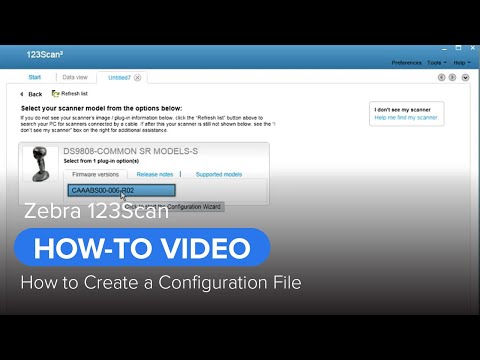
These videos cover Zebra scanner setup, configuration files and data-formatting workflows that are useful before deployment.

FAQ

Which barcode types is LS1203 for?

LS1203 is for 1D barcodes, including UPC/EAN, Code 39, Code 128, Codabar and GS1 DataBar variants. For 2D codes, review a 2D imager.

Which interfaces does LS1203 support?

Zebra lists USB, RS-232 and Keyboard Wedge. Please share your POS or host interface before quotation.

Does LS1203 need an external power supply?

Zebra lists host power or external power supply. The actual requirement depends on interface, cable and host configuration.

Can LS1203 be used for fixed counter scanning?

Yes, it supports Auto-Scan continuous mode, subject to stand, counter height and scanning-distance testing.

Is LS1203 suitable for stockroom work?

It can be considered for fixed-station 1D label entry. For mobile stocktaking, review a cordless scanner or mobile computer.

Can Enter or Tab be added after each scan?

This can be reviewed through scanner configuration and host field requirements. Please specify any Enter, Tab, prefix or suffix needs.

What is the main difference from DS2208?

LS1203 is a 1D laser scanner. DS2208 is a 1D / 2D imager and is a better fit for QR Code, Data Matrix or mobile-screen barcode workflows.

What should I prepare before requesting a quote?

Please provide barcode samples, host interface, workstation position, stand requirement, quantity and data-output requirements.

Leave Your Message