
Barcode Printers, Label Printers and Hong Kong Deployment Support
Barcode Printer and Label Printer Solutions in Hong Kong
If your team already needs product labels, shipping labels, location labels or inventory labels, the next decision is not only model price. You need to confirm the printer direction, label and ribbon matching, system connection and daily support arrangement. Easy Scan can help Hong Kong retail, warehouse, logistics, manufacturing and e-commerce teams narrow the choice between desktop, industrial, mobile and RFID printing directions.
Quick Answer
Define the workflow first, then choose the printer model
In business use, barcode printer, label printer and sticker printer often point to the same buying problem: your team needs scannable labels in the right place, at the right speed and with the right durability. Before comparing brands or models, confirm the label use case, daily print volume, label size, print content, storage environment, consumable matching and system source.
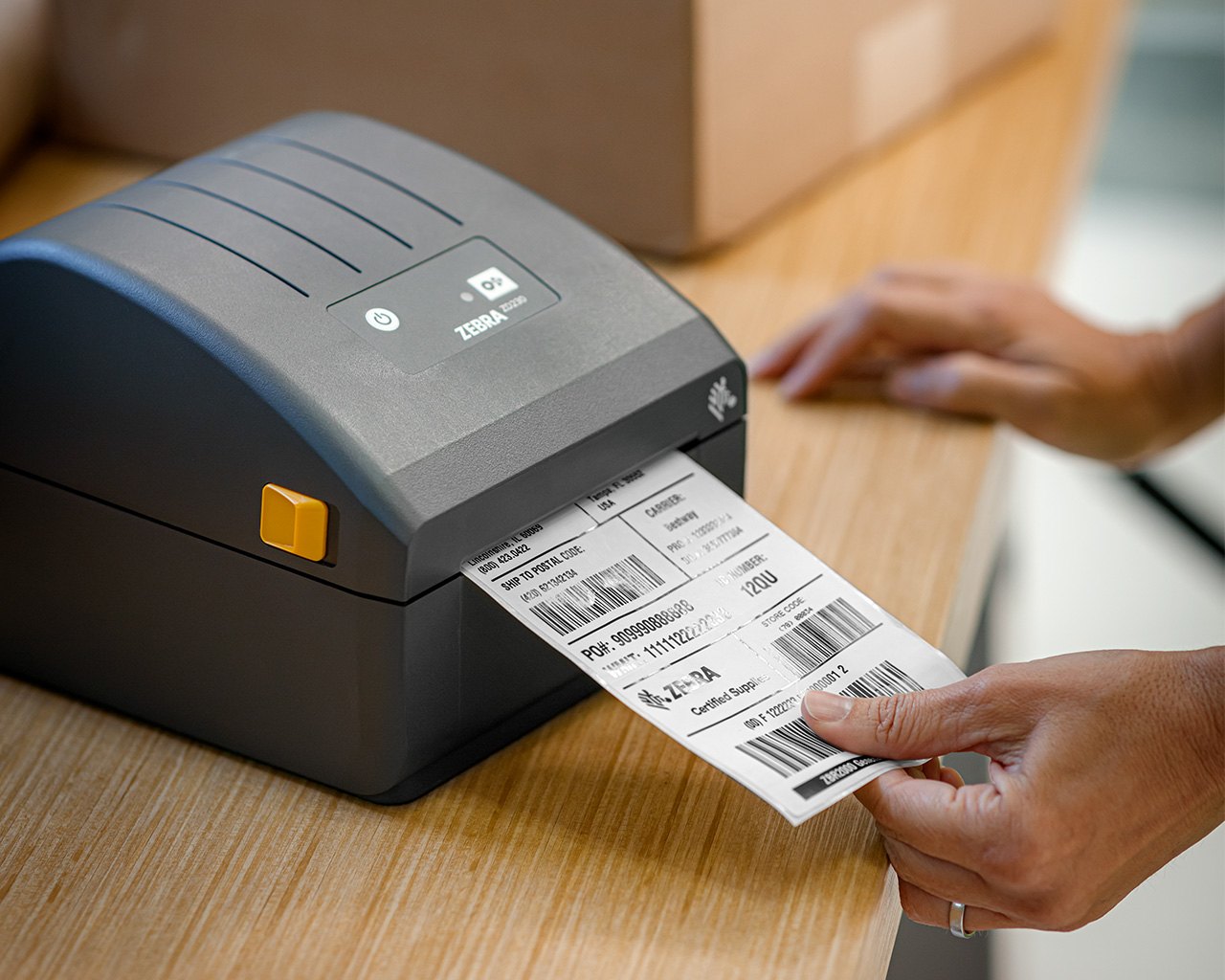
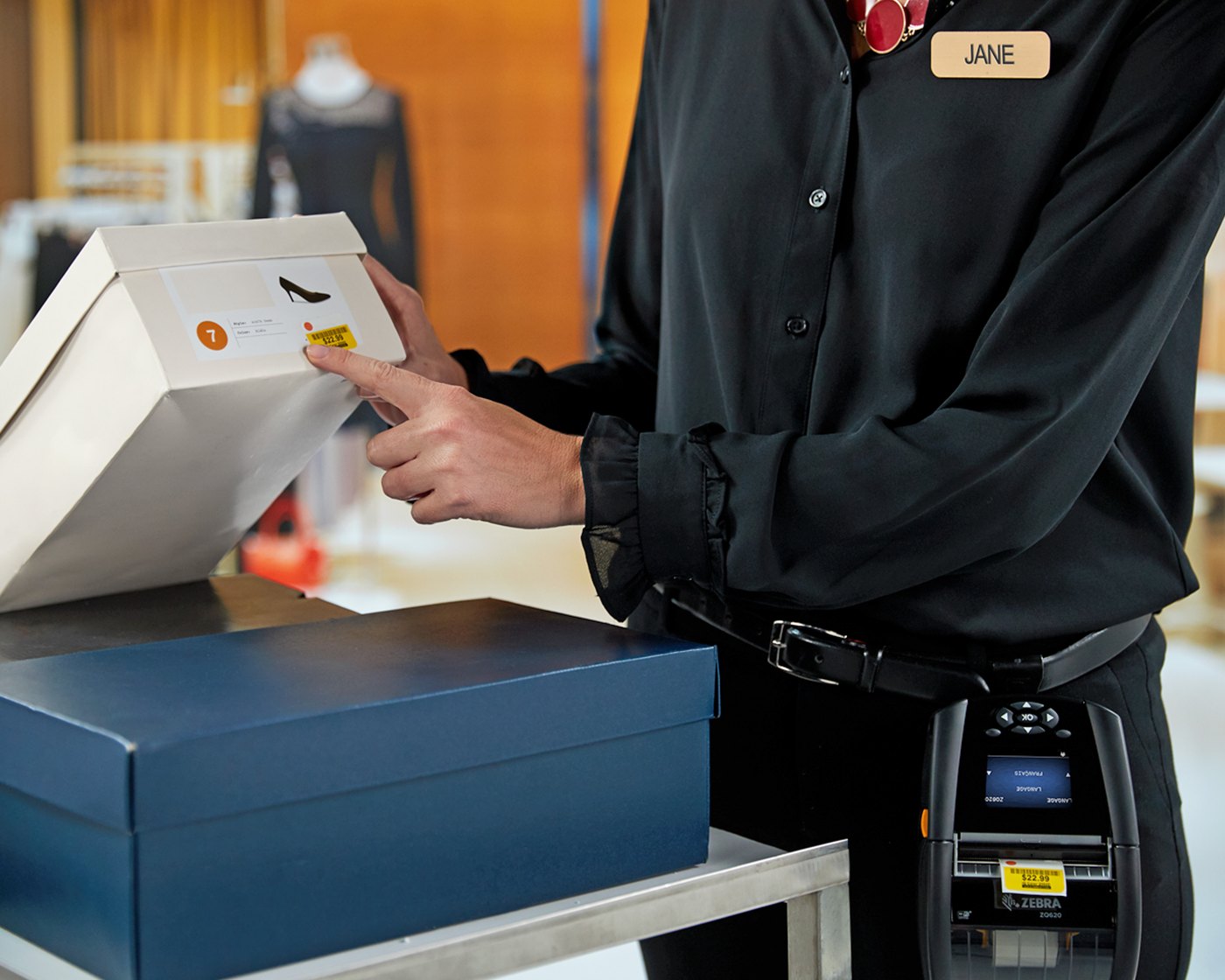
Product and Shipping Labels
For retail back office, e-commerce packing, warehouse shipping and stock workflows. Share label size, print content, daily volume and scan distance before enquiry.
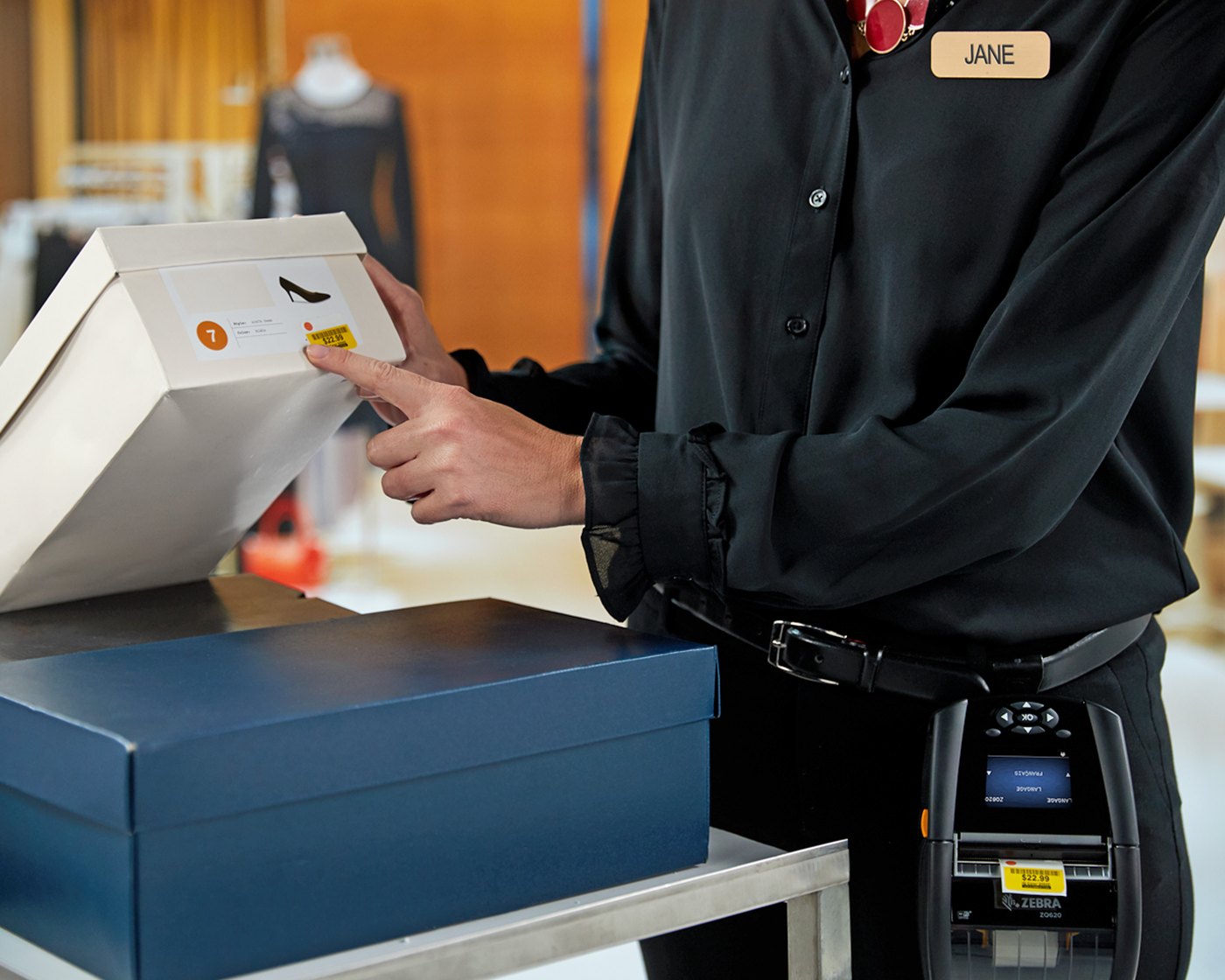
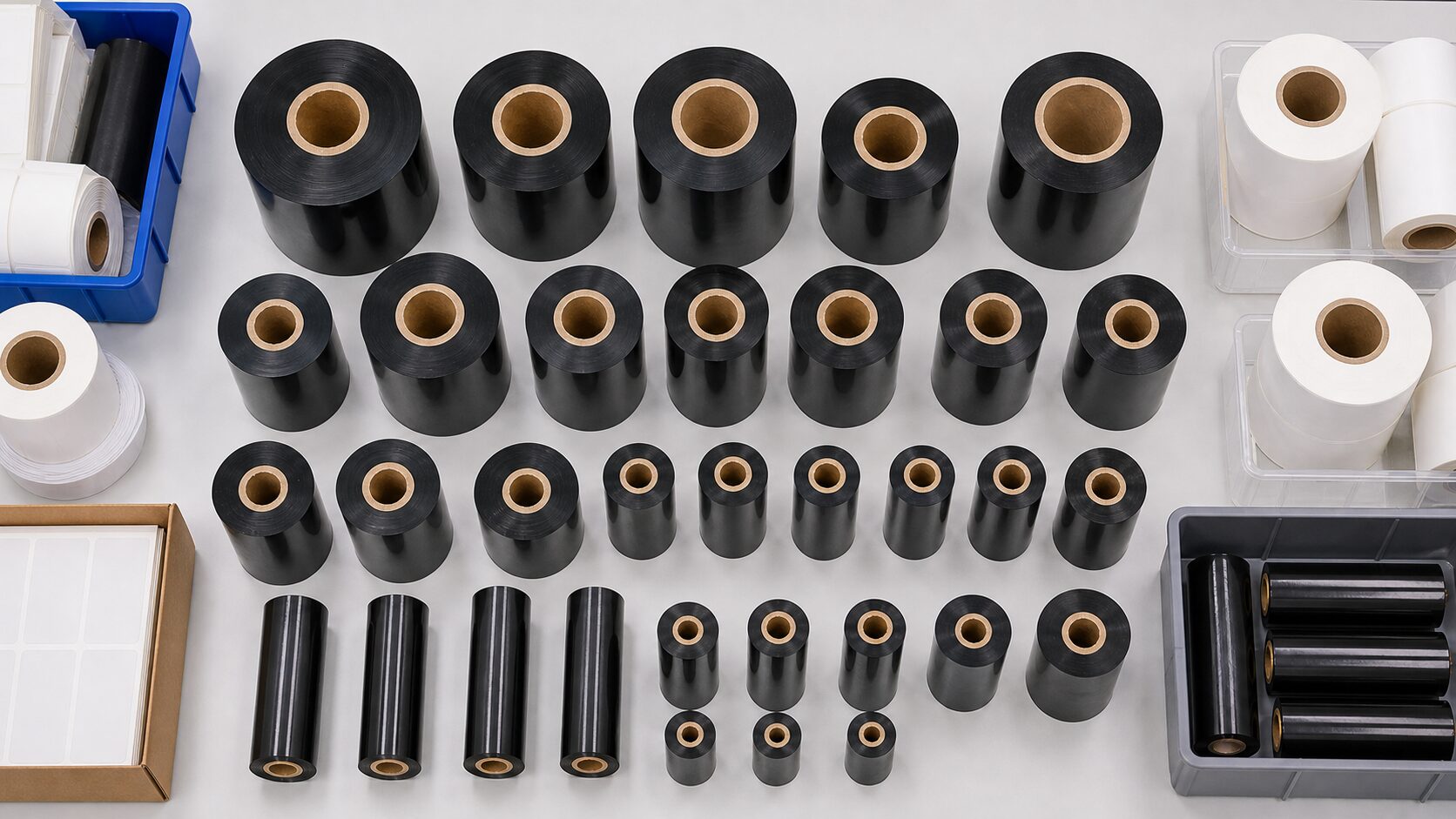
Labels and Ribbon Matching
Label stock, adhesive, material, application surface, storage environment and ribbon type affect print clarity, durability and scan stability.
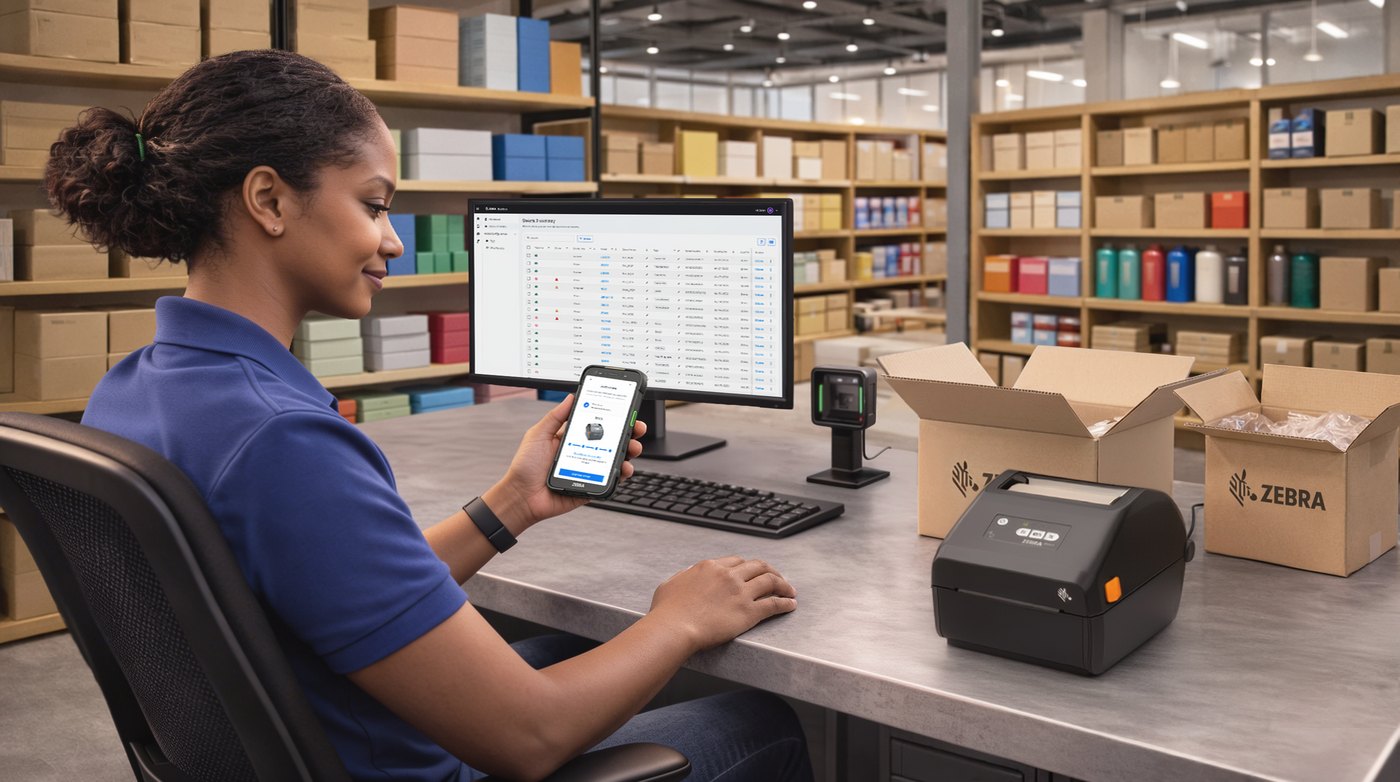
Software and System Connection
If label data comes from Excel, BarTender, NiceLabel, POS, ERP or WMS, confirm fields, templates, drivers, network setup and test printing flow.
Solution Comparison
Compare desktop, industrial, mobile and RFID printing by workflow
This page is designed for procurement and deployment decisions. If you are still learning print methods, DPI or consumable basics, start with the deeper barcode label printer guide. If your team is ready to enquire, use the table below to organise the requirement.
| Common Situation | Priority Direction | Confirm Before Enquiry | Next Step |
|---|---|---|---|
| Store, office or small warehouse printing at lower to medium daily volume. | Desktop barcode printer or label printer. | Label size, thermal transfer need, USB / Ethernet / Wi-Fi and available counter space. | Compare Zebra, TSC and Honeywell desktop printer directions. |
| Warehouse, logistics or manufacturing workflows with longer runs or higher print volume. | Industrial barcode printer. | Daily print volume, media roll size, dust or heat exposure, maintenance needs and downtime risk. | Narrow the print volume, label width and support requirement first. |
| Delivery, field service, shelf relabelling or point-of-activity warehouse printing. | Mobile printer with a handheld terminal or tablet workflow. | Label size, battery, Bluetooth / Wi-Fi, carrying method and on-site work process. | Review mobile printing, handheld devices and label supply together. |
| Labels need visible content and RFID encoding in the same process. | RFID label printing and read/write workflow. | RFID tag, read range, application material, system fields and test scope. | Run label and read testing before deciding by printer specification alone. |
| Label data comes from ERP, WMS, POS, Excel or label design software. | Review printer, label software, driver and data fields together. | Data source, template fields, number of print users, permissions, network and test samples. | Ask Easy Scan to review system workflow and hardware selection together. |
Enquiry Checklist
Prepare these six details to shortlist the right setup faster
A barcode printing solution is rarely a printer-only decision. Share the details below by WhatsApp or email so Easy Scan can review printer direction, labels, ribbons and support requirements.
Label Size
Include width, length, core size, outer diameter, labels per roll and whether labels are applied to cartons, products, plastic, metal or shelves.
Print Content
For example 1D barcode, QR code, SKU, batch number, date, address, icons or small multi-line text.
Daily Volume
Lower volume may fit desktop printers; longer-running or higher-volume workflows should review industrial printers and maintenance arrangements.
Operating Environment
Cold storage, humidity, outdoor use, oil, abrasion, long retention or chemical exposure can change the label and ribbon choice.
Connectivity
Confirm whether USB, Ethernet, Wi-Fi, Bluetooth or shared access from multiple computers is required.
Data Source
Explain whether labels are printed from Excel, BarTender, NiceLabel, POS, ERP, WMS or another system.
Brand and Model Routes
Use brand, print volume and consumables to narrow the right solution
If you already have a preferred brand, existing printer model or required consumable, include it in the enquiry. Easy Scan can help narrow suitable printer options based on label size, daily volume, connectivity, consumable supply and maintenance needs.
 Zebra Barcode PrintersFor teams comparing desktop, industrial, mobile or RFID printing directions across procurement and IT requirements.View Zebra Category
 TSC MH241T Industrial Barcode PrinterFor warehouse, manufacturing and logistics teams that need fixed-location printing, higher daily volume or durable thermal-transfer labels. Share label size, daily volume, ribbon needs and connection method to compare the right configuration.Compare TSC Industrial Printers
 Honeywell PX Series Industrial Barcode PrinterFor teams that need to review print quality, system connection, consumable matching and long-term support. If you already use Honeywell or Intermec printers, include the current model and label specification in the enquiry.Compare Honeywell Industrial Printers
 Zebra ZQ521 Mobile PrinterFor delivery, warehouse patrol, field service and retail teams that need to print labels or receipts at the point of work. Confirm 4-inch label width, battery, charger, vehicle mount or RFID needs before comparing options.Compare Zebra Mobile Printers
Before Enquiry
Prepare your workflow details before enquiring
If your team already knows it needs label printing, start by listing the work location, label size, daily print volume, connection method, consumables and maintenance needs. This makes quotation and model comparison more accurate. If you still need to understand direct thermal, thermal transfer, DPI, label material or printer categories, read the barcode label printer guide first, then return here to prepare the enquiry.

Related Workflow
Barcode printing should be reviewed with scanning, consumables, RFID and system workflow
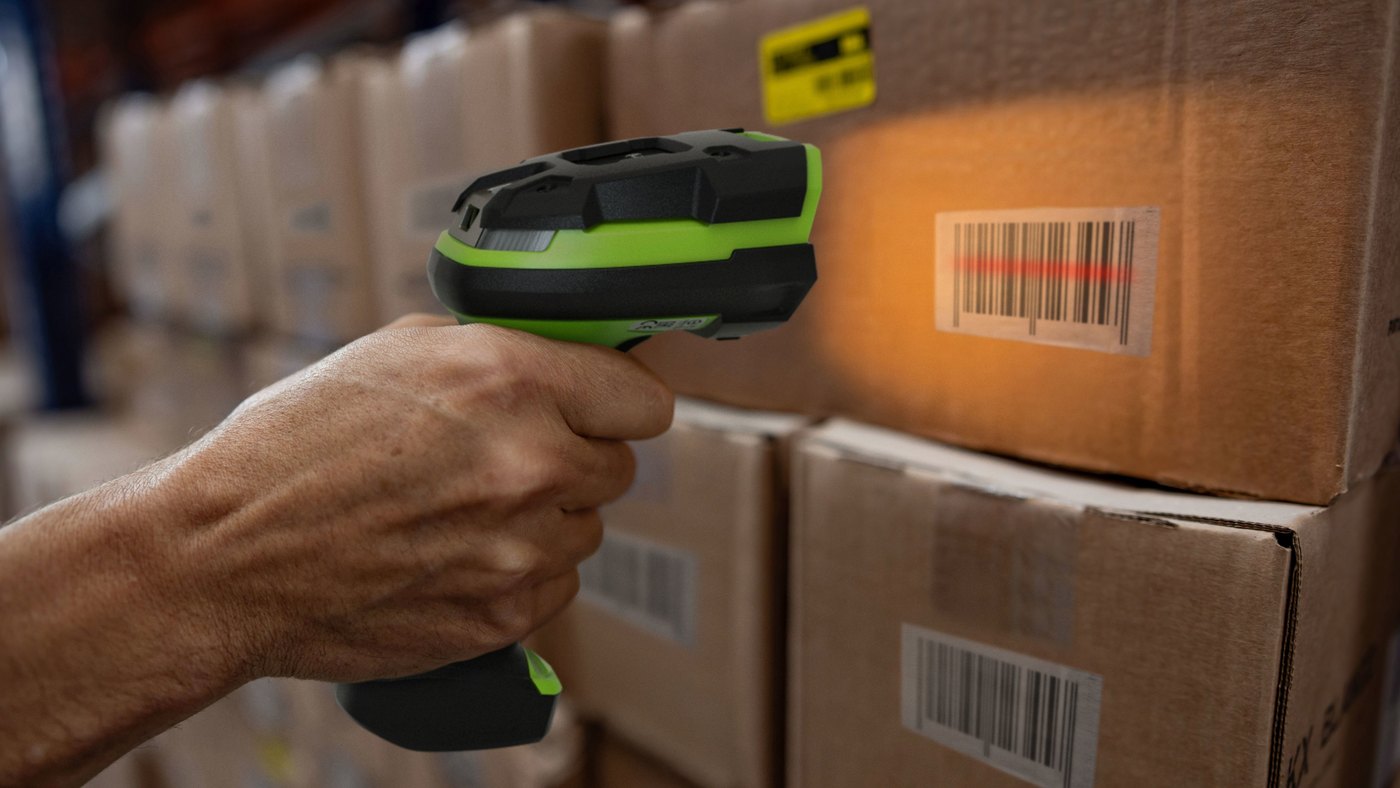 Barcode ScannersPrinted labels must be readable by scanners, POS, ERP or WMS, especially in logistics, warehouse, retail and asset stocktake workflows.View Barcode Scanners
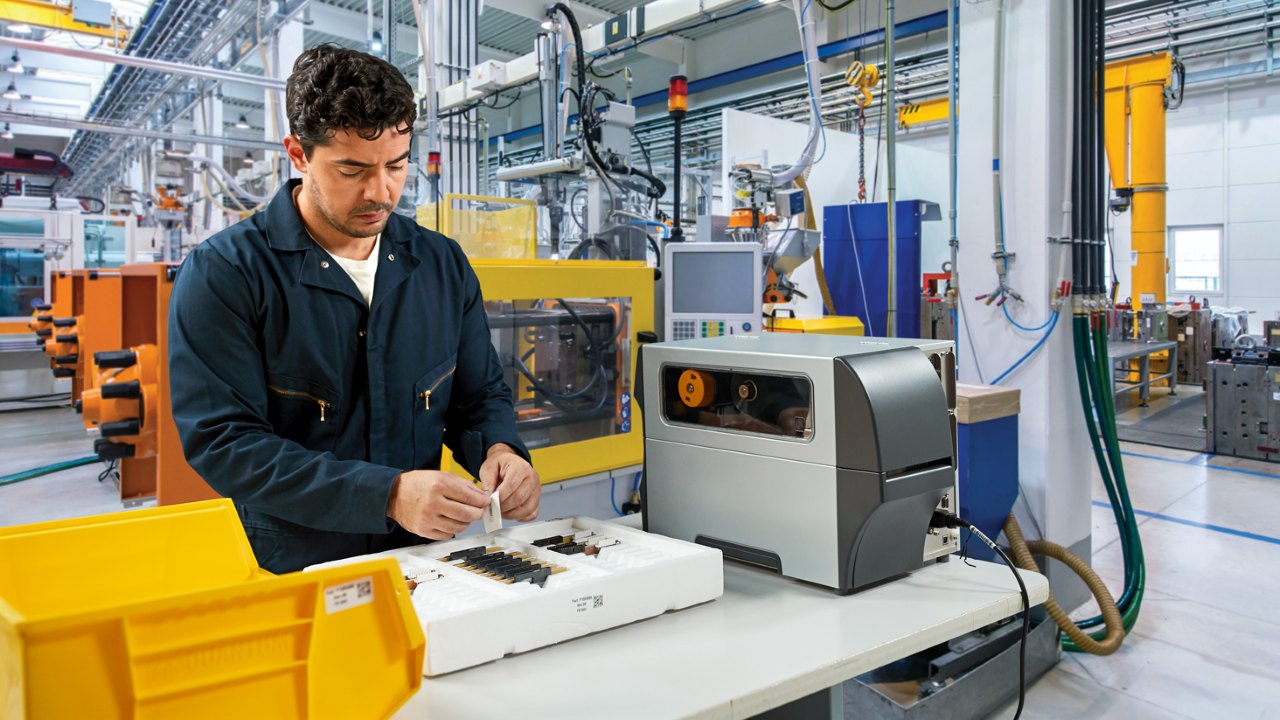 Labels and RibbonsLabel material and ribbon matching affect adhesion, abrasion resistance, retention period and barcode scan stability.View Labels and Ribbons
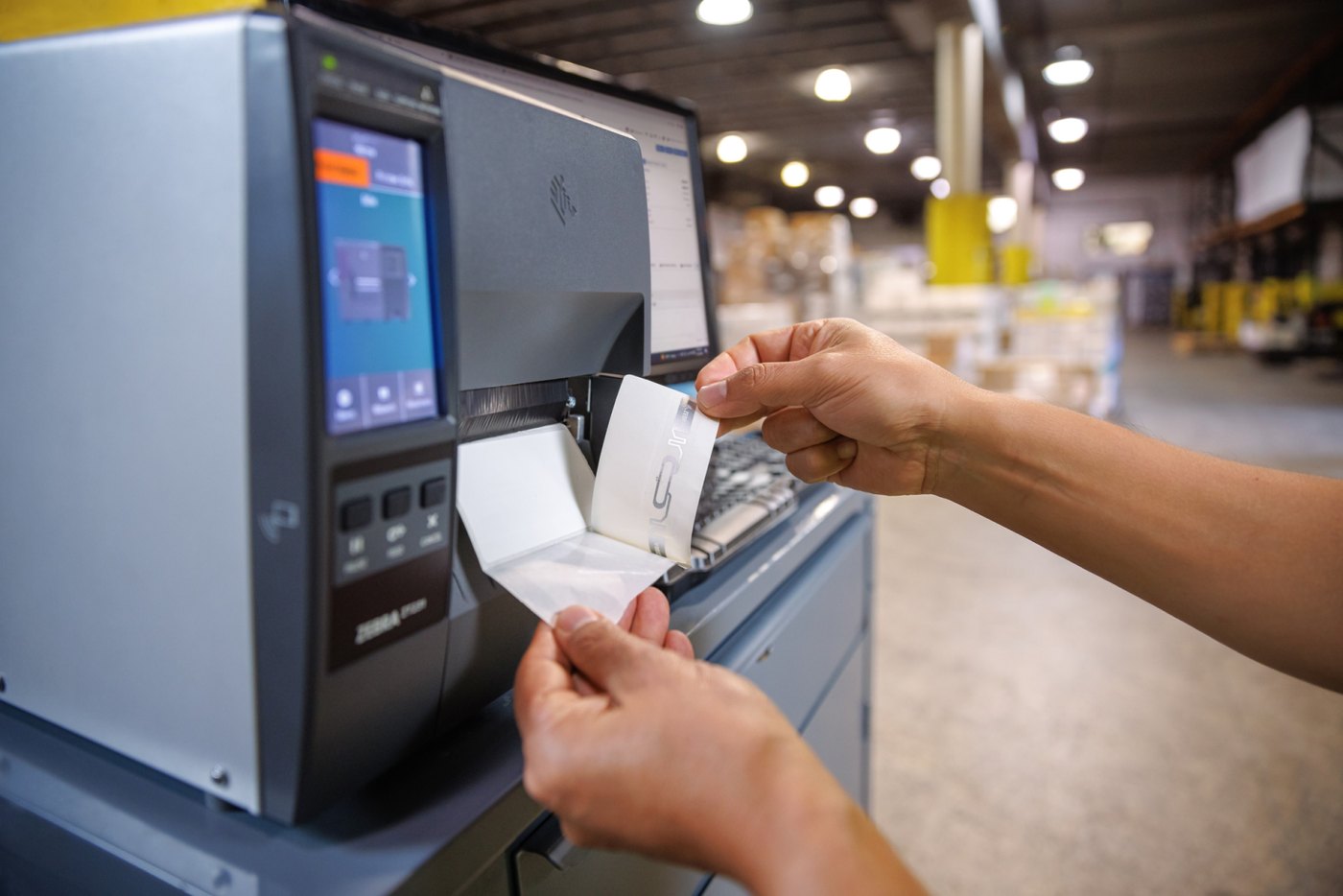 RFID Printing and ReadingIf the workflow includes RFID, review RFID labels, readers, antenna position, print encoding and back-end data flow together.View RFID Products
FAQ
Barcode Printer and Label Printing Solution FAQ
How is this page different from the barcode label printer guide?
This page is a solution and enquiry route for teams that already know they need label printing and are comparing procurement directions. The guide is better for learning direct thermal, thermal transfer, DPI, consumables and basic selection factors.
What should I prepare before asking about a barcode printing setup?
Prepare label size, print content, daily print volume, operating environment, connectivity and data source. If you have an old printer model, label sample or print quality issue, share that as well.
Should I choose the brand first or the label use case first?
Start from the label use case and workflow, then compare brands and models. Choosing only by brand or price can miss consumables, DPI, connectivity and support requirements.
Should labels and ribbons be confirmed with the printer?
Yes. Label material, adhesive, size, storage environment and ribbon type affect print clarity, durability and scan stability. Buying the printer without confirming consumables often creates daily-use issues.
Can barcode printers connect to ERP, WMS or POS systems?
They can be reviewed by system and model. Please share the data source, label template, fields, connection method and current printing workflow so Easy Scan can check whether label software, driver setup or testing is needed.
Do we always need an RFID label printer?
No. RFID is suitable for workflows that need non-line-of-sight batch reading, asset tracking or specific supply-chain processes. General product, shipping, shelf or inventory labels may not need RFID. Confirm tag, read range, application material and system process before selection.
Next Step
Need to choose barcode printers or label printing for your company?
Share your label use case, size, daily print volume, environment, connection method and system source. Easy Scan can help review the printer direction, labels, ribbons, technical support and quotation details.