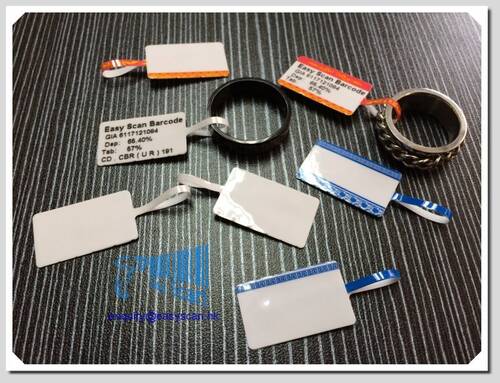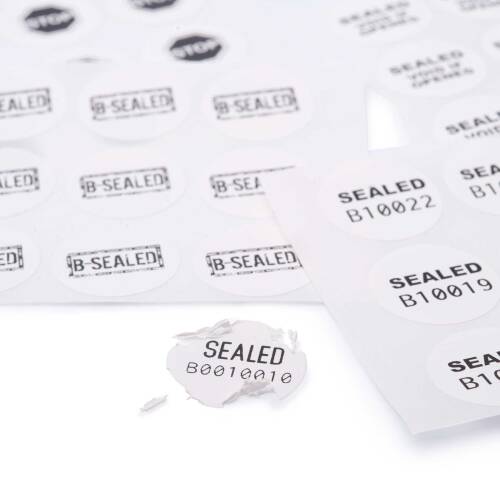

Blank labels are suitable for Hong Kong businesses that need to print product data, shipping details, barcodes, QR codes, batch numbers or inventory information in-house. Selection should confirm label size, material, adhesive, print method, ribbon fit, printer model and scanning environment.
- Thermal transfer and direct thermal directions can be reviewed by label life and use case.
- Suitable for product labels, carton labels, shipping labels, asset labels, hang tags and selected special-material uses.
- For enquiry, share a label sample, printer model, daily usage and application surface.
Blank Labels
Blank labels for barcode printing, shipping, inventory and product workflows
Blank labels are suitable when each label may need unique product data, shipping details, batch numbers, QR codes, asset IDs or inventory information. Before selection, confirm label size, material, adhesive, print method, ribbon fit, printer model and real scanning conditions.
Product Visuals
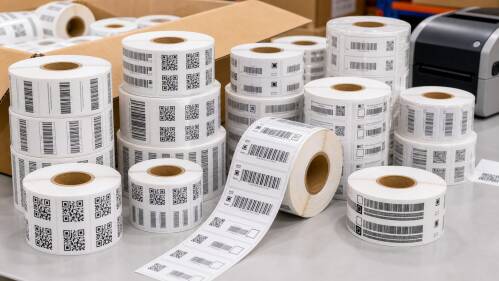
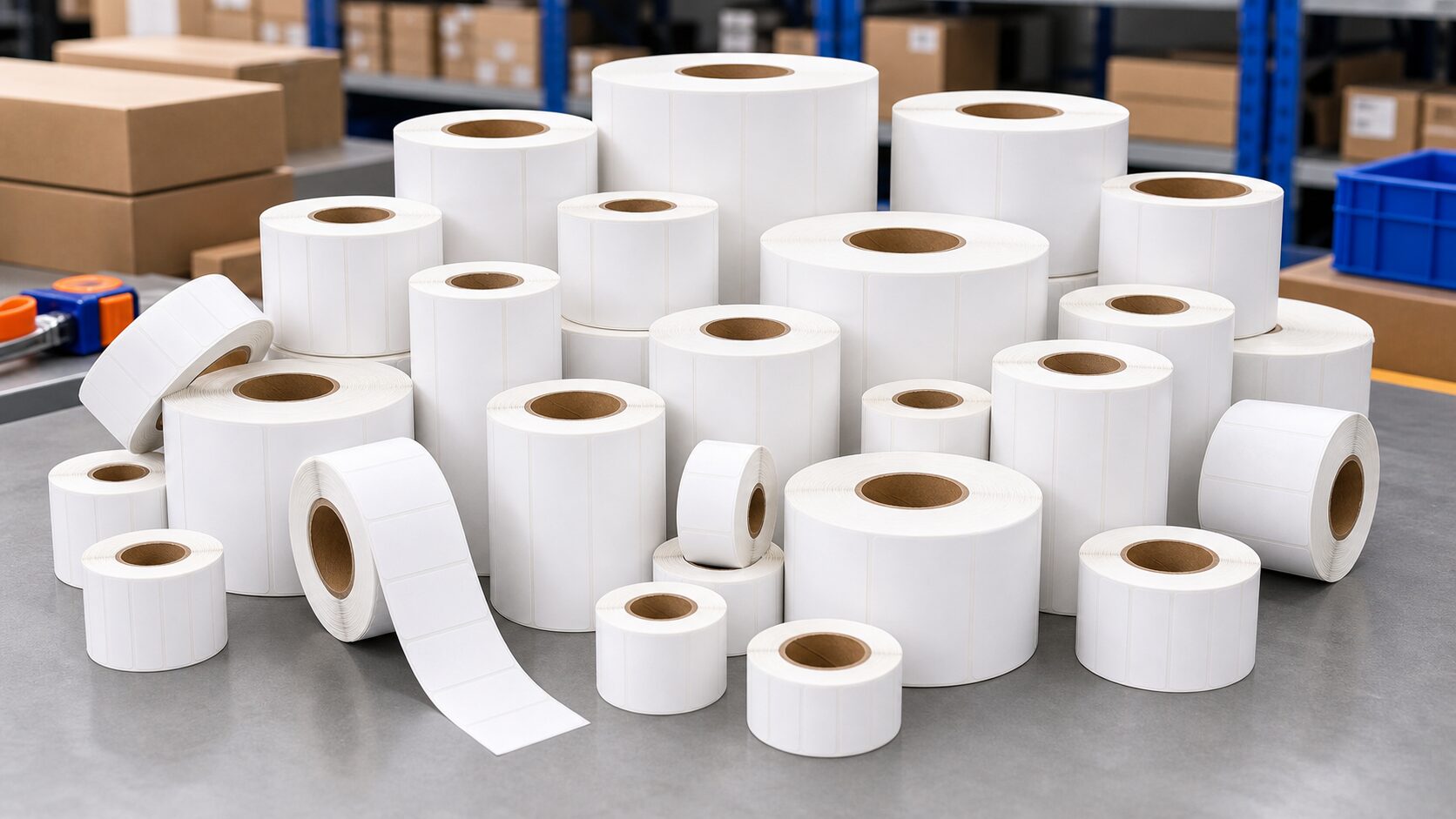
Start with a real label sample before choosing size, stock and adhesive
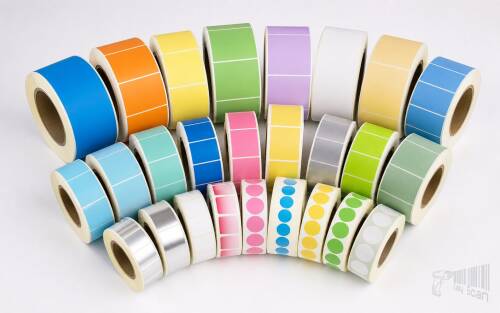
Blank labels are not selected by colour alone. Businesses should review the application surface, print content, label life, scanning method and future reordering before choosing a label direction.


Product Overview
A blank label is the printable data carrier for frontline operations
Blank labels are labels without fixed pre-printed information, commonly used when businesses need to print order, product, batch, logistics or inventory data on demand. Retail, warehouse, logistics, manufacturing, office and service teams in Hong Kong often use blank labels together with barcode printers, ribbons, barcode and label design software, scanners or mobile computers. A suitable label needs to work across printing, application, handling, storage and scanning, not just look like a plain white roll.
If labels need longer retention, or will be applied to plastic crates, metal, glass, cartons, curved surfaces, cold areas or rough surfaces, the face stock, adhesive and ribbon combination should be checked first. For short-life shipping, price or receiving labels, a direct thermal direction may be sufficient. Before quotation, prepare your current label sample, printer model, daily usage, label size, print content and operating environment.

Quick Fit
Are blank labels the right fit for your workflow?
Good fit
You need to print SKUs, barcodes, QR codes, batches, addresses, serial numbers or system data, and label content may vary from label to label.
Test first
Labels will be used in cold, curved, plastic, metal, glass, rough or high-handling environments, or need stronger water, oil, abrasion or tear resistance.
May need another route
If the job requires full-colour pre-printing, fixed high-volume artwork, strong anti-counterfeit treatment or regulatory data, separate printed-label planning may be needed.
Suitable / Not Suitable
Where blank labels fit best
Suitable
- Product, carton, shipping, receiving, inventory, asset, file or office labels.
- Label content comes from ERP, WMS, POS, Excel or label design software.
- You need to review label stock, ribbon, printer setup and reordering as one workflow.
Needs confirmation
- Direct food contact, healthcare, chemical, outdoor long-life or regulated applications.
- Immediate delivery, fixed MOQ, special colours, special adhesive or unusual sizes.
- Printer model, roll core, sensor position or ribbon specification is unclear.
Key Checks
Eight checks before choosing blank labels
Label purpose
Separate product, carton, shipping, asset, shelf, hang-tag, file and special-material uses instead of using one label stock for every workflow.
Size and core
Label width, length, labels per roll, core size and output direction must fit the printer, sensor and application method.
Material and adhesive
Coated paper, direct thermal paper, synthetic stock, PET, PP, PVC, removable adhesive or destructible labels should match the surface and environment.
Print method
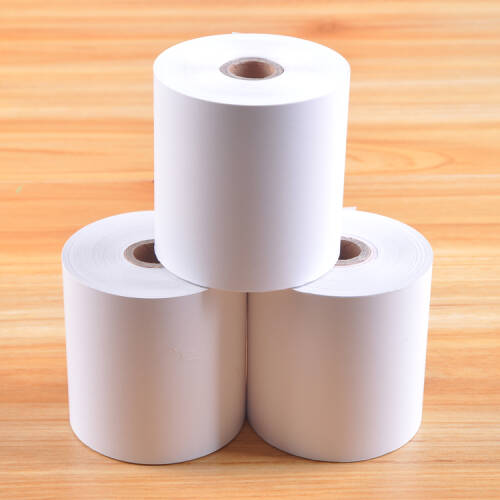
Direct thermal normally does not use ribbon and is often considered for short-life labels. Thermal transfer uses ribbon and is often checked for longer-life labels.
Barcode content
1D barcodes, QR codes, batches, dates, serial numbers, Chinese text, logos and variable data affect label size and resolution.
Scanner fit
A label can look clear but still fail on site; scan distance, angle, lighting, reflection and curved surfaces should be tested.
System workflow
POS, ERP, WMS or label design software output affects fields, templates, permissions and print workstation setup.
Reordering and support
Labels are recurring consumables, so reordering, ribbon matching, printer setup and local Hong Kong support should be considered early.
Applications
Common blank-label uses for Hong Kong businesses
Retail and product management
Product labels, price labels, shelf labels, hang tags, replenishment labels and store stocktake labels need clear layout and stable scanning.
Warehouse and logistics
Receiving, put-away, picking, packing, shipping, carton, pallet and return labels depend on accurate system data and scan reliability.
Manufacturing and asset tracking
Batch, serial, WIP, QC, equipment, tool and fixed-asset labels often require checks on label life, abrasion and application surface.
Office and special workflows
File, document, stationery, service-record, removable, destructible and hang-tag labels should be selected by workflow and material requirement.

Consumables Fit
Labels should be checked with printers, ribbons, scanners and software
| Fit item | Why it matters | Useful details to provide |
|---|---|---|
| Barcode printer | Determines maximum label width, core size, sensor position, thermal transfer / direct thermal and ribbon direction. | Brand, model, current label photo or internal printer photo. |
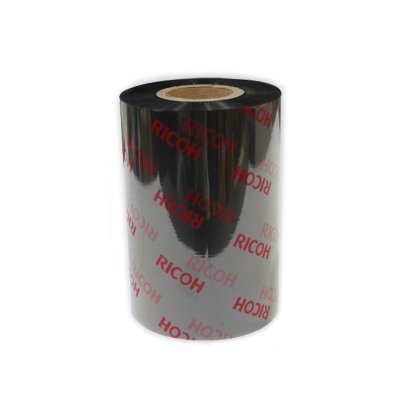
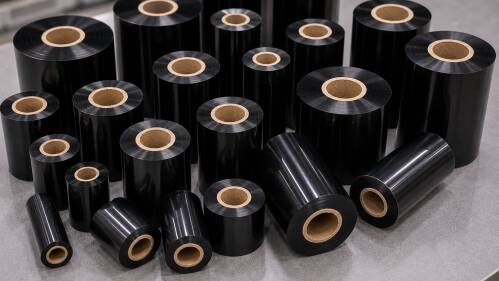
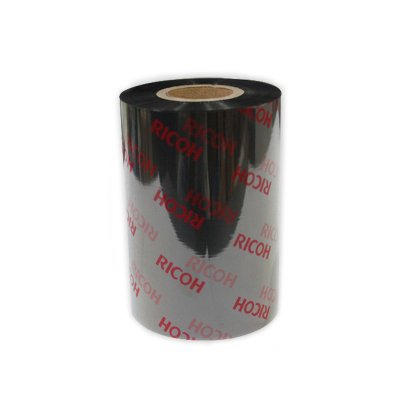
| Ribbon | Thermal transfer labels need a ribbon direction matched to stock and durability requirements. | Current ribbon model, width, print content and durability requirement. |
| Scanner / mobile computer | Barcode size, contrast, print density and scan distance can affect read rates. | Scanner model, scan distance, failed samples and site lighting. |
| Barcode and label design software | Data fields, templates, permissions and multi-workstation printing affect daily operation. | Software used, data source, label template and output format. |

Selection Guide
Blank label selection workflow
1. Measure the label
Record width, length, core size, labels across, labels per roll and output direction.
2. Confirm the content
List fixed text, barcode type, QR code, batch, date, serial number, Chinese text and logo requirements.
3. Check the environment
Confirm application surface, temperature, humidity, water, oil, abrasion, label life and whether removal should leave no residue.
4. Match the equipment
Check printer, ribbon, scanner, label software and system fields, then run a test print where needed.
Comparison
Common label directions compared
The table below is for initial selection only. Actual stock, adhesive, size and durability must be confirmed against samples, printer model and operating environment.
| Label direction | Common use | Selection note |
|---|---|---|
| Coated paper / general paper label | Product, carton, price, inventory and general indoor labels. | Check whether water, oil, abrasion or longer retention is required. |
| Direct thermal label | Short-life shipping, receiving, price or logistics workflows. | No ribbon is used, but heat, light and retention requirements should be reviewed. |
| Thermal transfer label | Longer-life product, asset, inventory, manufacturing and shipping labels. | Requires matching of label stock and ribbon. |
| PET / synthetic label | Labels needing stronger water, oil, abrasion or longer-life performance. | Test against surface, adhesive, ribbon and printer capability. |
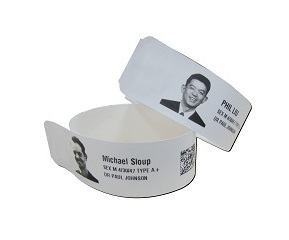
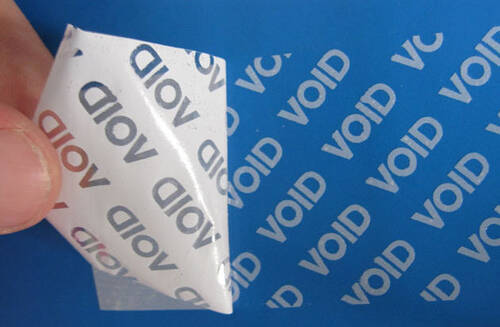
| Special label / hang tag | Destructible, tamper-evident, removable, apparel tag, service record or high-temperature use. | Confirm use case, material requirement, regulatory needs and available size. |
Common Mistakes
Common reasons blank labels fail in real use
Checking size but not core
The same label width does not guarantee printer fit. Core size, outer diameter and output direction also matter.
Ignoring adhesive and surface
Cartons, bags, plastic crates, metal, glass, curved and low-temperature surfaces may need different adhesive or material.
Not matching the ribbon
If a thermal transfer ribbon does not fit the label stock, print may smear, scratch, fade or scan inconsistently.
Skipping real scanner tests
A visually clear barcode may still fail on site. Test with the actual scanner, distance, angle and lighting.
Why Easy Scan
Why ask Easy Scan about blank labels?
Easy Scan works with Hong Kong B2B barcode printing, label and ribbon matching, scanner readability and recurring replenishment workflows. Based on your label sample, printer model, operating environment and system data, we can help narrow the suitable label direction. Actual quotation and available options can be confirmed by size, material, quantity and use case.
Specifications
Blank label enquiry specification checklist
The items below help prepare a clearer enquiry, narrow the suitable label direction and support quotation, matching and future replenishment planning.
| Basic details | |
|---|---|
| Product category | Blank labels / barcode printing labels / labelling consumables |
| Common print methods | Thermal transfer or direct thermal, subject to label stock, ribbon and printer model. |
| Common content | Text, barcode, QR code, SKU, batch, date, serial number, address, logo or system fields. |
| Label and material | |
| Dimensions | Width, length, core size, outer diameter, labels per roll, output direction and sensor gap / black mark position should be confirmed. |
| Material direction | General paper, coated paper, direct thermal paper, synthetic stock, PET, PP, PVC, hang tag, destructible or special-purpose label, subject to supply and use case. |
| Adhesive direction | Permanent, removable, special-surface, low-temperature or other adhesive needs should be checked by sample and surface. |
| Workflow fit | |
| Printer fit | Confirm brand, model, maximum label width, core size, sensor and thermal transfer / direct thermal support. |
| Ribbon fit | Thermal transfer labels should be matched with wax, wax-resin or resin ribbon direction based on stock and durability needs. |
| Scanning and system | Test with the actual scanner, mobile computer, POS, ERP, WMS or label software workflow where practical. |
| Quotation details | Share the target size, quantity, material direction, adhesive needs, printer model and replenishment plan so Easy Scan can prepare suitable options. |
Use Scenarios
Match blank labels to the working environment
Different teams use blank labels in different ways, so label size, core size, material, adhesive, ribbon and printer fit should be checked against the real workflow. Use the examples below to prepare daily volume, application surface, label life, scan distance and operating environment before enquiry.


FAQ
Blank label FAQ
Should blank labels use thermal transfer or direct thermal printing?
It depends on label life, environment and durability needs. Short-life shipping or price labels may use direct thermal media, while longer-life or more durable labels are usually reviewed with thermal transfer printing and ribbon matching.
Can blank labels be matched to an existing barcode printer?
Yes, subject to printer brand and model, maximum label width, core size, sensor position, output direction and print method. Current label and printer photos help make the review more accurate.
What should be checked for labels on plastic crates, metal or curved surfaces?
Confirm surface material, temperature, humidity, abrasion, oil exposure and label life. Some surfaces may need special adhesive or stock, so sample testing is recommended before larger use.
What should I prepare before asking for blank-label advice?
Prepare label dimensions, daily usage, application surface, label life, printer model, ribbon requirement, label sample, barcode content and use case. If details are not ready, photos can support an initial discussion.
Next Step
Need blank labels for a printer or workflow?
Share your current label sample, printer model, daily volume and operating environment. Easy Scan can help narrow the suitable label stock, print method, ribbon and related equipment direction.
| Brand | Easy Scan |
|---|---|
| Product Type | Blank label / barcode printing label / label consumable |
| Common Use | Product, carton, shipping, receiving, inventory, asset, file and office labels |
| Selection Factors | Size, material, adhesive, print method, ribbon fit, printer model, scanner and software workflow |
FAQ
What is the difference between blank labels and pre-printed labels?
Blank labels are normally printed in-house with variable data such as SKU, batch, address or QR code. Pre-printed labels are prepared with fixed artwork or content in advance and may suit fixed layouts or higher-volume printed-label requirements.
Can every blank label work with my current printer?
No. Printer model, maximum print width, core size, outer roll diameter, sensor type, thermal transfer / direct thermal method and output direction should be checked. Printer and current label photos help the review.
Do thermal transfer labels always need ribbon?
Normally, yes. Thermal transfer printing uses ribbon to transfer the printed image onto the label, and the ribbon type should match the label stock and durability requirement. Direct thermal labels normally do not use ribbon.
Can short-life shipping labels use direct thermal media?
They can be considered, subject to retention time, temperature, light, abrasion and logistics conditions. If the label needs longer retention or higher durability, thermal transfer should also be reviewed.
How should I choose between PET, synthetic stock and paper labels?
General paper labels suit many indoor product and logistics uses. PET or synthetic labels are usually considered when stronger water, oil, abrasion or longer-life performance is needed. Final selection still depends on surface, adhesive, ribbon and printer testing.
Can labels be printed from WMS, ERP or POS systems?
They can be reviewed as part of the workflow. The key checks are whether the system outputs the right fields, the label software applies the template correctly, the printer connection is stable and scanners can read the printed content.
Does a clearly printed barcode always scan successfully?
No. Barcode size, contrast, print resolution, curved surfaces, reflection, scan distance, angle and site lighting can all affect readability. Important workflows should be tested with the actual scanner.
What information is useful before quotation?
Share label dimensions, core size, daily usage, printer model, ribbon details, application surface, label life, print content and photos or samples where available. More complete information makes selection more accurate.
Leave Your Message