Hong Kong warehouse rollout guide
How Does a WMS Work with Barcode Scanners?
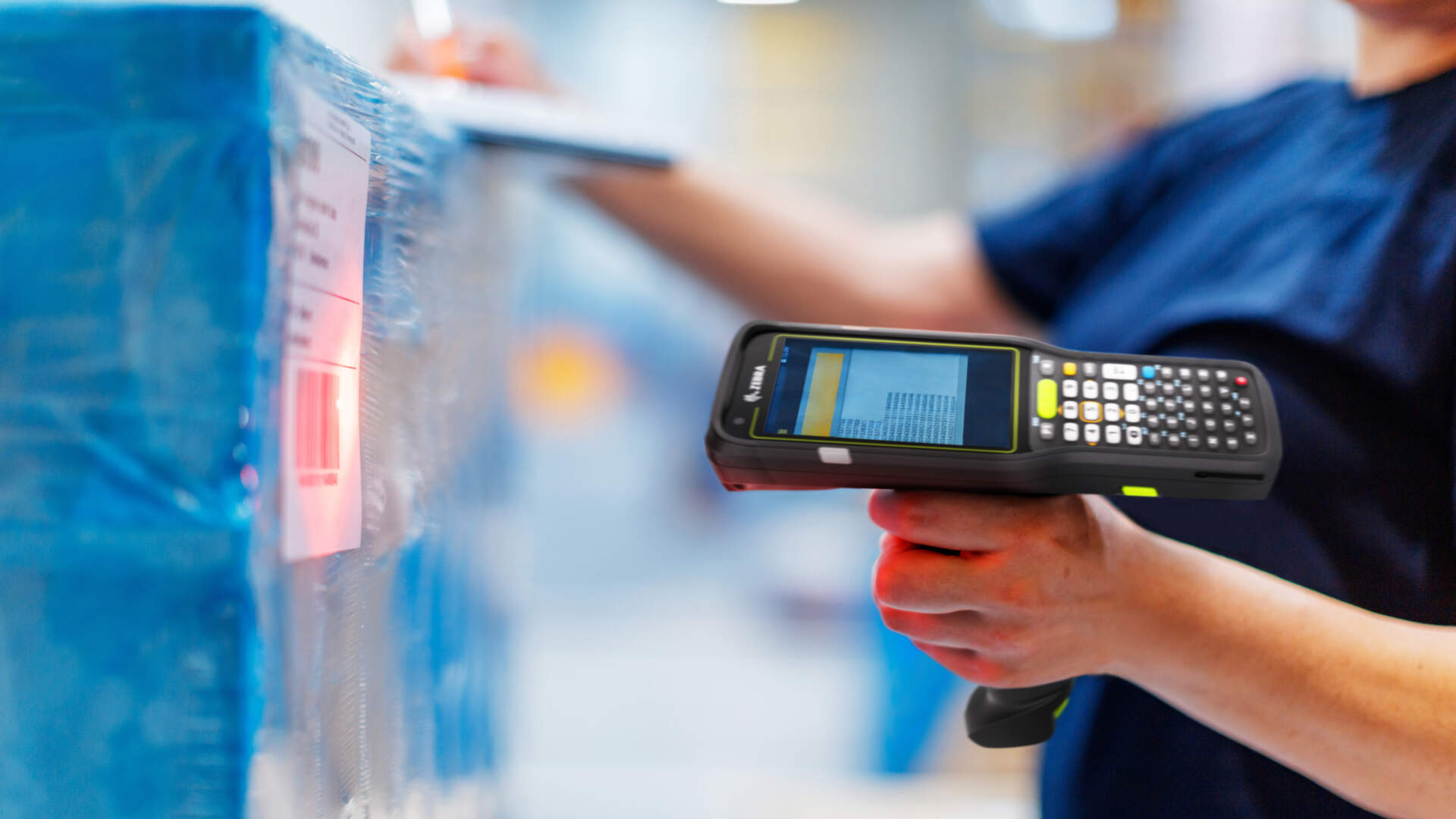
A WMS gives the operator a receiving, put-away, replenishment, picking, packing, counting or shipping task. The scanner captures an item, location or logistics-unit barcode, the warehouse application validates it against quantity, lot, serial, document and status rules, and the WMS posts the confirmed transaction. A successful decode does not, by itself, update inventory.
The common gap is not reading the code; it is controlling what happens next
A scanner configured as keyboard input may enter a barcode, but that does not prove the item, location, document, quantity or status is valid. Operators may also be left without a clear reason when a transaction fails.
Define identifiers, fields, validation and exception ownership first
For every work point, define what the operator scans, what else the screen requires, which conditions block posting, who owns each exception and when the WMS transaction is complete.
Test real devices, labels, network routes and transactions in phases
The complete path is scan, application input, validation, WMS posting and exception follow-up. Inventory or shipment status should be treated as updated only after the system accepts and records the transaction.
Operational pain points
A WMS barcode workflow must keep physical movement, records and exceptions together
A Hong Kong warehouse may handle supplier labels, English item data, Chinese verbal instructions, shop transfers, ecommerce stock and third-party storage in the same operation. If label ownership, the system of record and exception ownership are unclear, stock can move physically while the WMS remains in its previous state.
To define the wider system boundary first, review the inventory and warehouse management solution.

Identifiers do not align
Supplier codes, internal SKUs, carton codes, pallet identifiers and location labels may not resolve to one controlled record.
Validation stops too early
The application checks the item but not the location, quantity, lot, serial number or document status.
Failed transactions have no owner
An error remains on a device or interface log without a visible queue, named owner or resubmission path.
Data flow
Five control layers sit between a scan and an inventory update
Each layer needs a defined input, output and failure path. A beep at any point is not evidence that the warehouse transaction completed.

- Scan and decode. The device reads the approved 1D, 2D or logistics label and outputs the decoded data.
- Application input. Depending on the device and app design, data may be delivered as keystrokes, through an application interface or by another controlled method.
- Parse and validate. The application maps the data to item, location, lot, serial, quantity, document and user-role rules.
- WMS posting. Only an accepted transaction changes receiving, movement, count, pick or shipping status. Retries need duplicate controls.
- Exception follow-up. Unknown codes, wrong locations, quantity differences, network loss and interface failures enter a visible recovery process.
A connector or Bluetooth pairing does not prove compatibility
A connected device may still send the wrong format, populate the wrong field or bypass validation. Check the barcode structure, output method, application version, field mapping, permissions and completed WMS transaction together.
Warehouse checkpoint overview
Seven common work points have different scan and confirmation duties
This table stays at system-control level. Receiving, picking and packing, replenishment, shipping labelling, proof of delivery, manufacturing WIP and ecommerce fulfilment each need their own detailed operating design.

| Checkpoint | Typical scan objects | What the WMS validates | Completion boundary |
|---|---|---|---|
| Receiving | Item, carton, pallet or inbound document | Expected item, quantity, lot or serial and receipt status | The valid receipt posts; differences are routed |
| Put-away | Logistics unit, source and target location | Item-location rules and work status | The target location and movement are confirmed |
| Replenishment | Source location, item and pick location | Task, quantity and target location | The replenishment task posts; the scanner does not decide the policy |
| Picking | Task, location, item and carton or tote | Item, location, quantity, lot or serial | The work line is confirmed; shortages are recorded |
| Packing | Order, item, carton or container | Contents, quantity, container and status | Packing confirmation completes, not merely the scan |
| Counting | Location, item, lot or serial | Count task, actual quantity and variance rules | The variance follows recount or approval rules before posting |
| Shipping | Order, carton, pallet or shipment reference | Completeness, release status and duplicate events | The dispatch or hand-off transaction records successfully |
For a closer look at inbound controls, continue to the warehouse receiving SOP.
Replenishment and picking
Task, location and item need separate confirmation
The WMS or connected business system decides replenishment rules. The device helps capture the item and location required by the task. For picking, the application should guide the next step, accept quantity or exception input, and confirm the work line in the WMS.

- Capture the source location, then validate the item and required quantity.
- When lot, serial or expiry data is mandatory, validate it in the same task flow.
- Shortage, wrong-location and blocked-route situations need explicit exception options.
Packing
A packing bench must validate contents, container and transaction status
A fixed or cordless scanner can suit a station where items come to the operator. If the role needs task guidance, quantity entry and exception handling on screen, an application-capable mobile computer may be more appropriate. Test the actual application and work point.

Packing confirmation should not rely on a claim that every item was scanned. The system also needs to check the order, container, quantity, duplicates and incomplete work.
Cycle counting
A count scan captures observations; WMS rules decide how variances are handled
The system should assign the count area or locations, then the operator scans and records the actual quantity. Recount, approval and inventory-adjustment rights remain WMS process decisions.

Shipping
The final warehouse scan needs a defined release and hand-off boundary
Dispatch may scan an order, carton, pallet or shipment reference. The project must define when contents become locked, when dispatch is released and whether an interface failure pauses the hand-off. Proof-of-delivery and transport events sit downstream and should not be confused with warehouse shipping confirmation.

Identifiers and data fields
Each barcode must resolve to a defined business object
WMS products do not always use the same terminology. Build a project data dictionary first, then decide what the barcode carries and what comes from a document, user entry or system record.
| Data class | Examples | Questions to settle |
|---|---|---|
| Item identity | SKU, GTIN, supplier item code | Which is the WMS key, and how are conversions and retirements controlled? |
| Location | Warehouse, zone, aisle, rack, bin | Does one location code resolve to one physical place and one record? |
| Quantity and unit | Each, carton, quantity per carton | Does one scan represent an item, carton or complete logistics unit? |
| Traceability data | Lot, serial number, expiry date | When is it mandatory, unique and subject to an exception? |
| Logistics unit | Carton, pallet, handling unit, SSCC | Who creates, splits, combines and reprints the identifier? |
| Business document | Purchase order, move, pick or shipment order | Which document status permits the item and quantity? |
| Control data | User, time, device and transaction status | What permissions and audit evidence are retained? |
Use the WMS and ERP barcode data-field checklist for a deeper mapping discussion.
Equipment and environment decisions
Test devices, application, network, printer and label as one workflow
Hardware selection follows the work design. Scan distance, connection type or a product specification cannot prove that the complete WMS task will work.

| Decision | Practical selection basis | What to test |
|---|---|---|
| Scanner or mobile computer | A station may use a scanner; mobile tasks with screens, quantities and exceptions usually need an application device. | Real screens, input, one-handed or gloved use and accessories |
| Application input | Choose keystroke, application interface or controlled service according to app support. | Field focus, parsing, duplicate input, error response and versions |
| Wi-Fi and services | Walk receiving, lifts, mezzanines, aisles, staging and dispatch routes. | Roaming, service loss, recovery and reconciliation |
| Printer and media | Select for volume, label size, material, environment and work point. | Approved template, contrast, quiet zones, placement and handling wear |
| Barcode structure | Design for item, location, lot, serial or logistics-unit needs. | Parsed result, data ownership and reprint policy |
If the device boundary is still unclear, compare a barcode scanner with a mobile computer for Hong Kong warehouse work.
Phased rollout
Prove one controlled path before expanding by site or zone
- Map transaction states. Record each checkpoint’s start state, scan object, user input, system action, completed state and exception owner.
- Clean master data and assign label ownership. Set unique rules for items, units, locations, lots, serials, documents and logistics units.
- Configure the application and validation. Define screens, parsing, field mapping, roles, blocking checks and error messages.
- Match equipment on site. Test devices, Wi-Fi routes, accessories, printers, media and normally handled labels.
- Run a controlled pilot. Include one receiving-to-put-away path, one pick or replenishment scope, one packing or shipping point and one count area.
- Include failure cases. Test wrong locations, duplicates, missing lots, damaged labels, shortages, permissions, network loss and interface outages.
- Expand after review. Add the next warehouse, zone or process only after pilot issues, training and fallback steps are owned.
Common mistakes
Eight mistakes to avoid in a WMS scanning rollout

- Buying hardware before mapping work. The device may not fit the screen, input, accessory or working-distance needs.
- Treating a decode as a posting. A beep proves capture, not acceptance by the WMS.
- Accepting every supplier label unchanged. Its structure may not match internal items, units or traceability rules.
- Testing only clean labels and happy paths. Pilots need damaged labels, wrong locations, shortages and duplicates.
- Testing Wi-Fi only at a desk. Walk lifts, mezzanines, staging areas and rack aisles.
- Showing errors without ownership. Every failure class needs a queue, owner, escalation and close condition.
- Retrying without duplicate control. An interrupted interface can create duplicate or orphaned records.
- Assuming universal compatibility. Check supported versions, input method, parsing and the end-to-end transaction.
Acceptance criteria
Use observable outcomes instead of invented improvement percentages
The project can use the following pass conditions within its agreed scope. Any numerical throughput, speed or accuracy target should come from the buyer’s baseline and contract, not a generic claim.
| Area | Observable pass condition |
|---|---|
| Identifiers | Every in-scope item, location and logistics-unit label resolves only to the expected record. |
| Normal transactions | Each pilot transaction completes with the assigned device, app and label, and produces the expected WMS state. |
| Validation and roles | Wrong items, locations, documents, states and unauthorised actions are blocked or routed. |
| Exceptions | Failed transactions remain visible with an owner, corrective action and resubmission or close path. |
| Network and recovery | All pilot routes have been checked; users know the fallback and reconciliation procedure. |
| Labels | Production media and normally handled samples read on the intended device at the working point. |
| Integration | Retries do not create uncontrolled duplicates, and failures retain enough detail for correction. |
| People | Pilot users can explain their normal, exception and fallback paths. |


Frequently asked questions
WMS and Barcode Scanner FAQ
Does inventory update as soon as the barcode scanner reads a code?
Not necessarily. The scanner captures and forwards data. The warehouse application still has to parse and validate it, and the WMS must record the transaction before inventory or work status is considered updated.
Can any USB or Bluetooth scanner connect to a WMS?
Connection alone is not enough. Check WMS app support, output method, field focus, barcode parsing, device version and the complete transaction.
Should a warehouse use a scanner or a mobile computer?
A receiving counter or packing bench may suit a scanner. A mobile role that needs task screens, quantity input, lot data or exceptions will often need a mobile computer. Test the actual workflow before selection.
Can supplier barcodes be used directly in the WMS?
Only after checking symbology, data structure, item and pack level, and whether the code resolves uniquely to internal master data. Do not assume every supplier label is suitable unchanged.
Can scanning continue when Wi-Fi is unavailable?
It depends on the specific WMS, application and transaction scope. Define the operator action, temporary record and reconciliation method before rollout rather than assuming universal offline support.
Which data should be placed in a warehouse barcode?
It depends on the workflow. Item, location, lot, serial, quantity and logistics-unit identifiers are common, but not every field belongs in one code. Establish the data dictionary and parsing rules first.
Is a barcode printer still needed after introducing a WMS?
It may be needed when supplier labels do not support internal item, location, carton, pallet or reprint workflows. Select the printer, media and template for the actual volume and environment.
How should a WMS barcode pilot be run?
Choose a controlled zone and use real users, devices, labels, documents and stock states. Complete normal transactions plus wrong-location, duplicate, damaged-label and network-interruption cases before expanding.
WMS scanning workflow planning
Planning a new WMS barcode workflow or repairing an existing one?
Prepare the warehouse process map, WMS or ERP version, item and location fields, representative labels, work routes, user roles and the most common exceptions. Easy Scan can review barcode scanners, mobile computers, printing equipment, labels and test arrangements for the actual work points.