Selection Guide
RFID vs Barcode: Which Should Hong Kong Warehouses, Retailers and Asset Teams Choose?
Barcode and RFID are both automatic identification technologies, but they solve different workflow problems. Barcodes are usually the practical starting point for cost-sensitive, item-by-item or carton-by-carton confirmation. RFID is worth evaluating when the workflow needs batch reading, faster stocktake, non-line-of-sight reads or better item visibility. The real decision is not which technology is more advanced; it is whether the products, labels, read distance, site environment, system data and staff workflow can support it.

Cost first
Start with barcodes
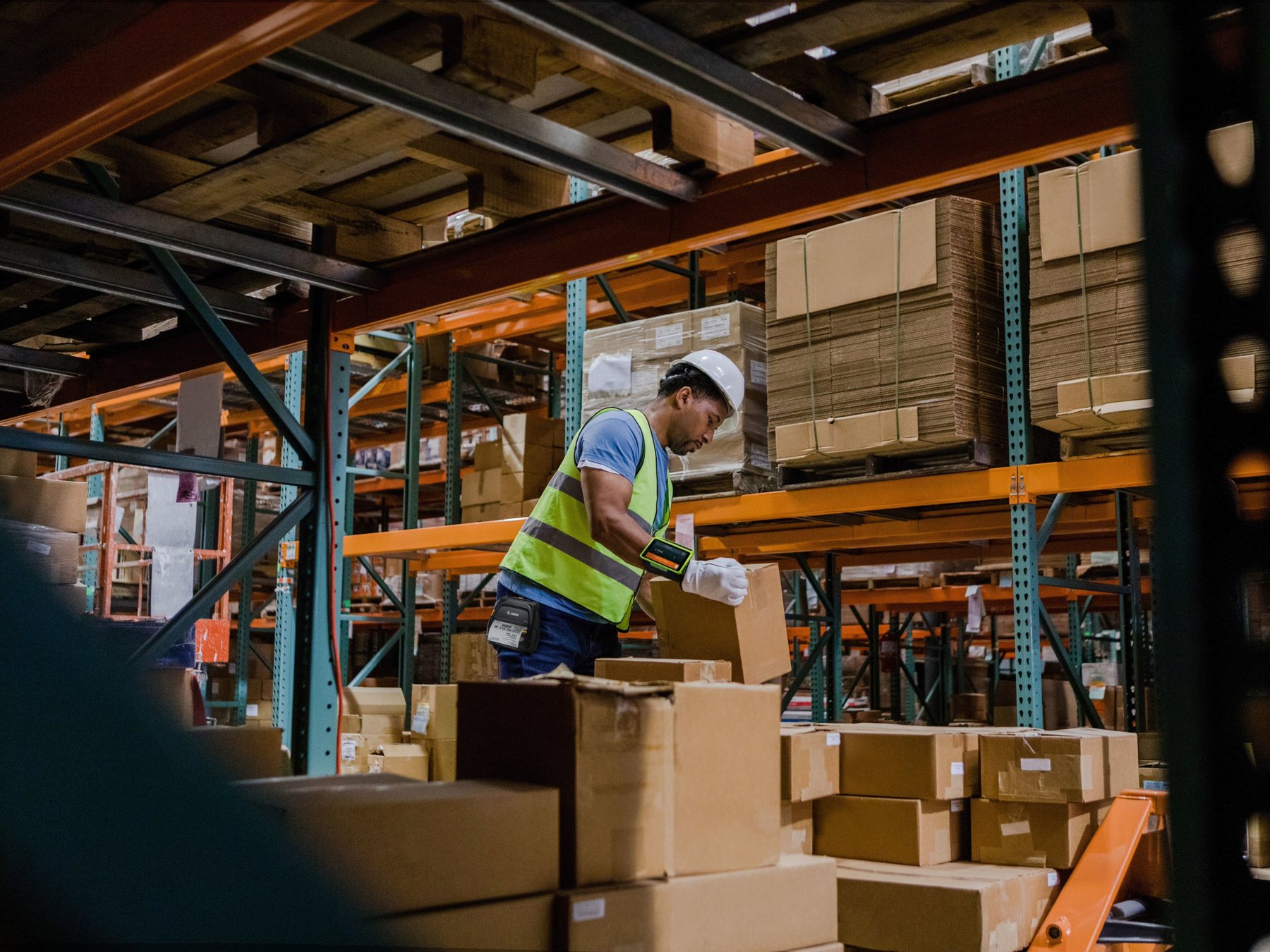
If every item already has a barcode, staff can scan one item at a time, and most errors come from missed scans or manual entry, barcodes are usually the most direct improvement.
Efficiency first
Evaluate RFID next
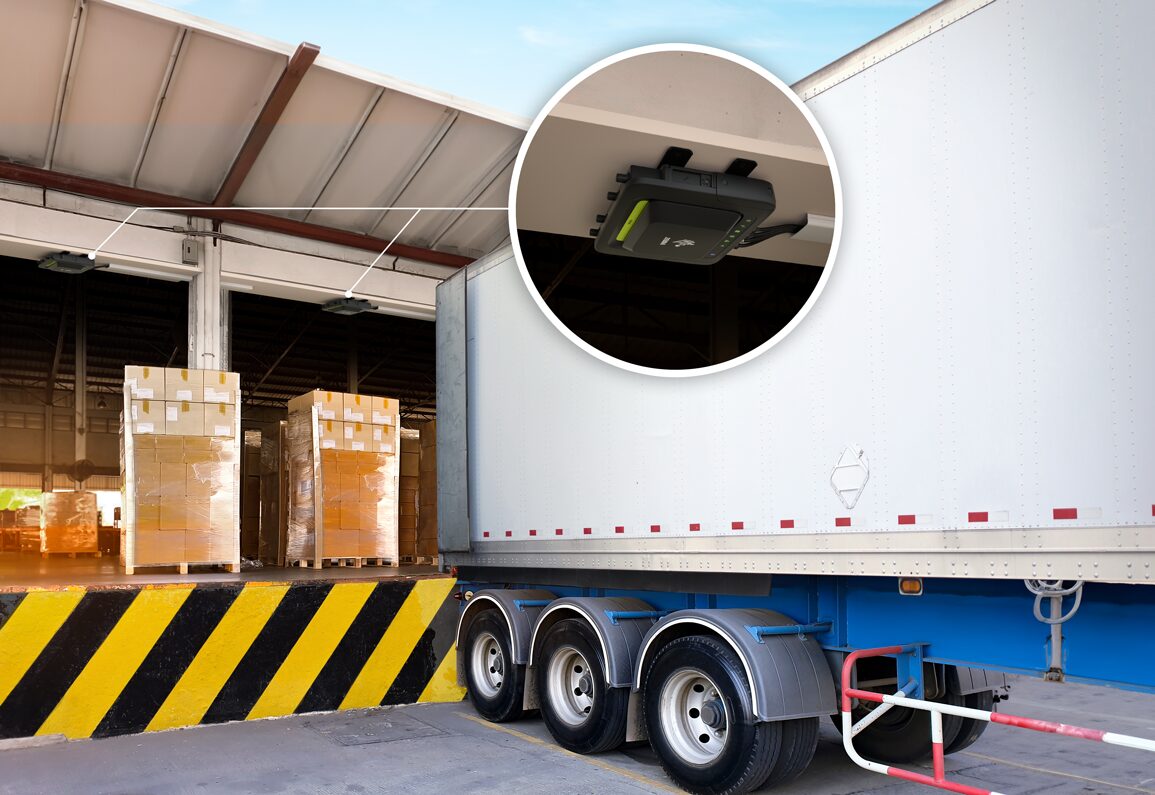
If the issue is high item count, slow stocktake, cartons that are hard to scan one by one, or apparel that needs rapid counting, RFID may improve read speed and visibility.
Risk control
Do not skip site testing
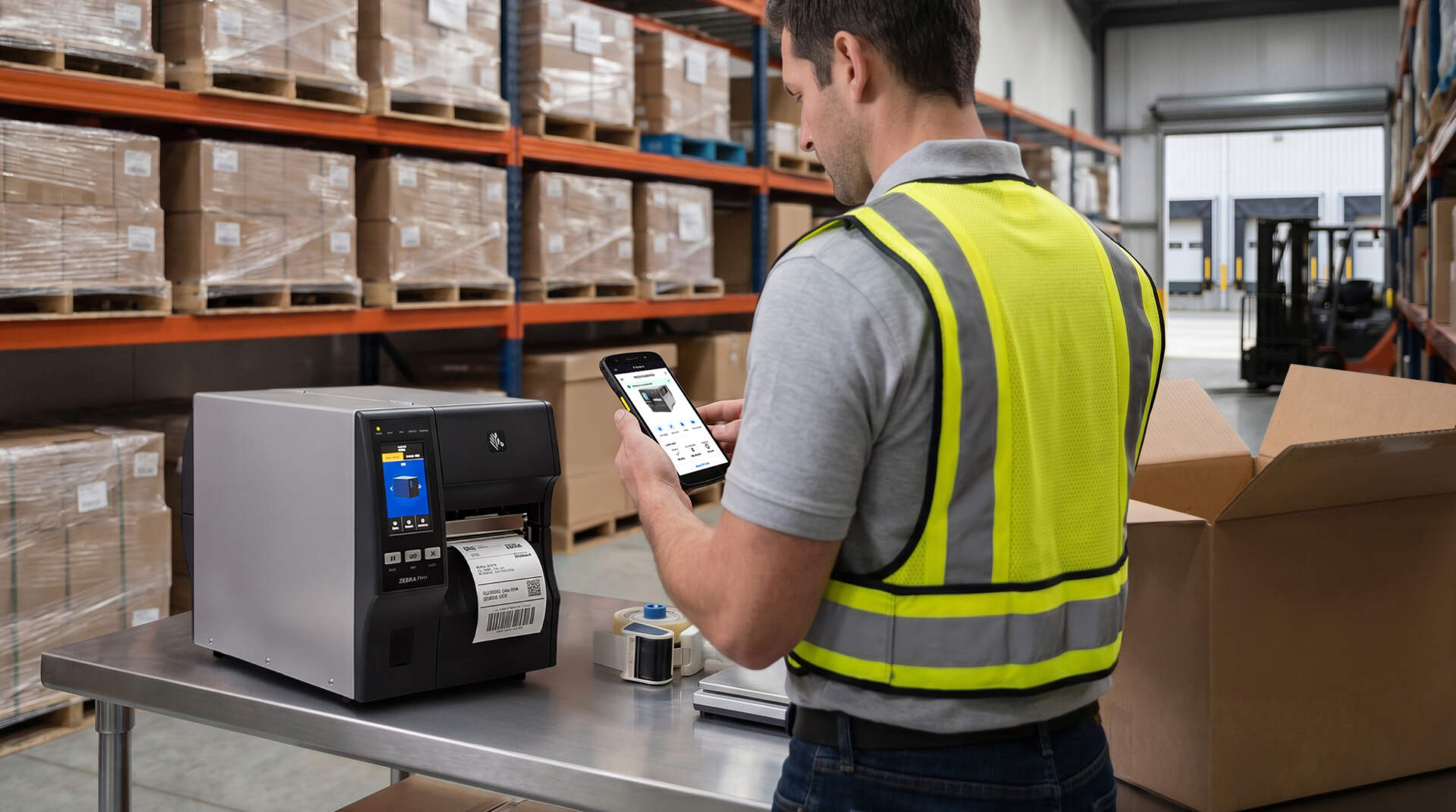
RFID is sensitive to tag placement, material, metal, liquid, read direction, antenna angle and system data quality. Run a small test before full deployment.
30-second decision
If you only need direction, start with these three questions
The barcode versus RFID decision can usually start from three questions: whether staff need to see the label, whether multiple items must be read at once, and whether each item is worth the additional RFID tag cost.
| Selection question | Leans towards barcode | Leans towards RFID |
|---|---|---|
| Can staff see and scan each label one by one? | Yes. The scan position is clear and the item count is manageable. | No. Items are inside cartons, on racks, or need to pass quickly through a read point. |
| How many items must be read each time? | One item, one carton, one location or one document at a time. | Multiple garments, tools, returnable containers, assets or pallet-level tags at once. |
| Is the tag cost and tagging process acceptable? | Low-cost paper labels or existing product barcodes are sufficient. | Item value, stocktake frequency or workflow savings can justify RFID tags and hardware. |
Practical recommendation
If the site still lacks clear SKU, location, batch or asset-number rules, start by organising barcode and system data. RFID can improve read efficiency, but it cannot replace basic data governance. If the system data is already messy, RFID will only move incorrect data faster.
Barcode fit
Barcodes fit workflows that need accurate confirmation, lower cost and easier rollout
Barcodes are simple, mature and cost-effective. They work well in Hong Kong POS, warehouse receiving, picking, shipping, location management and maintenance registration workflows. When staff can see the label and scan each item, barcodes can reduce handwriting and manual entry errors.

Good for cartons, documents and work orders
Barcodes can be printed on product labels, carton labels, work orders, delivery notes or shelf labels. When item value is low, barcodes are usually easier to control from a total-cost perspective.
Good for human verification steps
Receiving, picking, shipping, returns and maintenance handover often need a scan-and-confirm process. Barcodes are straightforward for staff training and daily exception handling.
Easier to connect with existing WMS, ERP and POS workflows
Many systems already support barcode fields, scanner input or API-connected processes. Businesses can first use barcodes to organise SKU, location, batch and asset-number data.
The label must be visible and scannable
Barcodes require line of sight. Damaged labels, glare, small labels, blocked labels or poor print quality can all affect scan success.
RFID fit
RFID fits workflows that need batch reading, faster stocktake and automated read points
RFID uses radio waves to read tag data. With suitable tags, antennas and environment design, tags can be read without scanning each item directly. For apparel, returnable containers, high-value tools, fixed assets, pallet-level logistics or door-way read points, RFID may reduce stocktake time and missed manual scans.
Useful for high item counts or frequent counts
If the team counts large volumes of similar items every day or every week, RFID may reduce the time spent finding and scanning each label. Exception handling still needs to be defined.
Useful at doors, aisles and workstations
RFID readers can work with fixed antennas, portals, desktop readers or handheld readers at receiving doors, shipping doors, retail back rooms or asset loan-and-return points.
Metal, liquid and stacking affect reads
Metal shelving, liquids, electronic equipment, tag orientation, dense stacking and read distance can all affect results. Test with real items and the actual site before purchasing.

Core comparison
RFID vs barcode: compare workflow cost, not only hardware
Many buyers start by asking about scanner or RFID reader prices. The actual result is affected by labels, tagging process, data fields, staff operation, read-point design and system integration. Use the table below as a first screen.
| Comparison item | Barcode | RFID |
|---|---|---|
| Read method | Requires visible labels and usually item-by-item scanning. | Uses radio-frequency reading and can read multiple tags in a suitable setup. |
| Label cost | Paper labels or printed labels are usually lower cost and suitable for high-volume consumption. | Requires RFID inlays or specialised tags, so the tag cost is usually higher. |
| Data and identification | Can carry product code, batch, serial number, or link to more data through 2D codes. | Can provide unique item identification and work with backend systems to record status and location. |
| Site limitations | Damaged, dirty, blocked or poorly printed labels can affect scan performance. | Metal, liquid, antenna angle, tag orientation and read-zone design can affect results. |
| Implementation complexity | Usually easier to start from one process, such as receiving, shipping or stocktake. | Needs tag, reader, antenna, software event and exception-handling design together. |
| Best-fit objective | Reduce handwriting, speed up item confirmation and improve basic inventory accuracy. | Shorten batch stocktake, improve asset visibility and build pass-through or automated reading. |
Hong Kong use cases
Different workflows can use different technologies; it does not have to be one or the other
A common Hong Kong approach is to use barcodes first for stable data and daily operations, then add RFID where the workflow is high-frequency, high-value or labour-intensive.
Start with barcode documents, cartons and locations
If receiving, picking and shipping still rely on handwriting or Excel, barcode-managed SKU, carton, batch and location data is usually more stable than jumping straight to RFID.
RFID may reduce item-level stocktake time
For apparel, shoes or similar multi-SKU products that require frequent in-store stocktake, RFID may reduce the time spent finding each tag. Test hangtag placement and read rate first.
Start with asset value and count frequency
Office equipment, tools, medical assets or IT assets can use barcode or RFID. If assets are numerous, mobile and slow to count, RFID is worth a separate evaluation.
RFID can support pass-through reads
If the workflow needs to track pallets, returnable boxes or roll cages passing through receiving doors, shipping doors or warehouse aisles, evaluate RFID portals or fixed read points.
Hybrid deployment example
A warehouse may use barcode scanning for inbound documents, locations and carton-level shipping, while using RFID to track reusable containers or high-value tools. This keeps barcode cost and manual confirmation advantages while applying RFID where it saves the most time.
Cost and testing
Before deploying RFID, test with real items in a small scope
RFID performance cannot be judged from a brochure alone. The same reader and tag can behave differently depending on item material, packaging, shelving, distance, direction and people movement. A pilot should measure read rate, missed reads, false reads, staff operation and system events.

Tags
Test tag position and material
Cartons, plastic boxes, metal tools, electronic products, liquids and apparel hangtags may require different label designs. Do not test only with blank sample tags; use actual items.
Read points
Define where and when the read happens
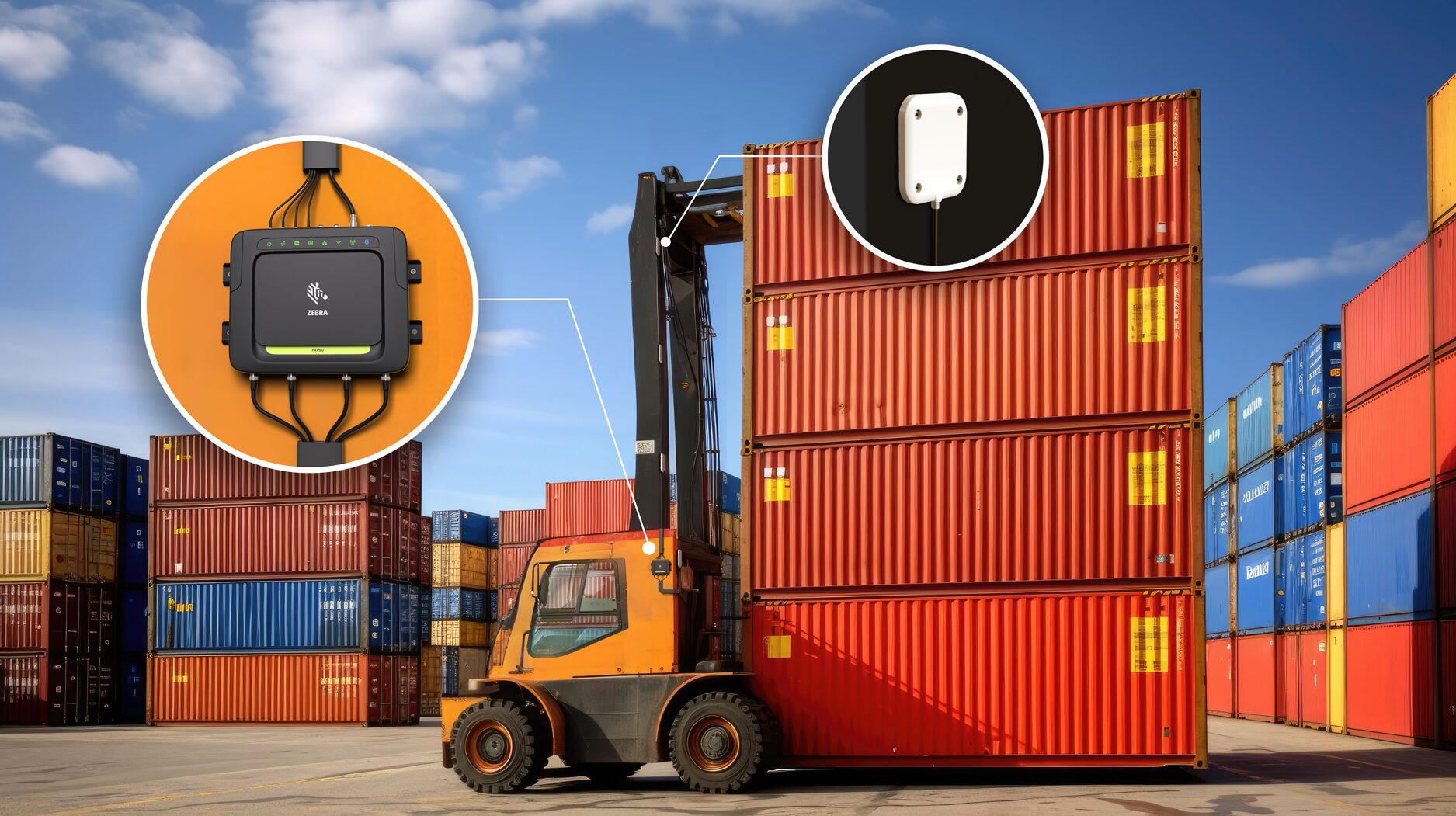
Handheld stocktake, desktop loan-and-return, receiving portals, shelf antennas and shipping read points each require different hardware and workflow settings.
Systems
Turn read events into usable data
Reading a tag is only the first step. The system must also know which item it is, where it is, when the event happened and which order or workflow state it belongs to.
| Test item | Recommended approach | What to observe |
|---|---|---|
| Sample scope | Select real SKUs, assets, cartons or pallets, not only demo labels. | Whether material, packaging and placement direction affect reading. |
| Read process | Simulate how staff actually receive, stocktake, ship or loan items. | Read speed, missed reads, false reads and whether staff can follow the process. |
| Exception handling | Define what happens when items are not read, read more than once, duplicated or inconsistent. | Whether the system can prompt, correct and keep an operation record. |
Pre-purchase checklist
Prepare this information before deciding between RFID and barcodes
The earlier you organise workflow and data information, the easier it is to decide whether to buy scanners, mobile computers, label printers, RFID readers or improve system fields and label formats first.

Workflow information
- Which process needs improvement: receiving, put-away, picking, shipping, stocktake, loan-and-return, maintenance or store replenishment?
- How many items, cartons, SKUs or assets are handled each time?
- Are current errors mainly missed scans, wrong scans, manual entry, missing goods or slow counting?
- Do staff need to move goods while scanning, entering quantities or taking photos?

Technical information
- Do products already have GS1 barcodes, internal barcodes, serial numbers or asset IDs?
- Will labels be applied to cartons, plastic bags, metal, liquids, fabric, tools or pallets?
- Does the current system already have SKU, batch, location, asset ID and status fields?
- Does the workflow need to connect with WMS, ERP, POS, asset management software or Excel import/export?



FAQ
RFID vs barcode selection FAQ
Is RFID always better than barcode?
No. RFID is better for batch reading, fast stocktake and automated read points. Barcodes are better for lower cost, item-by-item confirmation and easier rollout. If item count is manageable, labels are visible and the system already has barcode fields, barcodes may be more practical.
Should a Hong Kong warehouse start with barcodes or RFID?
If the warehouse does not yet have stable SKU, location, carton and inbound/outbound processes, start with barcodes to build the data and scanning workflow. If the data is already mature but stocktake, returnable containers or pallet tracking still require heavy manual work, then evaluate RFID.
Does RFID require tagging every item?
It depends on the goal. If the workflow needs to track each product or each asset, item-level RFID tags are required. If the workflow only tracks cartons, returnable containers or pallets, tags can be applied at that level. Decide the smallest tracking unit before selecting the technology.
Can RFID fully replace barcode scanning?
In many cases, it does not need to. Barcodes remain useful for manual confirmation, document scanning, item lookup and exception handling. RFID can support stocktake, pass-through reading and asset visibility. A hybrid setup is often easier to control for cost and risk.
Is RFID suitable for retail stores?
RFID may be suitable when a store has many SKUs, sizes and colours, and needs frequent stocktake. Test hangtag placement, store environment, back-room workflow and whether POS or inventory data can support RFID events before rollout.
What should be prepared before an RFID pilot?
Prepare real item samples, tag-placement ideas, read scenarios, existing system fields, stocktake or inbound/outbound workflows and success criteria such as read rate, stocktake time, error rate and staff usability.
Next Step
Need to decide whether your workflow should use barcodes, RFID or a hybrid setup?
Prepare your current workflow, item samples, label requirements and system data. Easy Scan can help evaluate the suitable route across barcode scanning, label printing, mobile computers, RFID readers and system connection.