Hong Kong Warehouse Equipment Planning
Warehouse Barcode Equipment Checklist: Receiving to Shipping
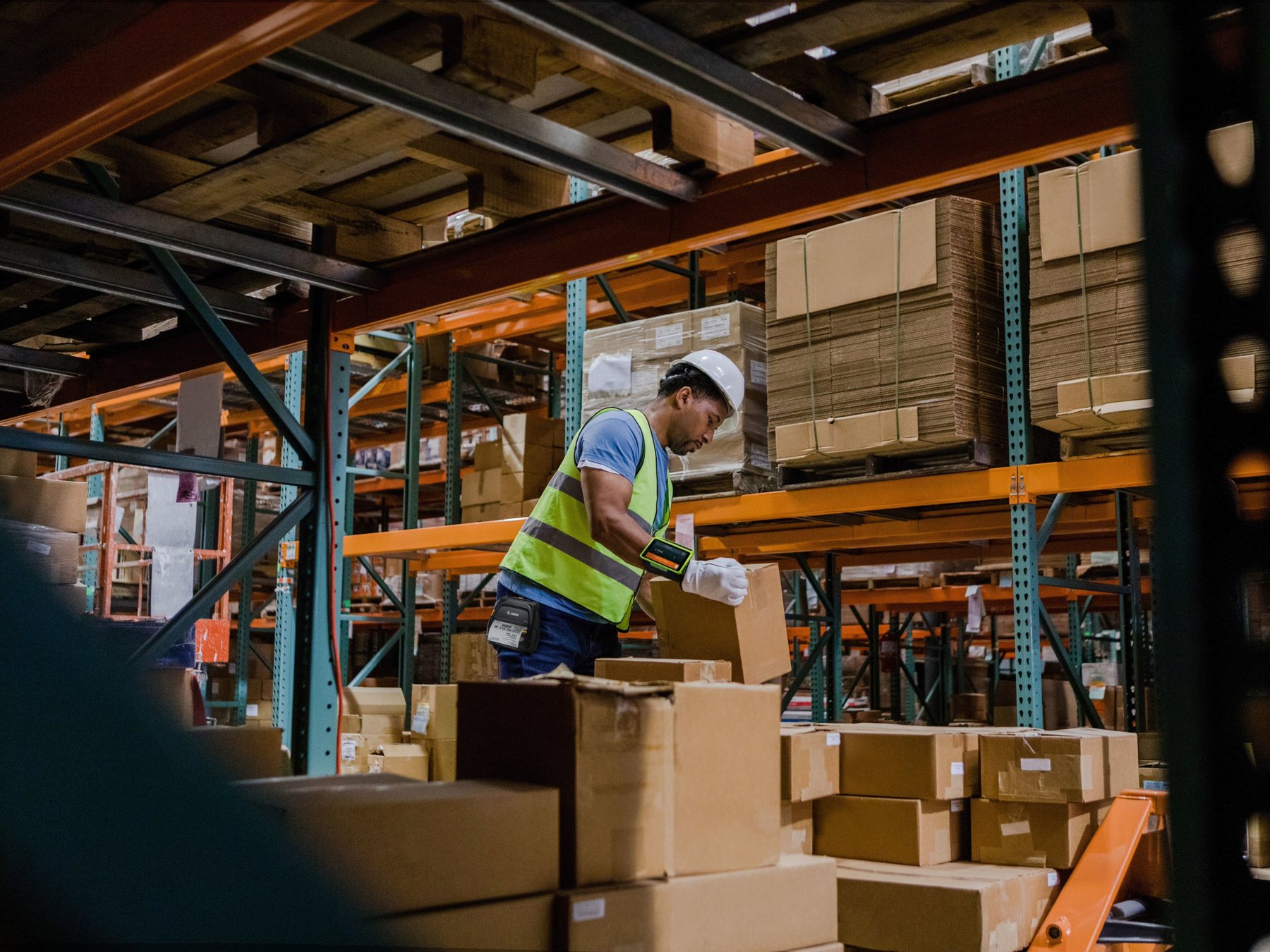
Build the equipment list from the warehouse workflow: receiving, put-away, replenishment, picking, packing, shipping and cycle counts. A fixed scanner may suit one workstation; a mobile computer may be needed when staff must view and complete WMS tasks while moving; wearable, vehicle-mounted or long-range options only make sense after the exact zone and barcode are tested. Printers, labels, Wi-Fi, charging, mounts, spares and host-system behavior belong in the same plan.
Scanner or mobile computer
Choose from what staff must read, display, enter and post. A scan-only peripheral and an application-capable device have different roles.
Task, zone and working distance
Receiving benches, aisles, high racks, forklifts and pack stations can need different ergonomics, range, mounts and power.
Label plus system transaction
A readable barcode still needs the correct item, unit, quantity, location, status and WMS or ERP update.
Workflow first
Map equipment to each warehouse control point
The warehouse does not need one universal device. It needs a controlled way to identify the physical unit, confirm the task and update the correct system record at every hand-off.
| Stage | Operator decision | Equipment direction | Acceptance evidence |
|---|---|---|---|
| Receiving | What arrived, in what quantity and condition? | Mobile computer or scanner plus host; label printer where internal IDs are required | Purchase order or shipment match, exception record and receipt status |
| Put-away | Which handling unit goes to which location? | Mobile computer; near or far scan option tested against unit and rack labels | Source, destination, quantity, status and completed move |
| Replenishment | What stock moves from reserve to pick face? | Mobile computer, wearable or vehicle-mounted route according to the task | Correct item, source, destination and blocked-move handling |
| Picking | Which item, location and quantity serve the order? | Handheld or wearable mobile workflow; fixed station where appropriate | Short-pick, substitution, lot or serial and confirmation rules |
| Packing | Do the contents match the shipment? | Fixed or handheld scanning plus packing workstation and label printer | Item-to-order match, shipping label, duplicate prevention and reprint control |
| Shipping | Has the right unit reached the right carrier or route? | Handheld, fixed or dock capture only after a controlled read-zone test | Shipment, handling unit, dock, carrier and loading confirmation |
| Cycle count | What is physically present at the location? | Mobile computer or wearable setup with count and exception application | Unknown items, duplicates, recount and approved adjustment |
A scanner read, barcode verification and a posted transaction are different
A device can decode a symbol without proving its print quality or confirming that the WMS / ERP accepted the correct business transaction. Define all three checks where they matter.
Identification design
Separate item, carton, pallet and location labels
Before selecting scan range or printer size, record which physical level is identified at each stage. The system also needs to know whether the code represents an item, pack, carton, pallet, handling unit or storage location.

Trade and supplier labels
Confirm the barcode type, packaging level and source data. Do not assume every incoming code can be used directly as the internal stock identifier.
Internal handling labels
Define when the warehouse creates a carton, pallet, tote or staging ID, who prints it and how duplicate labels or reprints are controlled.
Location labels
Set the location hierarchy, physical position, scan distance, barcode size and replacement process before testing high-rack or long-range capture.
Inbound flow
Receiving and put-away need identification, exception and destination controls
The receiving device must support more than a scan if staff need to view the inbound document, enter quantity, record damage, print an internal label or place goods on hold. Put-away then carries the confirmed unit and status to the correct location.


- Identify the delivery and unit. Match the shipment, supplier, item and packaging level.
- Record quantity and condition. Keep shortages, overages, damage and unknown goods out of normal available stock until resolved.
- Print only when required. Link any internal carton or pallet label to the accepted record and control reprints.
- Confirm the destination. Scan the handling unit and location before completing put-away.
For the detailed operating sequence, continue to the warehouse receiving SOP.
Internal movement
Replenishment and picking determine whether handheld, wearable or vehicle equipment fits
Start with how staff move, what they carry, how often they scan, what they must see or enter, and how exceptions are handled. Wearables and vehicle-mounted equipment are optional workflow choices, not automatic upgrades.


| Option | Can fit when | Test before selection |
|---|---|---|
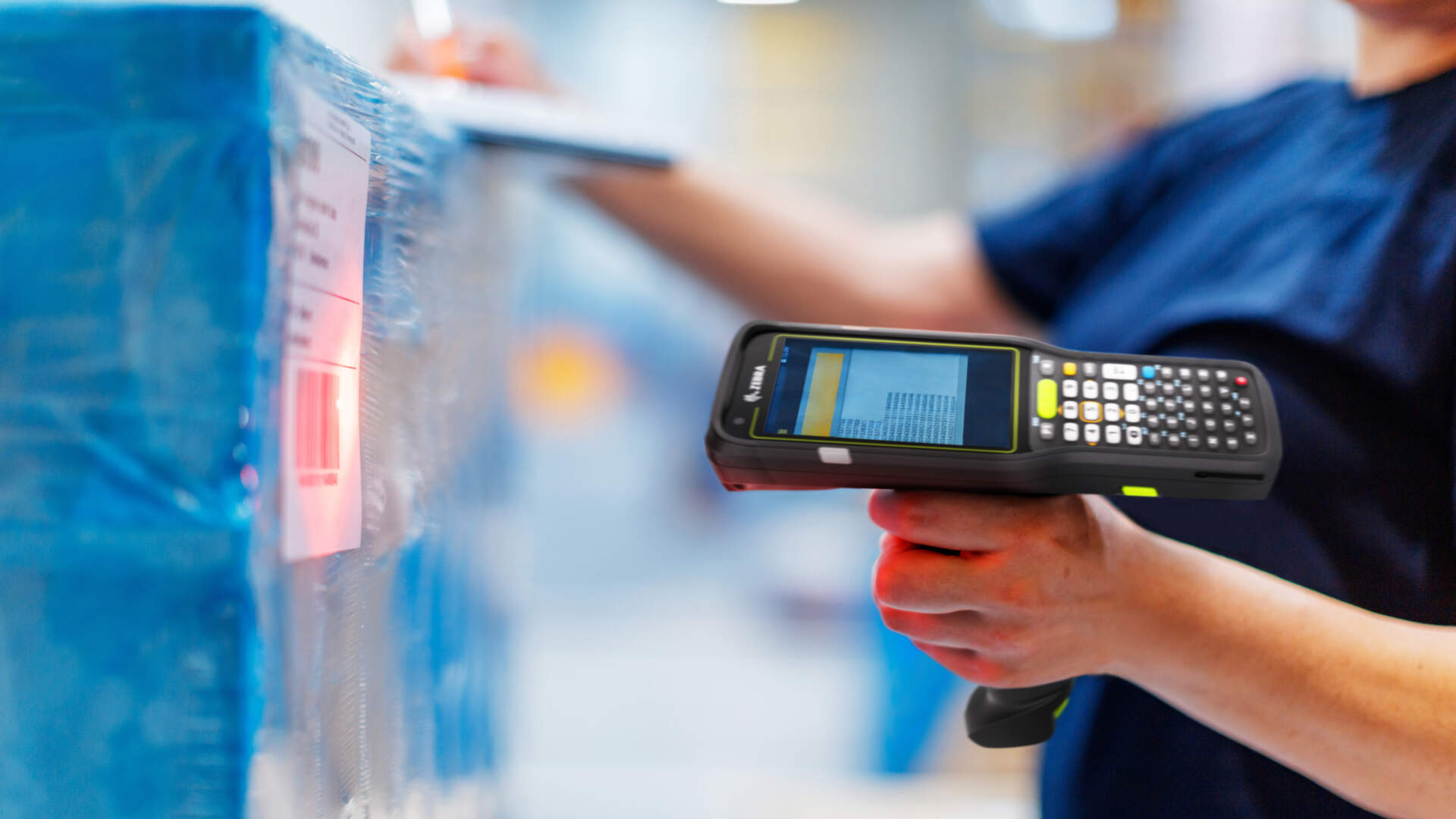
| Handheld mobile computer | Staff need a screen, app, scan engine and data entry while moving | Grip, gloves, keys or touch, scanning, app, battery, charging and drops for the exact model |
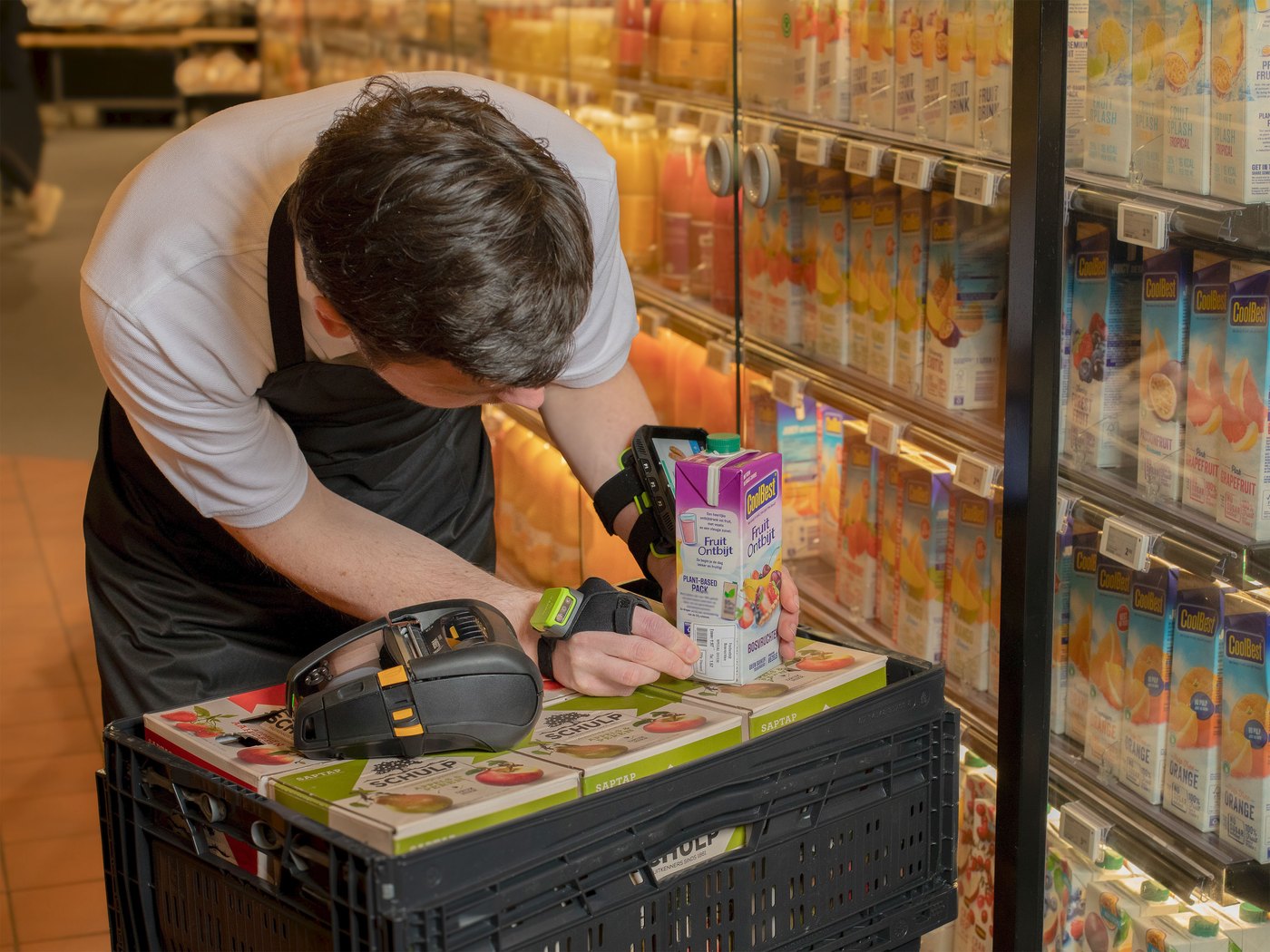
| Wearable computer and ring scanner | Hands-free handling could reduce repeated pick-up and put-down | Fit, hygiene, left or right hand, training, battery swap, task flow and exception entry |
| Vehicle-mounted computer | The task is led from a forklift or other vehicle | Approved mount, power, vibration, visibility, safe use, Wi-Fi roaming and off-vehicle hand-off |
| Long-range scan option | Labels must be read at verified rack or pallet distances | Exact engine, code size, print quality, angle, light, motion, height and safe aiming method |
Outbound control
Packing and shipping require content verification, label control and hand-off proof
At packing, verify that the scanned items belong to the intended order before producing the shipping label. At dispatch, confirm the handling unit, route or carrier hand-off without creating uncontrolled duplicate scans.


Fixed pack station
Can combine a host screen, scanner, scale where required and label printer, but each peripheral and field mapping still needs verification.
Shipping label control
Link the final label to the packed unit, prevent wrong-order placement, control voids and reprints, and rescan the applied label.
Dock capture
Fixed read zones can suit specific high-throughput designs, but they need site engineering and exception logic. They are not a default replacement for deliberate confirmation.
Physical fit
Choose device form and scan range from the zone, not appearance
Rugged styling does not prove the required drop, ingress, cold, battery or mounting performance. Confirm the exact model and configuration, then test it in the real zone with the real label and operator.
Small stockroom
A fixed workstation, handheld 2D scanner, compact label printer and shared mobile computer may be enough if the workflow and space support them.
High-rack warehouse
Test the exact rack and pallet label geometry at safe working distances before choosing a longer-range scan engine.
Cold or harsh zone
Document temperature, condensation, dust, moisture, gloves, cleaning, charging and label exposure before selecting equipment and supplies.
Do not publish a universal scan distance
Working range changes with the scan engine, barcode size, module width, quality, angle, lighting, movement and configuration. Use site acceptance criteria instead.
Printing and data path
Place printers where the label can be linked to the correct unit
Receiving, location, pallet, pick, order, shipping and return labels may have different dimensions, media, life and print points. The WMS or ERP, template and printer must agree on the data and duplicate-control rules.

Desktop printing
Can fit controlled lower-volume points where media changes, footprint and interruption are manageable.
Industrial printing
Can fit concentrated or demanding print points after peak runs, environment, media capacity, downtime and maintenance are measured.
Mobile printing
Can bring output to the receiving, put-away or picking task, but adds battery, wireless, media and carrying requirements.
Use the barcode printer buying guide for printer class, print method, DPI, media and connectivity decisions.
Operational readiness
Wi-Fi, charging, management and spares are part of the equipment
A mobile workflow can stop even when the scan engine works. Walk every zone, test a complete shift and prove that a replacement device can be restored from the approved configuration.

- Wi-Fi authentication, roaming, reconnect, latency and offline retry across receiving, aisles, racks, packing and docks.
- Exact battery, charger and cradle quantities based on the tested shift, scan frequency, screen, radio and accessory load.
- Safe charging and storage locations, end-of-shift return, damaged-device quarantine and battery replacement control.
- Device enrolment, access control, firmware and app updates, configuration backup, inventory and replacement restore.
- Cleaning, inspection, spare equipment, label and ribbon stock, escalation route and clear support ownership.
Warehouse scenarios
Use the site profile as a starting point, then prove the actual work
Compact warehouse
Start with controlled receiving and packing stations plus mobile capability only where staff must complete tasks away from a host.
Multi-zone warehouse
Document different scan distances, labels, mounts, Wi-Fi and environmental requirements instead of forcing unjustified uniformity.
High-throughput picking
Compare handheld and wearable routes, printing capacity, spares and peak-wave recovery using measured pilot results—not promised productivity.
Pilot before rollout
Run an end-to-end warehouse equipment acceptance test
- Record every exact configuration. Include model, Part Number, firmware, scan engine, battery, accessory, interface, driver, app and licence.
- Use the real barcode set. Test item, carton, pallet, tote, location, order and shipping labels in good and poor condition.
- Walk every zone. Include docks, receiving, aisles, high racks, cold or harsh areas, packing, charging and device storage.
- Complete the transactions. Receive, put away, replenish, pick, pack, ship and count with actual WMS / ERP rules and exceptions.
- Print and rescan. Use final media, ribbon where required, template, resolution and application surface at each print point.
- Run a realistic shift. Observe battery, charging, ergonomics, Wi-Fi, media changes, queues and operator recovery.
- Simulate failure. Test Wi-Fi loss, low battery, unpairing, media-out, damaged code, duplicate scan, reprint and host timeout.
- Restore a replacement. Rebuild one scanner, mobile computer and printer configuration and confirm the approved behavior.
Procurement risks
Avoid these warehouse equipment-planning mistakes
Buying one device for every zone
Desk, aisle, high-rack, forklift, cold and packing work can create different display, range, mount, power and environment needs.
Choosing range before fixing labels
High-rack capture depends on barcode size, quality, position, angle and light as well as the scan engine.
Ignoring WMS exceptions
Unknown goods, blocked locations, short picks, duplicates and reprints need clear screen and transaction paths.
Leaving power and spares until later
Chargers, cradles, batteries, mounts, cables, storage and restore procedures are part of the deployment.
Prepare before enquiry
Send these details for a useful warehouse recommendation
- Warehouse plan, zones, rack heights, docks, vehicles, workstations, charging and Wi-Fi access points.
- Receiving, put-away, replenishment, picking, packing, shipping and count steps, including exceptions.
- Real item, carton, pallet, tote, location, order and shipping barcode samples.
- Normal and peak volumes by stage, shifts, operators, shared-device rules and acceptable interruption.
- WMS, ERP, warehouse app, operating platform, device management and required interfaces.
- Every label output, dimensions, surface, required life, environment and downstream scanner.
- Temperature, dust, moisture, condensation, chemicals, gloves, drops, vibration and cleaning requirements.
- Current equipment models, accessories, problems, spare plan and pilot acceptance criteria.


FAQ
Warehouse Barcode Equipment FAQ
Should a warehouse use barcode scanners or mobile computers?
Use a scanner when staff mainly send codes to a nearby host. Compare a mobile computer when they must view and complete WMS tasks while moving. Many warehouses use both at different zones.
When is a long-range scanner needed?
Only when labels must be read at verified distances. Test the exact scan engine with the real barcode size, quality, height, angle, light and working method. There is no useful universal distance.
Are wearable scanners always faster for picking?
No. They can suit hands-free handling, but fit, comfort, hygiene, charging, training, screen interaction and exception entry must be tested against the actual pick process.
Does a forklift need a vehicle-mounted computer?
It can fit vehicle-led tasks, but the mount, power, vibration, visibility, Wi-Fi, safe use and off-vehicle hand-off are site specific. Complete a safety and workflow review.
Should every warehouse use an industrial barcode printer?
No. Choose desktop, industrial or mobile printing from the print point, peak run, media capacity, environment, downtime and maintenance requirements.
Can a successful scan prove the barcode is good quality?
No. Decode success on one device is not the same as standards-based barcode verification. Use the required verification method where trading-partner or quality rules apply.
How many spare devices and batteries are required?
There is no universal ratio. Use the pilot, shift pattern, charging window, failure impact, repair time and service model to set a documented spare plan.
What should a warehouse pilot include?
Use exact devices, accessories, labels, systems and operators to complete receiving through shipping and counts, test poor codes and network loss, run a realistic shift and restore a replacement device.
Warehouse equipment planning
Need an equipment list built around your warehouse workflow?
Send Easy Scan your zone plan, task steps, real barcode and label samples, WMS / ERP details, environment and peak volumes. We can help narrow scanners, mobile computers, printers, accessories and the pilot for your Hong Kong warehouse.