Barcode Printer Basics
What Is a Barcode Printer? A Practical Guide for Hong Kong Businesses
A barcode printer is a purpose-built printer that turns business data and a label template into product, carton, shipping, asset or other identification labels. A working result depends on the data source, label software or print language, printer settings, label material, ribbon where required, and a print-and-scan test. The printer alone does not create a valid identifier or guarantee a scannable business process.
Receive data and a template
A database, ERP, WMS, POS, spreadsheet or application supplies content to a defined label layout.
Print on matched supplies
The printer uses its configured print method, media path, resolution and optional ribbon to make the physical label.
Apply, scan and validate
The team checks readable text, barcode quality, adhesion, scan result and the correct business transaction.
From data to a usable label
How does a barcode printer work?
Barcode printing is a chain rather than a single device action. A clean print cannot repair a wrong identifier, a poor template or a transaction sent to the wrong printer.
| Stage | What happens | Typical check |
|---|---|---|
| 1. Business data | A system supplies a product, shipment, asset, location or other approved identifier | Correct record, field, leading zeros, character set and duplicate control |
| 2. Label template | Software places text, barcodes, graphics and variable fields in a defined layout | Correct dimensions, field mapping, human-readable text and barcode size |
| 3. Print command | A driver, middleware, print language or application sends the job and settings | Correct printer, queue, language, copies, speed, darkness and print method |
| 4. Printer setup | The device senses the media and controls the printhead, feed and installed options | Media calibration, sensor position, resolution, width and accessory settings |
| 5. Supplies | The printer advances matched labels, tags, receipts or other media, with ribbon where required | Material, adhesive, size, gap or mark, roll construction and ribbon pairing |
| 6. Physical label | The output carries visible text and machine-readable symbols | Position, contrast, quiet zones, wrinkles, smudges, voids and handling |
| 7. Application | Staff or automation applies the label to the intended item, pack or asset | Surface, location, orientation, curvature and environmental exposure |
| 8. Validation | A scanner and host workflow confirm the data can be captured and used | Correct characters, record, transaction and representative scan conditions |

The printer is one controlled step
If the label shows the wrong stock code, address or quantity, investigate the source field, template, print job and application logic as well as the printer.
Thermal print methods
What is the difference between direct thermal and thermal transfer?
Both methods use a controlled printhead, but the imaging system and supplies differ. The right method follows the verified label life, environment, surface, print content and operating process.
| Method | How the image is formed | Supply path | Buyer implication |
|---|---|---|---|
| Direct thermal | The printhead activates heat-sensitive media | No ribbon in the normal image path | Confirm that the chosen direct-thermal media suits the required use, storage and exposure. |
| Thermal transfer | The printhead transfers material from a ribbon onto compatible media | Requires a matched label-and-ribbon system | Confirm ribbon formulation, coating orientation, width, winding and media compatibility. |
| Dual-mode printer | A supported configuration can run either method | Staff change supplies and settings between jobs | Useful only when mixed work is real and changeovers are controlled and tested. |

Do not choose from the word “thermal” alone. Request a test using the final label, ribbon where needed, artwork, printer configuration and actual exposure conditions.
The complete print system
Which components affect barcode label output?
Printhead and platen
The printhead creates the image while the platen and media path support controlled movement. Cleanliness, pressure, wear and setup can affect output.
Media sensing
The printer may detect gaps, marks or continuous media according to its supported sensor design and configuration. Calibration must match the actual stock.
Labels, tags or receipts
Dimensions, construction, liner, adhesive, thickness, surface and roll direction must fit the printer and application.
Ribbon system
Thermal transfer adds ribbon type, width, coating orientation, winding, core and take-up considerations. A printer-ready ribbon still has to match the media.
Driver, template and settings
Resolution, page size, speed, darkness, print method, orientation and field mapping should be controlled as part of the approved setup.
Options and handling
Cutters, peelers, rewinders, dispensers or encoders are model- and configuration-specific. Confirm the option against the real workflow before purchase.
Physical design
What barcode printer form factors are used in business?
Form factor is an operating decision, not a simple quality ranking. One company may use a compact desktop printer at several workstations, an industrial printer at a central packing line and mobile printers at the point of work.


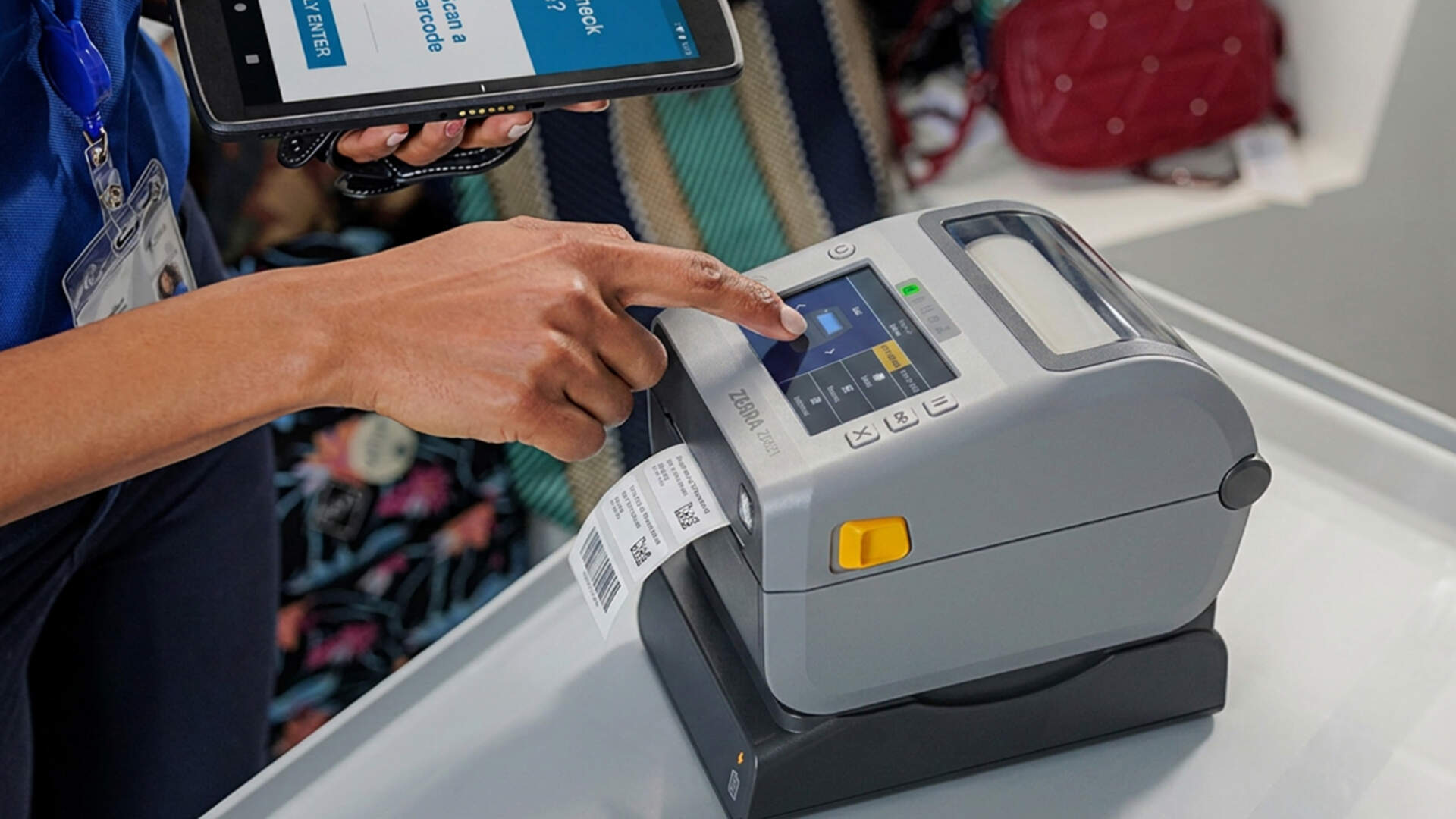
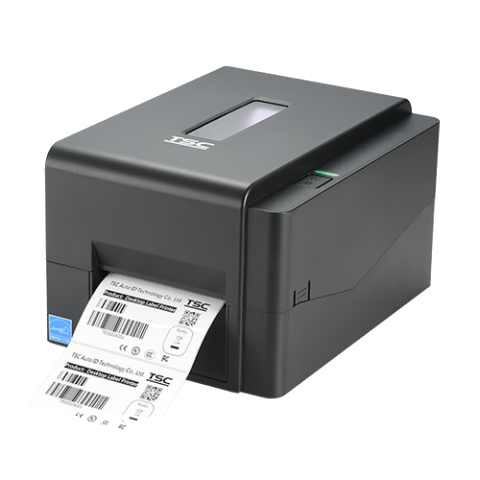
Desktop
Often considered for protected workstations, distributed on-demand jobs and compact spaces. Confirm peak work, roll changes, ribbon handling and downtime impact.
Industrial
Consider for concentrated workloads, larger supply rolls, longer runs or more demanding sites. Exact duty, sealing and environment still depend on the model.
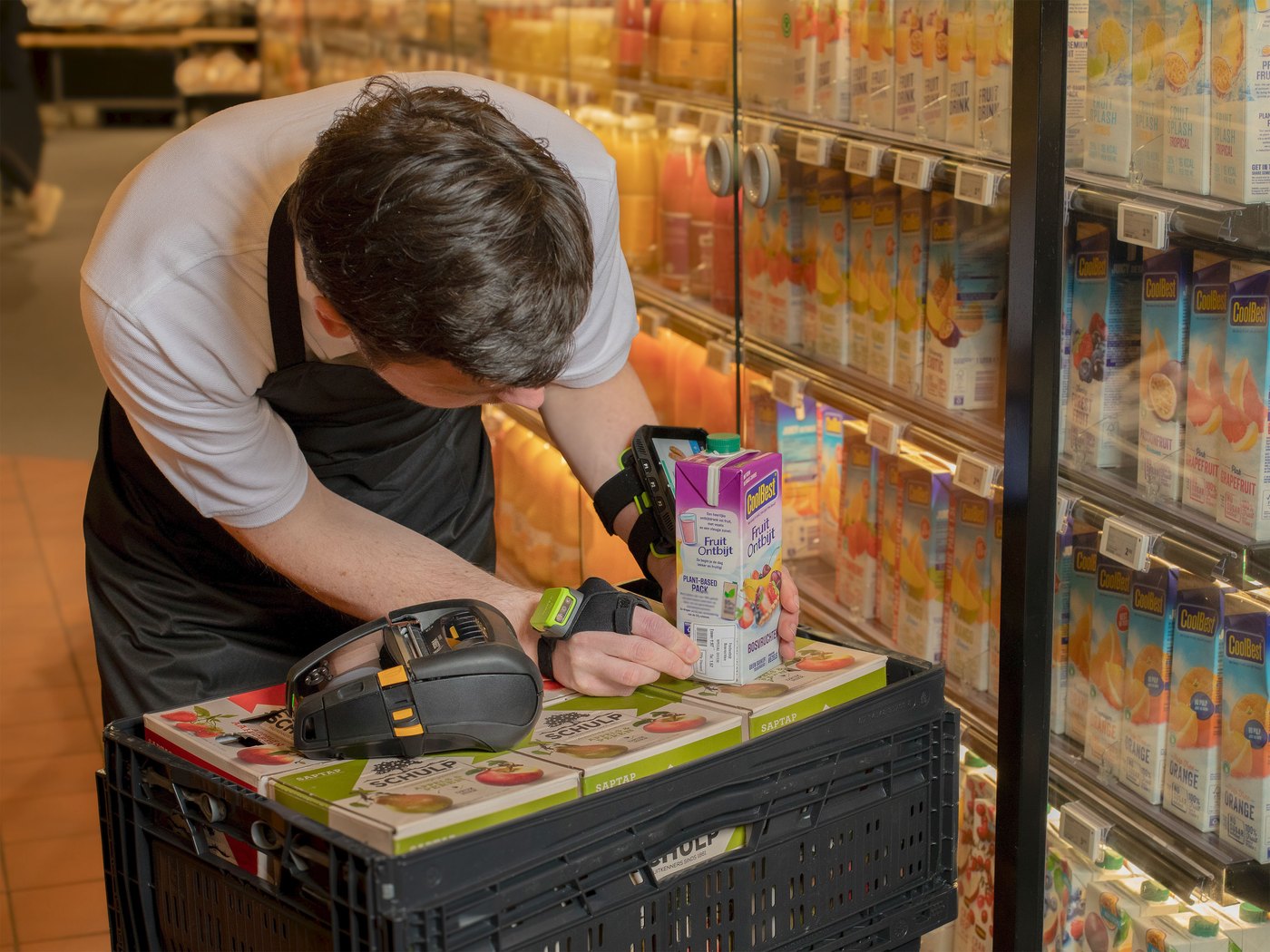
Mobile
Brings label or receipt output to a shelf, vehicle, field location or service point. Battery, carrying, charging, connection and media size become part of the design.
Specialised
Healthcare, RFID, card, wristband, linerless, wide-format or embedded workflows may need purpose-specific hardware, supplies, options and validation.

For a detailed workload and downtime comparison, use the desktop vs industrial barcode printer guide.
Output fit
How do resolution, label size and workload affect selection?
Resolution describes printed dot density. It is important, but it does not work alone: the smallest barcode element, fine text, graphics, printable width, media construction, print method, speed, software output and scanner conditions all affect the result.
Resolution
Start from final artwork and the smallest critical content. Avoid upgrading dpi before checking source image quality, label setup, printhead condition, settings and supplies.
Media size and path
Confirm label width, length, roll diameter, core, thickness, gap or mark, liner, fanfold feed and any cutter or peeler requirement against the exact printer.
Real workload
Record job size, frequency, peak bursts, simultaneous users, changeovers, working hours and the consequence of a stopped printer. A daily average can hide the busiest period.

For detailed small-label and barcode-module decisions, see the 203 dpi vs 300 dpi barcode printer guide.
Systems and communication
Where do label software, ERP, WMS and printer connections fit?
The printer receives a formatted job; another system normally owns the business record and template logic. A simple local label and an automated WMS shipping label can use the same hardware category but require very different integration and support.
Local design and print
A user selects a template and enters or imports data. The workflow still needs version control, correct field mapping and a defined printer setup.
Database or business-system print
ERP, WMS, POS or another application supplies variable data and may trigger the job. Queue, permissions, mapping, error handling and reprint control matter.
USB, network or wireless
Connection options are model- and configuration-specific. Confirm the supported interface, addressing, driver or protocol, security, reconnect behaviour and support owner.
A saved template is not an integration
Test the complete route from source record to the intended printer, then prove the printed data, copy count, reprint behaviour and receiving transaction.
Business uses
Where are barcode printers used?
The device role is similar across industries—produce identification media from controlled data—but label construction, content, system rules and operating environment vary.
Retail
Product, shelf, markdown, pickup, return and back-room labels, subject to the store’s POS, pricing and relabelling controls.
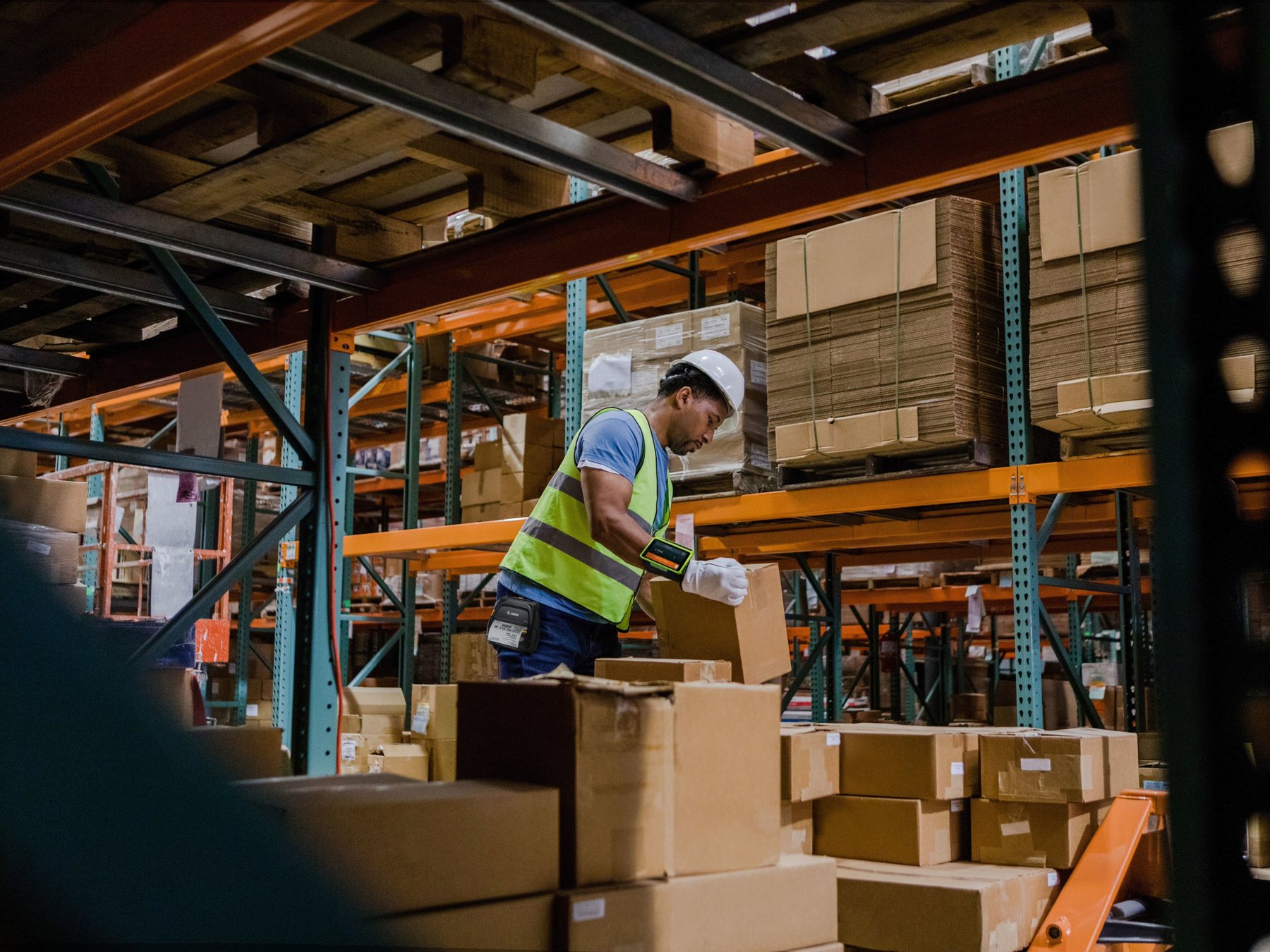
Warehouse and logistics
Receiving, location, pallet, carton, pick, pack and shipping labels, with the WMS, ERP or carrier workflow supplying and validating data.
Manufacturing
Material, work-in-progress, component, serial, quality and finished-goods labels, with durability and traceability requirements verified for the site.
Healthcare and laboratory
Specimen, supply, asset or other identification labels within an approved process; clinical, cleaning and regulatory requirements need separate confirmation.
Transport and field service
Labels, receipts, tickets or asset tags produced at the point of work, with charging, connection and environmental needs included in the test.
Office and asset control
File, equipment, inventory and location labels can reduce manual identification when the data and application rules are controlled.

Common misunderstandings
What does a barcode printer not do automatically?
- It does not create an approved product, shipment, asset or GS1 identifier merely because a barcode can be printed.
- It does not know which database field is correct unless the template or application maps the data properly.
- It does not make a low-quality source graphic, undersized symbol or poor label layout reliable.
- It does not prove that the label will adhere, survive its environment or remain readable for the required period.
- It does not guarantee that a scanner can read the symbol at the real angle, distance, speed or surface.
- It does not replace formal barcode verification where a standard or trading partner requires a quality grade.
- It does not make every label, ribbon, cutter, peeler, encoder or software package compatible with every model.
Different proof levels
Printing, scan testing and barcode verification are different
Visual print inspection
Checks readable text, placement, contrast, wrinkles, voids, smudges and obvious damage. It does not provide a formal barcode quality grade.
Representative scan test
Shows whether the actual scanner and host workflow can capture and use the label under representative conditions. Keep difficult but realistic samples.
Formal verification
Uses suitable verification equipment and a defined standard where required. A normal scanner or software screenshot should not be presented as equivalent proof.

Prepare before selection
What information should a buyer prepare?
- Final label or tag dimensions, roll or fanfold construction, core, gap or mark, liner and maximum roll size.
- Actual artwork, smallest text, every barcode type, data range, graphics and bilingual content.
- Surface, curvature, temperature, moisture, chemicals, sunlight, abrasion, storage time and removal requirement.
- Whether the job is direct thermal or thermal transfer, plus known label and ribbon details.
- Job size, daily pattern, busiest hour, peak batch, simultaneous users, changeovers and downtime impact.
- ERP, WMS, POS, database, label software, operating system, driver, print language and expected field mapping.
- USB, network, wireless or mobile connection, printer location, power, charging and security requirements.
- Cutter, peeler, dispenser, rewinder, RFID or other option needs, confirmed against the exact model.
- Representative scanner, working distance, application surface and transaction that the pilot must pass.
- Cleaning, maintenance, spare printer, printhead, supply storage, user training and support ownership.
When you are ready to compare device classes and models, continue with the barcode printer buying guide.
End-to-end proof
Test the complete data-to-label-to-scan workflow

- Freeze the test configuration. Record printer model, Part Number, resolution, firmware, interface, options, driver, software, media and ribbon.
- Use production-like data. Include longest values, leading zeros, special characters, bilingual text, copy counts and reprints.
- Print the hardest representative artwork. Include the smallest barcode, finest text, densest layout and critical graphics.
- Run actual supplies. Test the specified label, liner, roll and ribbon under realistic speed, darkness and handling settings.
- Inspect output. Check position, contrast, quiet zones, voids, smudges, wrinkles, feed and cut or peel behaviour.
- Apply the label. Use the real object, surface, curvature, orientation and environmental exposure.
- Scan in the real workflow. Use representative scanners, distances, angles, motion and lighting.
- Complete the transaction. Confirm the correct record and action in POS, ERP, WMS or the target application.
- Test recovery. Simulate media change, ribbon change, queue interruption, network loss, bad data, reprint and printer replacement.

FAQ
Barcode Printer FAQ
Is a barcode printer the same as a label printer?
The terms often overlap in business. A label printer can print barcodes, text and graphics, while “barcode printer” describes its use in identification workflows. Check the exact print method, media, resolution and application rather than relying on the name.
Does a barcode printer create the barcode number?
No. An approved data source, business system or identification process supplies the identifier. The printer renders that data in the template.
Can an office laser or inkjet printer print barcodes?
It may produce some barcode artwork, but media handling, individual-label workflow, roll supplies, durability, cutter or peeler options and system integration differ. Test the complete use case instead of assuming equivalence.
Do all barcode printers need a ribbon?
No. Direct-thermal printing uses heat-sensitive media without a ribbon in the normal image path. Thermal transfer uses a matched ribbon and media system. Some printers support one method; others support both.
Is higher dpi always better?
No. Higher resolution can help with smaller critical content, but may bring model, speed, setup or cost trade-offs. Start with final artwork and a representative sample test.
Can one printer use any label roll?
No. Width, length, roll diameter, core, liner, gap or mark, thickness, winding, material and print method must fit the exact printer and application.
Does a successful print prove the barcode is valid?
No. Inspect the label, scan it in the representative workflow and complete the host transaction. Use formal verification as well when a standard or trading partner requires it.
What should I send before asking for a recommendation?
Send final label dimensions and artwork, barcode samples, application surface and environment, job pattern and peaks, printer location, software and system details, connections, supplies and acceptance conditions.
Barcode printer guidance
Need to turn business data into reliable labels?
Send Easy Scan your label size, artwork, barcode data, surface, environment, print volume, software, system and connection details. We can help narrow the printer, labels and ribbon direction and arrange a representative print-and-scan test.