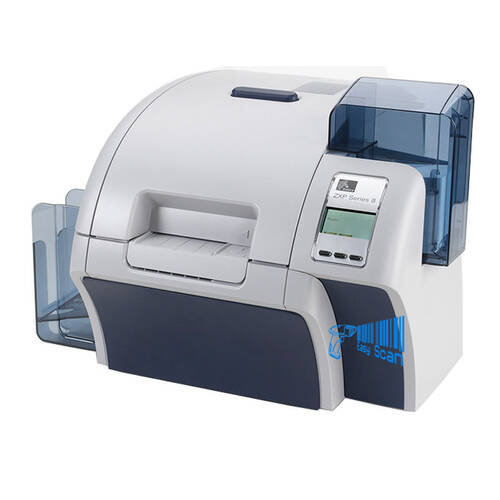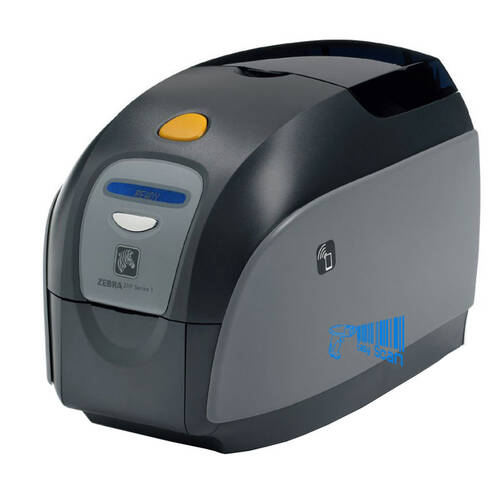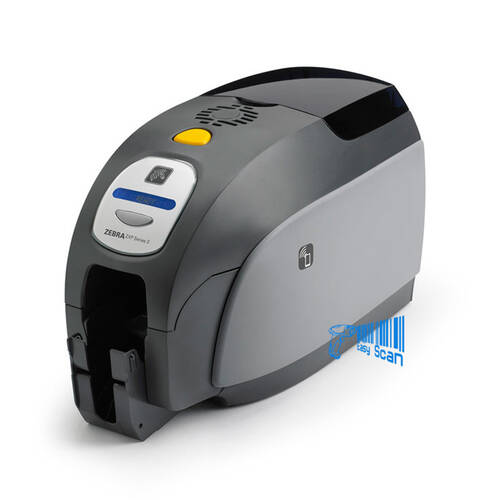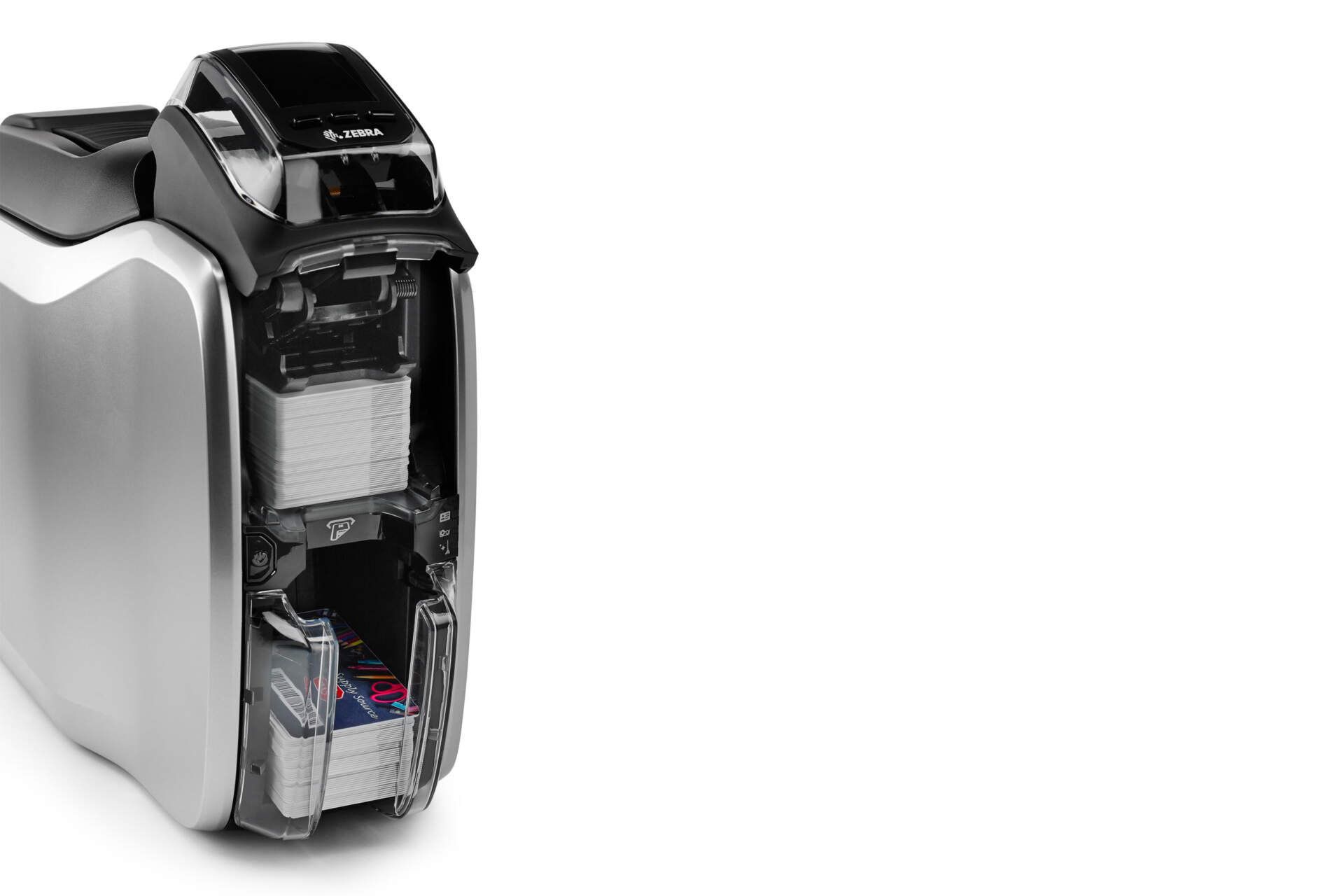
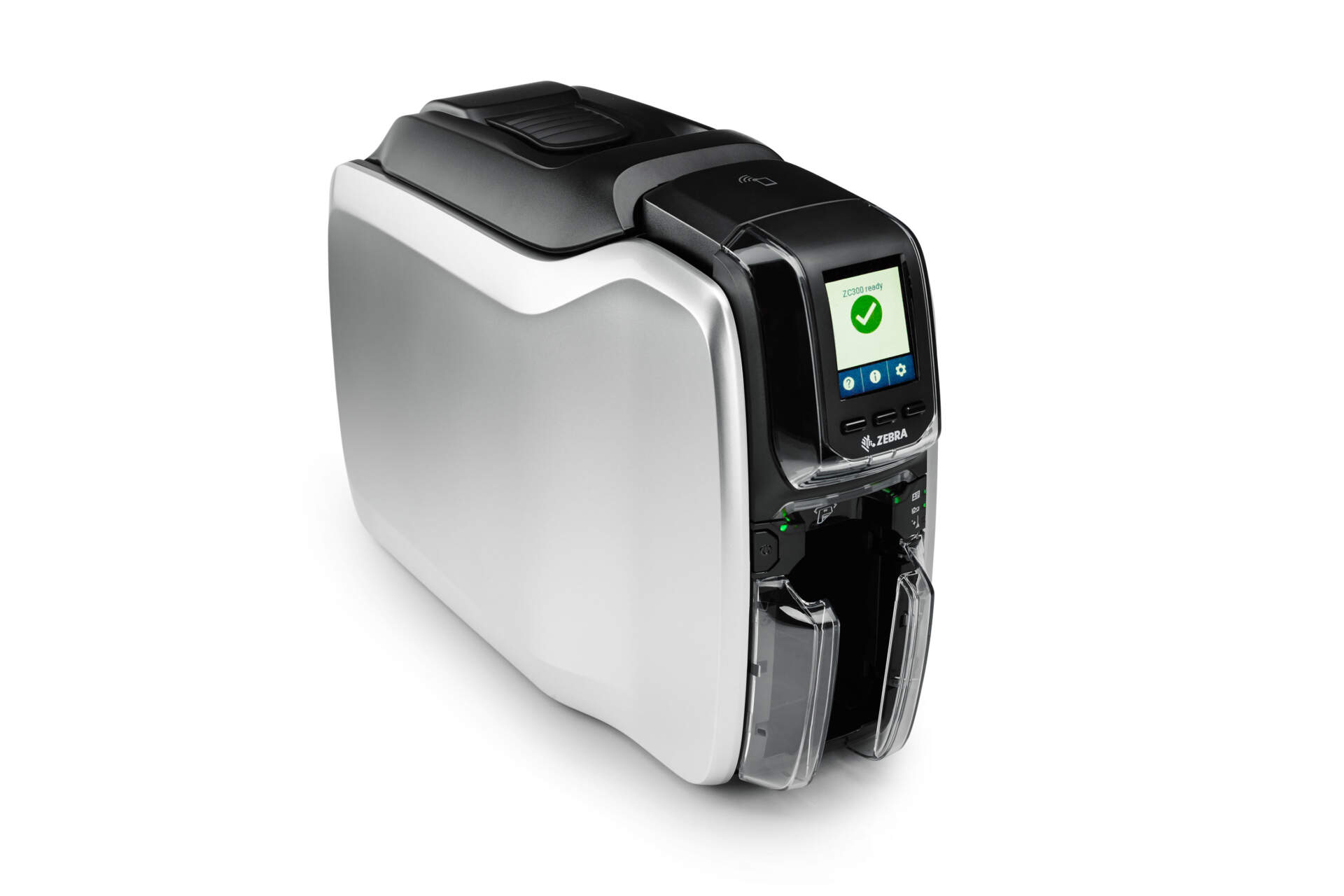
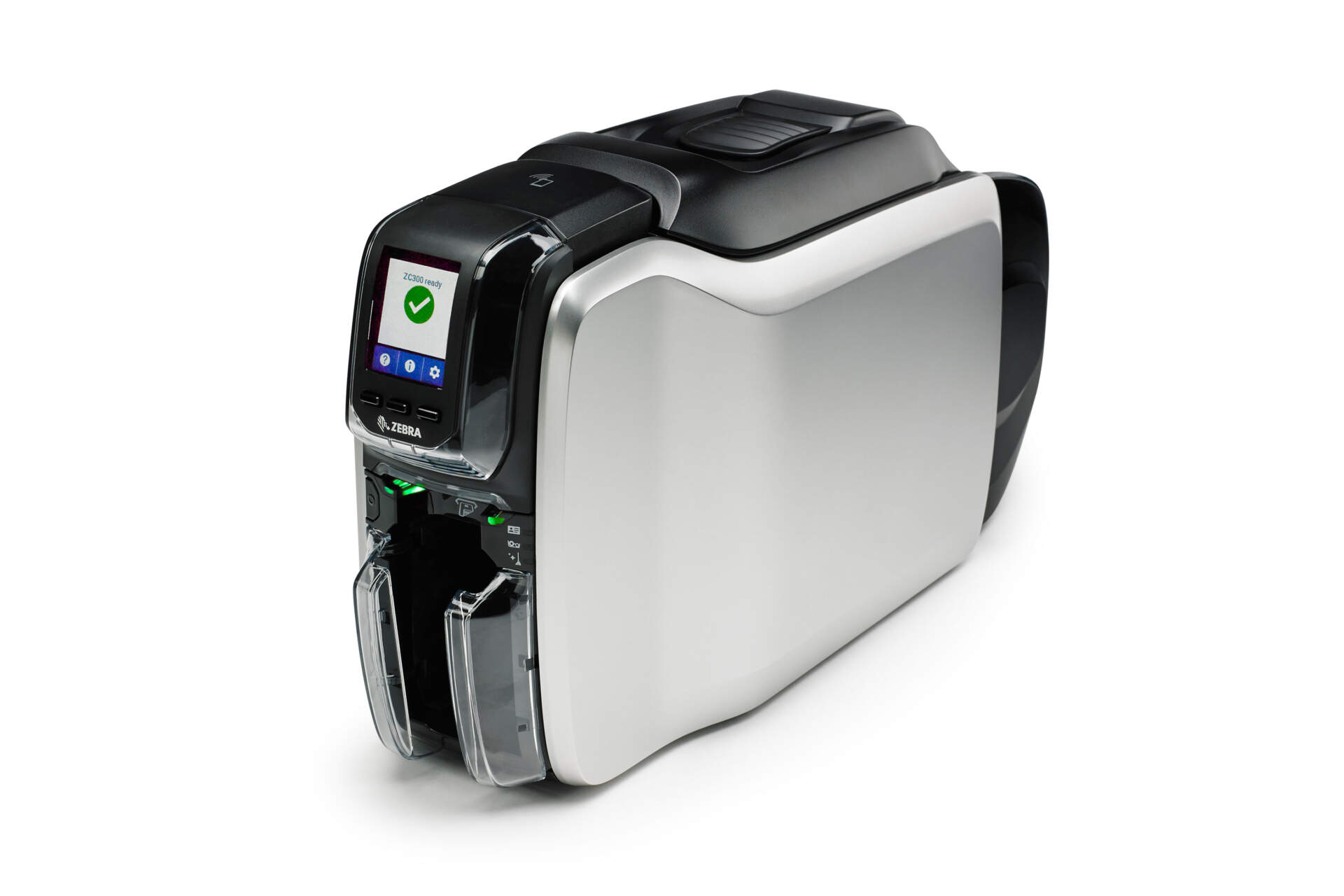
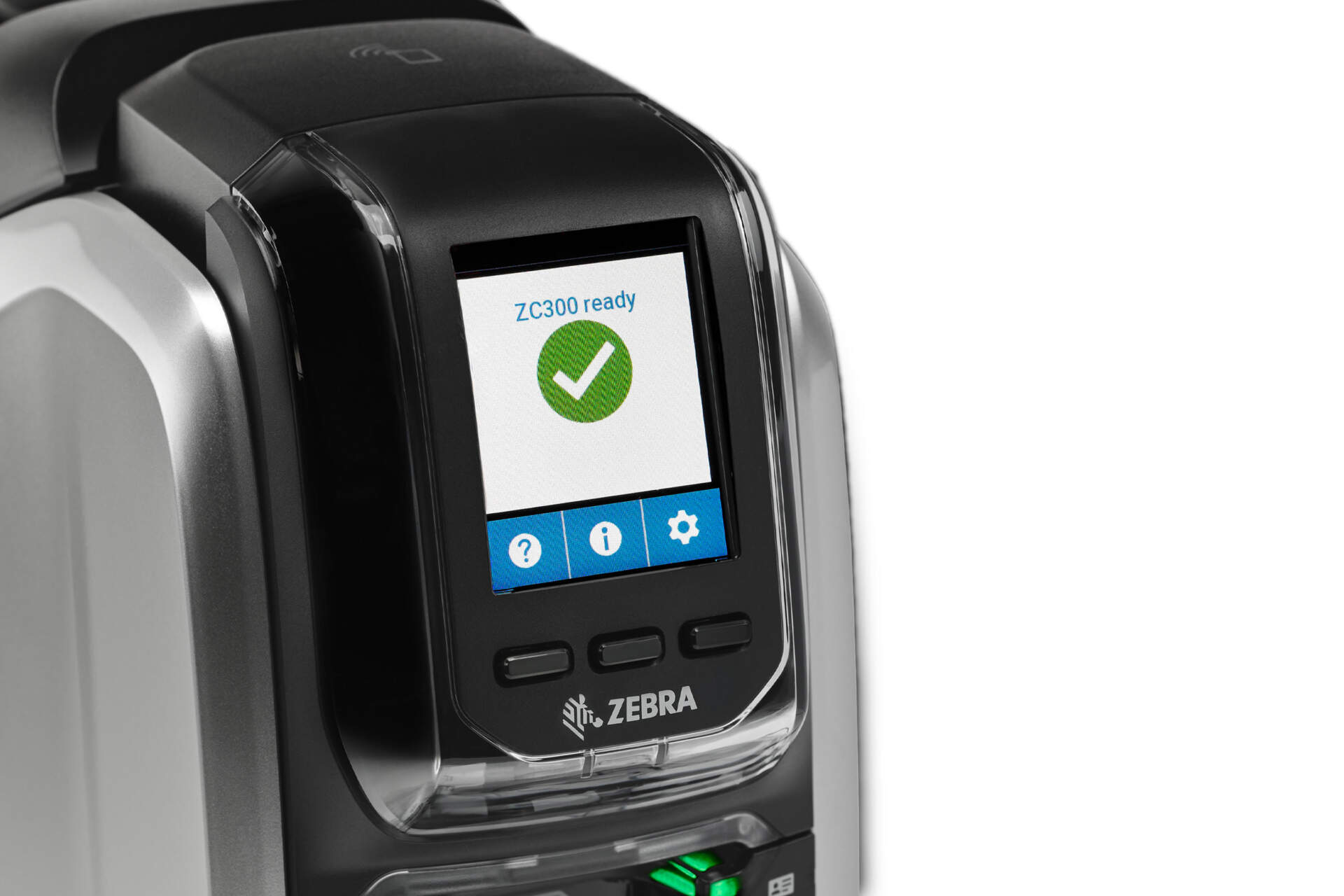
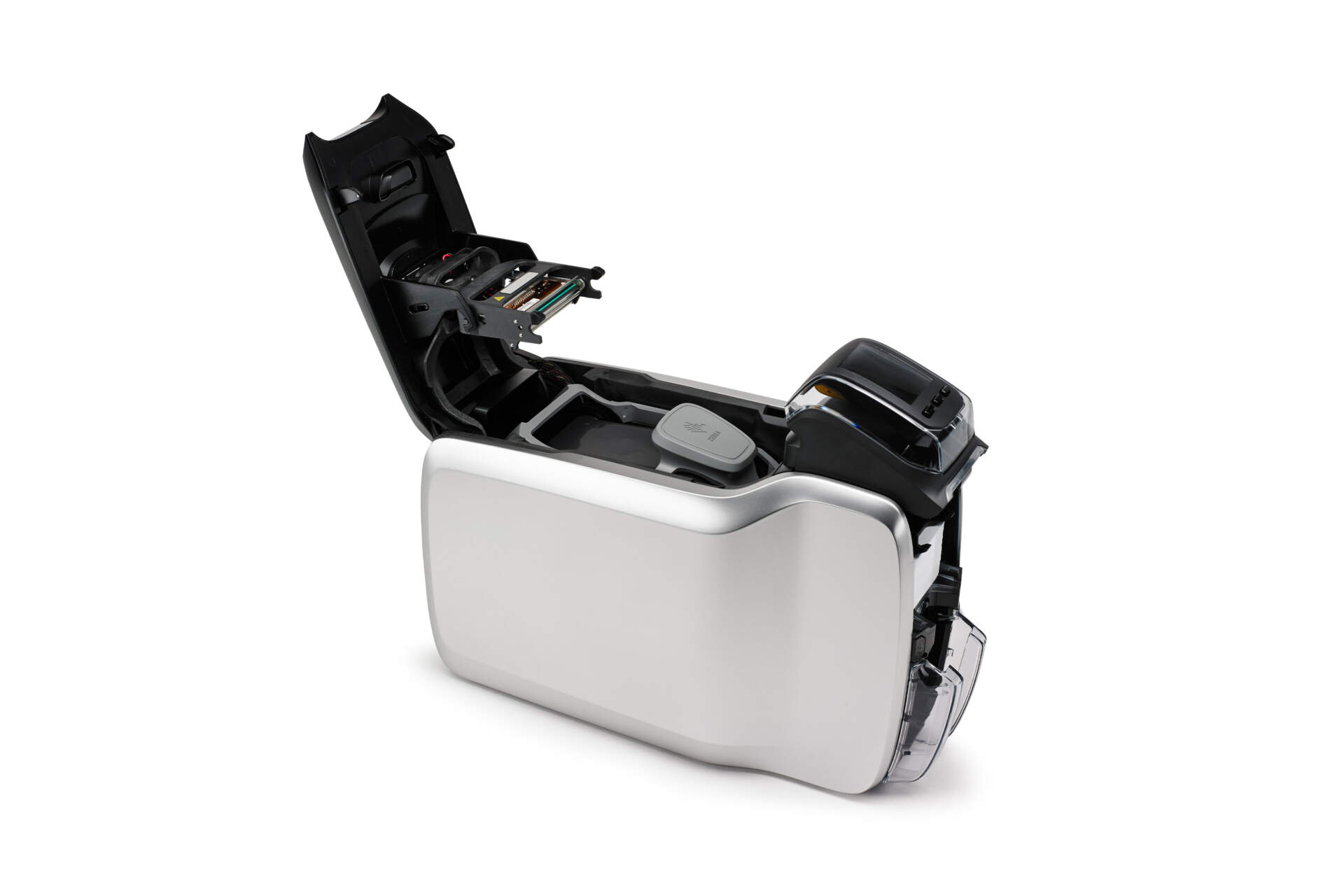
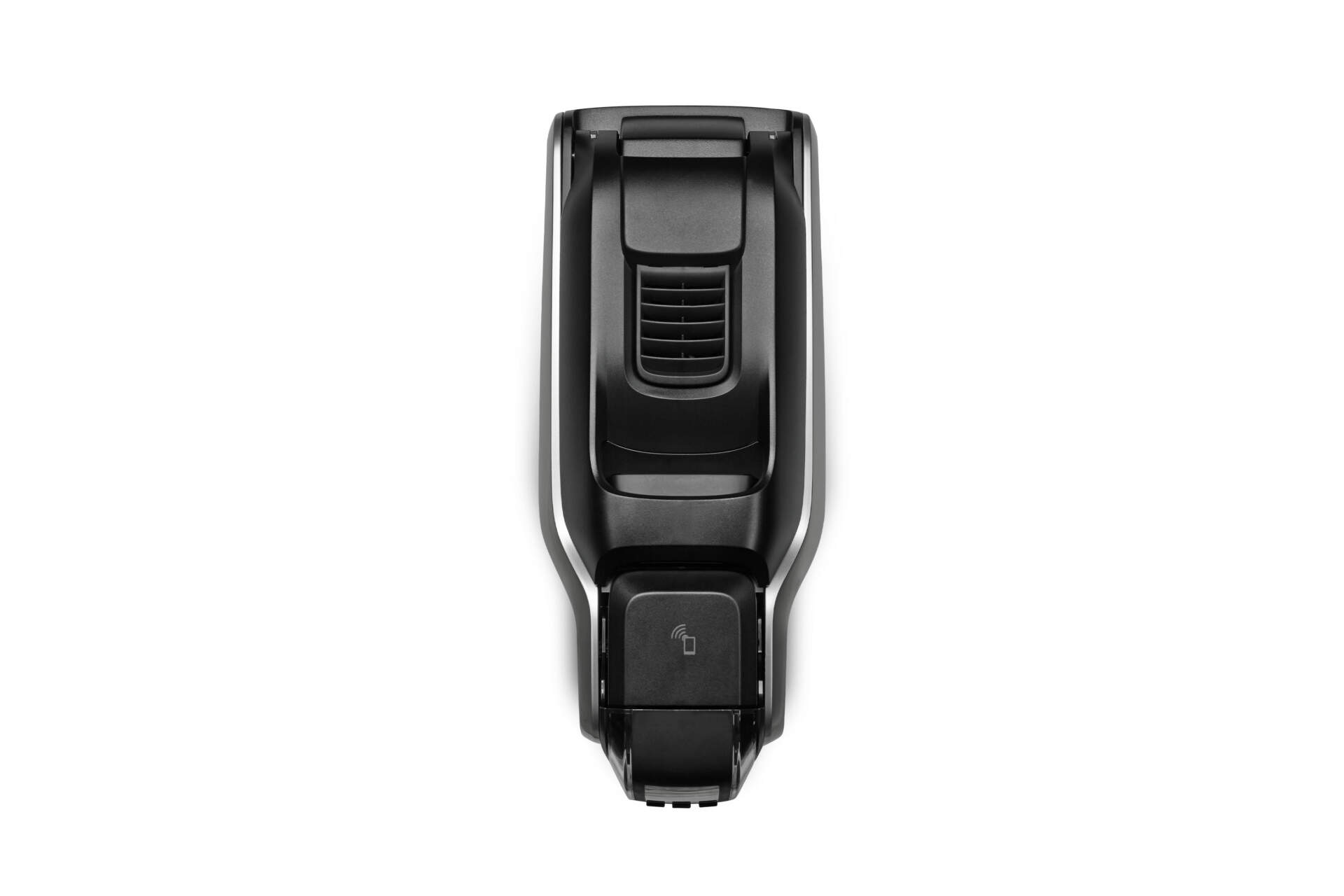
The Zebra ZC300 is a professional direct-to-card printer for staff IDs, membership cards, visitor badges, access cards and event passes. Review single-sided / dual-sided, colour / mono, USB / Ethernet, optional Wi-Fi and magnetic stripe requirements before quotation.
- Description
- Additional information
- Part Number
- Accessories / Services
- Resources
- Certificates
- Video
- FAQ
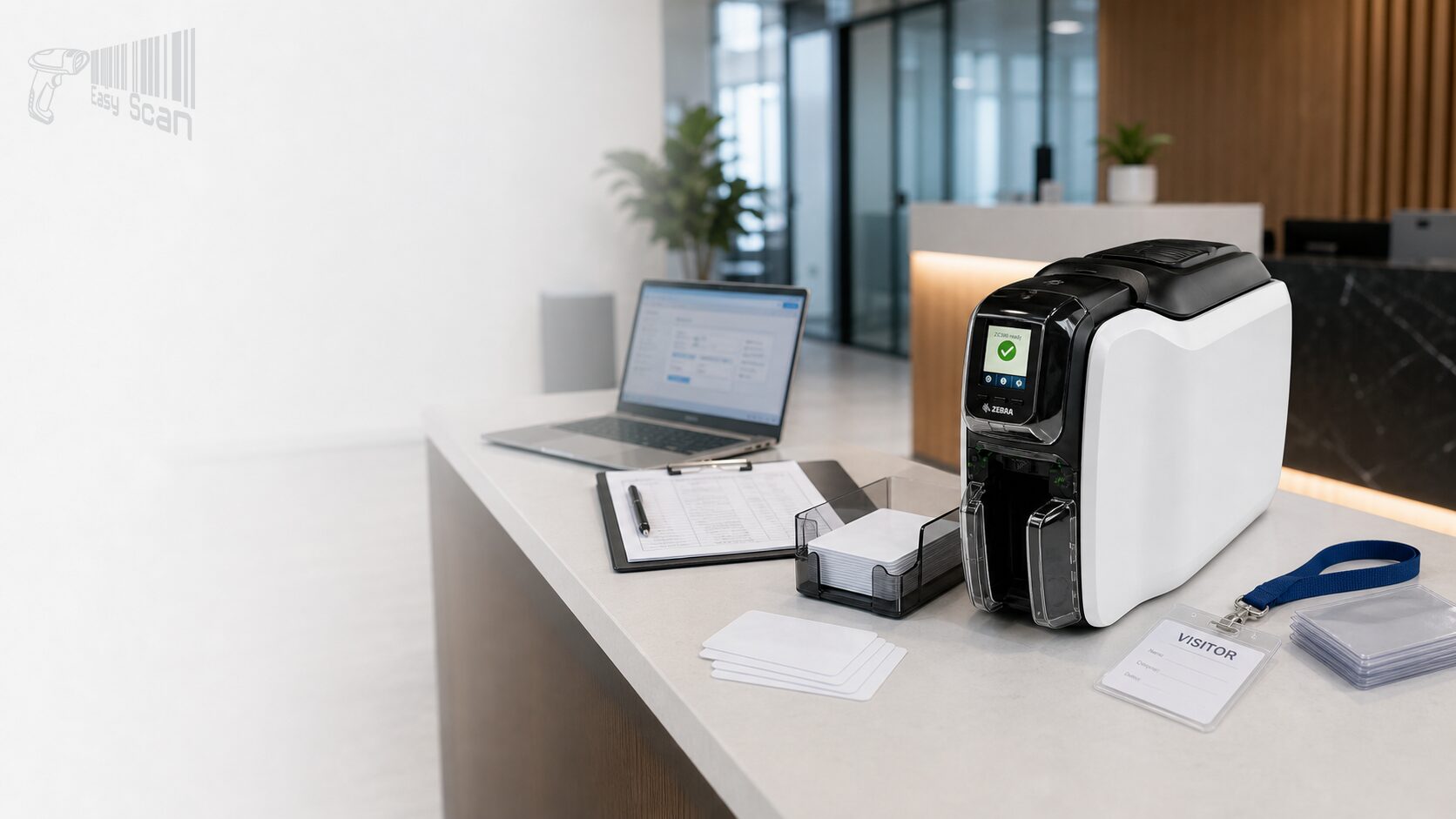
Card Printer / Zebra ZC300 / V1 Zebra Printer Template
Zebra ZC300 Professional Card Printer
The Zebra ZC300 is a direct-to-card printer for issuing identity, access, membership, visitor and event cards in Hong Kong business environments. It can be configured for single-sided or dual-sided cards, colour or monochrome printing, USB, Ethernet, Wi-Fi and magnetic stripe related requirements.
Product Overview
Card issuing for front desk, office and service-counter workflows
The Zebra ZC300 is a direct-to-card printer for organisations that need to issue cards on demand instead of outsourcing every print run. Zebra official sources confirm single-sided and dual-sided printing, colour or monochrome output, 300 dpi resolution, USB 2.0 and Ethernet 10/100 connectivity, with optional Wi-Fi and magnetic stripe configurations. For Hong Kong buyers, the practical decision is not only the printer body. Confirm the card use case, single or dual-sided artwork, card technology, network setup, ribbon type, cleaning process and expected print volume before selecting a part number.
Quick Fit
When ZC300 is a good fit
ZC300 is worth reviewing when your team needs an in-house card issuing station for office, education, club, retail, property, healthcare or event workflows.
On-demand issuing
Useful for staff IDs, visitor passes, membership cards, event badges and temporary access cards.
Stable card output
300 dpi, edge-to-edge printing, and single-sided / dual-sided colour or monochrome output options.
Managed workstation
USB supports a single issuing station; Ethernet or Wi-Fi configurations can support shared card workflows.
Suitable / Not Suitable
Suitable and not suitable use cases
Suitable
- Employee IDs, access cards, membership cards, visitor passes, student cards and event badges.
- Workflows that require single-sided or dual-sided cards, in colour or monochrome.
- Card issuing stations needing USB / Ethernet, or optional Wi-Fi and magnetic stripe configurations.
May not fit
- One-off very low-volume printing where no internal issuing process is needed.
- Projects requiring retransfer, lamination or higher-security card production; compare ZC350 or another card solution.
- Unconfirmed chip, access-control or payment-card requirements that make the encoding configuration unclear.
Key Features
Key ZC300 selection points
Direct-to-card printing
Zebra lists dye-sublimation thermal transfer direct-to-card print technology.
300 dpi resolution
300 dpi / 11.8 dots per mm, with an official image size of 1006 x 640 pixels.
Single or dual-sided
Choose single-sided or dual-sided models based on card layout and issuing workflow.
Throughput direction
Official batch USB figures include 900 mono single-sided CPH, 200 single-sided YMCKO CPH and 140 dual-sided YMCKOK CPH.
Connectivity
USB 2.0 and Ethernet 10/100 are standard; Wi-Fi 5 / 802.11ac is optional.
Card handling
100-card input and output hopper capacity based on 30 mil cards, plus manual card feeding.
Operator-friendly interface
Graphical colour LCD, status lights and multilingual messages support day-to-day ribbon, card and jam handling.
Security and help access
Zebra lists Kensington secure lock slot, printer host authentication, data encryption and Print Touch NFC.
Applications
Common Hong Kong B2B card workflows
Staff and visitor IDs
Suitable for office, property, education and healthcare front-desk issuing.
Membership cards
Retail, club, service counter and event teams can issue cards in batches or on demand.
Access and magnetic stripe cards
Encoding requirements should be checked against the actual access-control or card system.
Event and temporary passes
Useful when teams need fast, controlled badge production without waiting for outsourced printing.
Review ribbons, cards, cleaning and software together
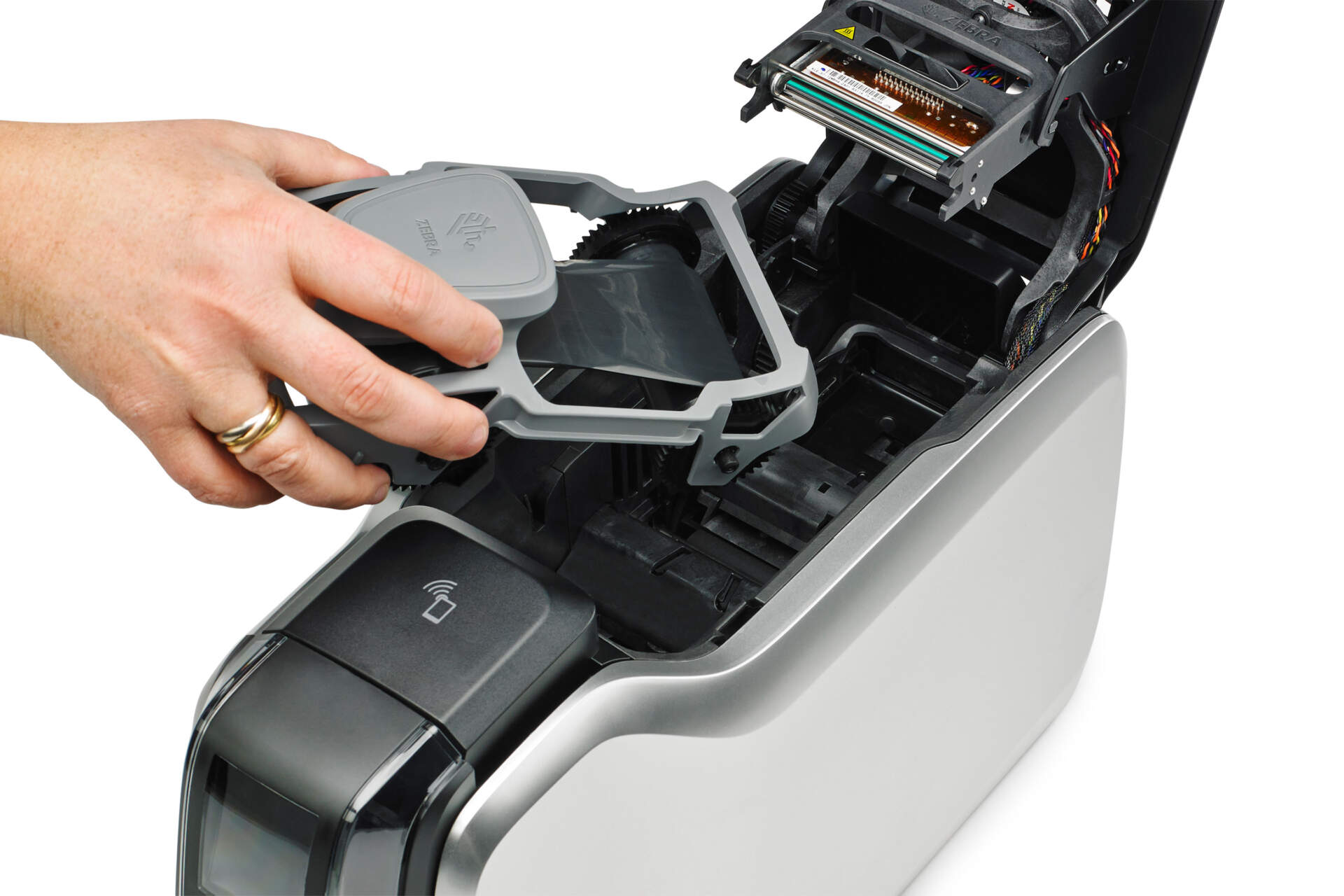
ZC300 procurement should include the printer, ribbons, cards, cleaning kits, design workflow and support process. Zebra notes that the ZC300 is designed to work only with Zebra genuine ribbons, and that each ribbon cartridge includes a cleaning roller. Card material, thickness, magnetic stripe or contactless technology can also affect the final configuration.
Selection Guide
Information to prepare before enquiry
- Card use: staff ID, membership, visitor, event, access-control or payment-related card.
- Card artwork: photo, name, title, barcode, QR code, member number, logo or back-side information.
- Print direction: single or dual-sided, colour or mono, estimated daily or monthly card volume.
- Connection and location: USB workstation, Ethernet network, Wi-Fi need and physical placement.
- Card technology: magnetic stripe, contact / contactless card, access-control system or third-party card software.
Comparison
Common ZC300 configuration directions
| Configuration direction | Suitable for | Notes |
|---|---|---|
| ZC300 Single-sided | Cards that only need front-side printing, such as basic visitor or membership cards. | Check whether the card back needs terms, access data or fixed artwork. |
| ZC300 Dual-sided | Cards that need barcode, terms, access data or bilingual content on the back. | Confirm artwork and speed expectations for dual-sided printing. |
| USB / Ethernet | Standalone card station or shared office card issuing. | Check workstation, driver, permission and operator workflow. |
| Wi-Fi configuration | Sites where network cabling is inconvenient or printer placement must stay flexible. | Wi-Fi is optional; confirm the correct regional PN. |
| Magnetic stripe option | Swipe-card or existing magnetic stripe systems. | Confirm HiCo / LoCo, stripe up / down and access-control requirements. |
Buying Pitfalls
Common card-printer buying mistakes
Ordering by model name only
ZC300 has single-sided, dual-sided, Wi-Fi and magnetic stripe configuration paths.
Ignoring ribbon yield
YMCKO, YMCKOK, half-panel and mono ribbons have different image counts and replenishment needs.
Skipping card technology checks
Access, magnetic stripe and contactless cards depend on the actual card and system setup.
No maintenance plan
Cleaning cards, ribbons, cards and operator troubleshooting should be planned before rollout.
Why Buy from EasyScan
Why enquire through Easy Scan?
Easy Scan is listed as a Zebra Premier Solution Partner. For Hong Kong businesses, Easy Scan can help connect Zebra official product information with ZC300 configuration review, part-number checking, ribbons, cleaning supplies, downloadable documents and local procurement follow-up.
Specifications
Zebra ZC300 specifications
Specifications below are based on Zebra official ZC300 product pages, the official ZC300 specification sheet and the ZC100 / ZC300 user guide. Regional availability, PN, warranty and encoding options should be confirmed during enquiry.
| Product | |
|---|---|
| Brand / model | Zebra ZC300 Professional Direct-to-Card ID Printer |
| Category | ID Card Printer / Direct-to-Card card printer |
| Print method | Dye-sublimation thermal transfer direct to card |
| Resolution | 300 dpi / 11.8 dots per mm |
| Image size | 1006 x 640 pixels |
| Print mode | Full-color or monochrome; single-sided or dual-sided printing |
| Card edge | Edge-to-edge printing on standard CR-80 media |
| Official batch speed reference | 900 cards/hour single-sided monochrome; 200 cards/hour single-sided YMCKO; 450 cards/hour dual-sided monochrome; 140 cards/hour dual-sided YMCKOK |
| Ribbon / Cards | |
| Ribbon system | ZC300 is designed to work only with Zebra genuine ribbons; ribbons are in recyclable cartridges |
| Ribbon options | YMCKO, YMCKOK, 1/2 YMCKO, 1/2 YMCKOKO, KrO, KdO, black / white / red / blue / gold / silver monochrome options listed in the official spec sheet |
| Cleaning | Cleaning roller included with each ribbon; cleaning card kit options listed by Zebra |
| Card hopper | 100-card capacity auto-adjusting input hopper and 100-card capacity output hopper, based on 30 mil cards |
| Manual feed | Manual card feeding capability with LED bezel |
| Connectivity / Security | |
| Standard connectivity | USB 2.0 and Ethernet 10/100 |
| Optional wireless | Wi-Fi 5 / 802.11ac optional |
| Encoding option | Magnetic stripe encoder option; ISO 7811, high and low coercivity, tracks 1, 2 and 3 |
| Security features | Kensington secure lock slot, printer host authentication, data encryption |
| Support access | Print Touch NFC tag for online printer help and documentation access |
| Dimensions / Power | |
| Single-sided dimensions / weight | 10.2 in. H x 6.2 in. W x 15.1 in. D / 8.8 lbs; 258 mm H x 157 mm W x 383 mm D / 4.0 kg |
| Dual-sided dimensions / weight | 10.2 in. H x 6.2 in. W x 18.4 in. D / 9.7 lbs; 258 mm H x 157 mm W x 468 mm D / 4.4 kg |
| Power | Auto-switching single-phase AC power; 90-132VAC and 190-264VAC RMS; 47-63 Hz |
| Compliance note | FCC Class A listed in official specification sheet |
FAQ
ZC300 enquiry FAQ
These questions focus on configuration, supplies and buyer checks before quotation.
Should I choose single-sided or dual-sided ZC300?
Use single-sided when only the front needs printed identity or membership information. Review dual-sided if the back needs terms, barcode, access data or bilingual content.
Does the ZC300 require Zebra ribbons?
Zebra states that the ZC300 is designed to work only with Zebra genuine ribbons. Provide the required card artwork, colour mode and estimated card volume so the ribbon type can be reviewed.
Can I order a standard unit for access or magnetic stripe cards?
Do not order by model name only. Magnetic stripe, contact or contactless cards depend on card technology and system requirements, so the configuration should be checked before quotation.
Next Step
Need to review a Zebra ZC300 card-printing setup?
Send Easy Scan your card use case, single-sided or dual-sided artwork, connection requirements, magnetic stripe or access-control needs, and estimated card volume. We can help check whether ZC300 is suitable and which configuration should be quoted.
| Brand | Zebra |
|---|---|
| Product Type | Professional card printer |
| Series | ZC100 / ZC300 Series |
| Model | ZC300 |
| Print Technology | Direct-to-card |
| Card Side | Single-sided or dual-sided configurations |
| Card Size | CR80 / ISO 7810 ID-1; CR79 |
| Card Thickness | 10-40 mil |
| Connectivity | USB 2.0, Ethernet 10/100, optional Wi-Fi |
| Suitable Application | Staff badges, membership cards, visitor passes, event cards and front-desk card issuance |
Part Number
The rows below list common ZC300 standard printer configurations for initial filtering by single-sided / dual-sided output, connectivity and magnetic stripe needs. Confirm regional cord, Wi-Fi, magnetic stripe and card-issuing workflow requirements before quotation.
Single-sided configurations
| Part Number | Description |
|---|---|
| ZC31-000C000AP00 | Printer ZC300, Single Sided, UK/EU/US Cords, USB & Ethernet, Windows Driver |
| ZC31-000C000IN00 | Printer ZC300, Single Sided, India Cord, USB & Ethernet, Windows Driver |
| ZC31-000C000TW00 | Printer ZC300, Single Sided, Taiwan Cord, USB & Ethernet, Windows Driver |
| ZC31-000W000AP00 | Printer ZC300, Single Sided, UK/EU/US Cords, USB, Ethernet & WiFi, Windows Driver |
| ZC31-0M0C000AP00 | Printer ZC300, Single Sided, UK/EU/US Cords, USB & Ethernet, ISO HiCo/LoCo Mag S/W Selectable, Windows Driver |
Dual-sided configurations
| Part Number | Description |
|---|---|
| ZC32-000C000AP00 | Printer ZC300, Dual Sided, UK/EU/US Cords, USB & Ethernet, Windows Driver |
| ZC32-000C000IN00 | Printer ZC300, Dual Sided, India Cord, USB & Ethernet, Windows Driver |
| ZC32-0M0C000AP00 | Printer ZC300, Dual Sided, UK/EU/US Cords, USB & Ethernet, ISO HiCo/LoCo Mag S/W Selectable, Windows Driver |
Accessories / Services
The items below support ZC300 ribbon, cleaning-card, service and repair-part enquiries. Actual fit, regional availability and service terms should be confirmed against the selected printer configuration.
Card ribbons
| Part Number | Description |
|---|---|
| 800300-250AP | Ribbon, Color-YMCKO, 58mmx99m(2.28inx324ft), 200 Images, ZC100/ZC300, RoA |
| 800300-250IN | Ribbon, Color-YMCKO, 200 Images, ZC100/ZC300, India |
| 800300-252AP | Ribbon, Color-YMCKO, 58mmx148m(2.28inx485ft), 300 Images, ZC300, RoA |
| 800300-252IN | Ribbon, Color-YMCKO, 300 Images, ZC300, India |
| 800300-254IN | Ribbon Multipack, Color-YMCKO, 58mmx99m(2.28inx324ft), 800 Images, ZC100/ZC300, India |
| 800300-264AP | Ribbon, Color-SrDYMCKO, 200 Images, ZC300, RoA |
| 800300-264IN | Ribbon, Color-SrDYMCKO, 200 Images, ZC300, India |
| 800300-270IN | Ribbon, Color-1/2 YMCKO, 400 Images, ZC100/ZC300, India |
| 800300-272IN | Ribbon, Color-1/2 YMCKOKO, 58mmx136m(2.28inx446ft), 250 Images, ZC300/ZC350 ,India |
| 800300-272IS | Ribbon, Color-1/2 YMCKOKO, 250 Images, ZC300/ZC350, Shreenath |
| 800300-301 | Ribbon, Mono -Black, 2000 Images, ZC300/350/ZC100 |
| 800300-302 | Ribbon, Mono -Red, 1500 Images, ZC100/ZC300 |
| 800300-304 | Ribbon, Mono -Blue, 1500 Images, ZC100/ZC300 |
| 800300-306 | Ribbon, Mono -Metallic Gold, 1500 Images, ZC100/ZC300 |
| 800300-307 | Ribbon, Mono -Metallic Silver, 1500 Images, ZC100/ZC300 |
| 800300-309AP | Ribbon, Mono -White, 1500 Images, ZC100/ZC300,RoA |
| 800300-309IN | Ribbon, Mono -White, 1500 Images, ZC100/ZC300, India |
| 800300-320AP | Ribbon, Color-KdO, 700 Images, ZC300, RoA |
| 800300-320IN | Ribbon, Color-KdO, 700 Images, ZC300, India |
| 800300-321AP | Ribbon, Color-KrO, 700 Images, ZC300, RoA |
| 800300-321IN | Ribbon, Color-KrO, 700 Images, ZC300, India |
| 800300-360AP | Ribbon, Color-YMCKOK, 200 Images, ZC300, RoA |
| 800300-360IN | Ribbon, Color-YMCKOK, 200 Images, ZC300, India |
| 800300-360MK | Ribbon, Color-YMCKOK, 58mmx119m(2.28inx390ft), 200 Images, ZC300 ,ASIA MK |
| 800300-370AP | Ribbon, Color-1/2 YMCKO, 400 Images, ZC100/ZC300, RoA |
| 800300-562AP | Ribbon, Color-YMCPKO, 200 Images, ZC300, RoA |
| 800300-562IN | Ribbon, Color-YMCPKO, 200 Images, ZC300, India |
| 800300-563AP | Ribbon, Color-YMCKLL, 200 Images, ZC300, RoA |
| 800300-563IN | Ribbon, Color-YMCKLL, 200 Images, ZC300, India |
Cleaning card supplies
| Part Number | Description |
|---|---|
| 105999-310-01 | Cleaning Card Kit (Improved), ZC100/300, 2 Cards |
| 105999-311-01 | Cleaning Card Kit (Improved), ZC100/300, 5 Cards |
| 105999-312-01 | Cleaning Card Kit (Improved), ZC100/300, 100 Cards |
Zebra OneCare services
| Part Number | Description |
|---|---|
| Z1AE-ZC30-300 | Zebra OneCare, Essential, Purchased within 30 days of Device, ZC300, 3 Years, Non-Comprehensive |
| Z1AE-ZC30-3C0 | Zebra OneCare, Essential, Purchased within 30 days of Device, ZC300, 3 Years, Comprehensive |
| Z1AE-ZC30-500 | Zebra OneCare, Essential, Purchased within 30 days of Device, ZC300, 5 Years, Non-Comprehensive |
| Z1AE-ZC30-5C0 | Zebra OneCare, Essential, Purchased within 30 days of Device, ZC300, 5 Years, Comprehensive |
| Z1BE-ZC30-100 | Zebra OneCare, Essential, Pre-Owned, ZC300, 1 Years, Non-Comprehensive |
| Z1BE-ZC30-1C0 | Zebra OneCare, Essential, Pre-Owned, ZC300, 1 Years, Comprehensive |
| Z1BE-ZC30-300 | Zebra OneCare, Essential, Pre-Owned, ZC300, 3 Years, Non-Comprehensive |
| Z1BE-ZC30-3C0 | Zebra OneCare, Essential, Pre-Owned, ZC300, 3 Years, Comprehensive |
| Z1RE-ZC30-100 | Zebra OneCare, Essential, Renewal, ZC300, 1 Years, Non-Comprehensive |
| Z1RE-ZC30-1C0 | Zebra OneCare, Essential, Renewal, ZC300, 1 Years, Comprehensive |
| Z1RE-ZC30-200 | Zebra OneCare, Essential, Renewal, ZC300, 2 Years, Non-Comprehensive |
| Z1RE-ZC30-2C0 | Zebra OneCare, Essential, Renewal, ZC300, 2 Years, Comprehensive |
Printer parts
| Part Number | Description |
|---|---|
| P1094879-022 | Kit, Printer Side Panels, ZC300 (Grey) |
| P1094879-051 | Kit, Main Logic Board ZC300 |
| P1094879-064 | Kit, Feeder Roller ZC100/ZC300 |
| P1094879-065 | Kit, Feeder Pusher Base ZC100/ZC300 |
Resources

ZC300 Specification Sheet
Review key ZC300 specifications, print method, connectivity, ribbons and card configuration details.
ZC100 / ZC300 User Guide
Use for setup, daily operation, cleaning maintenance and troubleshooting reference.
ZC100 / ZC300 QuikCard Fact Sheet
Review the QuikCard ID Solution bundle for card-issuing workflows.
Certificates
As a Zebra Premier Solution Partner, Easy Scan can help Hong Kong businesses review ZC300 configurations, consumables, documentation and deployment details before purchase.
Video
These videos cover the ZC300 Series card-printer overview, interface, card and ribbon loading, test cards, jam handling, cleaning, packing, upgrade options and ribbon applications for pre-purchase review and internal training.
 3:04ZC100 / ZC300 / ZC350 Card Printer OverviewReview the ZC Series card-printer design, applications and issuing workflow.
 2:49Secure & Durable ZC300 Card PrintingUseful when reviewing durable cards, security cards and mid-range card-printing requirements.
 2:52ZC300 Long-Life Ribbon ComparisonCompare long-life ribbon with a laminator workflow when card durability matters.
 10:07ZC100 / ZC300 Multi-Pack RibbonsReview how multi-pack ribbons affect supplies planning and replenishment.
 1:36ZC Series Multi-Pack Ribbon HighlightsShort overview of ribbon replenishment and supplies planning for ZC Series printers.
 3:05Dual-Sided Module & Smart Card EncoderUse this when reviewing single-sided, dual-sided and smart-card encoder upgrade needs.
 2:18ZC3xx 3D Ribbon PrintingReview a special-ribbon workflow for cards that need stronger visual differentiation.
 2:14ZC3xx Color Shift Ribbon PrintingUseful for security cards, membership cards or cards needing a special visual effect.
 0:33ZC100 / ZC300 Product Design HighlightsQuick look at the device design, access points and everyday operation direction.
 0:34ZC100 / ZC300 User Interface HighlightsReview the front-line controls and indicators users will interact with daily.
 1:19ZC300 Series Identifying FeaturesHelp new users locate the main printer areas and access points.
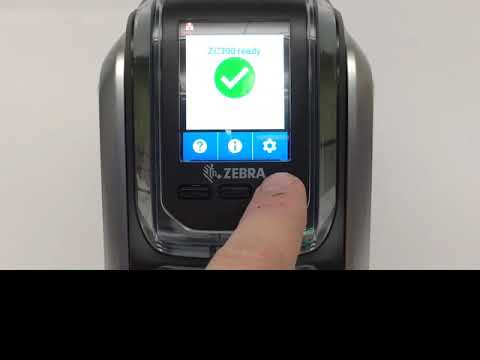 1:01ZC300 Series Printer InterfaceReview display and button operation for daily card-issuing training.
 1:09ZC100 / ZC300 Getting StartedUseful for new deployments, first-use preparation and front-line training.
 1:23ZC100 / ZC300 UnpackingReview basic unpacking and setup preparation after receiving the printer.
 0:45ZC100 / ZC300 Loading CardsDemonstrates the basic daily process for adding blank cards.
 0:57ZC100 / ZC300 Manual Feed CardsUseful for single-card printing, temporary card issuance or special-card handling.
 0:56ZC100 / ZC300 Loading RibbonHelps reduce direction and installation errors when replacing ribbon.
 0:39ZC100 / ZC300 Printing a Test CardUseful after installation, routine checks or print-quality troubleshooting.
 0:43ZC100 / ZC300 Clearing a Card JamShows the basic process for dealing with a card jam during operation.
 0:32ZC100 / ZC300 Retrieving a Rejected CardExplains how to handle a rejected card and reduce interruption.
 1:33ZC100 / ZC300 Printer CleaningSupports routine cleaning planning to reduce card-quality and feeding issues.
 1:33Components for Effective Card PrintingReview how the printer, cards, ribbons and cleaning supplies should be planned together.
 1:12ZC100 / ZC300 Packing the PrinterUseful before relocation, repair return or multi-site deployment.
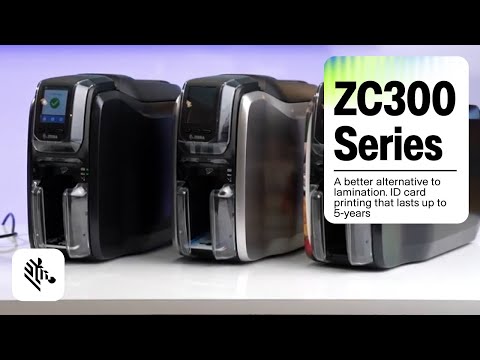 3:13Durable ID Card Printing ApplicationRelevant when reviewing staff cards, membership cards or access cards that need longer card life.
FAQ
What card workflows is the ZC300 suited for?
It is suited for direct-to-card staff IDs, membership cards, visitor passes, access-related cards, student cards and event badges.
How should I choose single-sided or dual-sided?
Review dual-sided models if the card back needs terms, barcode, access data or bilingual information. If all information sits on the front, single-sided may be enough.
Does the ZC300 support Wi-Fi?
Zebra lists Wi-Fi 5 / 802.11ac as an optional configuration. Confirm regional PN and site network requirements before quotation.
Can the ZC300 handle magnetic stripe cards?
A magnetic stripe encoder option is listed. Confirm HiCo / LoCo, stripe orientation and system requirements before selecting the configuration.
What information should I provide for enquiry?
Provide card use, single or dual-sided artwork, expected volume, connection method, magnetic stripe / access-control / contactless needs and any card software workflow.
Should ribbons and cleaning cards be quoted together?
Yes. Zebra lists multiple ZC100/ZC300 ribbon and cleaning-card options; match them against card artwork, volume and maintenance needs.
Leave Your Message