Hong Kong Retail Equipment Planning
Retail Barcode Equipment Checklist: POS, Labelling and Stock Counts
Plan retail barcode equipment by work point, not by buying one scanner and one printer for the whole shop. Checkout may need a POS-connected 2D scanner; shelves and the stockroom may need an app-capable mobile computer; price, product, pickup and return labels may need different printer locations. The final list should also cover charging, Wi-Fi, cables, mounts, labels, software, spares and an end-to-end pilot.
Scanner plus host system
A successful beep is only the first step. The POS must receive the intended item, quantity, promotion, membership or return data once.
Task plus mobile workflow
Price checks, replenishment and counts may need a screen, app, Wi-Fi and exception handling. A scanner connected to a distant PC may not be enough.
Output plus downstream scan
Choose each printer after defining the label purpose, print location, batch pattern, media and where the label must scan next.
Workflow first
Map every retail work point before making the equipment list
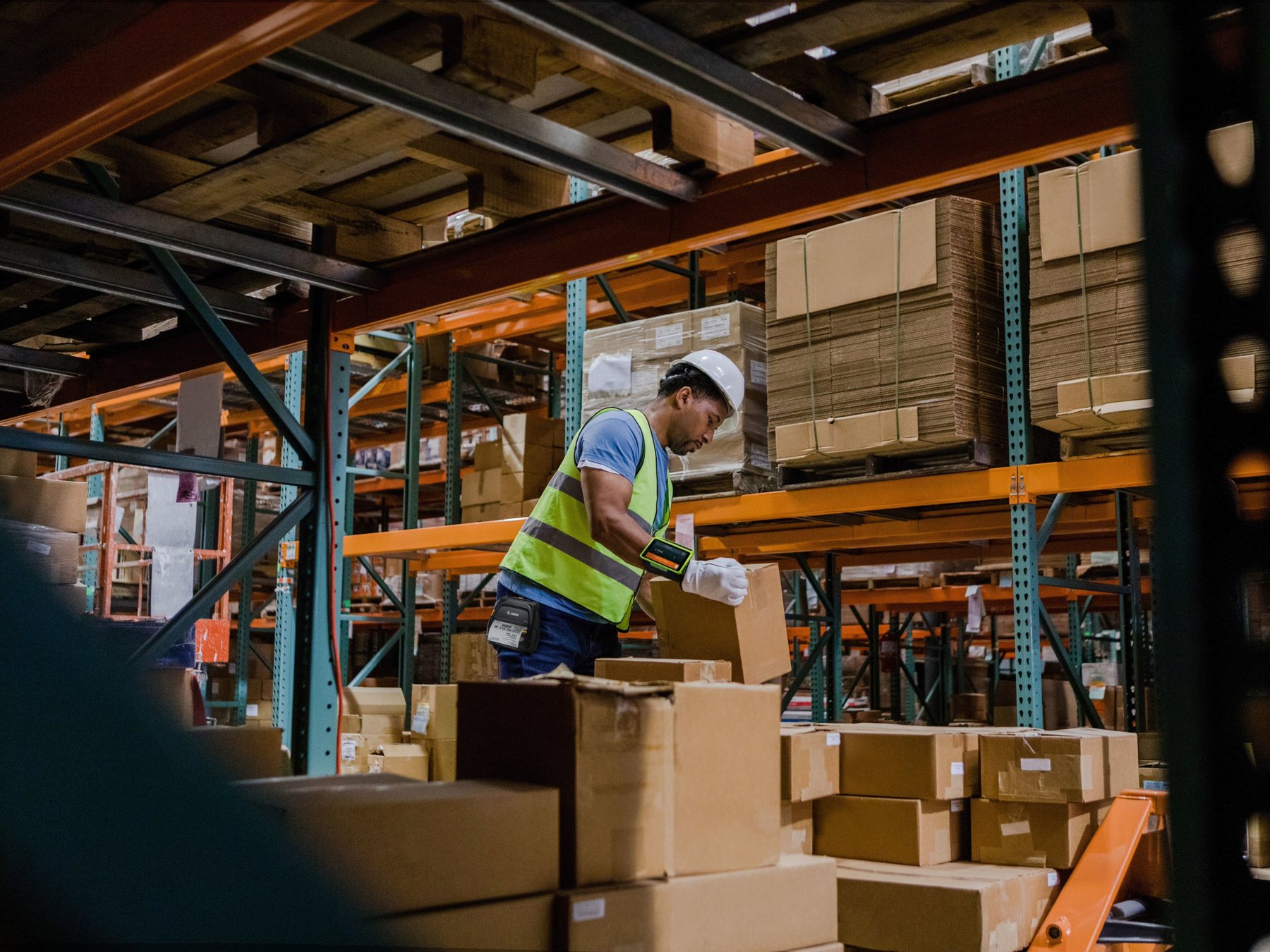
The same shop can need different input and output equipment at checkout, on the floor and in the stockroom. Start with the object being handled, the barcode or label involved and the system that must receive the result.
| Work point | Typical task | Equipment direction to compare | What must be proven |
|---|---|---|---|
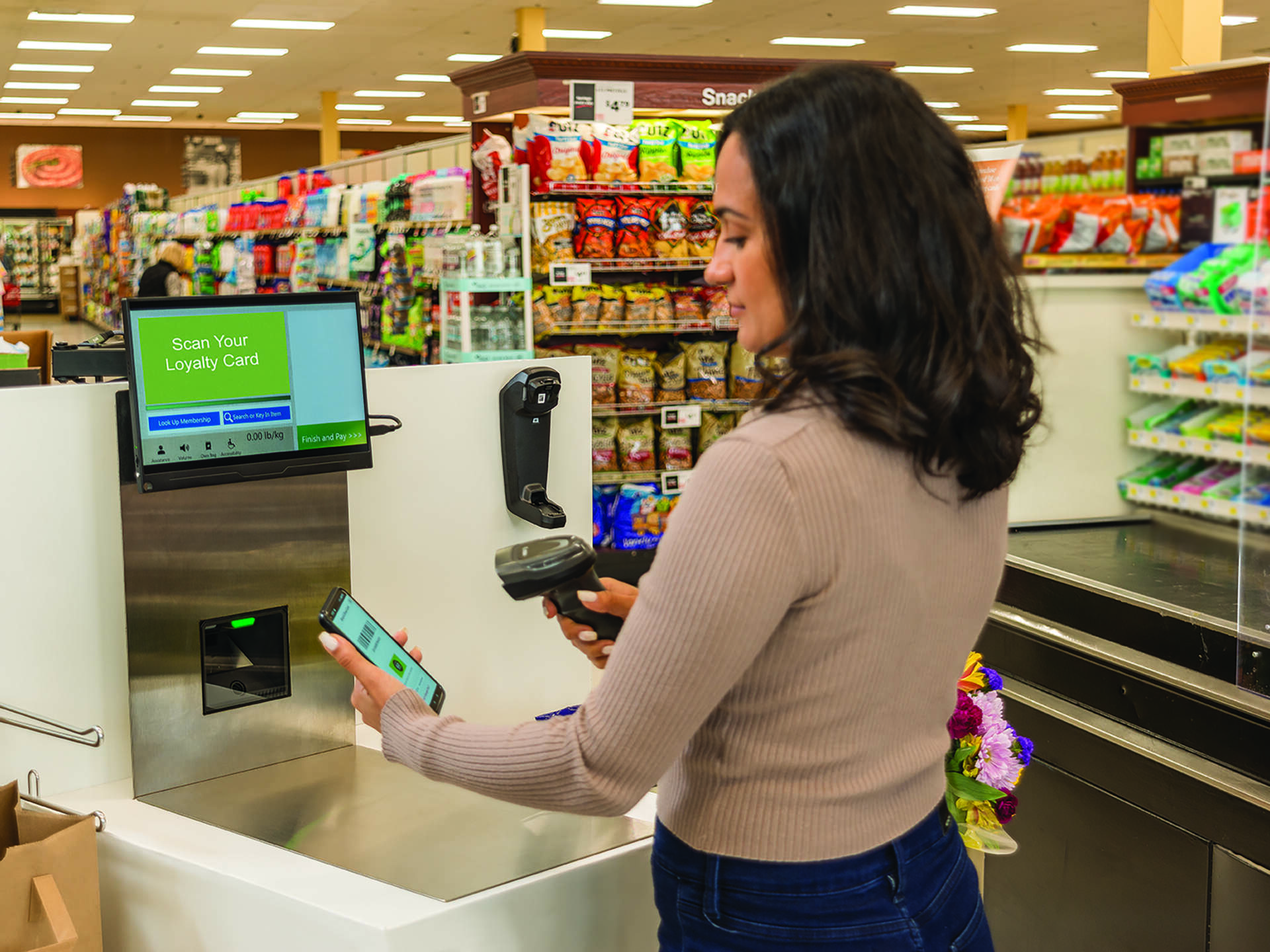
| Checkout | Scan goods, phone membership IDs, coupons or returns | 2D presentation, handheld, hybrid or in-counter scanner connected to POS | Real codes, multiple barcodes, host fields, ergonomics and recovery |
| Service counter | Returns, pickup, item lookup and bulky goods | Handheld or hybrid scanner; mobile computer where an app is required | Reach, screen codes, order lookup and exception handling |
| Shelf and sales floor | Price check, replenishment, markdown and stock query | Mobile computer or managed handheld device; mobile printer where output is needed at the task | App, Wi-Fi roaming, charging, label placement and rescan |
| Receiving and stockroom | Receive cartons, put away, transfer and count | Mobile computer or scanner plus nearby host; fixed or mobile label printer | Carton and item codes, transaction posting, damaged labels and offline recovery |
| Pickup and returns | Identify orders, stage goods and print new labels | 2D scanner or mobile computer plus the required label printer | Order, customer and item matching without duplicate or wrong-field entry |
Separate screen barcodes from contactless payment
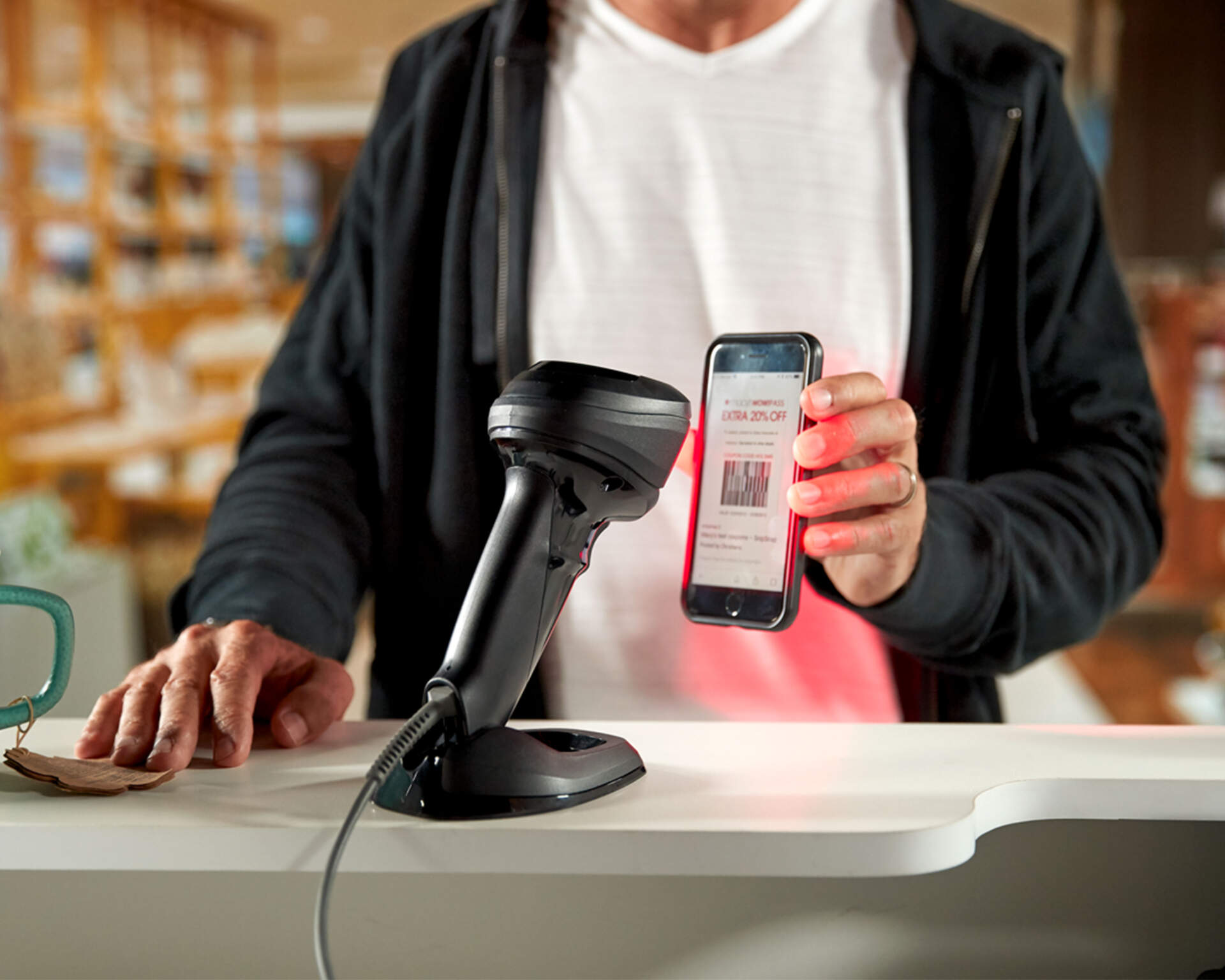
A scanner reading a QR code, mobile membership ID or coupon from a phone does not prove NFC payment support. Confirm the barcode workflow and payment terminal as separate systems.
POS and service counter
Choose the counter scanner from the real item and customer-code flow
Presentation scanning suits frequent hands-free passes. A handheld unit helps with targeted aiming or bulky items. Hybrid and in-counter designs serve other counter layouts. Test the physical workflow and the resulting POS transaction together.
Bring the complete code set
Include product EAN or UPC, GS1 DataBar, Code 128, QR Code, loyalty, coupon, pickup and return examples that the store genuinely handles.
Include difficult samples
Test small, glossy, low-contrast, damaged and wrinkled codes, plus phones at realistic brightness and with common screen protectors.
Verify the host result
Confirm the intended item and field, no double entry when several barcodes are visible, and a clear operator path for failed or unexpected scans.
For the detailed handheld, presentation, wired, wireless and phone-screen decision, use the retail barcode scanner selection guide.
Shelf and order output
List every label and receipt output before choosing printer locations
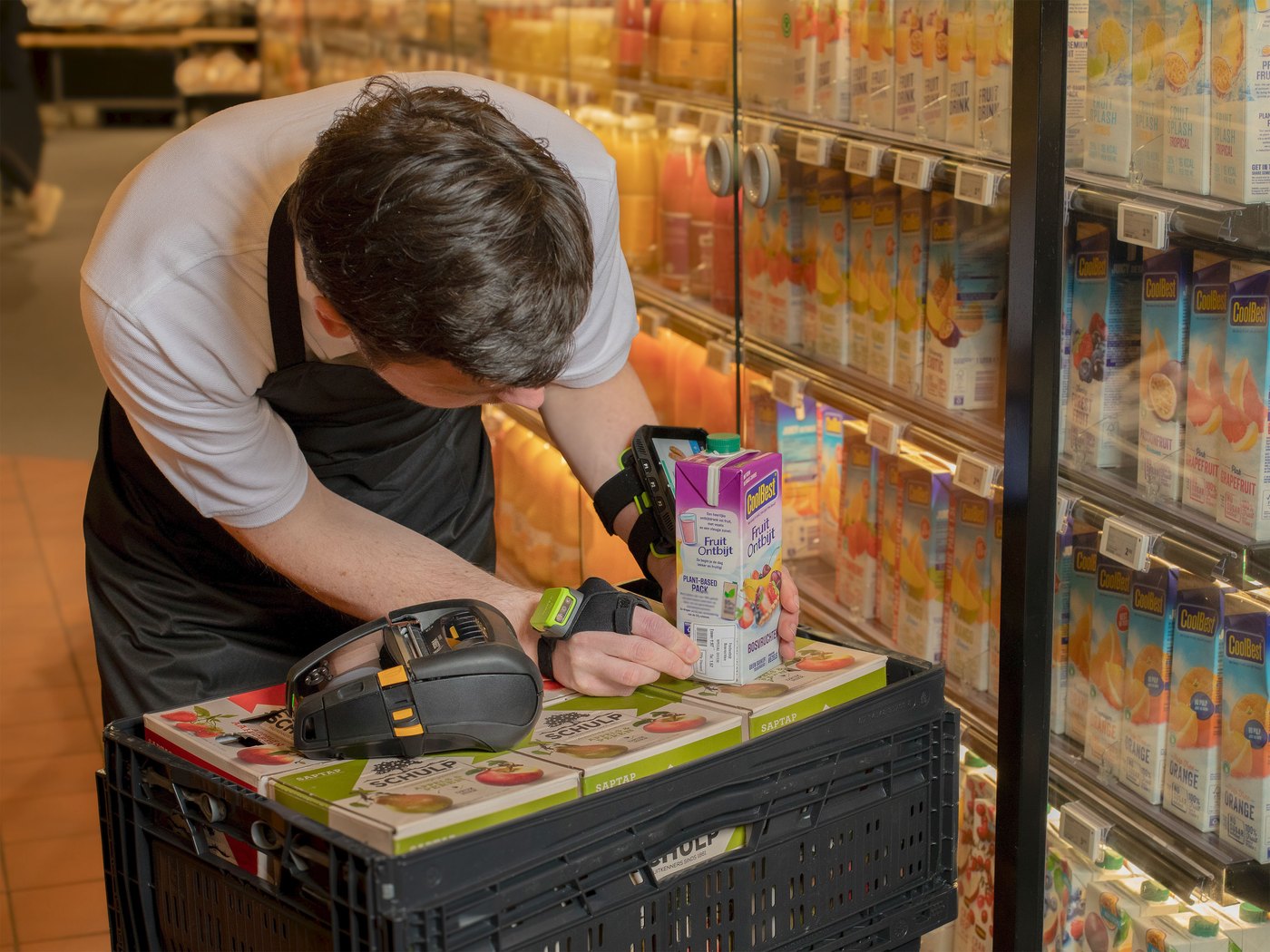
A back-office desktop printer, a mobile printer on the sales floor and a POS receipt printer solve different tasks. Define the output, run pattern and downstream scan before comparing exact models.

| Output | Questions to record | Printer direction |
|---|---|---|
| Shelf, price or markdown label | Where is it applied, how quickly must it be available, and what surface and life are required? | Desktop batches or mobile point-of-work printing, subject to media testing |
| Product or asset label | Barcode size, text, surface, handling and retention | Desktop label printer after print method, media and resolution are proven |
| Pickup, transfer or return label | Order data, location, hand-off point and next scanner | Printer close enough to prevent label-and-item mix-ups |
| Receipt or queue ticket | POS or service application, width, cutter and customer workflow | Purpose-built receipt or mobile printer, not assumed interchangeable with a label printer |
Do not prescribe DPI or print method by store type
Choose direct thermal or thermal transfer, desktop or industrial class, and resolution from the real label, peak work and exposure. The barcode printer buying guide covers those decisions in depth.
Floor and stockroom
Decide when staff need a mobile computer instead of scan-only input
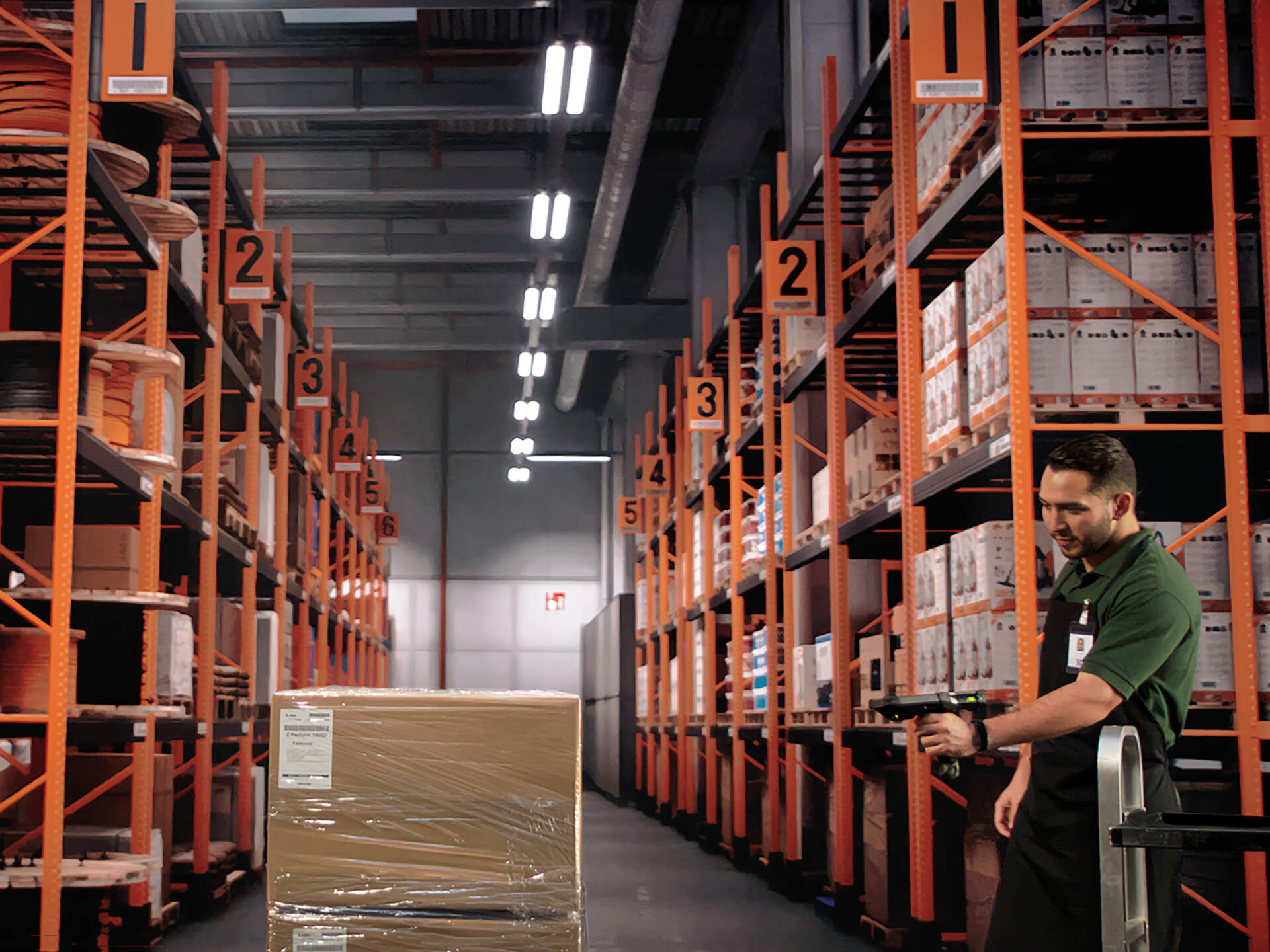
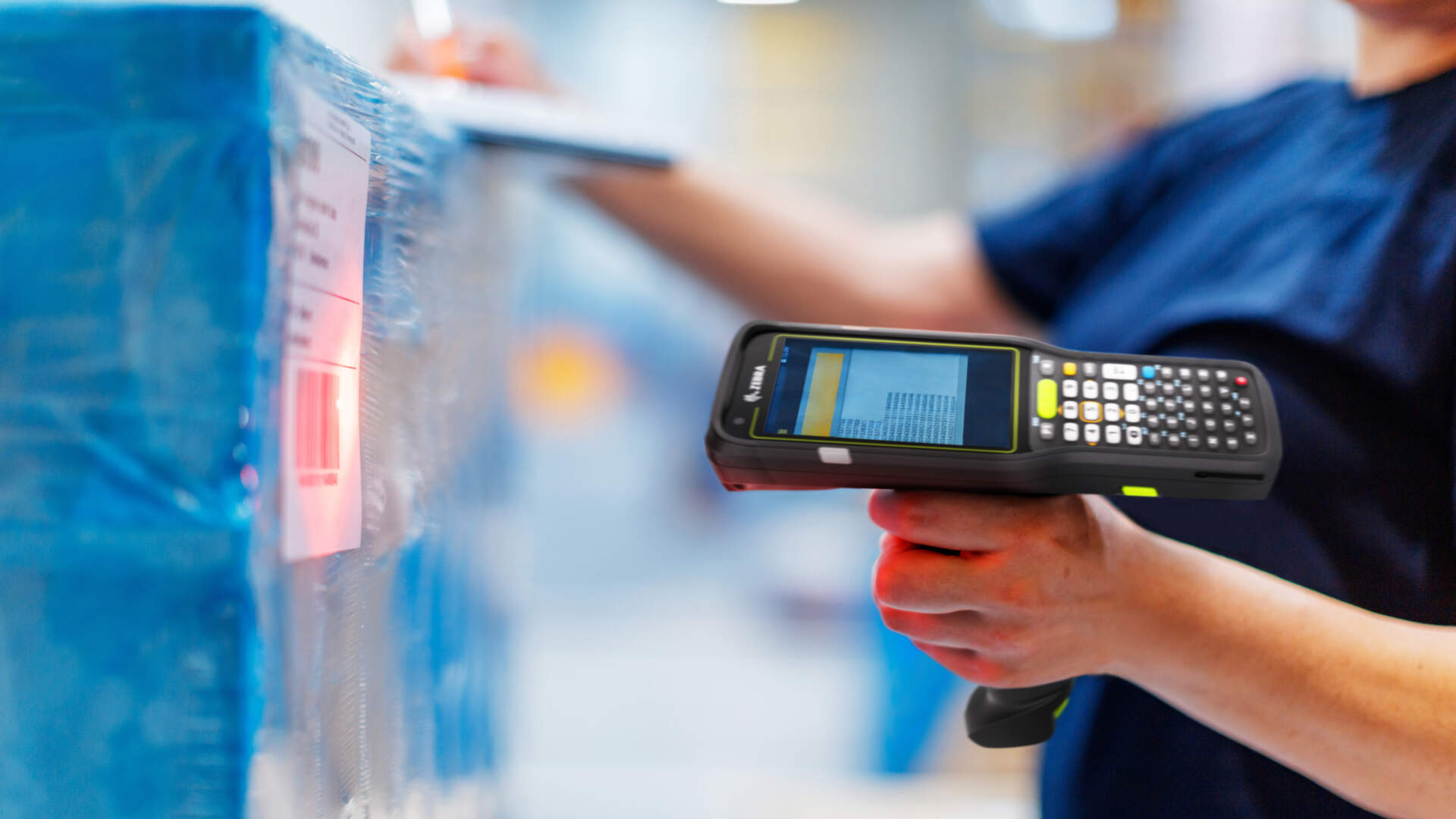
A scanner normally sends data to a nearby host. A mobile computer can run the receiving, lookup, replenishment, count or fulfilment application on the device. Compare them using the real task, Wi-Fi, ergonomics, charging and management requirements.


Receiving
Confirm whether staff only capture a code or must view a purchase order, enter quantity, record exceptions, print a label and post the transaction.
Replenishment
Test item lookup, shelf location, task list, real-time or offline behavior, label output and the path for stock discrepancies.
Cycle counts
Measure the whole count process: login, scan, quantity, unknown item, duplicate handling, recount, reconciliation and device return to charge.
The scanner versus mobile computer guide explains the device boundary in detail.
Deployment design
A multi-branch rollout needs controlled configuration, charging and spares
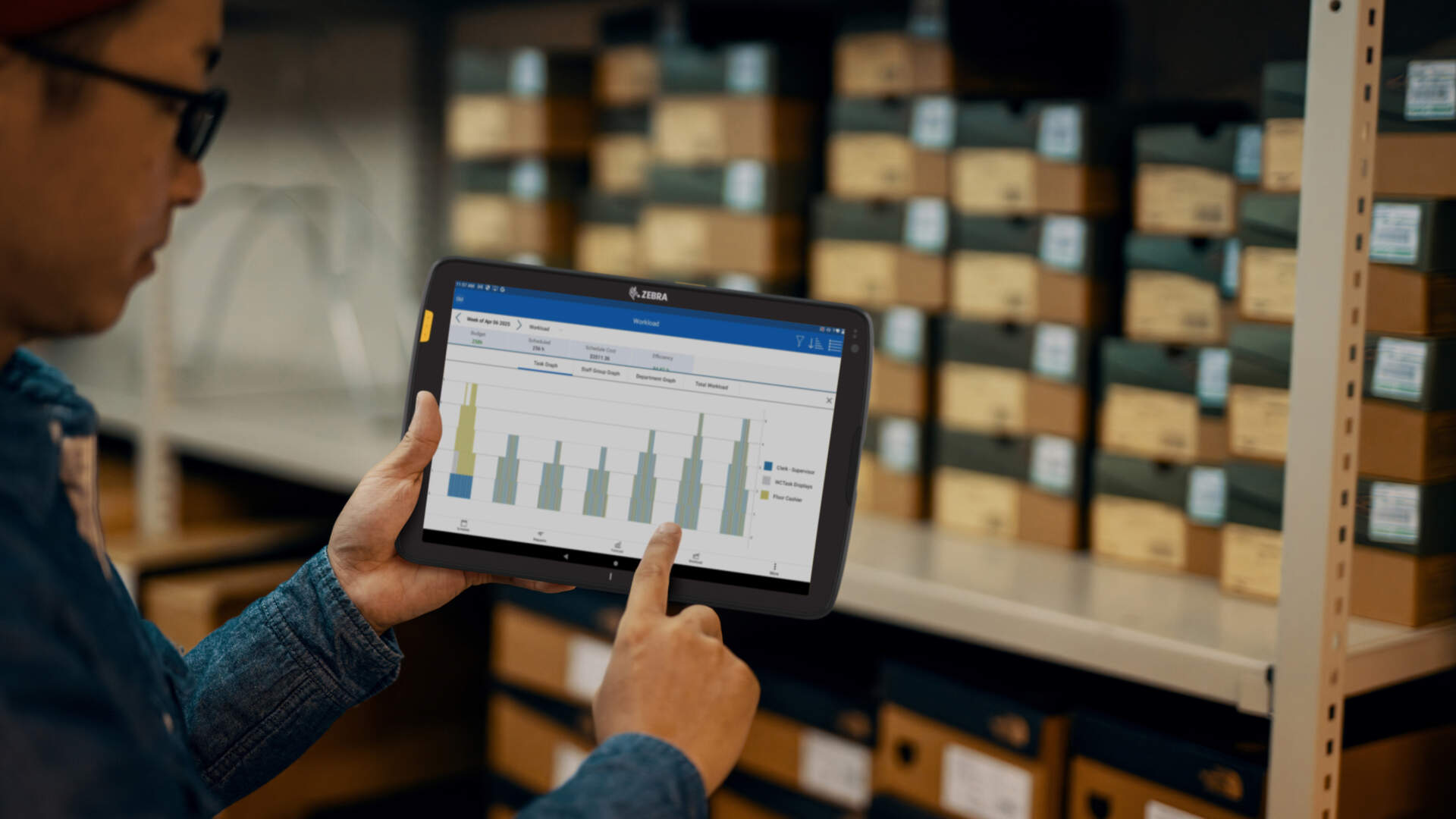
A device that works in one demonstration may still fail as a fleet. Record ownership for firmware, scanner settings, label templates, Wi-Fi, app versions, branch assignments, accessories and replacement procedures.
Single store
Keep a simple equipment register, approved settings, labelled cables and chargers, spare plan, cleaning routine and clear escalation contact.
Multiple branches
Standardise the tested configuration, enrolment, Wi-Fi profile, app, label template and replacement restore process before wider rollout.
Shared devices
Define sign-out, charging location, cleaning, damage reporting, end-of-shift return and what happens when the device or network is unavailable.
Store formats
Use store format as a starting point, then test the actual workload
These are planning directions, not fixed bundles. Product mix, code quality, counters, staff movement, system design and peak periods can change the required setup.
Compact speciality shop
Start with counter 2D scanning, a controlled back-office label point and a practical method for receiving and counts. Add mobility only where the workflow proves it.
Fashion or multi-service store
Plan for checkout, returns, transfers, price changes, click-and-collect and floor lookup. Test tags and labels in their real positions.
Grocery or high-throughput checkout
Compare presentation, in-counter or scanner-scale workflows, bulky-item reach, multiple barcodes, self-checkout and clear exception handling.
Regulated or specialist retail needs separate confirmation
Pharmacy, food, legal-metrology and payment requirements cannot be inferred from a general equipment list. Obtain the exact compliance and system requirements before model selection.
Complete bill of materials
Include the less visible items that make each device usable
- Exact scanner, mobile computer and printer model, Part Number, firmware and required configuration.
- USB, RS-232, Ethernet, Wi-Fi or Bluetooth path; cables, adapters, mounts and powered bases.
- Batteries, cradles, chargers, power points, storage positions and an agreed spare quantity.
- Final labels, receipts and ribbons where used, including dimensions, cores, sensing and approved part numbers.
- POS, ERP, inventory or order application; drivers, SDK, middleware, printer language and templates.
- Wi-Fi authentication, roaming, reconnect and offline behavior across every work area.
- Device enrolment, access control, updates, configuration backup and replacement restore steps.
- Operator training, cleaning supplies, troubleshooting guide, support ownership and escalation route.
Pilot before rollout
Run one complete retail transaction and stock workflow
Approve the setup only after the exact devices, codes, labels, apps and network complete the tasks that staff will perform.
- Record the configuration. Note model, Part Number, firmware, interface, accessory, driver, app and management licence.
- Test the real code set. Include product, phone, loyalty, coupon, pickup and return codes, plus poor-condition samples.
- Verify the transaction. Check the item, quantity, price, promotion, membership or return field and ensure there is no double entry.
- Walk the store. Test checkout, service counter, aisles, stockroom, receiving and pickup areas, including Wi-Fi reconnect.
- Print real output. Use final media, templates and settings for shelf, product, transfer, pickup and return labels as applicable.
- Scan downstream. Apply the label to the real surface and read it at every later work point.
- Simulate failures. Test low battery, cable removal, unpairing, Wi-Fi loss, media-out, wrong label and duplicate scan recovery.
- Restore a spare. For a fleet, configure a replacement device from the approved record and confirm identical behavior.
Procurement risks
Avoid these retail equipment-planning mistakes
Buying one generic scanner for every task
Counter presentation, bulky-item reach and roaming inventory work have different physical and system requirements.
Checking decode but not the data field
A beep does not prove correct item, quantity, membership, coupon or return processing in the host system.
Forgetting charging and accessories
A mobile device without enough cradles, batteries, storage positions or spare control can become an operational bottleneck.
Rolling out before restoring a spare
Prove that IT or the support owner can rebuild a replacement device and reproduce the approved branch configuration.
Prepare before enquiry
Send these details for a useful retail equipment recommendation
- Store format, number of branches, work points, operators and peak periods.
- Photos or dimensions of checkout, service counter, shelf, stockroom and charging locations.
- Real product, carton, phone, membership, coupon, pickup and return barcode samples.
- POS, ERP, inventory and order systems, operating platform and available interfaces.
- Receiving, replenishment, count, lookup, pickup and returns steps, including exceptions.
- Every label and receipt output, final size, application surface, required life and downstream scan point.
- Wi-Fi coverage, security, enrolment, charging, shared-device and spare-device requirements.
- Current equipment models, known problems and the pilot acceptance criteria.


FAQ
Retail Barcode Equipment FAQ
Does every checkout need a 2D scanner?
Use a 2D imaging direction when the store must read QR codes, GS1 DataMatrix or phone-displayed codes, but confirm the exact symbologies, configuration and POS path. If only verified 1D codes are used, compare the actual requirement rather than assuming.
Is a presentation scanner better than a handheld scanner?
Neither is universally better. Presentation scanning can suit frequent hands-free passes; handheld scanning can help with targeted aiming and bulky items. Counter layout and real samples decide.
Can a phone replace a retail mobile computer?
Sometimes, but compare the scan workload, app, Wi-Fi, battery, ergonomics, accessories, security, management and support. A consumer camera and a purpose-built scan engine are not interchangeable by default.
Should shelf labels be printed in the back office or in the aisle?
Compare controlled batch printing with point-of-work mobile printing. The right location depends on volume, urgency, travel, label-and-item mix-up risk, charging and media handling.
Can one printer handle receipts and all retail labels?
Do not assume so. Receipt, shelf, product, transfer and durable labels can require different media paths, widths, cutters, print methods and applications.
What should a multi-branch pilot prove?
It should prove the transaction and label workflows, Wi-Fi, charging, configuration control, remote or local support, operator recovery and restoration of a replacement device.
Does scanning a phone code mean the system supports mobile payment?
No. Barcode-based loyalty, coupon or payment references and NFC payment are different systems. Verify the scanner-to-host barcode flow and the payment terminal separately.
What should we send Easy Scan before asking for a recommendation?
Send the workflow, store layout, code samples, system details, label outputs, device quantities, Wi-Fi and charging requirements, current equipment and a definition of what the pilot must pass.
Retail equipment planning
Need a workflow-based equipment list for your store?
Send Easy Scan your checkout, labelling, receiving, replenishment and stock-count steps, plus real barcode and label samples. We can help narrow the scanner, mobile computer, printer, accessories and pilot plan for your Hong Kong retail operation.