Barcode Scanner Basics
What Is a Barcode Scanner? A Practical Guide for Hong Kong Businesses
A barcode scanner is an input device that captures a printed or on-screen barcode, decodes the symbol into data, and sends that data to a host such as a POS terminal, computer, tablet or mobile application. It does not by itself confirm a price, update inventory or complete a transaction. The receiving software must validate the data and perform the business action.
See the symbol
The scan engine collects reflected light or an image of a printed or displayed symbol under the conditions supported by the exact device.
Interpret the pattern
The decoder identifies a supported symbology and converts the bars, spaces or modules into the encoded character string.
Send data to the host
The device transmits the configured data. The host application then validates fields and decides which business action to take.
From symbol to business action
How does a barcode scanner work?
Scanning is a chain. A result is useful only when the physical code, scan engine, decoder, connection, output format and receiving application agree.
| Stage | What happens | Typical failure to check |
|---|---|---|
| 1. Symbol | A barcode encodes an identifier or data string using a defined symbology | Wrong type, size, contrast, damage, glare or unsuitable display conditions |
| 2. Capture | The scanner illuminates or images the symbol within the exact model’s working conditions | Wrong distance, angle, motion, lighting or scan-engine capability |
| 3. Decode | The device recognises an enabled symbology and converts it into characters | Symbology disabled, unsupported option or unreadable print |
| 4. Format | Configured prefixes, suffixes or other rules shape the output | Wrong Enter, Tab, field separator, keyboard language or data rule |
| 5. Connection | USB, serial, Bluetooth, network or another supported path carries the data | Pairing, cable, port, driver, radio or reconnect issue |
| 6. Host processing | POS, ERP, WMS or another app validates the data and performs a transaction | Wrong field, duplicate input, unknown record, permissions or business-rule rejection |
A beep is not the final proof
The beep may confirm a local decode, but the project still needs to verify what characters were sent, which field received them and whether the correct transaction was completed.
Symbol basics
What is the difference between 1D, 2D and QR Code?
1D and 2D describe broad symbol families. QR Code is one 2D symbology, not a separate third scanning technology. The scanner must support and enable the actual symbol used by the business.
| Type | Visual structure | Business examples | Scanner implication |
|---|---|---|---|
| 1D barcode | Parallel bars and spaces read along one axis | EAN-13, UPC, Code 128 and other linear symbols | A 1D-capable device may fit verified linear-code workflows; exact types still need checking. |
| 2D barcode | Data arranged in a matrix or stacked pattern | QR Code, Data Matrix, PDF417 and others | An area-imaging direction is normally used; confirm the exact symbology and configuration. |
| QR Code | A specific square 2D matrix symbology | Web links, tickets, membership, workflow identifiers and other application data | Reading a QR Code does not prove the linked content or transaction is valid. |

For more detail on EAN-13, Code 128, QR Code and Data Matrix, use the barcode types guide.
Capture technologies
Laser, linear imager and area imager are not interchangeable labels
Technology names describe how the device captures symbols. The visible aiming pattern alone does not prove the decoder type or capability, and an area imager is not automatically suitable for every damaged, screen-displayed or direct-part mark.
Laser scanning
Commonly associated with linear barcode reading. Exact range, motion tolerance, code support and environment depend on the model.
Linear imaging
Captures an image-like line of a linear symbol. It should not be assumed to read 2D codes merely because it uses imaging technology.
Area imaging
Captures a two-dimensional image and can support 1D and 2D symbols according to the device, licence and configuration.
Model and configuration still matter
Confirm the exact symbologies, screen-reading requirements, direct-part mark needs, scan distance, interface and environmental rating from current documentation and a representative test.
Physical design
What scanner form factors are used in business?
Form factor should follow the object, operator movement, counter or machine layout and host connection. Cordless describes the connection and power arrangement, not a separate barcode capability.
Handheld
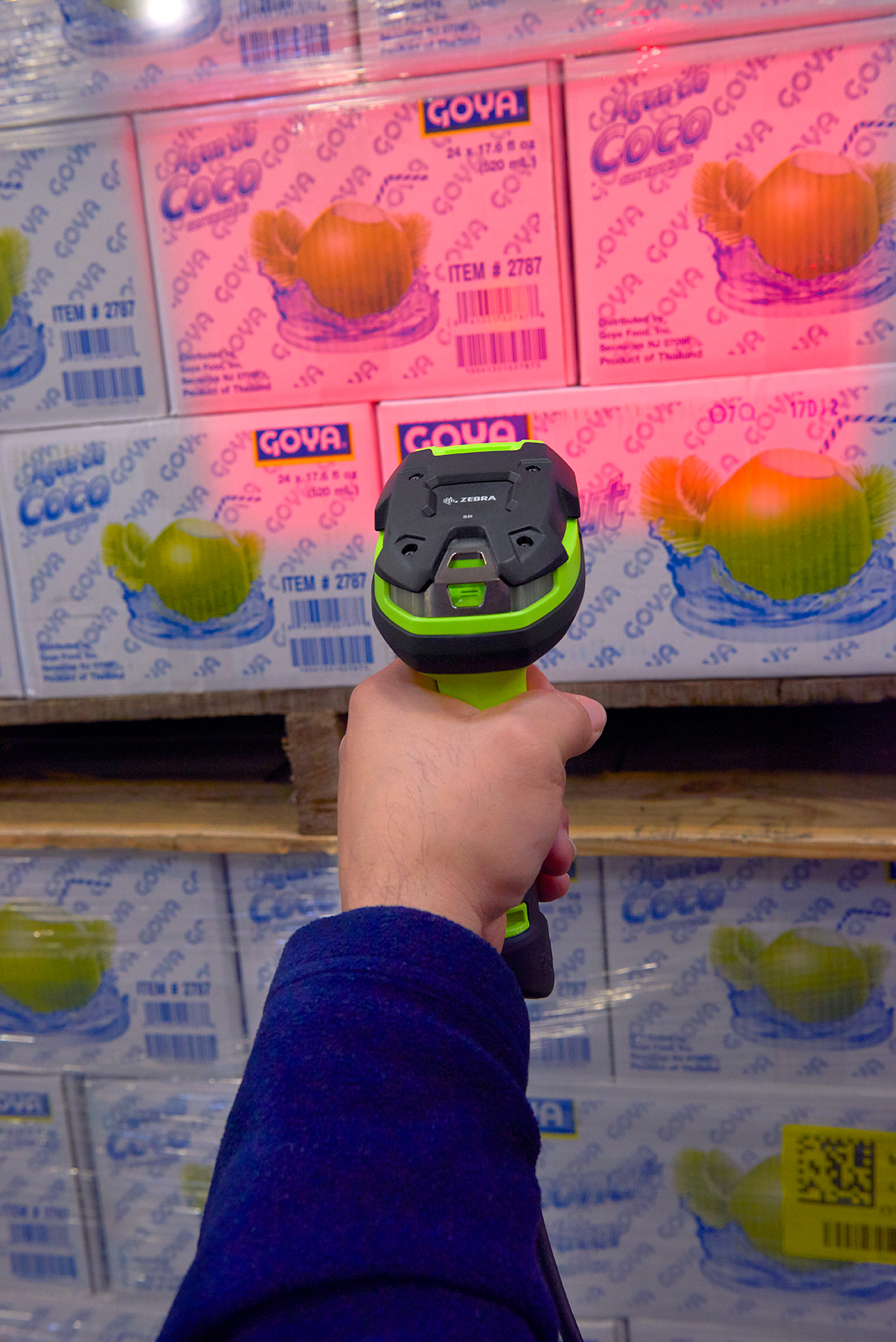
The operator aims at a target. It can suit counters, bulky items, shelves, cartons and many general workflows.
Presentation or in-counter
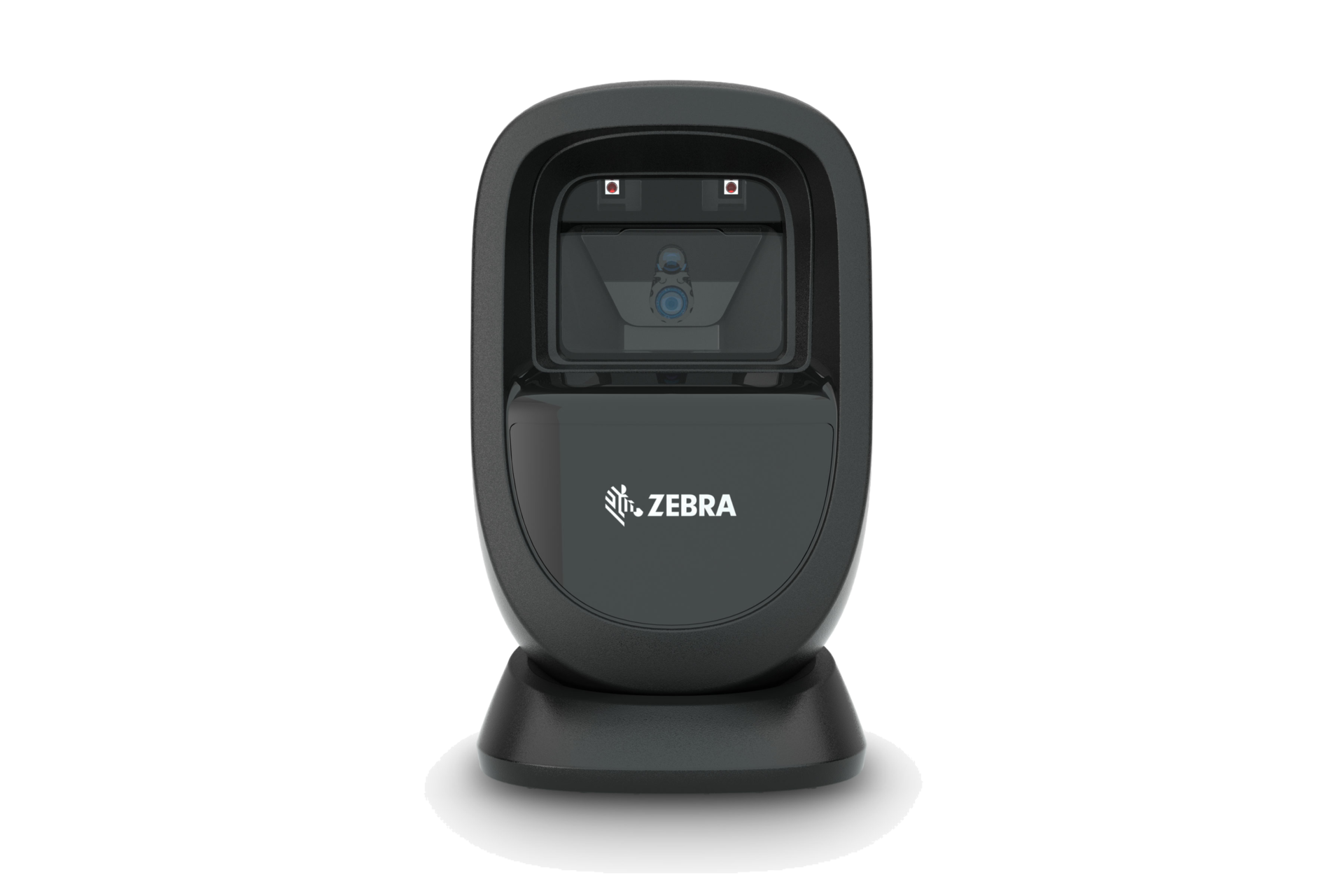
Designed for hands-free presentation at checkout or service points; counter footprint and real code handling should be tested.
Fixed mount
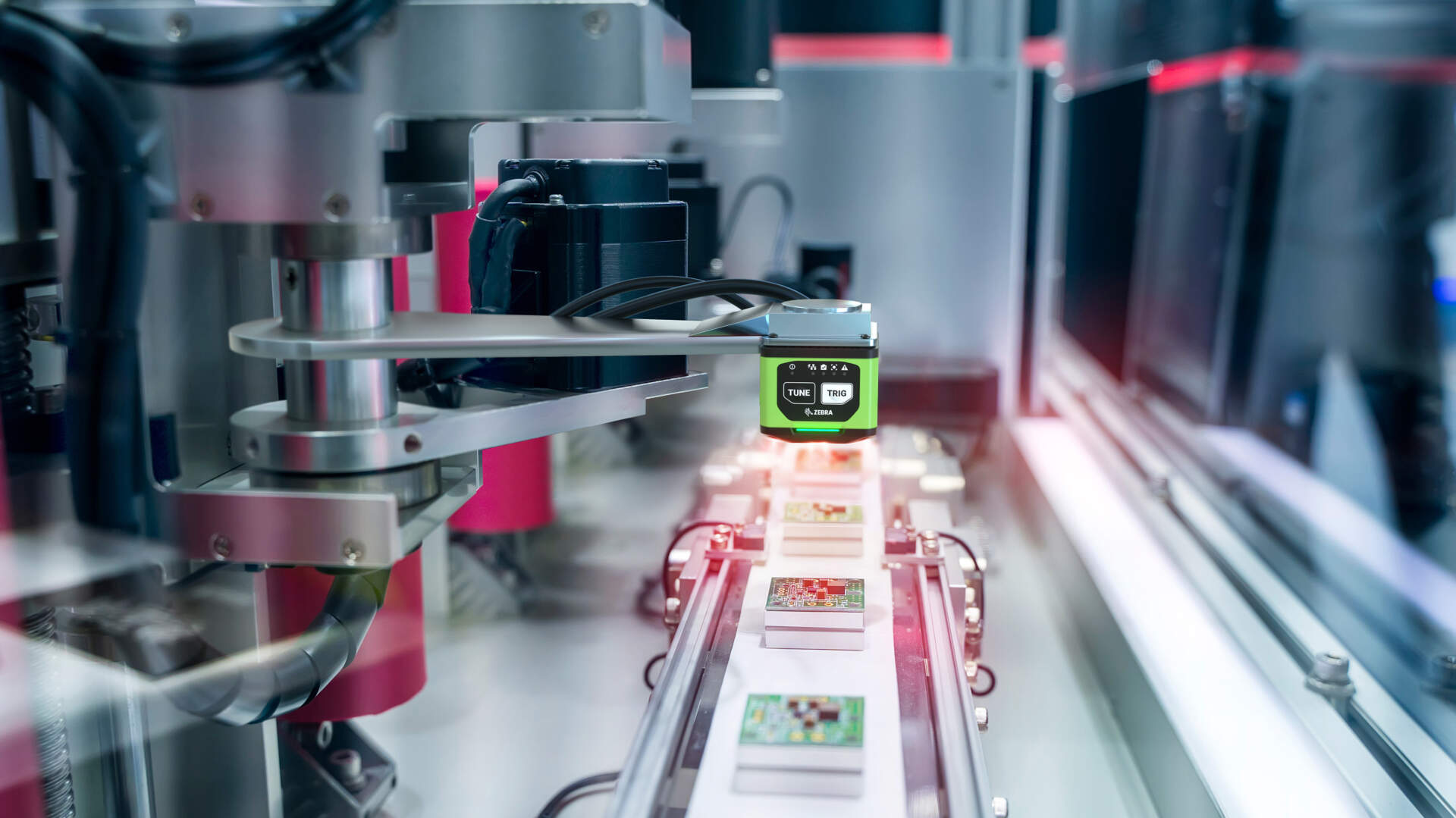
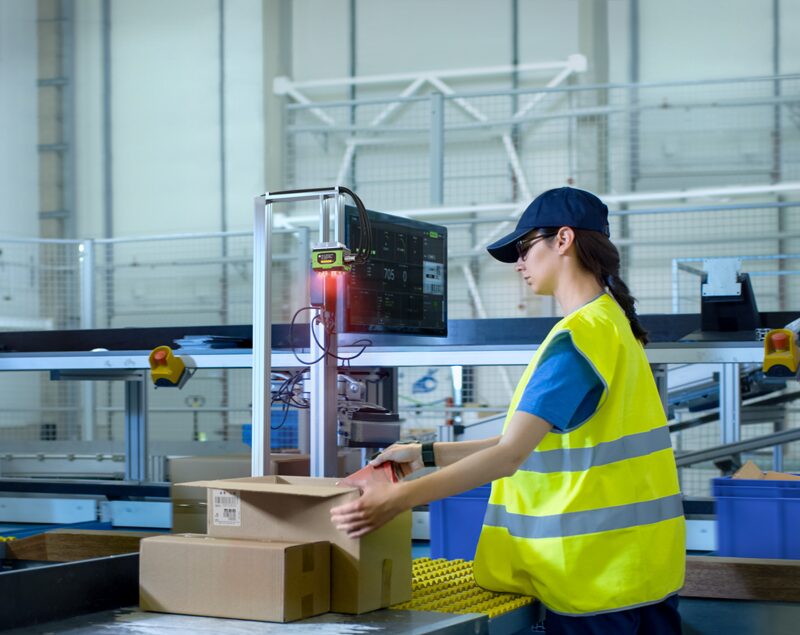
Installed at a kiosk, workstation, conveyor or machine cell, with trigger, read zone and exception logic engineered for the task.
Industrial handheld
Built in configurations for demanding environments. Exact drop, ingress, temperature and chemical specifications must be checked.
Connection and output
How does decoded barcode data reach POS, ERP or WMS?
Many scanners can behave like a keyboard, serial device or another supported interface. The host software still controls where the characters go and what happens next.
USB keyboard-style input
Often enters characters into the active field. Keyboard language, focus, prefix, suffix, Enter and Tab settings can change the result.
Serial, virtual COM or SDK route
Can give the application more explicit device communication, but port, driver, permissions, protocol and software support need confirmation.
Bluetooth or other wireless path
Adds pairing, battery, cradle or base, range, roaming and reconnection requirements. Wireless does not improve the barcode itself.
Business uses
Where are barcode scanners used?
The same principle—identify an object or record and send data to a host—appears across industries, but labels, devices, environments and application controls differ.
Retail
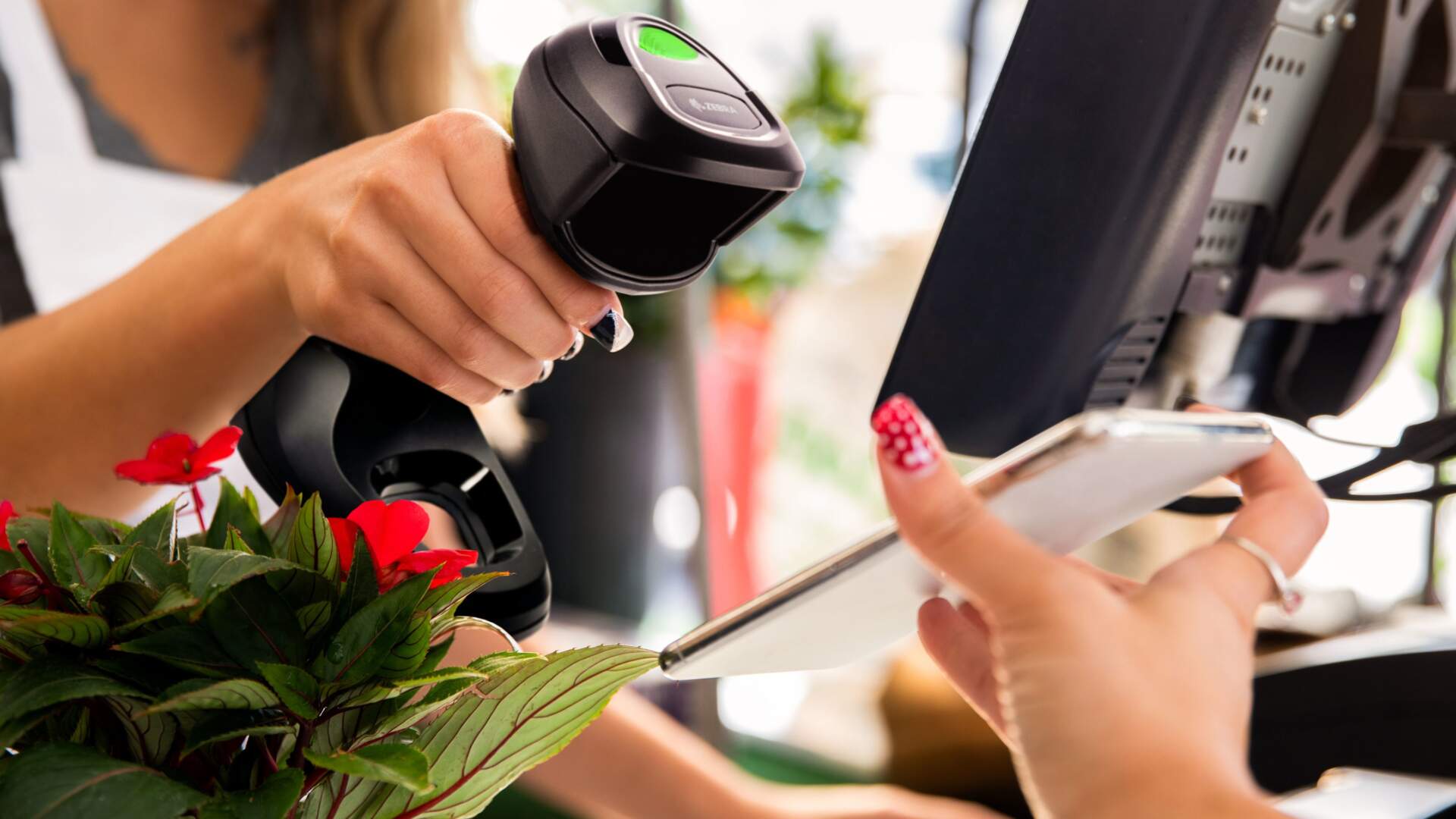
Product checkout, membership, coupons, returns, price checks and stock tasks, subject to the store’s actual POS and code set.
Warehouse and logistics
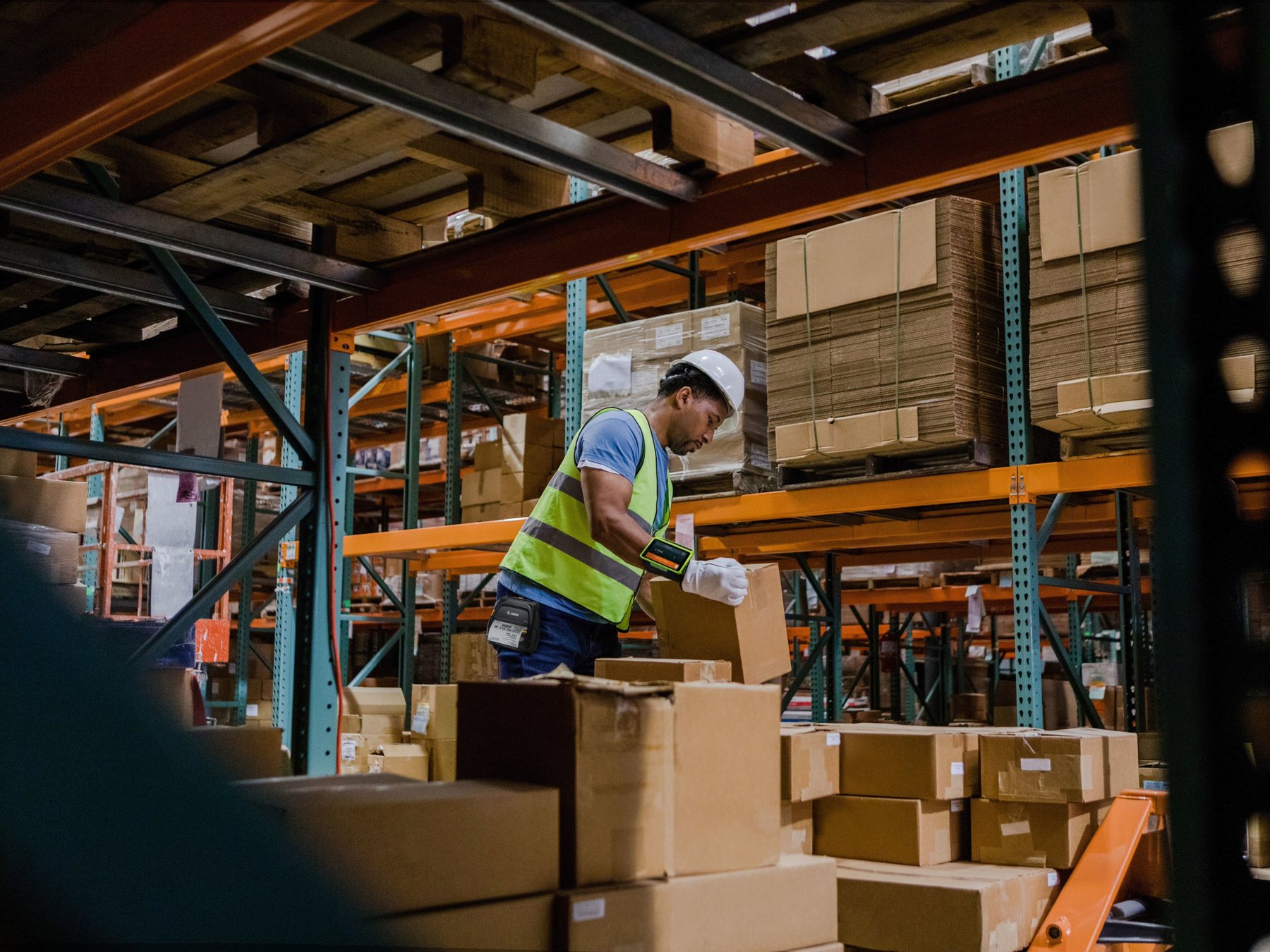
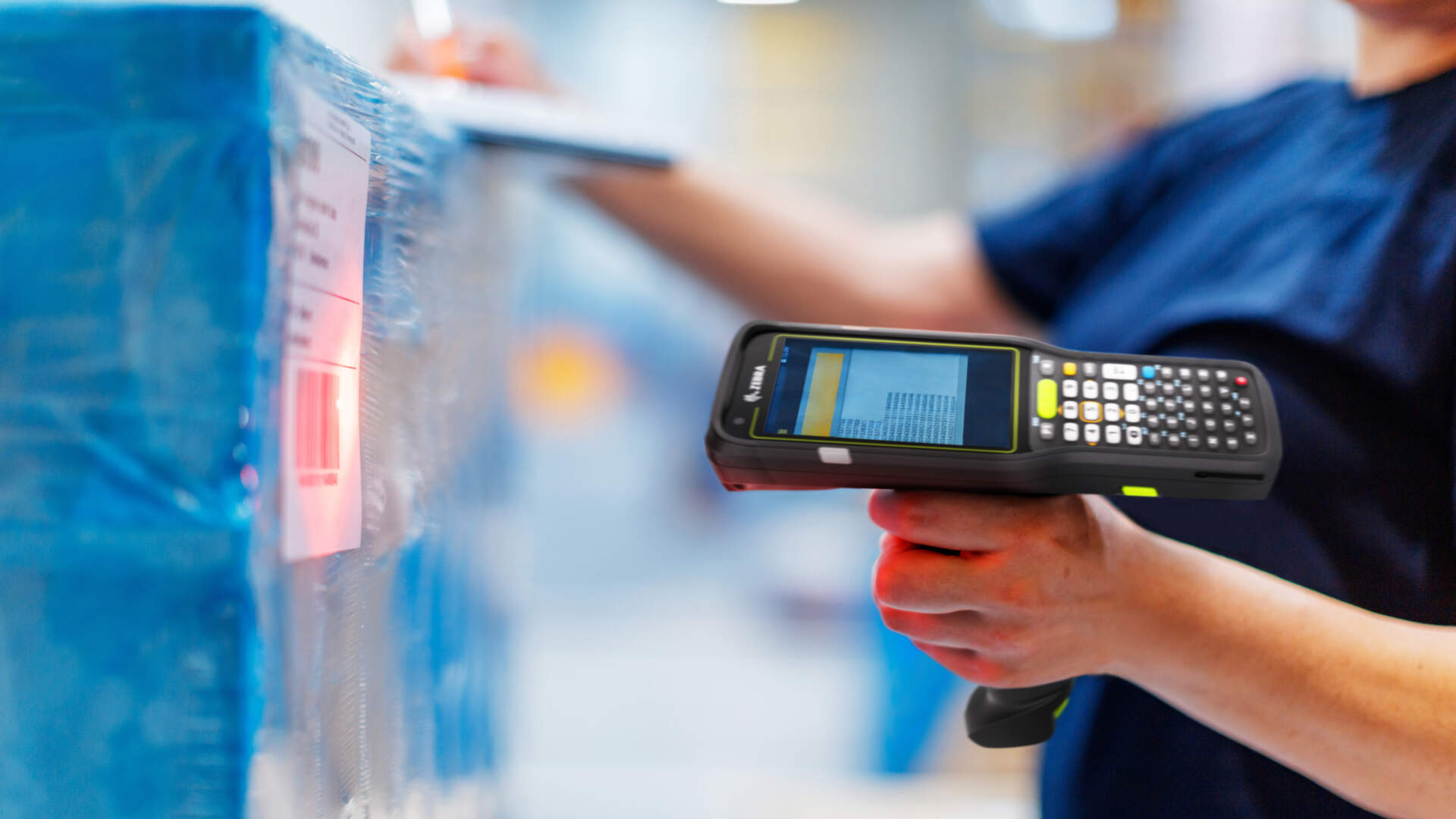
Receiving, put-away, picking, packing, shipping, parcel handling and counts, with the WMS or ERP completing the transaction.
Healthcare and laboratory
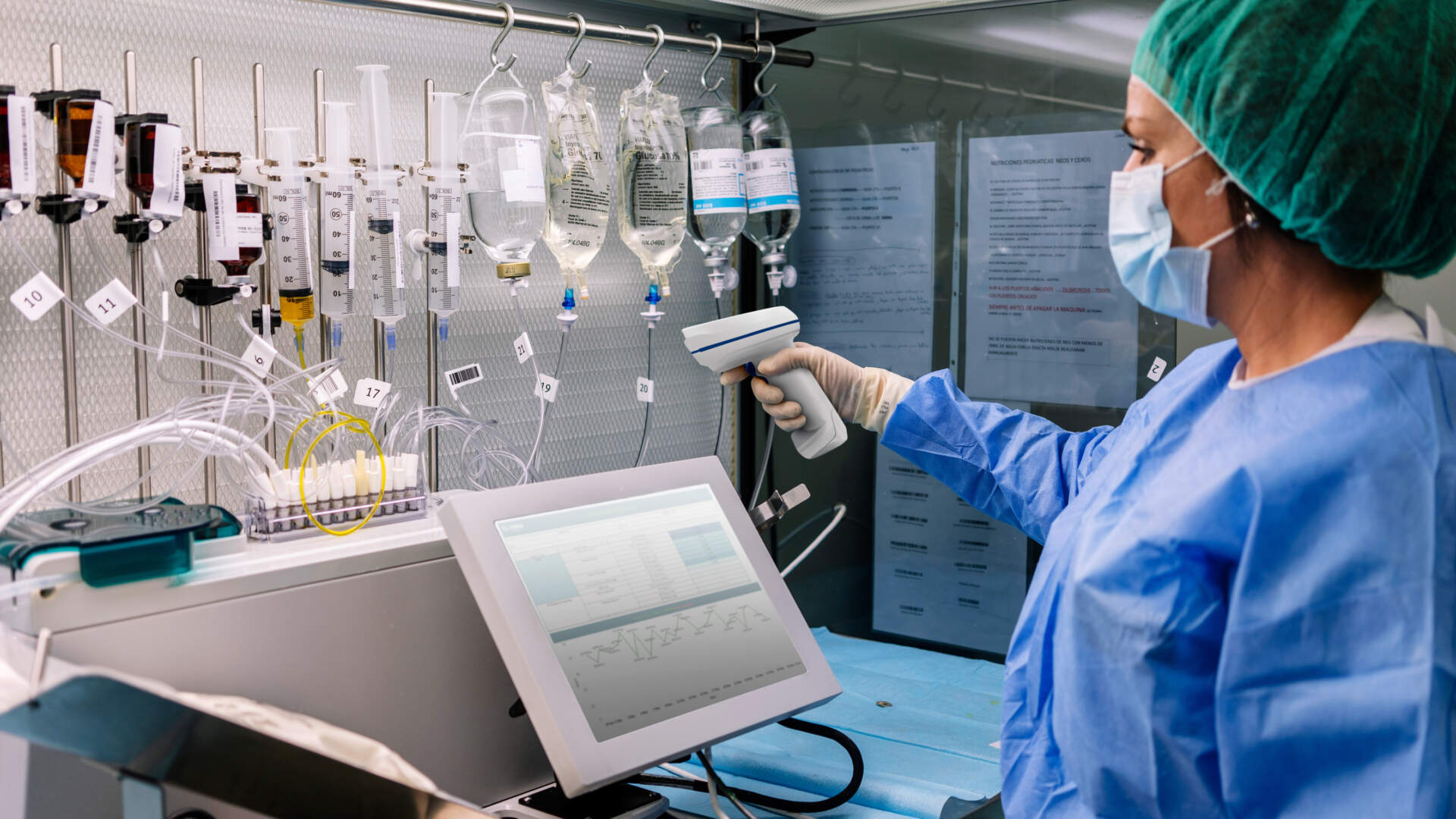
Identification workflows may use scanning, but clinical, cleaning, record and regulatory requirements must be separately verified.
Manufacturing
Material, work-in-progress, component and finished-goods tracking; specialised direct-part marks may require specific equipment.
Transport and field service
Parcel, ticket, proof-of-service and asset tasks can use scanning through handheld, mobile or fixed workflows.
Office and document control
Asset, file and document identifiers can reduce manual entry when the receiving application is correctly designed.
Common misunderstandings
What does a barcode scanner not do automatically?
- It does not know the product name, price or stock quantity unless the host database maps the scanned data.
- It does not update inventory merely because it decoded a symbol; the application must post the correct transaction.
- It does not make a badly designed or damaged barcode reliable across every device.
- It does not prove payment, membership, coupon or ticket validity; the host service must validate the data.
- It does not turn every phone-displayed code into a readable or supported workflow.
- It does not replace barcode quality verification where a standard or trading-partner rule requires it.
Device boundary
When is a scanner different from a mobile computer or RFID reader?
Barcode scanner
Primarily captures and transmits barcode data to a host. It may include configuration and feedback but normally does not own the complete business app.
Mobile computer
Combines a screen, operating system, applications, network and data entry with integrated or attached scanning for roaming work.
RFID reader
Uses compatible radio tags and reader infrastructure. It can support non-line-of-sight or multiple-tag workflows but requires a separate system design.
Use the scanner versus mobile computer guide when staff need to view tasks, enter quantities or run applications away from a host.
Prepare before selection
What information should a buyer prepare?
- Real barcode samples, including every printed and on-screen symbology, size, condition and packaging level.
- Who scans, what object is handled, working distance, angle, movement, lighting and available hands.
- Counter, workstation, kiosk, vehicle, machine or mobile layout and any mount or cradle requirement.
- POS, ERP, WMS or other host application, operating system, interface and expected output field.
- Whether staff need only scan input or also a screen, app, camera, quantity entry and status update.
- Cable, wireless, charging, battery, pairing, roaming, shared-device and spare requirements.
- Temperature, dust, moisture, drops, cleaning, gloves or other environmental requirements.
- Failure cases, support ownership and the conditions the pilot must pass.
For detailed retail counter decisions, see the retail barcode scanner selection guide.
Representative proof
Test the complete scanner-to-host workflow
- Record the exact device. Include model, Part Number, firmware, scan engine, interface, accessories and configuration.
- Use every real code. Include clean, small, glossy, damaged, wrinkled and on-screen samples where relevant.
- Test the real position. Include distance, angle, motion, lighting, counter, shelf, rack, conveyor or workstation.
- Inspect the raw output. Confirm characters, prefixes, suffixes, separators, keyboard language and duplicates.
- Complete the host action. Verify the correct item, field, status and transaction in POS, ERP, WMS or the target app.
- Test recovery. Simulate cable removal, unpairing, low battery, host timeout, focus loss and an unreadable barcode.

FAQ
Barcode Scanner FAQ
Is a barcode reader the same as a barcode scanner?
The terms are often used interchangeably in business. Product documentation may use reader, scanner or imager, so verify the exact device technology and capability rather than relying on the label.
Can a 1D scanner read QR Codes?
A device designed only for linear 1D symbols normally cannot decode QR Code. Use an exact model and configuration that explicitly supports the required 2D symbology.
Can every 2D scanner read barcodes from a phone?
Do not assume so. Screen reading depends on the exact device, code, size, brightness, protector, angle and configuration. Test the real phones and codes.
Does a scanner store product names and prices?
Usually the scanner outputs an identifier or data string. The POS or other host database maps that data to a product, price or record.
Why does the scanner beep but nothing appears?
The device may have decoded locally while the cable, pairing, interface, active field, driver, keyboard layout or application prevented the expected host input.
Is a wireless scanner more powerful?
Wireless changes mobility, power and connection management; it does not automatically improve barcode capability. Compare the exact scan engine and workflow separately.
When should a business use a mobile computer instead?
Compare a mobile computer when the operator must run an application, view tasks, enter quantities, take photos or update status while moving away from a host.
What is the best way to choose a scanner?
Start with real barcodes, workflow, working distance, host system, connection and environment. Then test the exact model through the complete transaction and recovery path.
Barcode scanner guidance
Need to match a scanner to your codes and host system?
Send Easy Scan your real barcode samples, workflow, working distance, device layout, connection and POS / ERP / WMS details. We can help narrow the device direction and arrange a representative test.